OM-1241-005_w.pdf - 第65页
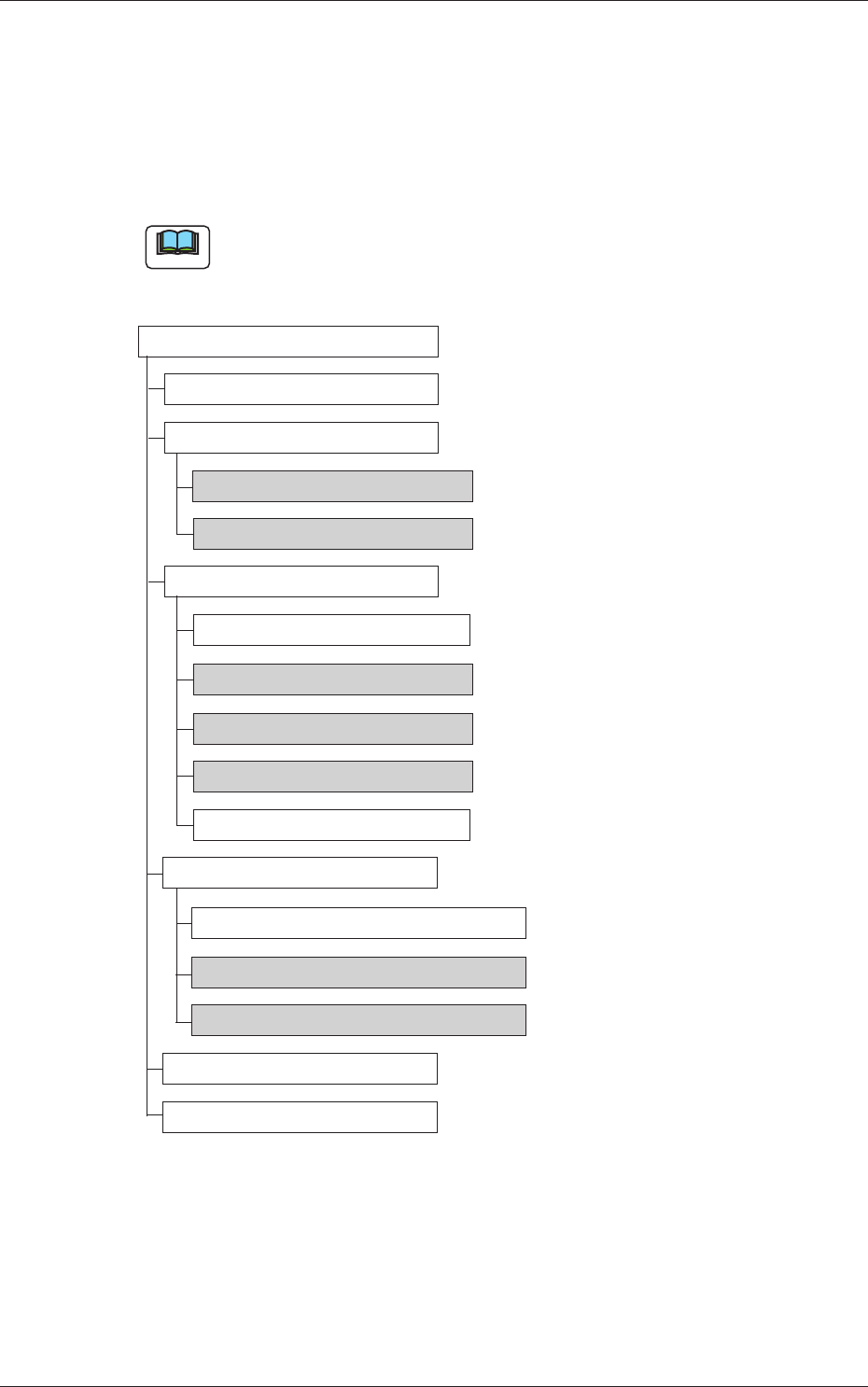
2-2 AIX-ML T-ID 2. Menus for Automatic Operation 2.1 Outline of Menus for Automatic Operation The following shows the hierarchical structure of the menus (including the submenus and windows) for the automatic operation. …

2-1
AIX-MLT-ID
0705-003
1. Basic Knowledge
1. Basic Knowledge
The composition of this instruction manual is based on the assumption that
the multi-layer tray feeder is connected with Feeder Base #3.
1.1 Basic Operations
Do a basic operation of this machine by the main machine (GXH Series).
Note
Refer to "Chapter 1: Basic Knowledge" in "Volume 2: Operation" for the
basic operations and the detailed knowledge.
2-2
AIX-MLT-ID
2. Menus for Automatic Operation
2.1 Outline of Menus for Automatic Operation
The following shows the hierarchical structure of the menus (including the
submenus and windows) for the automatic operation.
Note
The shadowed (gray) items are related to the multi-layer tray feeder.
Menus for Automatic Operation
Reference Item Nos.
Production
Component Reloading
Pickup Tray Matrix 2.2.1
Tray Component Data 2.2.2
Operation
Run Mode
Alternate Mode 2.3.1
Operation Mode 2.3.2
Test Mode 2.3.3
Splicing Mode
Production Data
Production Data
Feeder (B) Offset 2.4.1
Component Carriage Data Editing 2.4.2
Recall
PCB Transfer
Fig. B1 Outline of Menus for Automatic Operation
2. Menus for Automatic Operation
0705-003
2-3
AIX-MLT-ID
2.2 Component Reloading
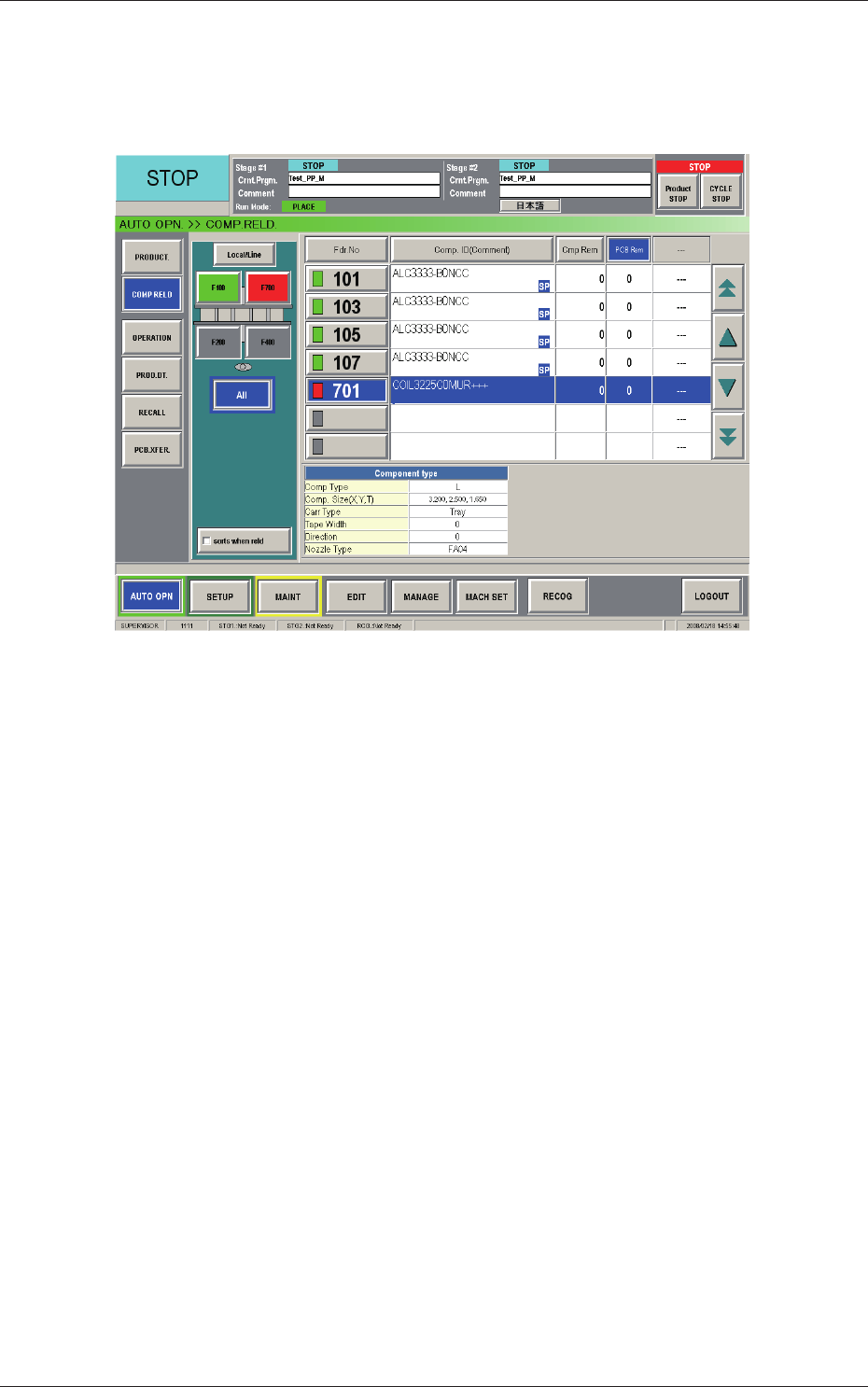
When the [COMP. RELD.] button on the submenu bar of the "AUTO OPN."
window is pressed, the "COMP. RELD." window appears.
Fig. B2 "COMP. RELD." Window
0804-004
2.2 Component Reloading