00195988-01_IM_SWS-Software-2.0_DE_EN.pdf - 第102页
Installation Manual SIPLACE SWS Software 2.0 Edition 10/2013 102
Installation Manual SIPLACE SWS Software 2.0
Edition 10/2013
101
3
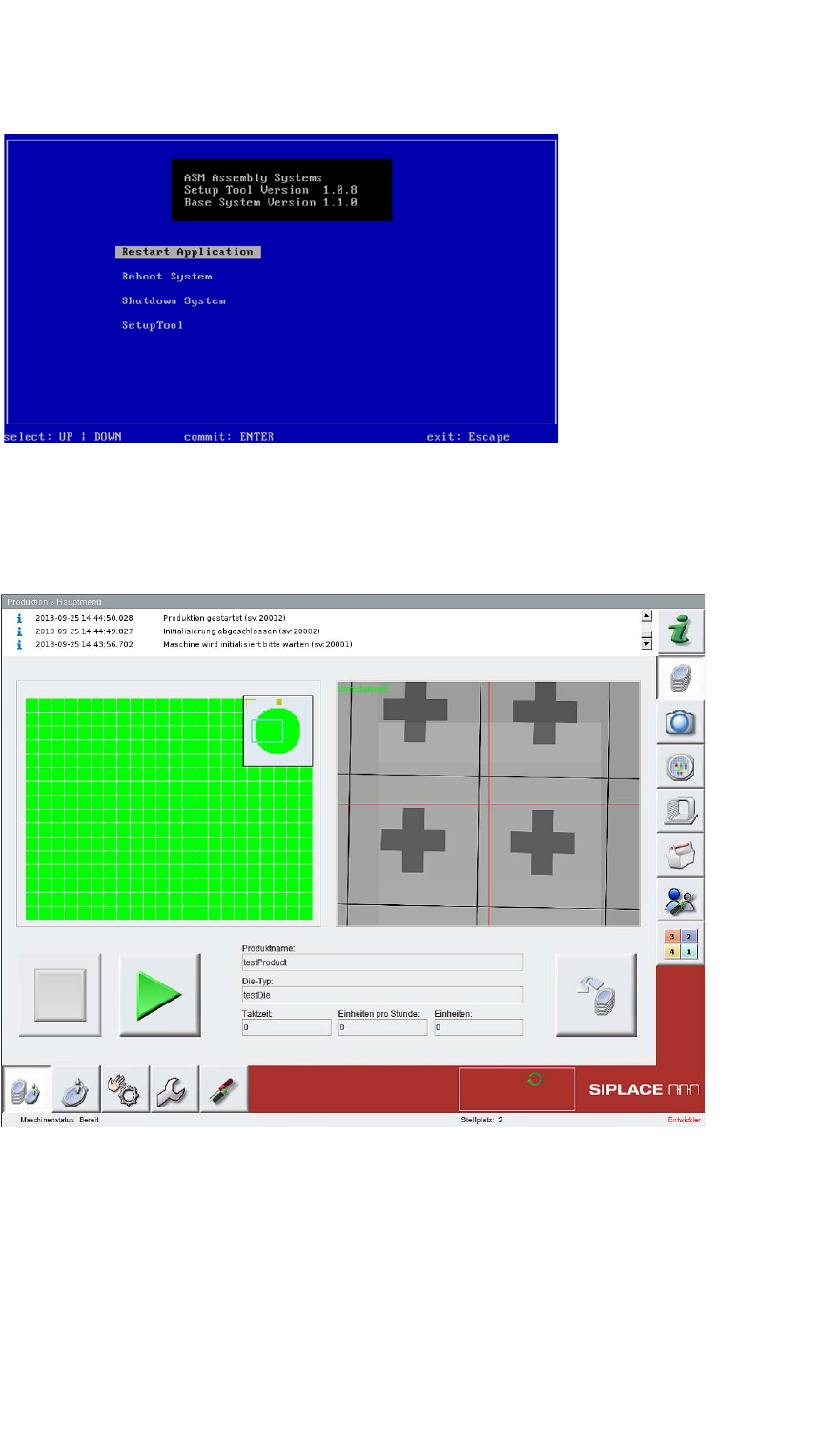
Fig. 92 Start window
Confirm Restart Application with Enter.
– The SWS software will start.
3
Fig. 93 Start window for SWS software
3
3

Installation Manual SIPLACE SWS Software 2.0
Edition 10/2013
102
Installation Manual SIPLACE SWS Software 2.0
Edition 10/2013
103
4 Troubleshooting
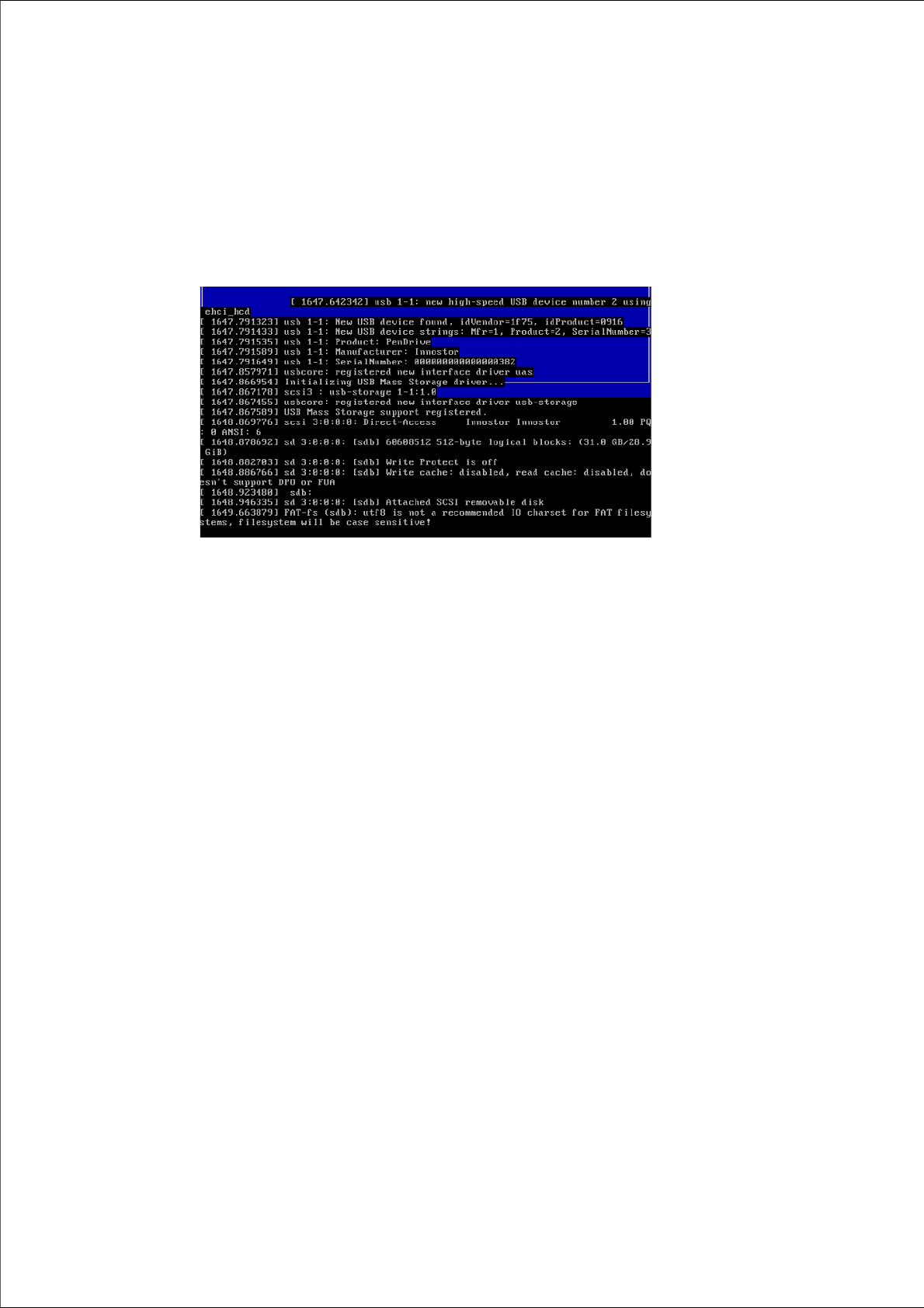
Source: Output at the console 4
Consequence/error type: Setup tool display failure 4
4
Fig. 94 Setup tool display failure
Solution: 4
Press CTRL + L.
– The current setup tool page will be refreshed.