00193897-0302_AI_MTC2+BE_DE+EN.pdf - 第93页
Assembly instructions MTC2 and Component docking unit on SIPLACE HF and X-series Edition 07/2009 91 : Fix the bolt s (inside) for assembly of the ma chine cover . : Mount the side wall on the left next to it. : Screw the…
Assembly instructions MTC2 and Component docking unit on SIPLACE HF and X-series
Edition 07/2009
90
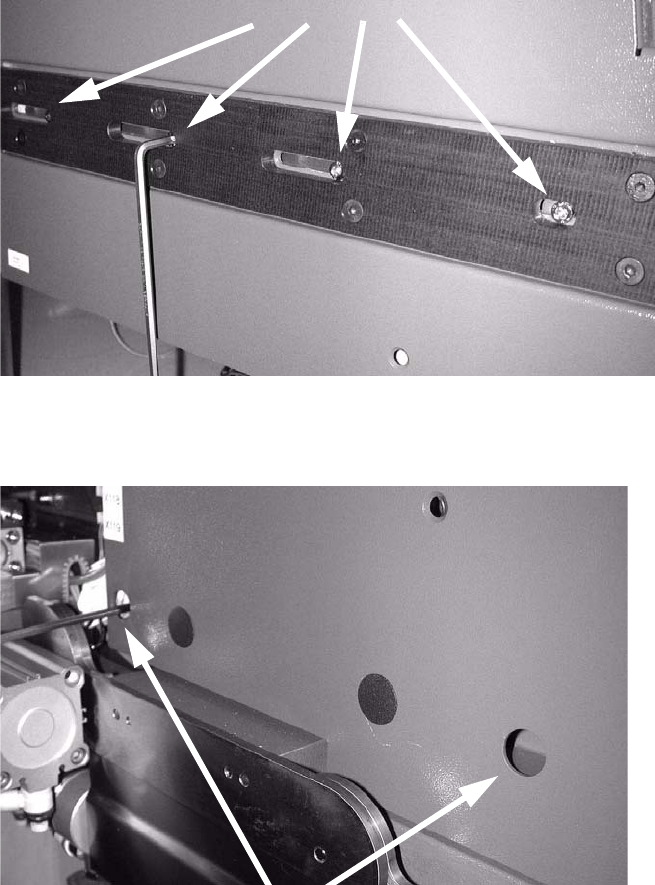
: Mount the strip using the four screws.
2
: Slide the side part fully in place and screw tight.
2
2
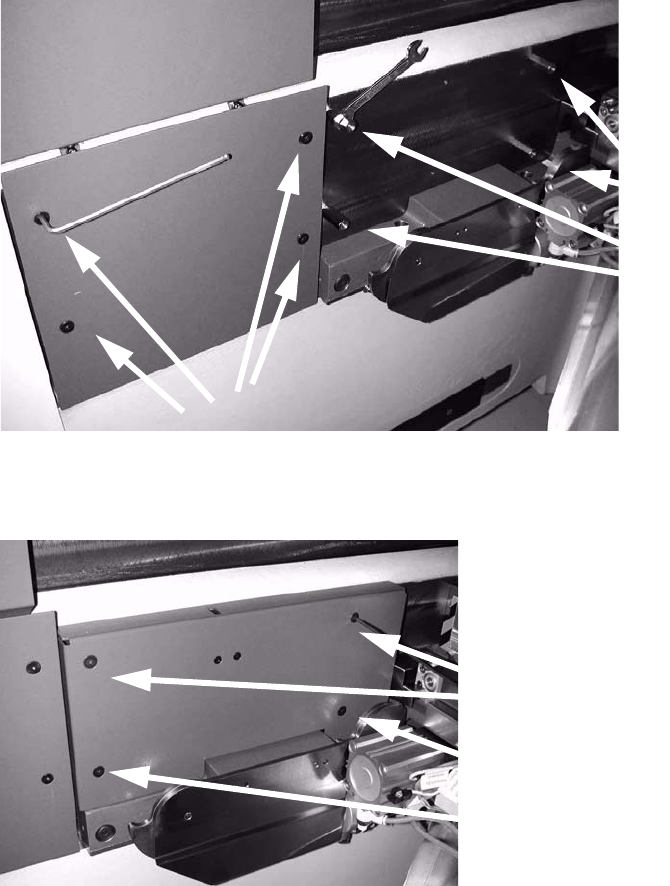
: Insert both caps in the screw holes on the outside of the machine (see Fig. above).
Assembly instructions MTC2 and Component docking unit on SIPLACE HF and X-series
Edition 07/2009
91
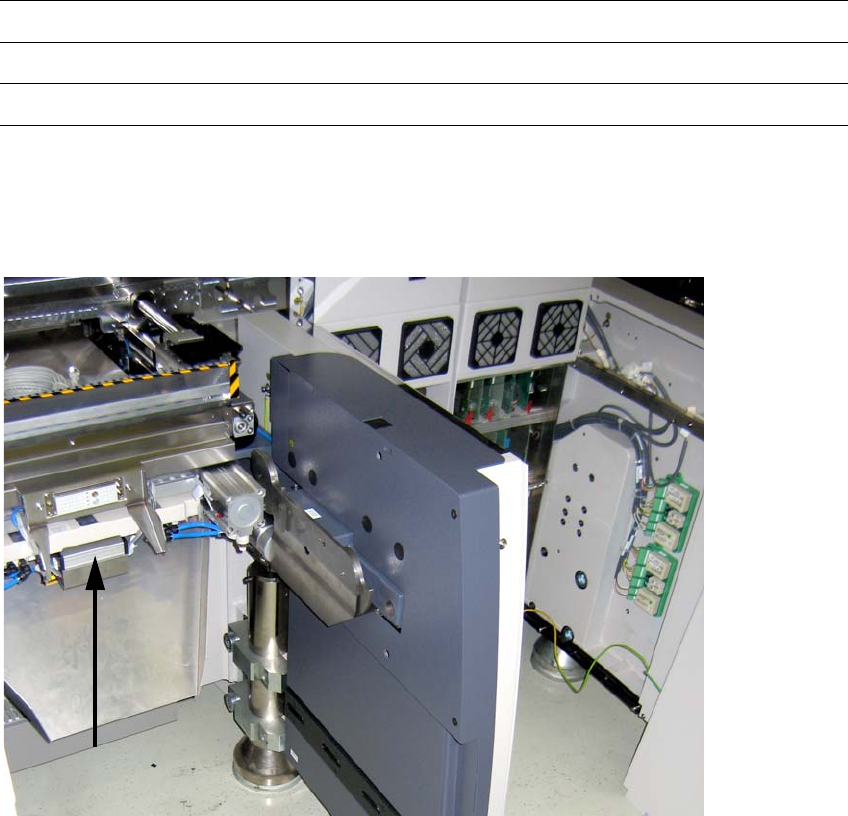
: Fix the bolts (inside) for assembly of the machine cover.
: Mount the side wall on the left next to it.
: Screw the inner and outer machine cover in place with the four nuts and bolts.
2
2
2
2
2
2
Assembly instructions MTC2 and Component docking unit on SIPLACE HF and X-series
Edition 07/2009
92
2.6.3 Final work after installation of the component docking unit:
: Route the cables and hoses in the cable duct.
: Stow connectors, couplings and further cable materia
l in the opening in the machine frame.
: If provided, mount the conveyor cover, nozzle chan
ger and reject bin sensors. For further in-
formation, see the latest inst
ructions:
00193892-xx Assembly instructions conveyor cover SIPLACE HF-series / X-series / D3
00193756-xx Assembly instructions nozzle changer SIPLACE HF-series
00194550-xx Assembly instructions reject bin sensors SIPLACE HF-series
2
: Mount the waste chute.
: Fit the cover over the pneumatic unit or power supply.
X110 ODU connector
on docking unit frame
2
Fig. 2.6.6 HF until A001_loc.2/4 with docking unit outside left