ACT - Accuracy Check Tool mit SSW 6xx User Manual 2017.pdf - 第98页
ACT with SSW 6xx / User Manual 07/2017 Edition 34 ► Drag the selected t able to the requir ed location. ► Use the empty tables to create a setup for ceramic pads, f or instance. NOTICE If you create a set up with more th…
ACT with SSW 6xx / User Manual 07/2017 Edition
33
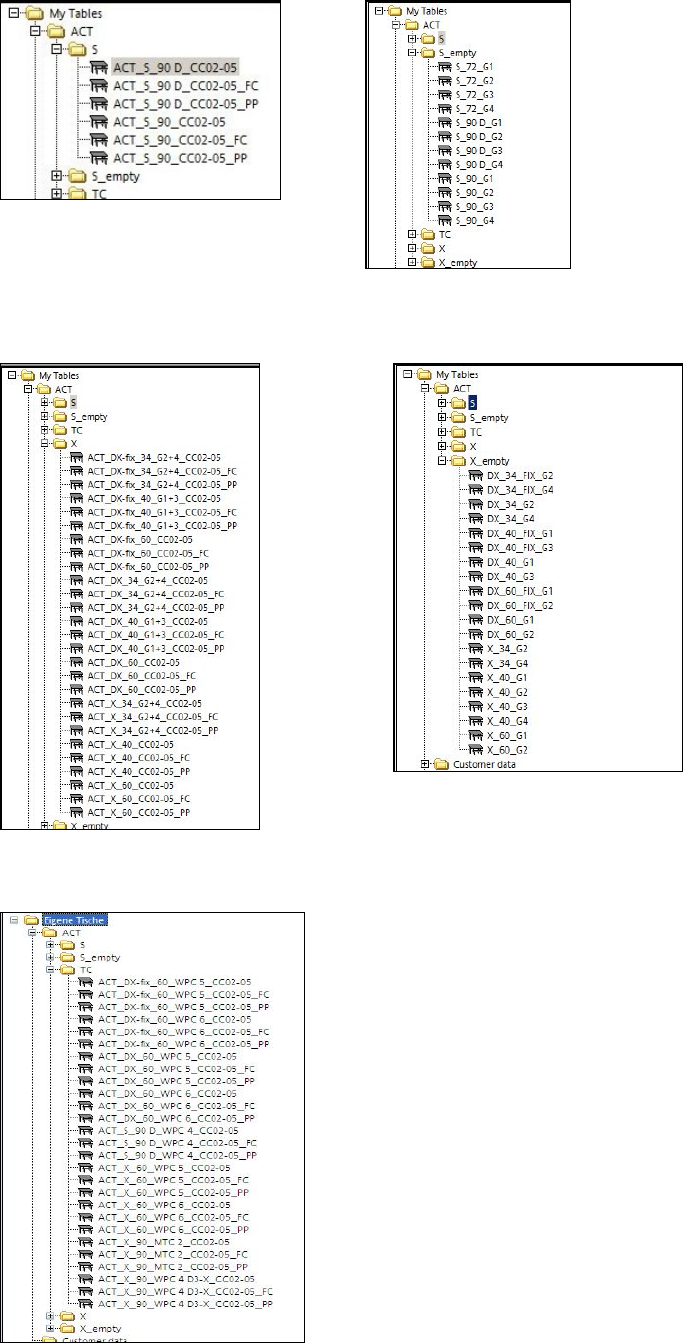
Available S-tables:
Available X-tables:
Available tables (setups) for WPC/MTC:
ACT with SSW 6xx / User Manual 07/2017 Edition
34
► Drag the selected table to the required location.
► Use the empty tables to create a setup for ceramic pads, for instance.
NOTICE
If you create a setup with more than one table with ceramic pads, make sure that the
same component is not set-up at more than one location at the same time.
Predefined tables already exist for setting up the tray with the glass components.
NOTICE
● The X- and Y-offsets for the waffle pack trays on the tables have already been
entered! They may need to be corrected!
● The predefined Arbitrary Carrier tray holder should be left on track 21 and the ACT
X-table (Tray)holder should also be physically placed there; otherwise pickup is not
possible on all machines and with all segments (TH).
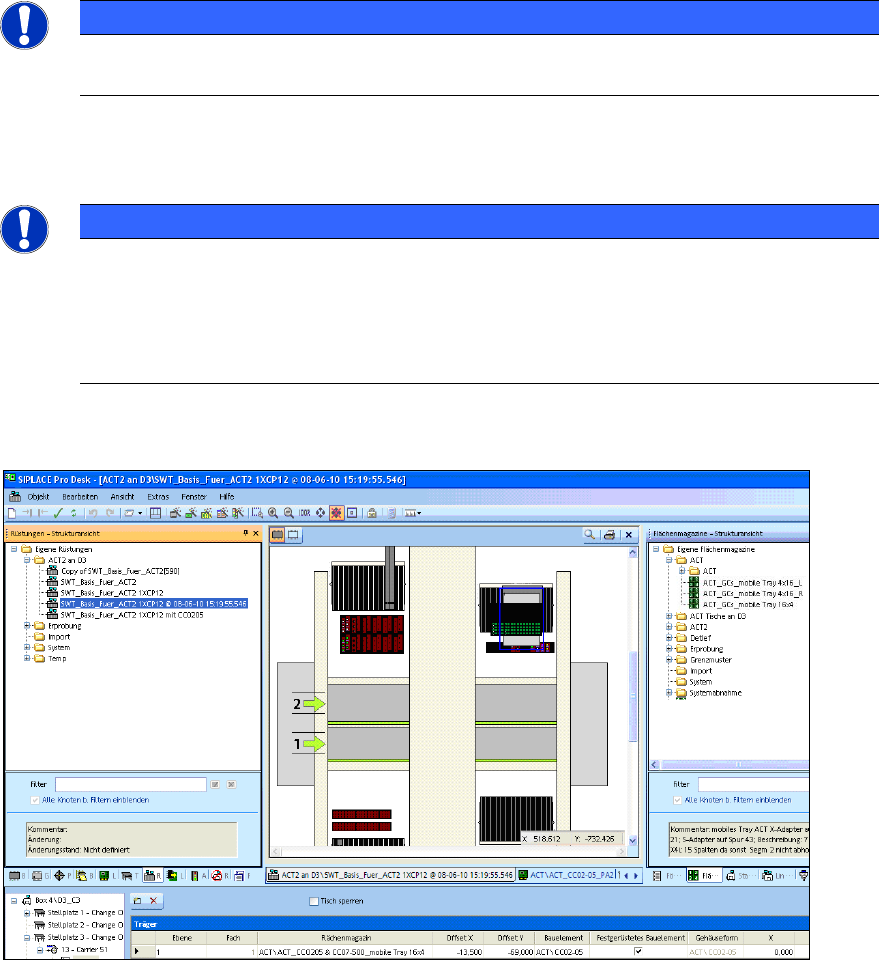
Figure 4-4 displays an example of a setup:
Figure 4-4: Setup on a D3 with Twin Head at gantry 3. Waffle pack tray with 16x4 glass components (CC02-05) on an S-
table
ACT with SSW 6xx / User Manual 07/2017 Edition
35
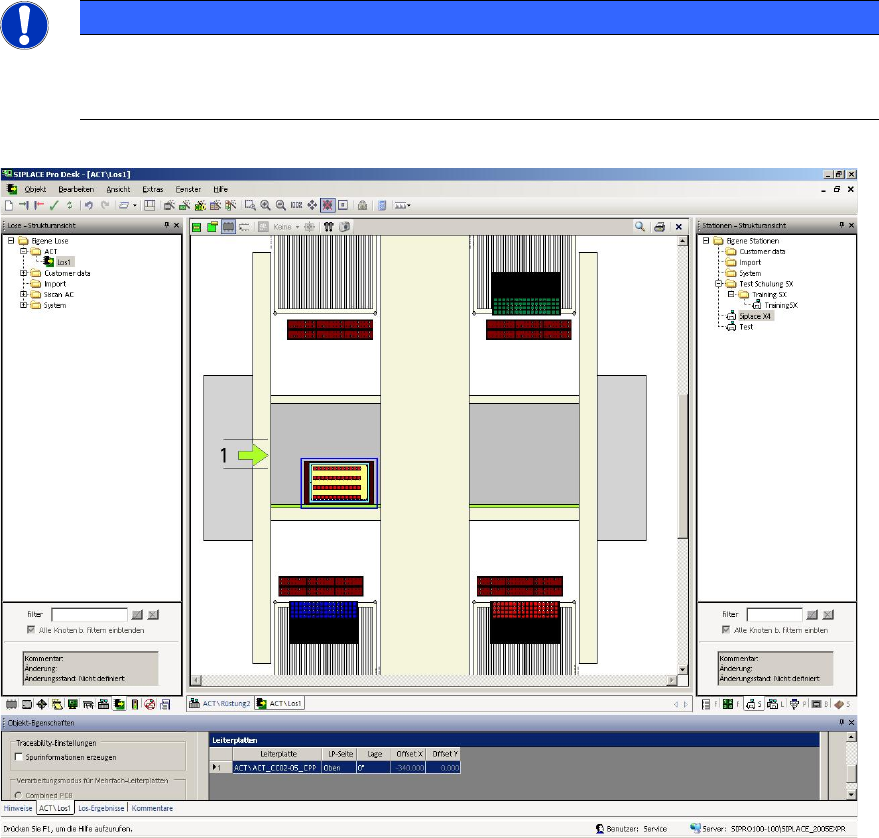
The next screen displays an example of a recipe:
NOTICE
The different ACT glass component types are displayed in different colors. For a
successful download to the station, the colors of the components in the tray and on the
board have to match each other. This is visible in the recipe.
Figure 4-5: Example of a recipe with ACT board and glass components (CC02-05)
► Make sure that the number of required nozzles is available in the nozzle changer for the head
to be measured, i.e. in accordance with the number of segments of the head to be measured.