Maintenance Reference(CP45FV) Eng.pdf - 第76页
Samsung Component Placer CP45FV Series Maintenance Guide 7.2.2.2.4. Keyboard Check to see if the keyboard is connected properly . Check the keyboard extension line. 7.2.2.2.5. Mouse Check to see if th…
Inspection of the Controller
7-5
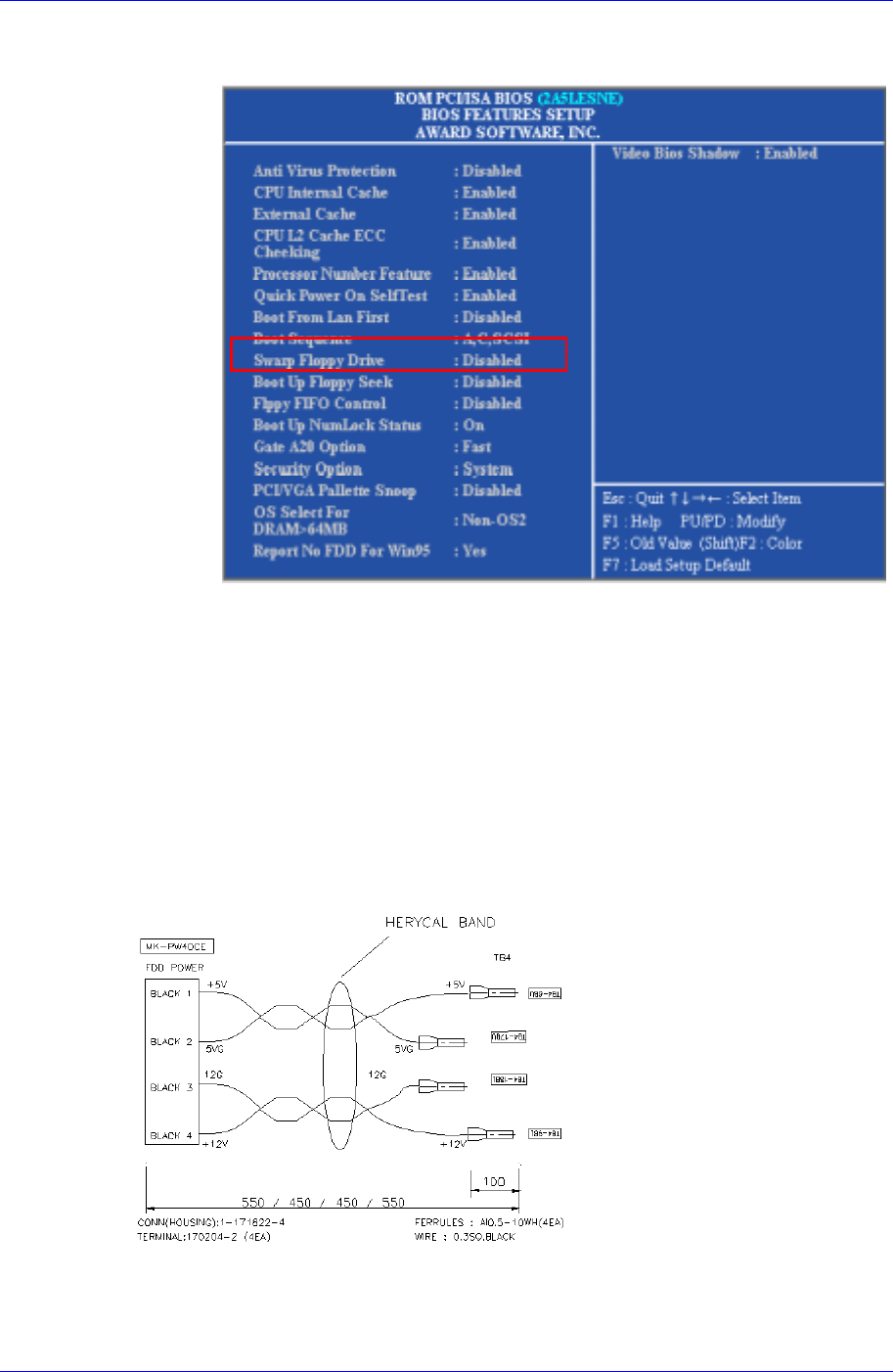
set the boot sequence as 'Boot Sequence: A, C' by using the <Pg Up>, <Pg
Dn> keys.
Change to the main menu by pressing <Esc> key, and then select the 'SAVE
& EXIT Setup' to store current setting.
Insert the Windows 98 startup disk into the FDD and then reboot.
Check the HDD status by using ' SCANDISK C:' command at the DOS
command line.
If the HDD has been damaged, contact to service center.
7.2.2.2.3. Floppy Disk Drive (FDD)
Inspection for the power supply
Check the power supply referring to the below diagram.
Figure 7-4. Inspection for the power supply of FDD
Check to see if the FDD cable is connected properly.
Samsung Component Placer CP45FV Series Maintenance Guide
7.2.2.2.4. Keyboard
Check to see if the keyboard is connected properly.
Check the keyboard extension line.
7.2.2.2.5. Mouse
Check to see if the mouse is connected properly.
Check the mouse extension line.
7.2.2.3. Inspection of the Machine Controller
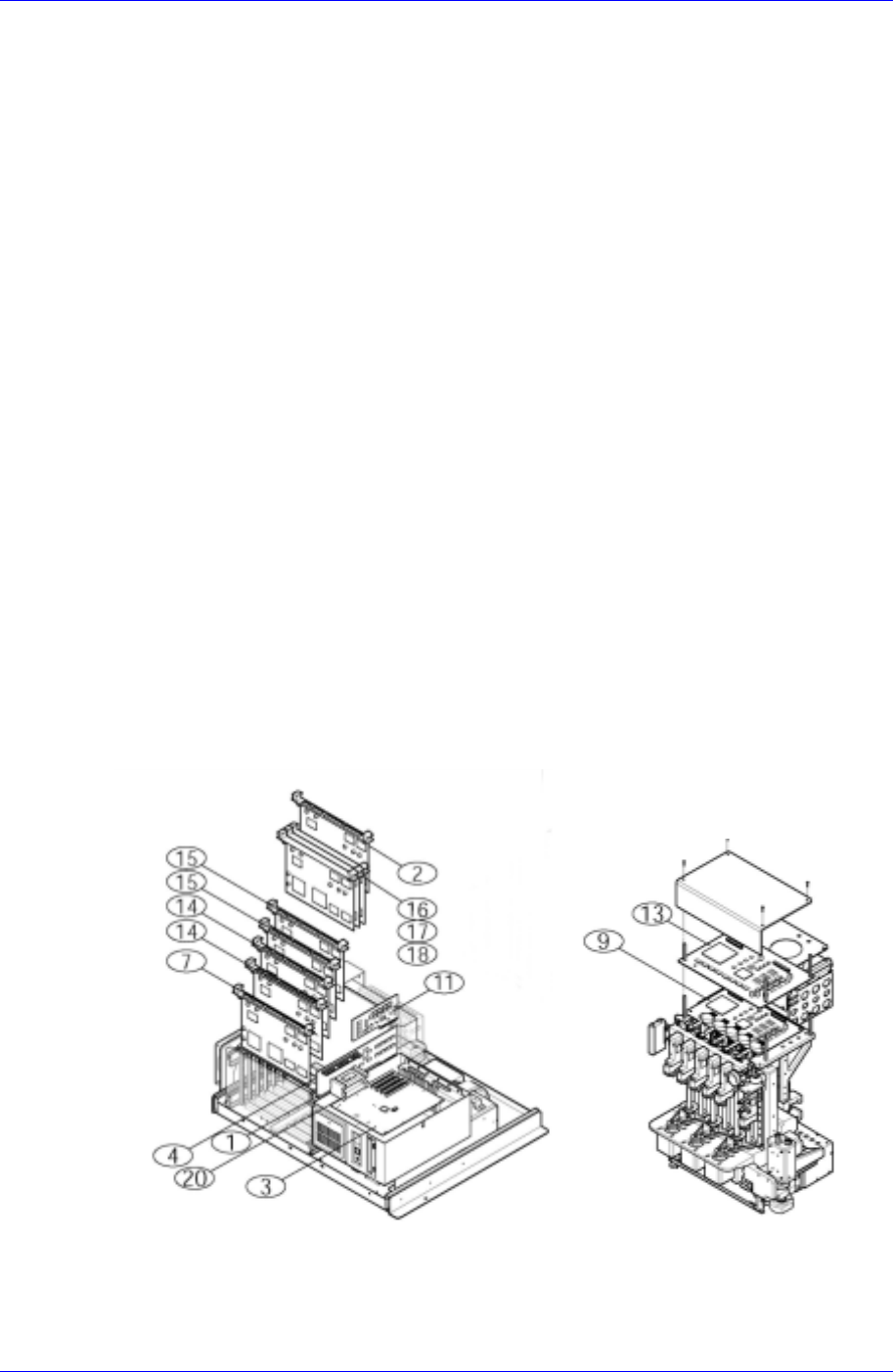
Check the assembling status of RACK.
Check to see if the board was properly and normally assembled.
If the power is in normal, check the jumper setting.
If the batteries of the VME CPU Board are weak and need to be replaced, replace the
batteries referring to the following specification.
MVME162-220 Board
RAYOVAC FB1225H2
MVME162P-242, MVME162PA-242, MVME162PA-252SE 보드
Panasonic CR2032
7.3. Inspection of Control Board
7-6
Inspection of the Controller
7-7