TR3-GL541-1_1E.pdf.pdf - 第30页
1.4 Opening the Front Cover Push the front cover catch on the right side of the unit and pull the cover forward. O N ° C A L S P A L O M R O N E 5 C S Catch GL541-m48E Chapter 1 1.4 Opening the Front Cover Edition 1.0 1-…
6. Setup key (down)
The value in the temperature display decreases when this key is pressed.
The displayed temperature continues to decrease as long as the key
remains pressed. If the protect switch on the inside cover is raised, the
down arrow key will not move (this locks the key).
Temperature Setup
Press the temperature status switch key to display the SP lamp, then
press the up and down setup keys to setup the cooler temperature
regulator.
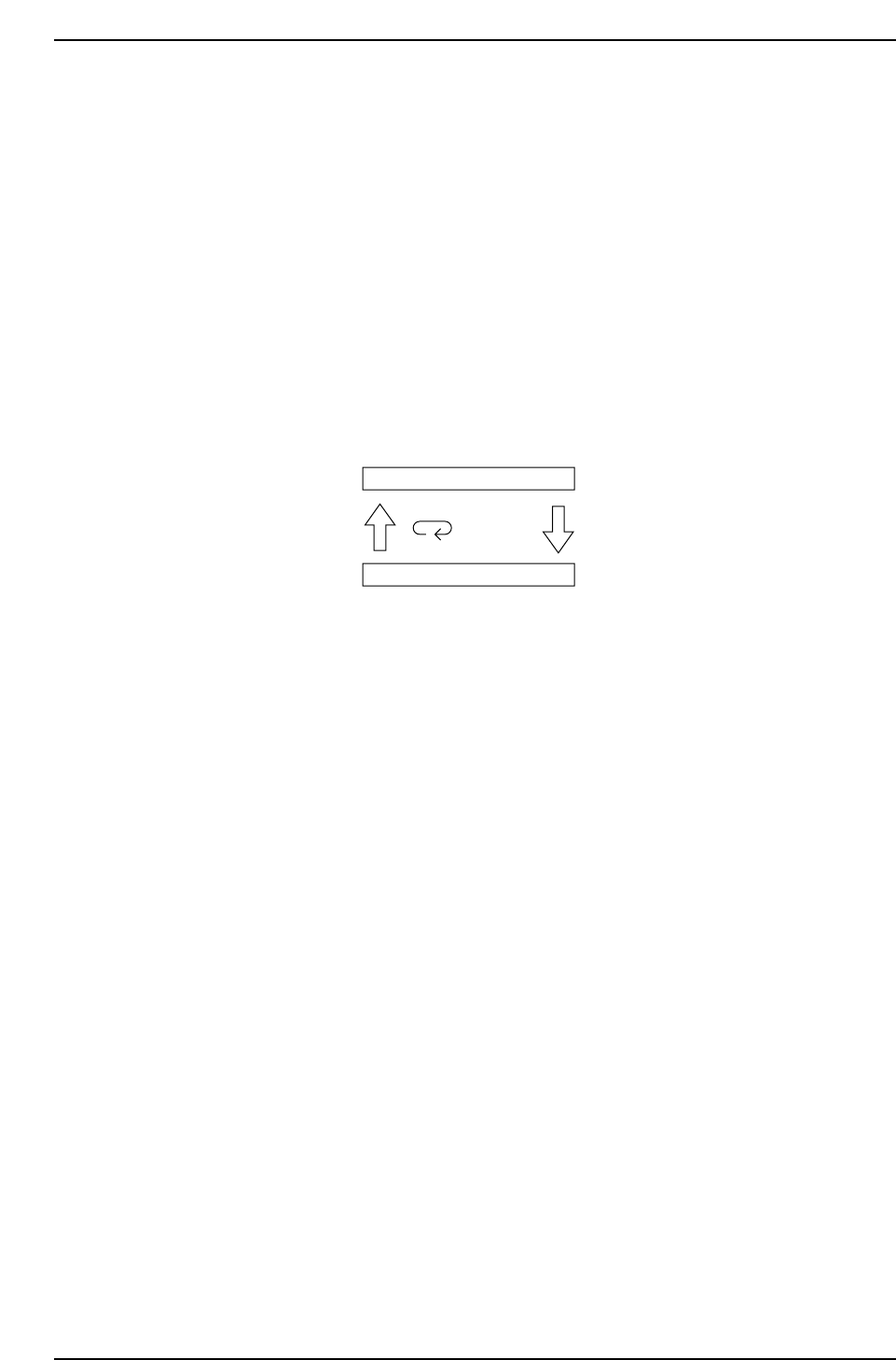
7. Temperature status switch key
This key toggles as shown in the figure below.
8. Switch display lamp
The SP lamp lights up when the setup temperature is displayed.
Present temperature
Setup temperature
Press key
GL541-m47E
Chapter 1 1.3 Temperature Regulator (for the Cooler)
Edition 1.1 1-6 GL-541E Level 3 Reference
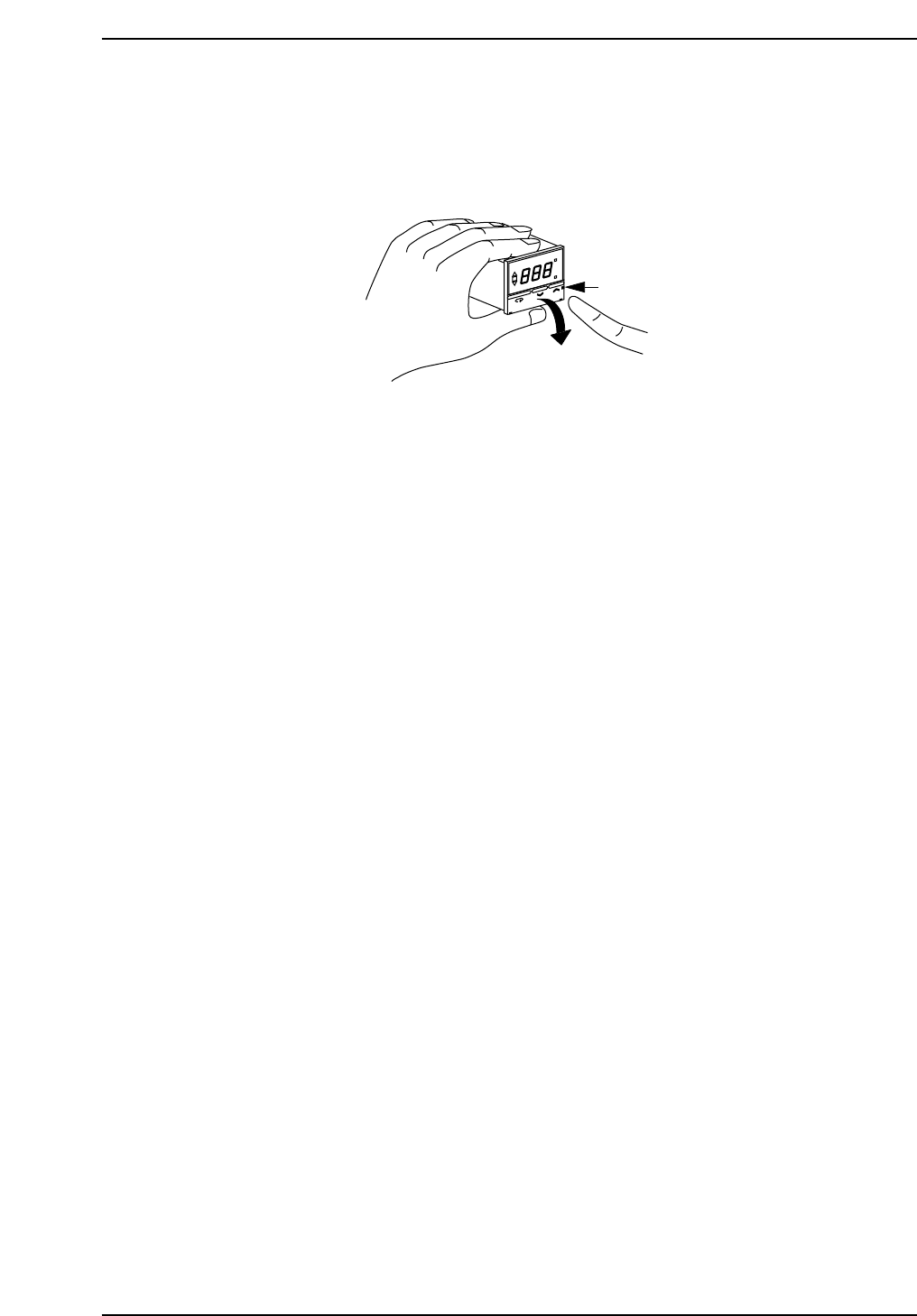
1.4 Opening the Front Cover
Push the front cover catch on the right side of the unit and pull the cover forward.
O
N
°C
A
L
S
P
A
L
O
M
R
O
N
E
5
C
S
Catch
GL541-m48E
Chapter 1 1.4 Opening the Front Cover
Edition 1.0 1-7 GL-541E Level 3 Reference

Notes:
Chapter 1 1.4 Opening the Front Cover
Edition 1.0 1-8 GL-541E Level 3 Reference