TR3-GL541-1_1E.pdf.pdf - 第31页
Notes: Chapter 1 1.4 Opening the Front Cover Edition 1.0 1-8 GL-541E Level 3 Reference
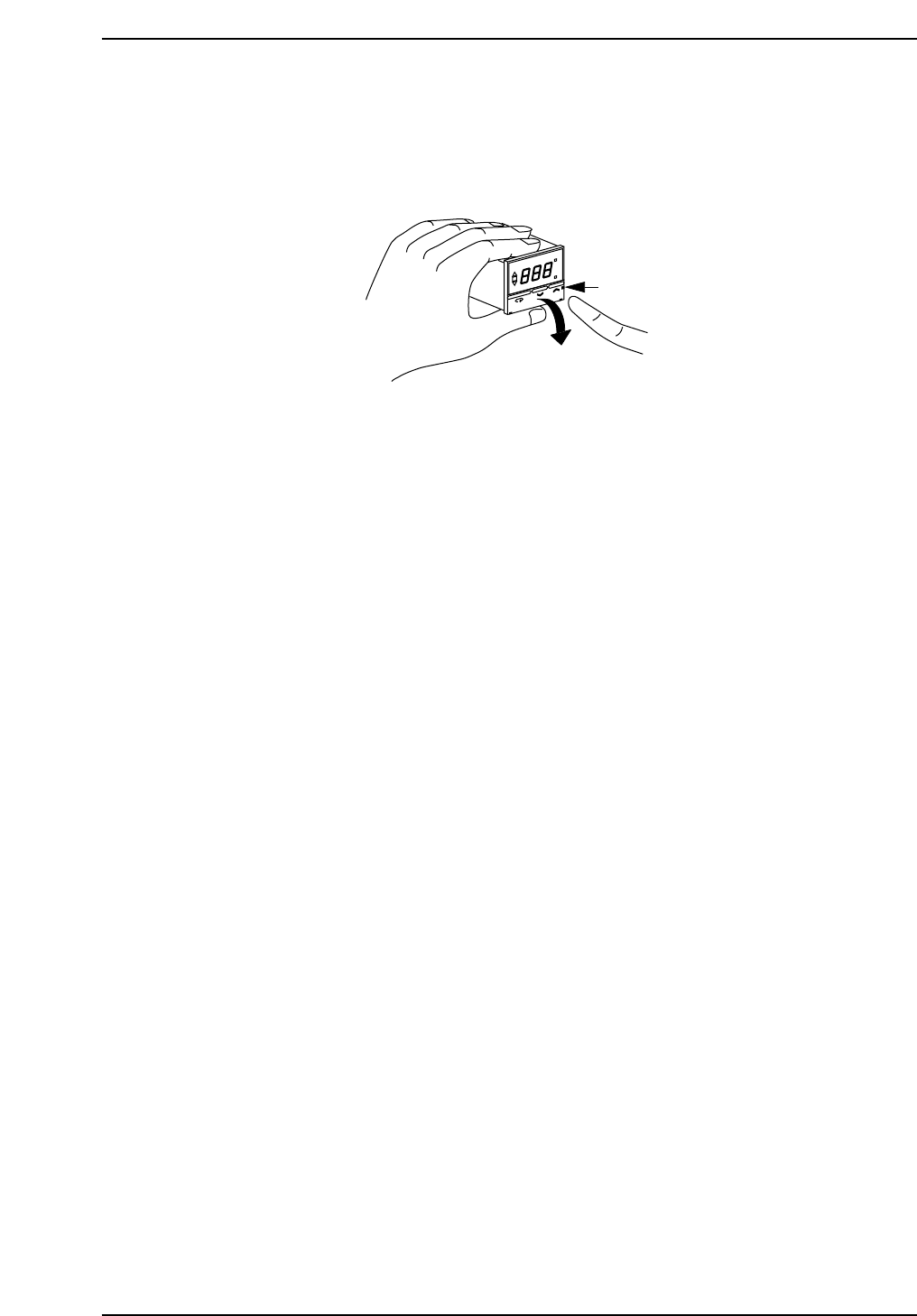
1.4 Opening the Front Cover
Push the front cover catch on the right side of the unit and pull the cover forward.
O
N
°C
A
L
S
P
A
L
O
M
R
O
N
E
5
C
S
Catch
GL541-m48E
Chapter 1 1.4 Opening the Front Cover
Edition 1.0 1-7 GL-541E Level 3 Reference

Notes:
Chapter 1 1.4 Opening the Front Cover
Edition 1.0 1-8 GL-541E Level 3 Reference

1.5 Opening the Inner Cover
Insert a Phillips screwdriver into the notch in the bottom of the cover and raise it.
ON
°C
AL
SP AL
Phillips
screwdriver
Temperature warning
setup switch
Control mode switch
GL541-m49E
Chapter 1 1.5 Opening the Inner Cover
Edition 1.0 1-9 GL-541E Level 3 Reference