TR3-GL541-1_1E.pdf.pdf - 第41页
Notes: Chapter 1 1.9 Connecting the Communication Cable Edition 1.0 1-18 GL-541E Level 3 Reference
1.9 Connecting the Communication Cable
Point
Connect the GL-541E to the C/C (MCS) communication port using RS-232C cable to
perform data transmission and collect production informaion.
Procedure:
1. Register the communication port number used for the GL-541E in the F4G (MCS)
line descriptor.
Note: Refer to the F4G (MCS) manual for the detail information regarding the line descriptor.
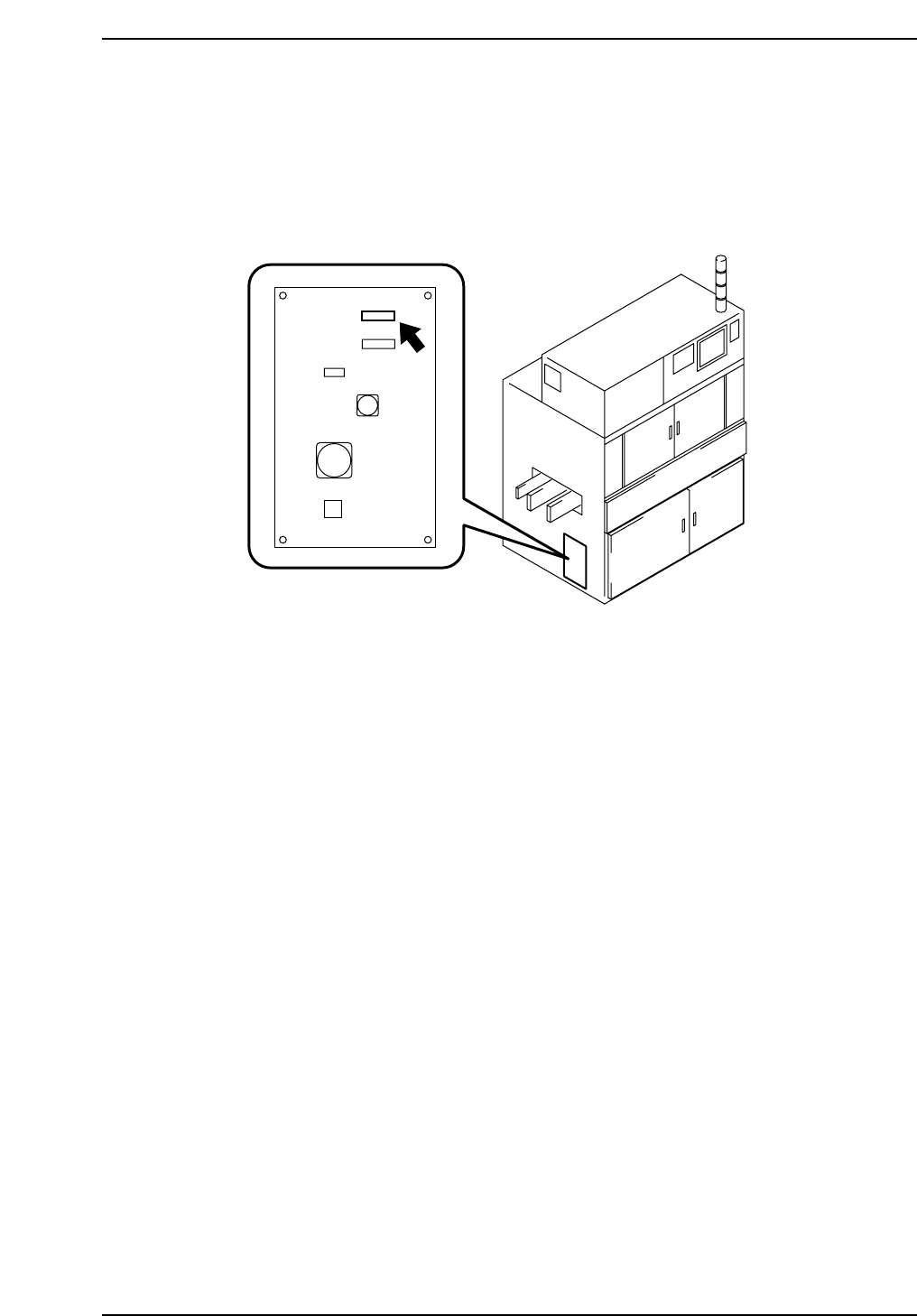
2. Connect one end of the RS-232C cable to the C/C (MCS) communication port
specified in the line descriptor and the other end to the port (DATA) on the left-
hand side of the machine.
Caution: It is necessary to use a shielded cable when using an RS-232C or other type of interface
cable.
GL5MS001
DATA
Chapter 1 1.9 Connecting the Communication Cable
Edition 1.0 1-17 GL-541E Level 3 Reference

Notes:
Chapter 1 1.9 Connecting the Communication Cable
Edition 1.0 1-18 GL-541E Level 3 Reference

Chapter 2
Vision System