Board-Inverter-Operation-Manual-REV-F-2.pdf - 第27页
BI2000 Boa rd Invert er Manual Revision F / January 2022 Page 27 of 37 Error Messa ges 303B The follo wing are all th e po ssible error messag es g enerate d by the P LC pr ogram. 76B MSG # 400B Descr iption 304B 0 305B …
BI2000 Board Inverter Manual
Revision F / January 2022
Page 26 of 37
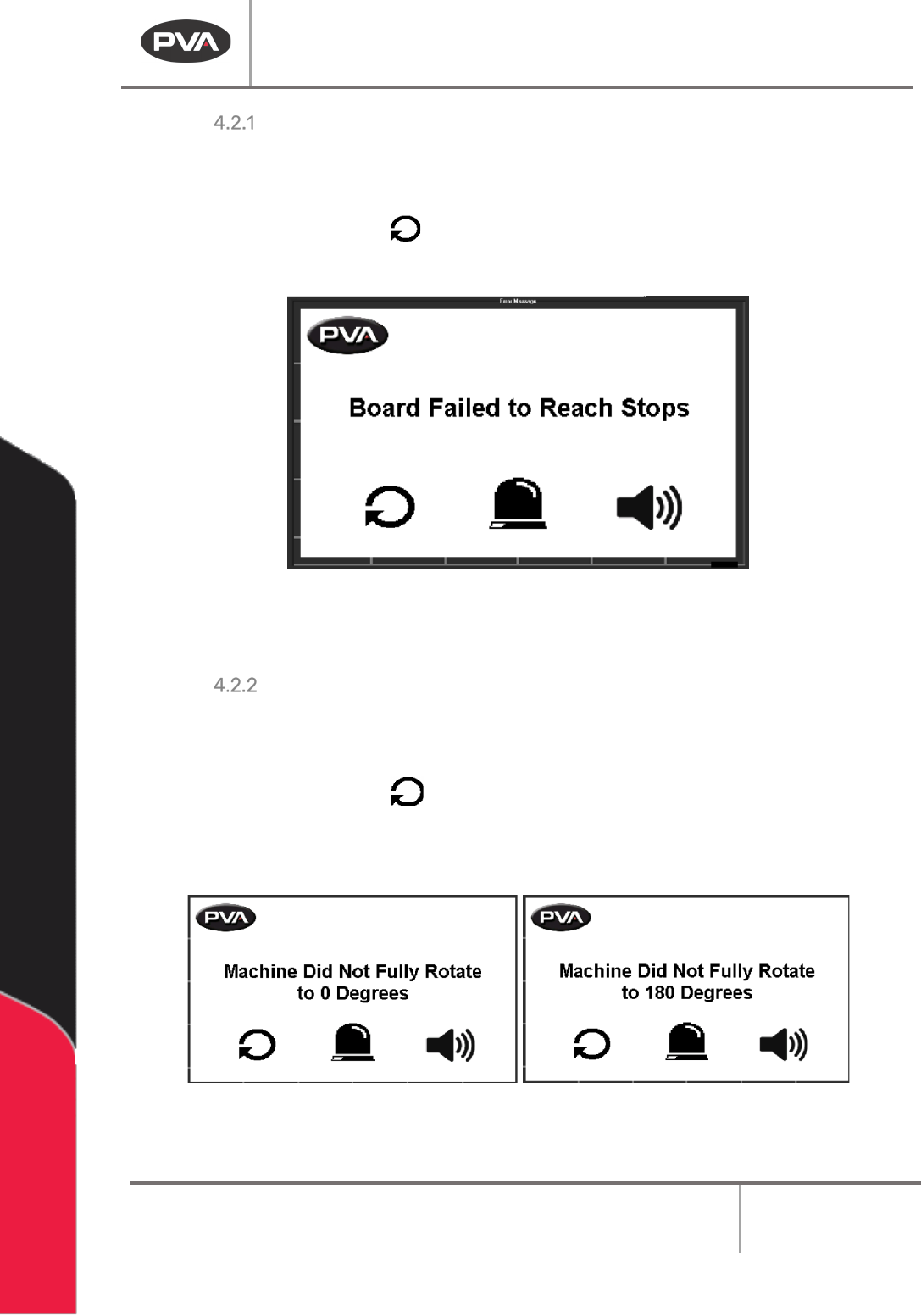
Recovery Procedure for Board Processing Failure
299BA board processing failure can result from a board jam, or if the board is longer than the
inverter can handle and the infeed and outfeed sensor are on at the same time.
2.
161BRemove the board.
61BFigure 22: Board Processing Failure
3. 162BWhen the Cycle Stop screen is shown, operate normally.
Recovery Procedure for a Rotation Error
301BWhen the roll cage cannot do a complete rotation (180°) there is a Rotation Error. This can be
caused by low air pressure.
2.
164BRemove the board.
3.
165BWhen the Cycle Stop screen is shown, operate normally.
62BFigure 23: Rotation Errors
4. 166BIf you continue to have this error, make sure the air pressure is in the necessary range.
BI2000 Board Inverter Manual
Revision F / January 2022
Page 27 of 37
Error Messages
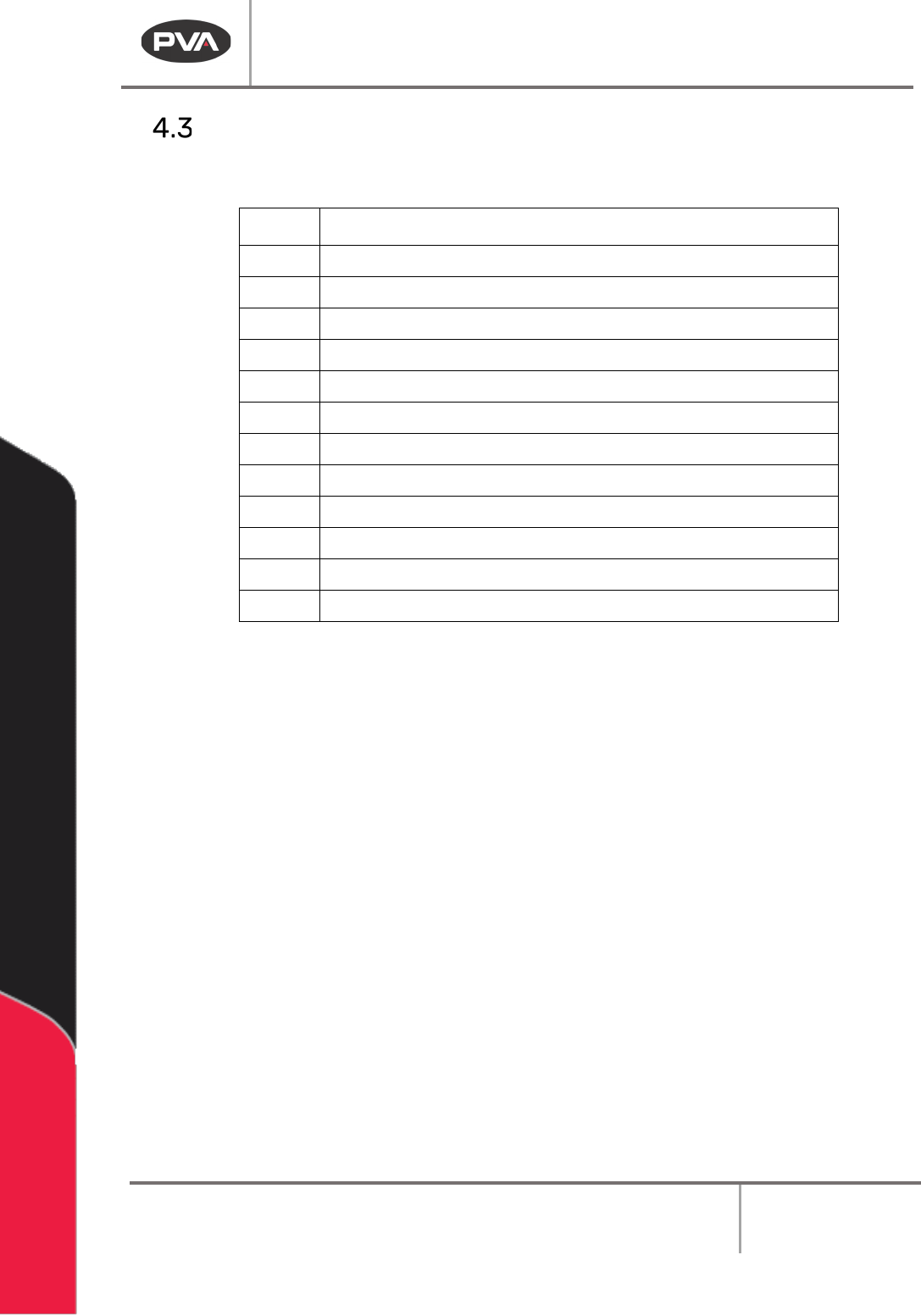
303BThe following are all the possible error messages generated by the PLC program.
76B
MSG #
400BDescription
304B
0
305B
Disengage Emergency Stop
306B0a 307BClose Door (*If Door Bypass Off)
308B
1
309B
Rotate 0 Failure: Remove Board
310B2 311BRotate 180 Failure: Remove Board
312B
3
313B
Board Stop Did Not Extend
314B4 315BBoard Stop Did Not Retract
316B
5
317B
Board Failed to Reach Stops
318B6 319BInlet Shutter Failed to Open
320B
7
321B
Inlet Shutter Failed to Close
322B8 323BOutlet Shutter Failed to Open
324B
9
325B
Outlet Shutter Failed to Close
326B10 327BConveyor Adjust Drive Fault
63BFigure 24: Error Messages
BI2000 Board Inverter Manual
Revision F / January 2022
Page 28 of 37
Maintenance
328B
Interval
329B
Action
330B
Weekly
•
167BClean the sensors with a lint-free damp cloth.
331B
Monthly
•
168BMake sure the conveyor belts are not worn.
• 169BApply grease to the chain.
•
170BCheck the pressure regulator for water and drain if
necessary.
•
171BMake sure the shock absorbers are tight and apply
grease.
Conveyor Belt Replacement
Note: Not all systems have conveyor belts, some have chains.
1.
172BLockout the power supply.
2.
173BRemove the old conveyor belt from the pulley wheels.
3.
174BInstall the belt on the pulley wheels farthest from the motor.
Note: Make sure there are no twists in the belt.
4.
175BInstall the belt around the large pulley wheel, then around the other wheels.
5.
176BRotate the pulley wheels several turns by hand to make sure the belt is correctly
seated.
Board Sensor Adjustment
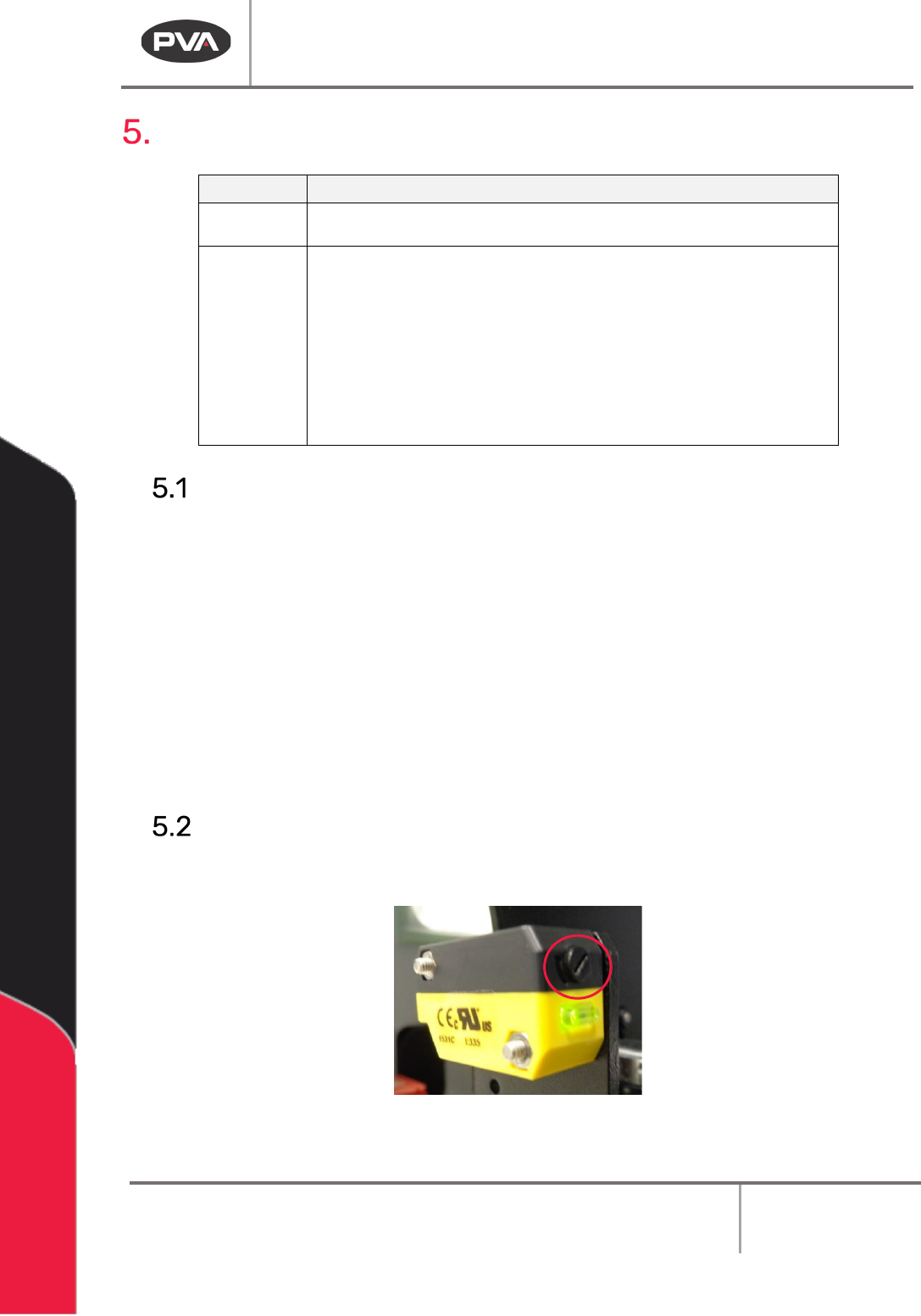
332BUse a small screwdriver to turn the adjustment screw as necessary.
333B
64BFigure 25: Board Sensor Adjustment Screw