Maintenance (Micron) workbook Iss07.pdf - 第14页
14 Issue 6, Nov 14 Objective MO4 Setup synthetic fiducials Standard synthetic fiducial shapes should be us ed whenever available. These must align to corresponding fiducials on the underside of the stencil . Failure to s…

Issue 6, Nov 14
13
NOTES:
14 Issue 6, Nov 14
Objective MO4 Setup synthetic fiducials
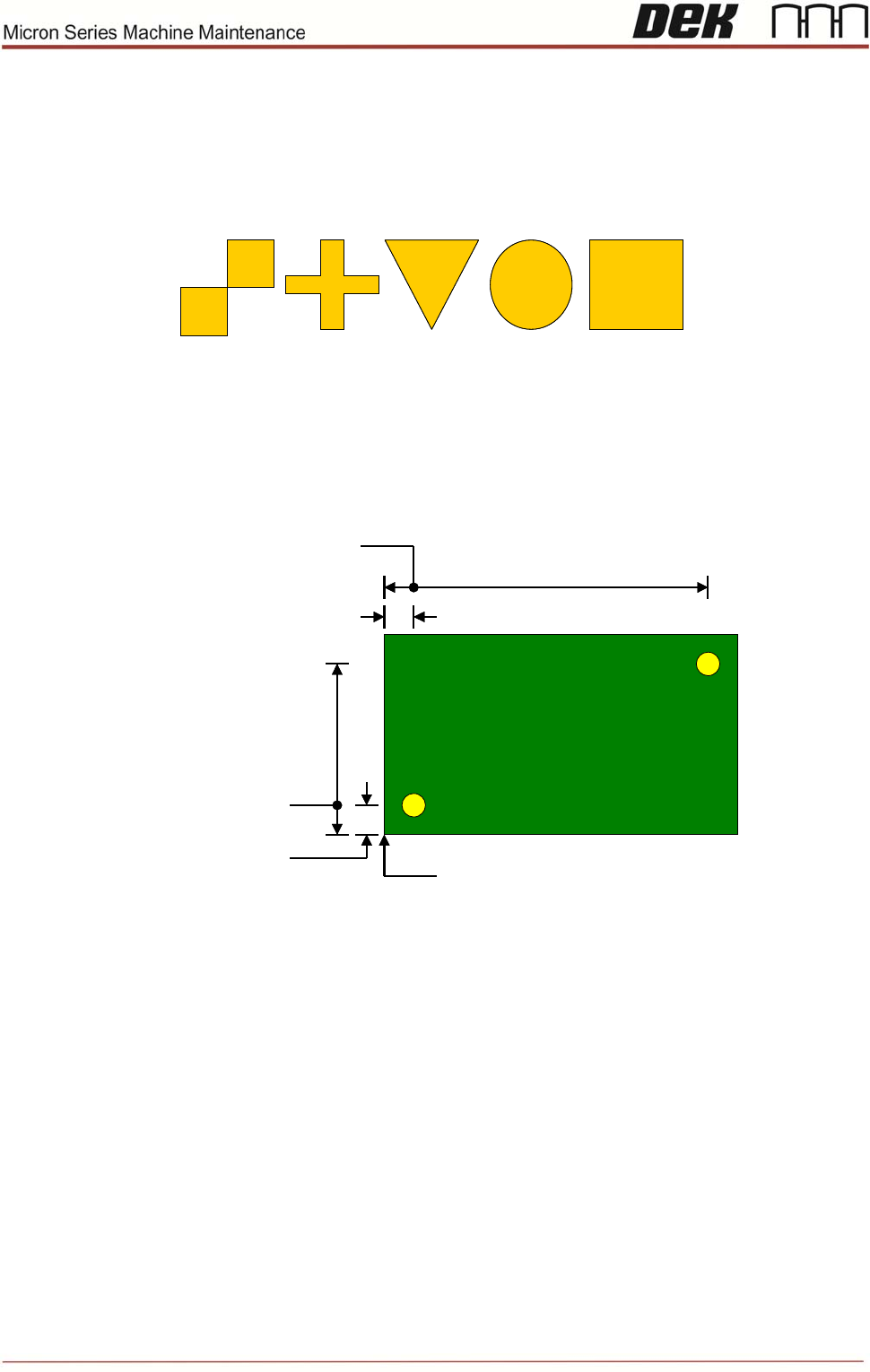
Standard synthetic fiducial shapes should be used whenever available. These must align
to corresponding fiducials on the underside of the stencil.
Failure to set up the fiducials correctly could result in print offsets or vision error messages.
Fiducial Location
It is good practice to choose fiducials that are diametrically opposite and as close to the
outer edges as possible. The following diagram is for a machine set to left fiducial
reference:
(0, 0)
Fiducial #1 X
Fiducial #2 X
Fiducial #1 Y
Fiducial #2 Y
Fiducial #1 X
(0, 0)
Fiducial #1 X
Fiducial #2 X
Fiducial #1 Y
Fiducial #2 Y
Fiducial #1 X
Note that Fiducial #1 should be on the right side of the board, to optimise the trajectory of
the camera as it passes from the board stop position to the first fiducial location.
It is possible to program three pairs of fiducials but this is rarely necessary. It may help if
the board is very large, or has many panels and is showing alignment problems.
Using the on-board tutorials as a guide setup two sets of fiducials.
NOTES:

Issue 6, Nov 14
15
NOTES: