Maintenance (Micron) workbook Iss07.pdf - 第6页
6 Issue 6, Nov 14 Objective A2: Locate the main assemblies of the machine Preparation: Remove front, side and rear Covers Tick off each sub-assembly as your instructor identifies it to you: Front and rear safety co ver…
Issue 6, Nov 14
5
Objective A1: Locate the hazardous areas of the machine
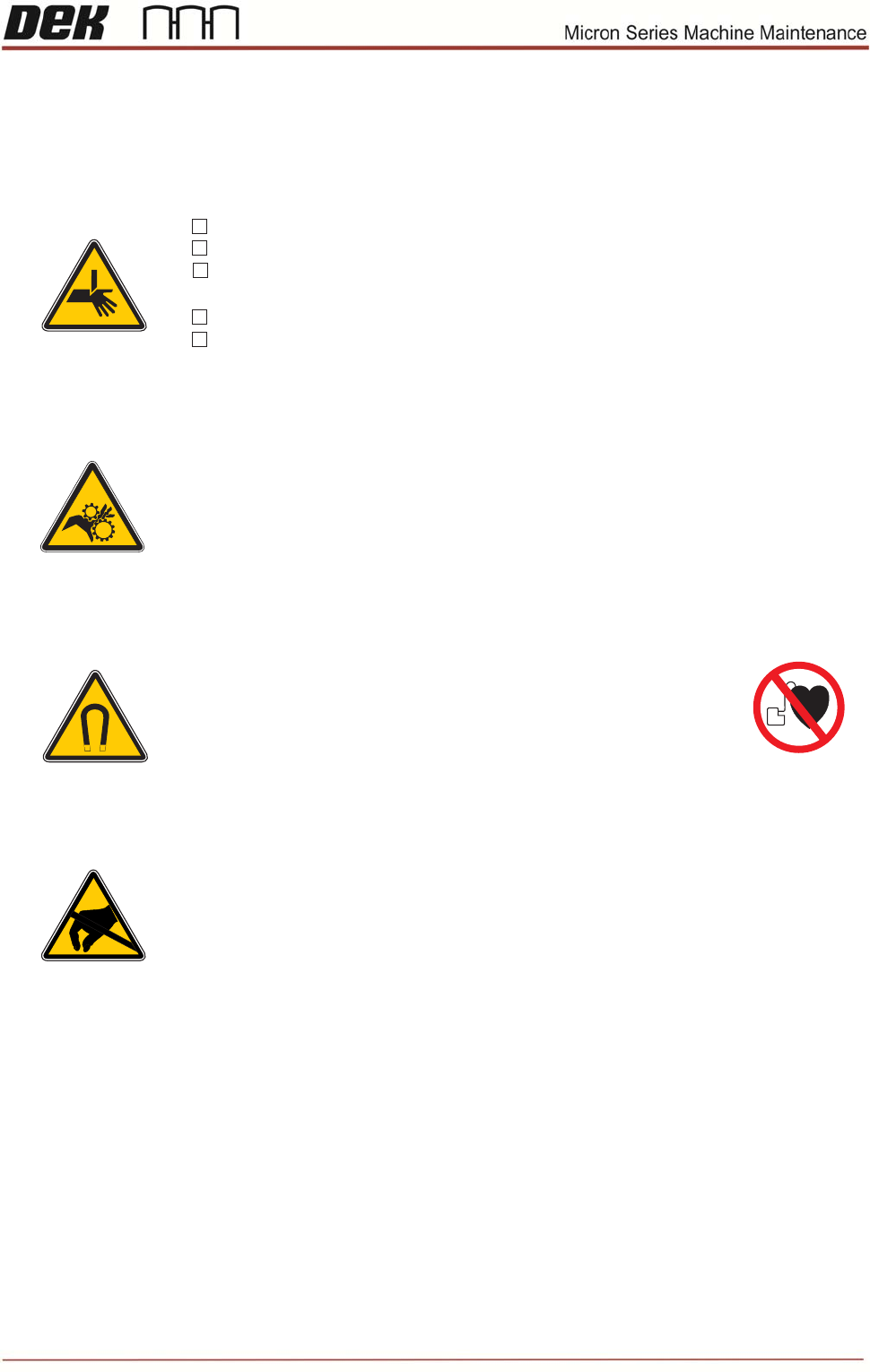
Warning
* Moving machine parts can cause injury.
* During this course the machine may be operated with covers
removed.
* Always remove system power prior to undertaking any work on
machine.
* Ensure you DO NOT push or press any buttons or operate the
machine until all personnel are clear of danger.
Personal Safety
Tick each safety item as it is demonstrated to you by your instructor:
Strong Magnet Warning (Machines with Linear Motors only)
The linear motors inside the machine contain*
strong permanent magnets.
These may interfere with pacemakers and metallic implants.*
These magnets could potentially erase data on credit cards,*
ID cards etc.
))
((
Board clamps are sharp
Brake is hot
Wear eye protection and gloves when working with solder paste
and solvents.
If in doubt press the E-stop
Do not bypass camsafe switches
ESD Hazard
* The printer contains Electro-Static Sensitive Devices (ESD).
* Do not touch any electronic component of PCB unless wearing
a correctly grounded wrist strap.
Safety Objective
I have been briefed on the above safety aspects and I am fully satised with my
responsibilities..
Sign
Date

6 Issue 6, Nov 14
Objective A2: Locate the main assemblies of the machine
Preparation: Remove front, side and rear Covers
Tick off each sub-assembly as your instructor identifies it to you:
Front and rear safety covers (observe location of cam safe switch)
Monitor assembly
System button and jog buttons
Tri-Colour beacon
Chase assembly
Print carriage
Squeegee assembly / ProFlow
Paste dispenser
Screen load
Screen alignment actuators
Rail system
Camera system
Rising table
Mains isolator switch
Service panel / Circuit breakers
Under screen cleaner
Vacuum unit
NOTES:
Issue 6, Nov 14
7
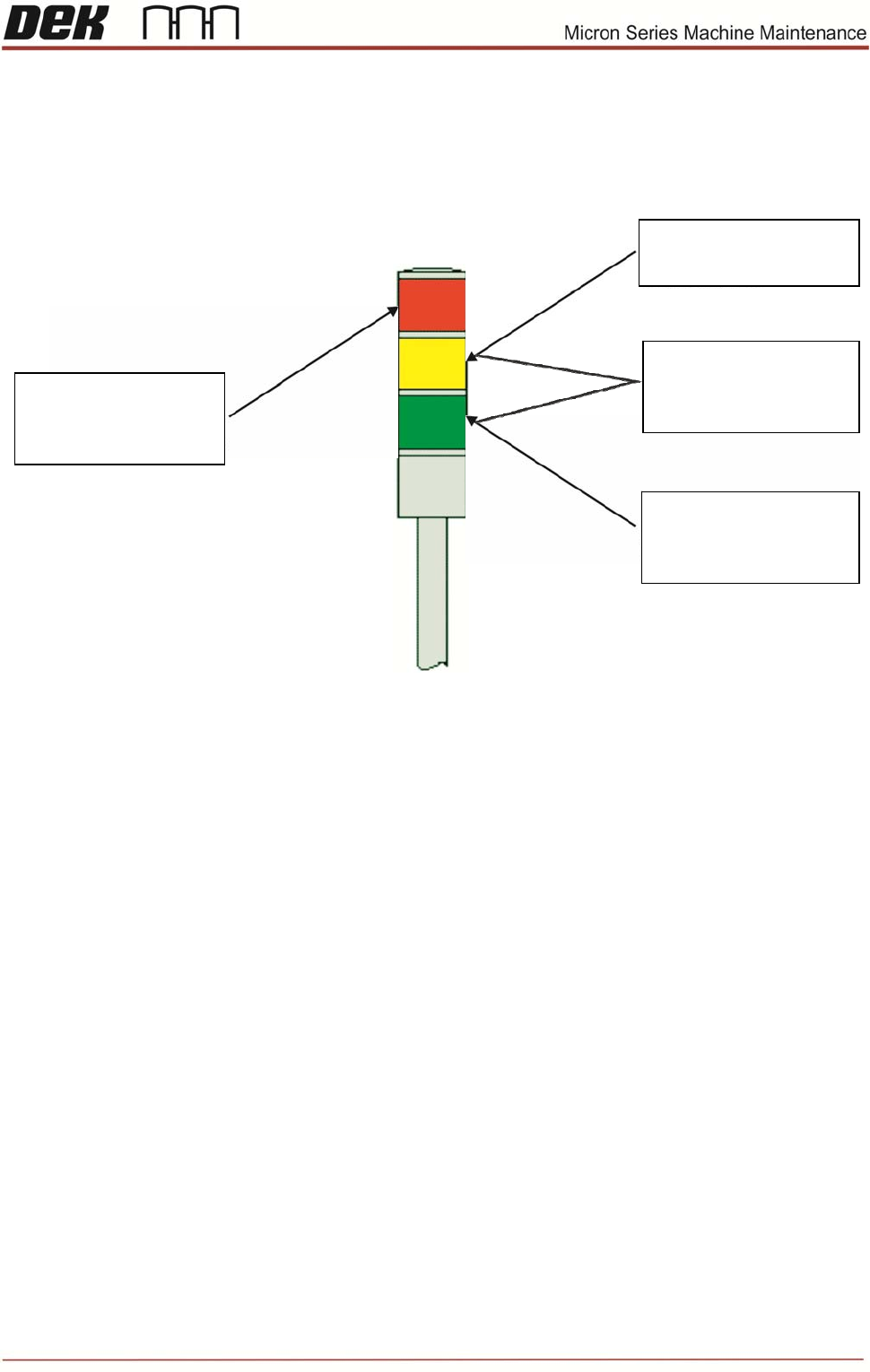
Task 1: Beacon Indications