Maintenance (Micron) workbook Iss07.pdf - 第28页
28 Issue 6, Nov 14 Objective ET4.2 With reference to the technical referenc e manual, identify each part of the Control Enclosure NOTES: X1 X2 X3 X4 X5 X6 X7 X1 X2 X3 X4 X5 X6 X7
Issue 6, Nov 14
27
Objective ET4.1
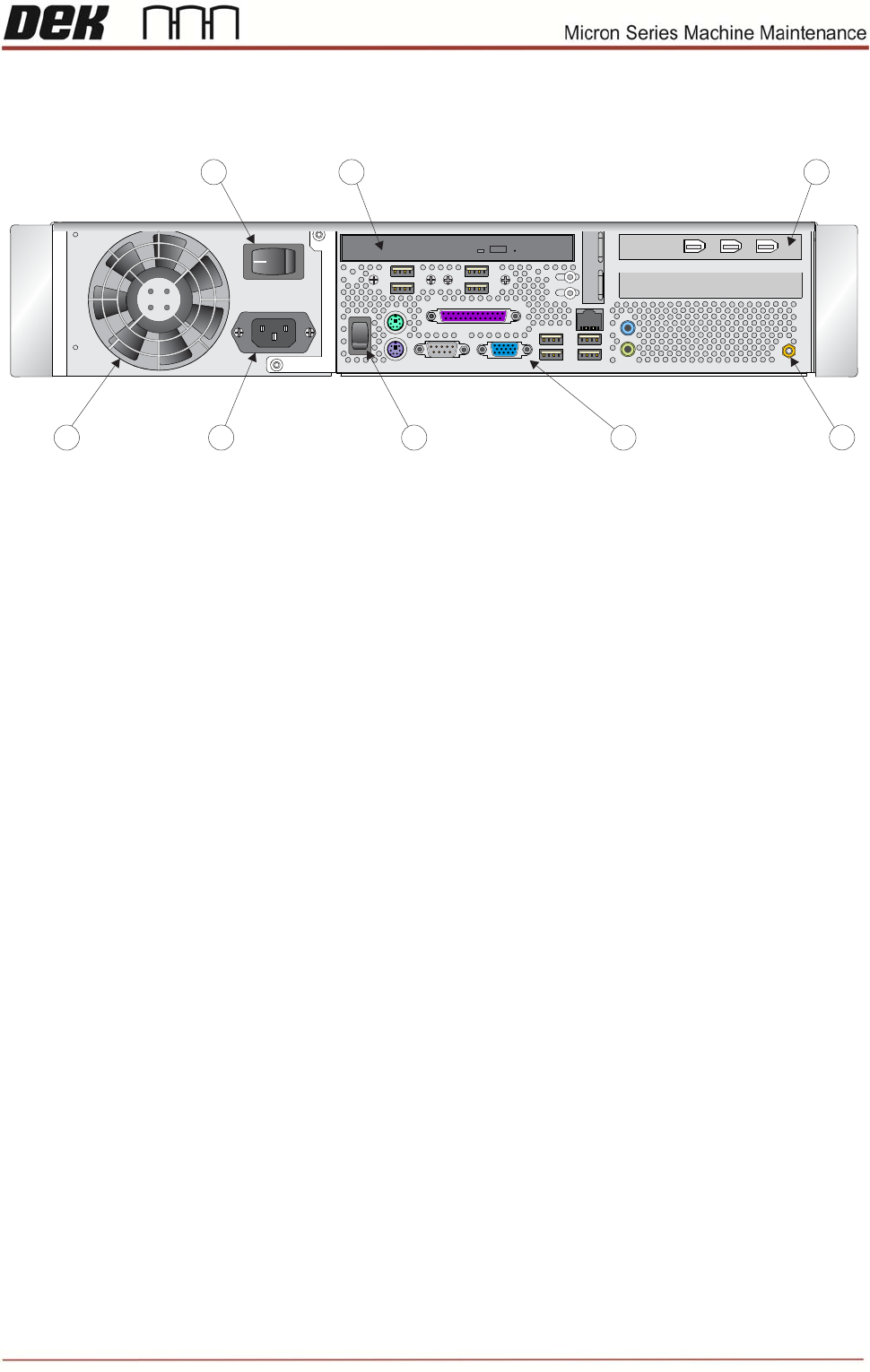
With reference to the technical reference manual, identify each part of the Q35 PC.
Machine PC Enclosure Rear Panel
0
8
7
3
1
6
4
5
2
1. 5.
2. 6.
3. 7.
4. 8.
NOTES:
28 Issue 6, Nov 14
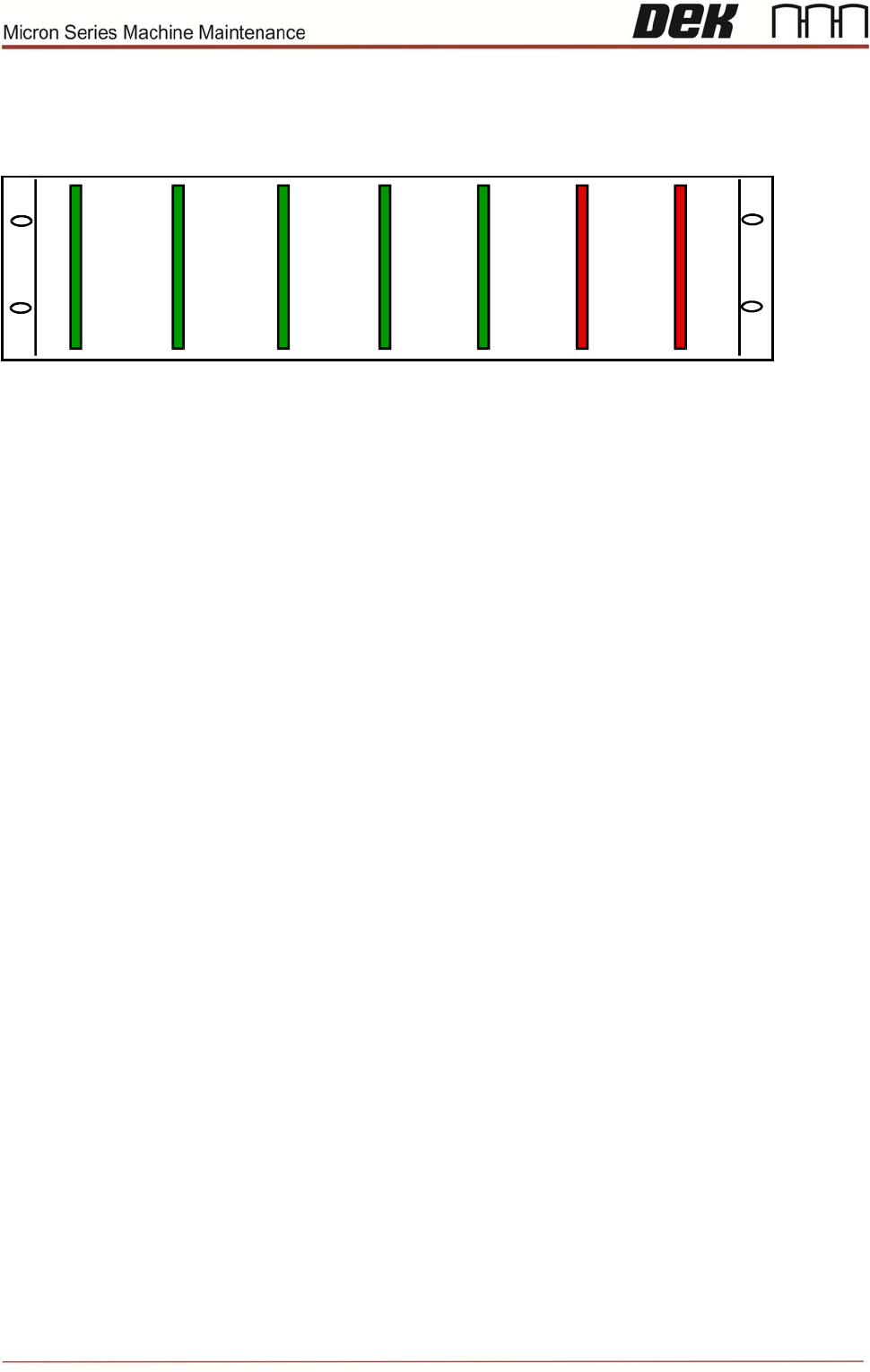
Objective ET4.2
With reference to the technical reference manual, identify each part of the Control
Enclosure
NOTES:
X1
X2
X3
X4
X5
X6 X7
X1
X2
X3
X4
X5
X6 X7

Issue 6, Nov 14
29
Objective ET5: Carry out PCB removal and replacement procedures
Using the ESD protective equipment supplied and with the aid of the manual, remove one
of each type of card and check for correct configuration. Replace the card ensuring any
subsequent recovery procedures are carried out.
NOTES:
Quiz:
Which configurations and settings must be completed if the Nextmove card is changed?
Name 3 locations where +24v can be monitored?
Which cards are interchangeable for troubleshooting purposes?