User-Manual-NeoDen3V-PNP-machine.pdf - 第27页
22 2.3. Ma nual T est Function: Use d for testing the ba sic fu nctions, connection b etween software and ha rdware , de tails ab out testing as below:
21
2.2. File Mount
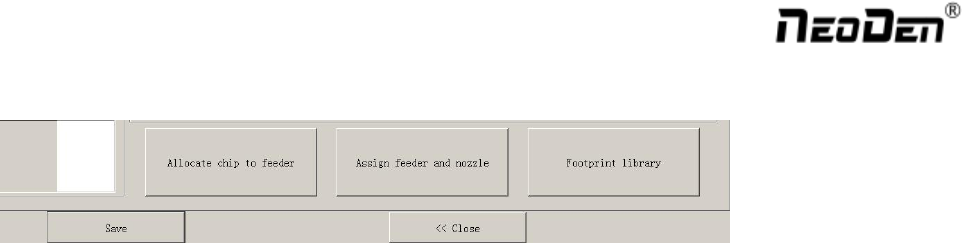
First select one file, click”mount”, then you will enter into mounting interface, above picture is an example of one
file in mounting.
1) On the top-left corner shows mounting process, chip list---by the variation of white line, you can track
process of mounting constantly.
2) On the bottom-left corner shows some feedback during mounting process.
3) On the top-right corner shows the status of picking and picking alignment
4) On the top-right corner shows some control information:
5) Real-time air pressure of 2 nozzles
6) Placement speed, can be changed by manual during mounting
7) Continuous,this is used in one-stop smt production line, add conveyors in front and behind,
8) Auto-eject PCB once finished, when select this option, after finished mounting task, PCB will eject its
working area automatically
9) Other control information,Start&Continuous/Step/Pause(stop)/Eject PCB front/Stop
10) The machine will execute command and work constantly
Step: The machine will work one single step
Pause: The machine will stop its work instantly
Eject PCB Front: In order to catch the PCB, after PCB assembly, click this option, PCB will eject from its
feeding position. Kindly notice: After pause the machine then you can execute required command.
Exit: before click this option, you need to click “stop” first
22
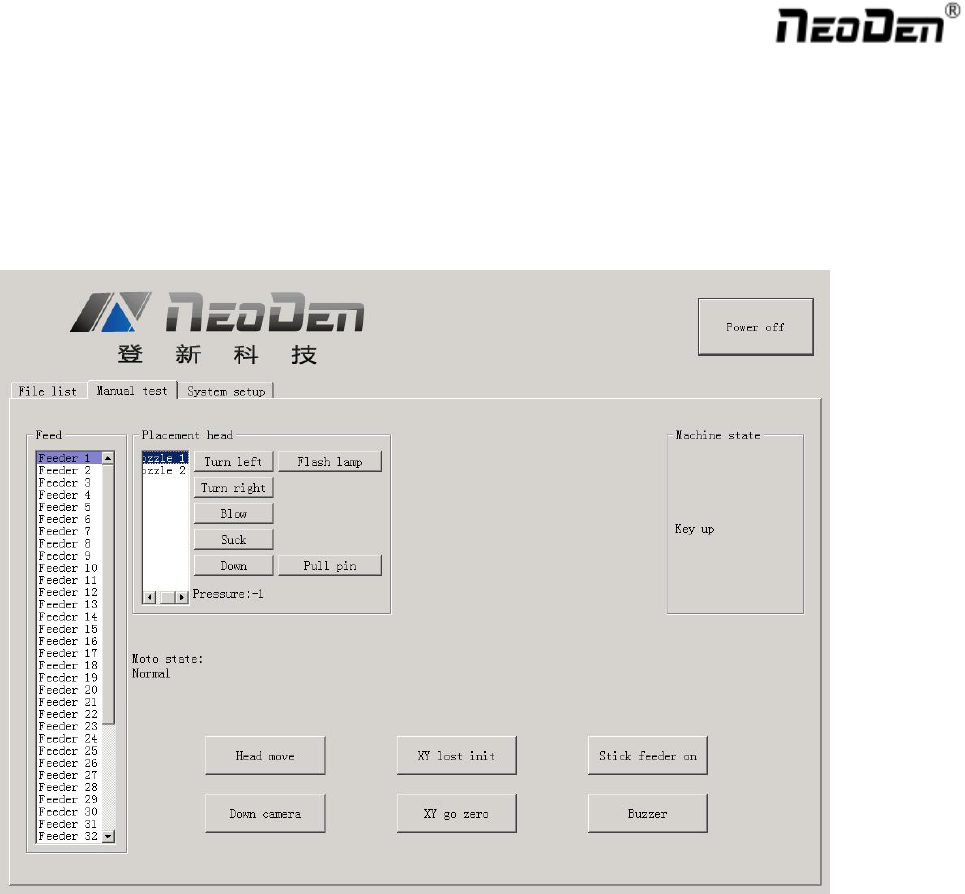
2.3. Manual Test
Function: Used for testing the basic functions, connection between software and hardware , details about testing as
below:
23
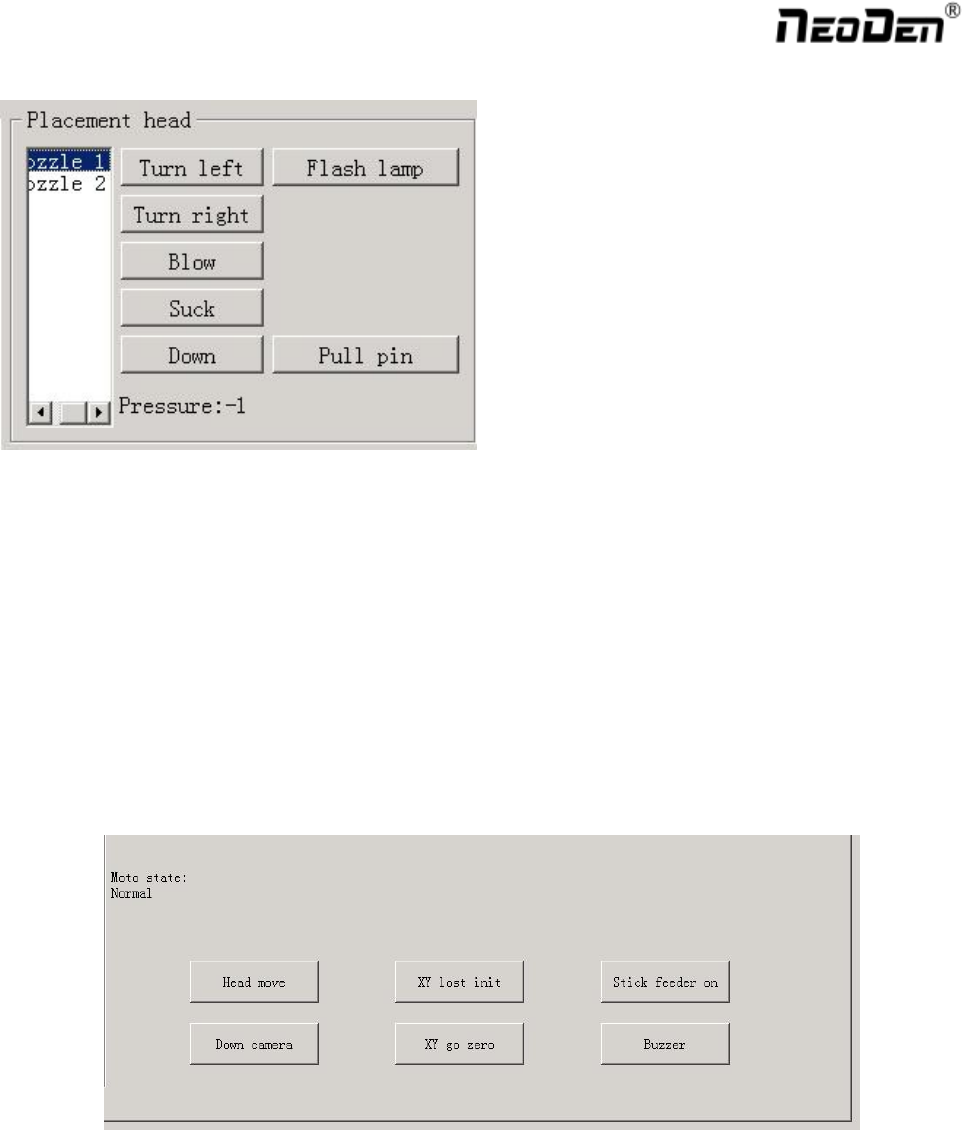
2.3.1. Placement Head
Choose nozzle 1, nozzle 2, nozzle 3, nozzle 4 to test separately
Turn left& Turn right, selected nozzles will rotate
Blow, after click this option, air will blow-off from selected nozzle
Suck, after click this option, suction action will appear from selected nozzle
Down, after click this option, selected nozzle will descend slowly
Down Looking Camera light, after click this option, Led light besides the camera will turn on
Needle, selected it and it will go down
Air pressure 1, 2, 3, 4,Based on the testing of nozzles, you can see pressure value of each nozzle.
2.3.2. Host Control
Function, test each function key
Head move, after click this option, you will enter into”head move”page, click to move