3OM-1064-001.pdf - 第142页
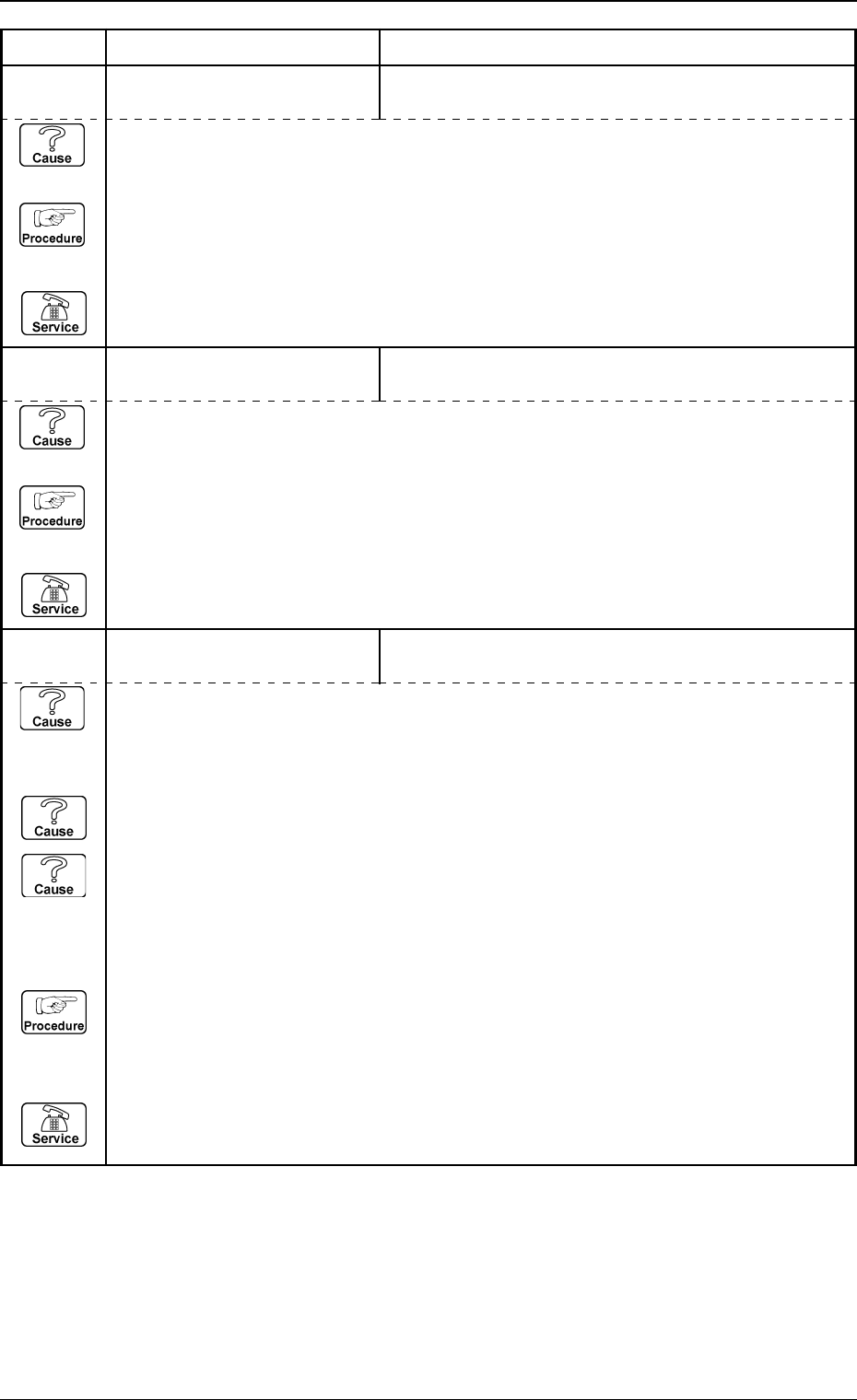
Error Code Display A Display B 0005-002 2-87 Tg0248-PM-ER 3. T rouble Shooting after Error Display 60 04 04 INTERLOCK FEEDER W AS NOT SEA TED PROPERL Y A T BEAM-B SIDE. (Cause 1) This is the device’ s self-diagnostic mes…
Error Code Display A Display B
0005-002 2-86 Tg0248-PM-ER
3. Trouble Shooting after Error Display
60 04 01 INTERLOCK UNLOCK OF BEAM-A STOPPER WAS DETECTED.
(Cause 1) Is the YA-axis stationary position stopper return limit (BPH029) sensor motion correct?
(Check it at “Input Check Display: INTERLOCK”)
This input is performed through a relay. Therefore, check also the relay motion
(K122A).
(Cause 2) Is there any dust etc. on the YA-axis stationary position stopper return limit (BPH029)
sensor which monitors the beam A mechanical stopper stationary position?
If so, completely remove it.
(Cause 3) Did you push the beam A intentionally by hand when the beam mechanical stopper was
inserted and the main power circuit shut off?
If the YA-axis slide origin is out of place, this error occurs.
(Reset Procedure in the case of Causes 1, 2 and 3)
Reset Procedure
(1) Press the [CLEAR ALARM] key and the buzzer stops sounding.
(2) Press the [ZERO] button to return all the axes to their original positions.
(3) Re-start.
(4) If the device can’t be re-started, contact our service personnel.
60 03 03 BEAM-B POWER SHUT-OFF FEEDER COVER (B) WAS OPENED.
(Cause 1) This is the device’s self-diagnostic message.
(Reset Procedure in the case of Cause 1)
Reset Procedure
(1) Press the [CLEAR ALARM] key and the buzzer stops sounding.
(2) Press the [ZERO] button to return all the axes to their original positions.
(3) Re-start.
(4) If the device can’t be re-started, contact our service personnel.
60 03 02 BEAM-B POWER SHUT-OFF SAFETY BAR (B) WAS OPENED.
(Cause 1) This is the device’s self-diagnostic message.
(Reset Procedure in the case of Cause 1)
Reset Procedure
(1) Press the [CLEAR ALARM] key and the buzzer stops sounding.
(2) Press the [ZERO] button to return all the axes to their original positions.
(3) Re-start.
(4) If the device can’t be re-started, contact our service personnel.
Error Code Display A Display B
0005-002 2-87 Tg0248-PM-ER
3. Trouble Shooting after Error Display
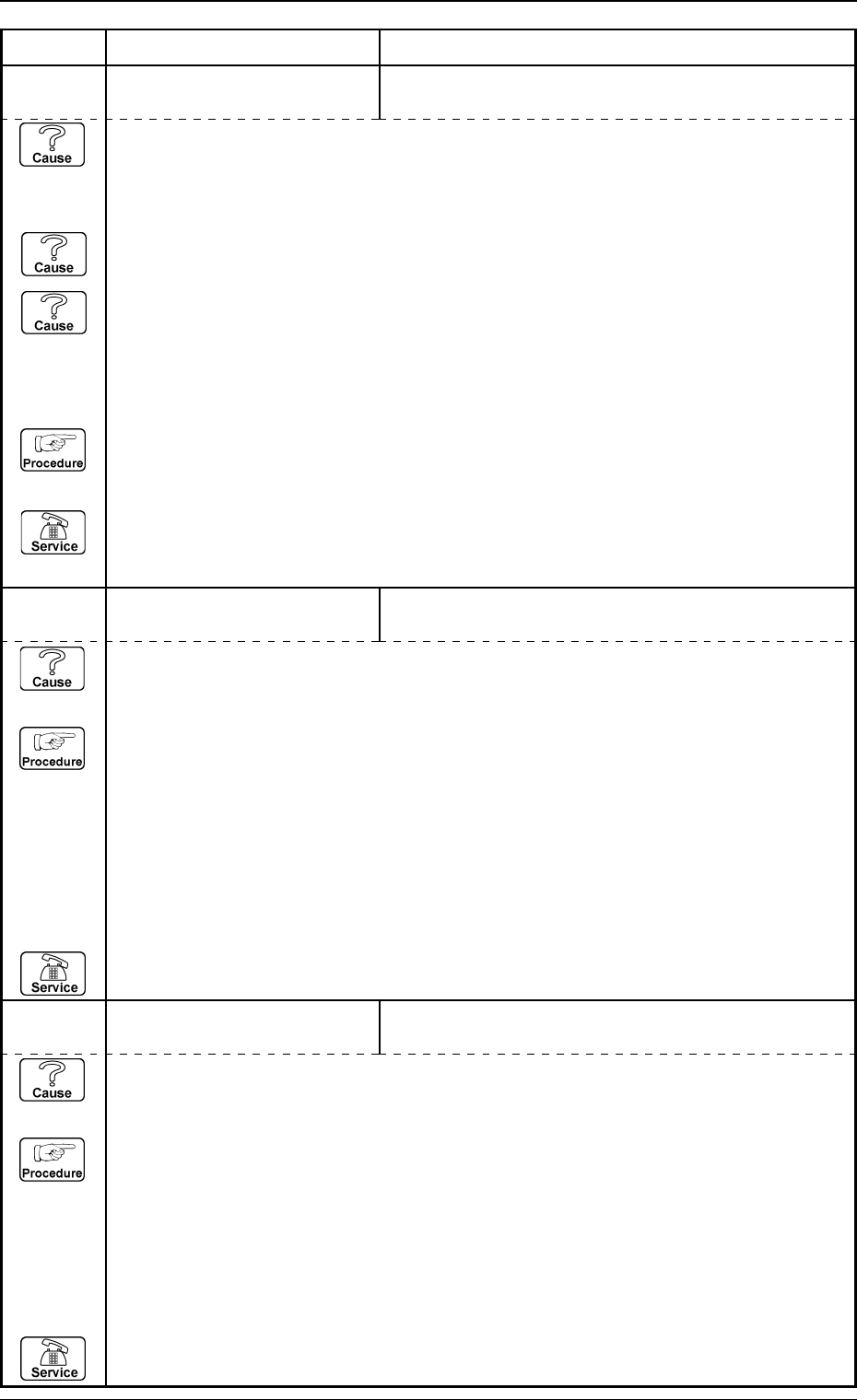
60 04 04 INTERLOCK FEEDER WAS NOT SEATED PROPERLY AT BEAM-B
SIDE.
(Cause 1) This is the device’s self-diagnostic message.
(Reset Procedure in the case of Cause 1)
Reset Procedure
(1) Press the [CLEAR ALARM] key and the buzzer stops sounding.
(2) Lifted feeder detection B1 (BPH055) ON (E / R (light emitted and received)).
Lifted feeder detection B2 (BPH056) OFF (E / NR (light emitted and not received)).
Check the condition of feeder installation.
If necessary, re-install correctly.
(3) Press the [ZERO] button to return all the axes to their original positions.
(4) Re-start.
(5) If the device can’t be re-started, contact our service personnel.
60 04 03 INTERLOCK FEEDER WAS NOT SEATED PROPERLY AT BEAM-A
SIDE.
(Cause 1) This is the device’s self-diagnostic message.
(Reset Procedure in the case of Cause 1)
Reset Procedure
(1) Press the [CLEAR ALARM] key and the buzzer stops sounding.
(2) Lifted feeder detection A1 (BPH053) ON (E / R (light emitted and received)).
Lifted feeder detection A2 (BPH054) OFF (E / NR (light emitted and not received)).
Check the condition of feeder installation.
If necessary, re-install correctly.
(3) Press the [ZERO] button to return all the axes to their original positions.
(4) Re-start.
(5) If the device can’t be re-started, contact our service personnel.
60 04 02 INTERLOCK UNLOCK OF BEAM-B STOPPER WAS DETECTED.
(Cause 1) Is the YB-axis stationary position stopper return limit (BPH031) sensor motion correct?
(Check it at “Input Check Display: INTERLOCK”)
This input is performed through a relay. Therefore, check also the relay motion (K122B).
(The machine equipped with the relay board is (K32))
(Cause 2) Is there any dust etc. on the YB-axis stationary position stopper return limit (BPH031)
sensor which monitors the beam B mechanical stopper stationary position?
If so, completely remove it.
(Cause 3) Did you push the beam B intentionally by hand when the beam mechanical stopper was
inserted and the main power circuit shut off?
If the YB-axis slide origin is out of place, this error occurs.
(Reset Procedure in the case of Causes 1, 2 and 3)
Reset Procedure
(1) Press the [CLEAR ALARM] key and the buzzer stops sounding.
(2) Press the [ZERO] button to return all the axes to their original positions.
(3) Re-start.
(4) If the device can’t be re-started, contact our service personnel.
Error Code Display A Display B
0005-002 2-88 Tg0248-PM-ER
3. Trouble Shooting after Error Display
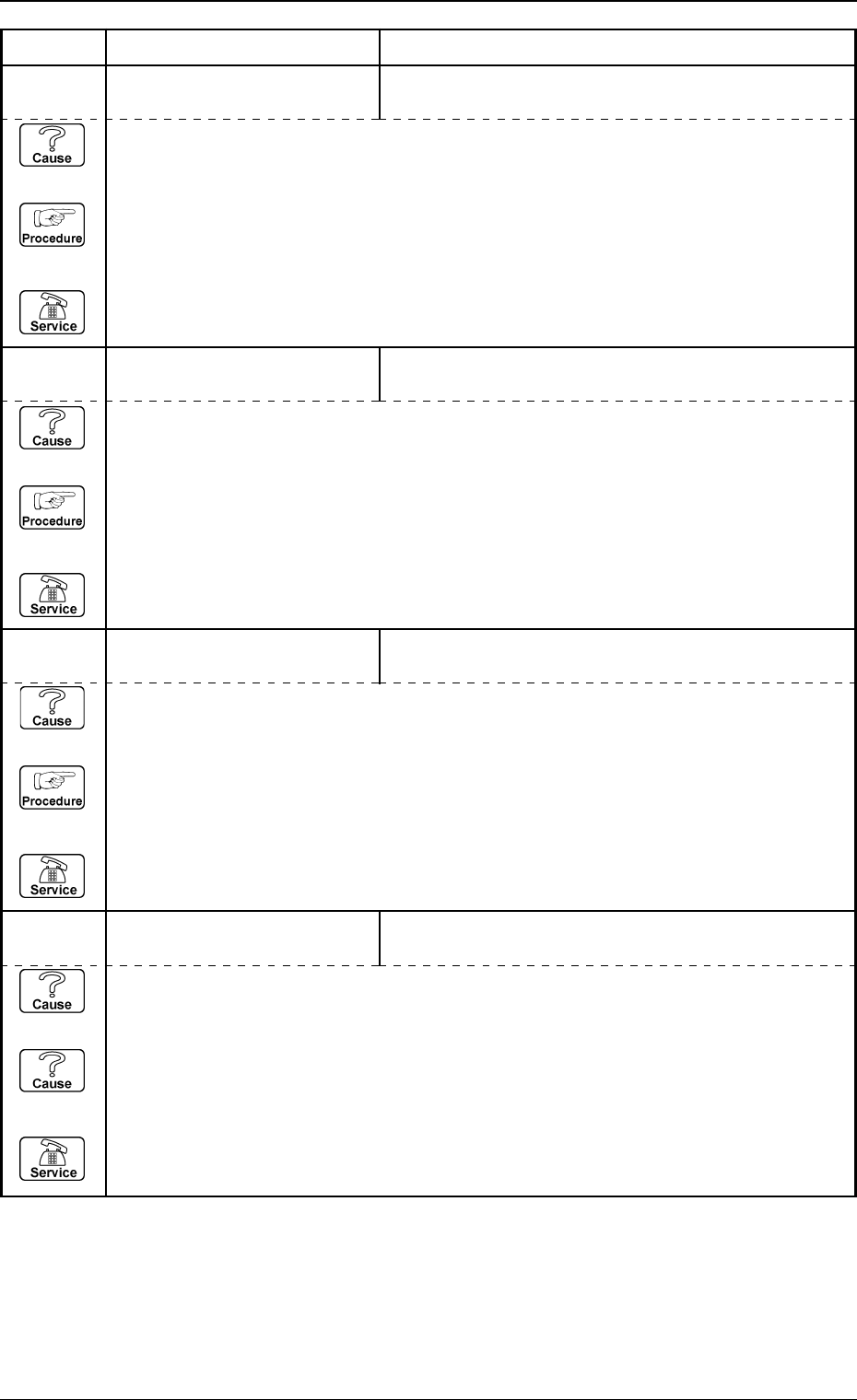
60 04 08 INTERLOCK NOZZLE WAS NOT SEATED PROPERLY IN NOZZLE
STOCKER (B2).
(Cause 1) This is the device’s self-diagnostic message.
(Reset Procedure in the case of Cause 1)
Reset Procedure
(1) Press the [CLEAR ALARM] key and the buzzer stops sounding.
(2) Press the [ZERO] button to return all the axes to their original positions.
(3) Re-start.
(4) If the device can’t be re-started, contact our service personnel.
(Cause 1) This is the device’s self-diagnostic message.
(Reset Procedure in the case of Cause 1)
Reset Procedure
(1) Press the [CLEAR ALARM] key and the buzzer stops sounding.
(2) Press the [ZERO] button to return all the axes to their original positions.
(3) Re-start.
(4) If the device can’t be re-started, contact our service personnel.
60 04 07 INTERLOCK NOZZLE WAS NOT SEATED PROPERLY IN NOZZLE
STOCKER (B1).
60 04 06 INTERLOCK
(Cause 1) This is the device’s self-diagnostic message.
(Reset Procedure in the case of Cause 1)
Reset Procedure
(1) Press the [CLEAR ALARM] key and the buzzer stops sounding.
(2) Press the [ZERO] button to return all the axes to their original positions.
(3) Re-start.
(4) If the device can’t be re-started, contact our service personnel.
NOZZLE WAS NOT SEATED PROPERLY IN NOZZLE
STOCKER (A2).
60 04 05 INTERLOCK NOZZLE WAS NOT SEATED PROPERLY IN NOZZLE
STOCKER (A1).
(Cause 1) This is the device’s self-diagnostic message.
(Reset Procedure in the case of Cause 1)
Reset Procedure
(1) Press the [CLEAR ALARM] key and the buzzer stops sounding.
(2) Press the [ZERO] button to return all the axes to their original positions.
(3) Re-start.
(4) If the device can’t be re-started, contact our service personnel.