3OM-1064-001.pdf - 第75页
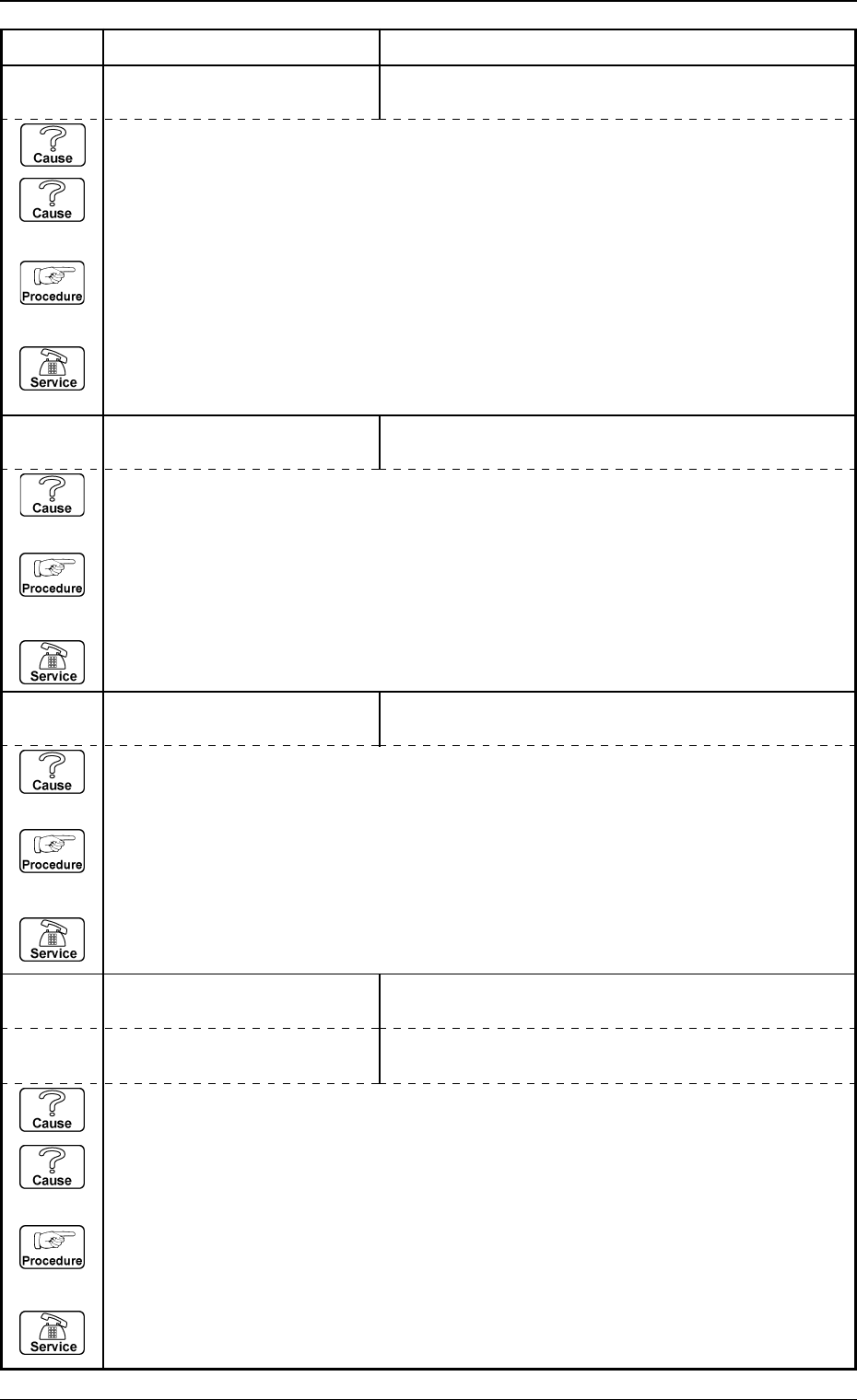
Error Code Display A Display B 0005-002 2-32 Tg0248-PM-ER 3. T rouble Shooting after Error Display 05 05 02 LA1-AXIS SERVOMOT OR DRIVER OVERCURRENT W AS DETECTED. (Cause 1) This is the device’ s self-diagnostic message. …
Error Code Display A Display B
0005-002 2-31 Tg0248-PM-ER
3. Trouble Shooting after Error Display
05 03 01 LA1-AXIS DATA TARGET LOCATION VALUE IS OUT OF RANGE.
(Cause 1) This is the device's self-diagnostic message.
(Reset Procedure in the case of Cause 1)
Reset Procedure
(1) Press the [CLEAR ALARM] key and the buzzer stops sounding.
(2) Press the [ZERO] button to return all the axes to their original positions.
(3) Re-start.
(4) If the device can’t be re-started, contact our service personnel.
05 02 01 LA1-AXIS TIMING PREVIOUS TASK WAS NOT COMPLETED.
UNABLE TO CONTINUE.
(Cause 1) This is the device’s self-diagnostic message.
(Reset Procedure in the case of Cause 1)
Reset Procedure
(1) Press the [CLEAR ALARM] key and the buzzer stops sounding.
(2) Press the [ZERO] button to return all the axes to their original positions.
(3) Re-start.
(4) If the device can’t be re-started, contact our service personnel.
05 01 11 LA1-AXIS ORIGIN LIMIT SENSOR (+)/(−) MIGHT BE DEFECTIVE.
(Cause 1) It may run away due to noise or overcurrent.
(Cause 2) The sensor may be defective.
(Reset Procedure in the case of Causes 1 and 2)
Reset Procedure
(1) Press the [CLEAR ALARM] key and the buzzer stops sounding.
(2) Press the [ZERO] button to return all the axes to their original positions.
(3) Re-start.
(4) If the device can’t be re-started, contact our service personnel.
05 04 01 LA1-AXIS LIMIT LIMIT ERROR (+) IS DETECTED.;C(A1)-BPH122 E/NR
05 04 02 LA1-AXIS LIMIT LIMIT ERROR (−) IS DETECTED.;C(A1)-BPH123 E/NR
(Cause 1) It may run away due to noise or overcurrent.
(Cause 2) The sensor may be defective.
(Reset Procedure in the case of Causes 1 and 2)
Reset Procedure
(1) Press the [CLEAR ALARM] key and the buzzer stops sounding.
(2) Press the [ZERO] button to return all the axes to their original positions.
(3) Re-start.
(4) If the device can’t be re-started, contact our service personnel.
Error Code Display A Display B
0005-002 2-32 Tg0248-PM-ER
3. Trouble Shooting after Error Display
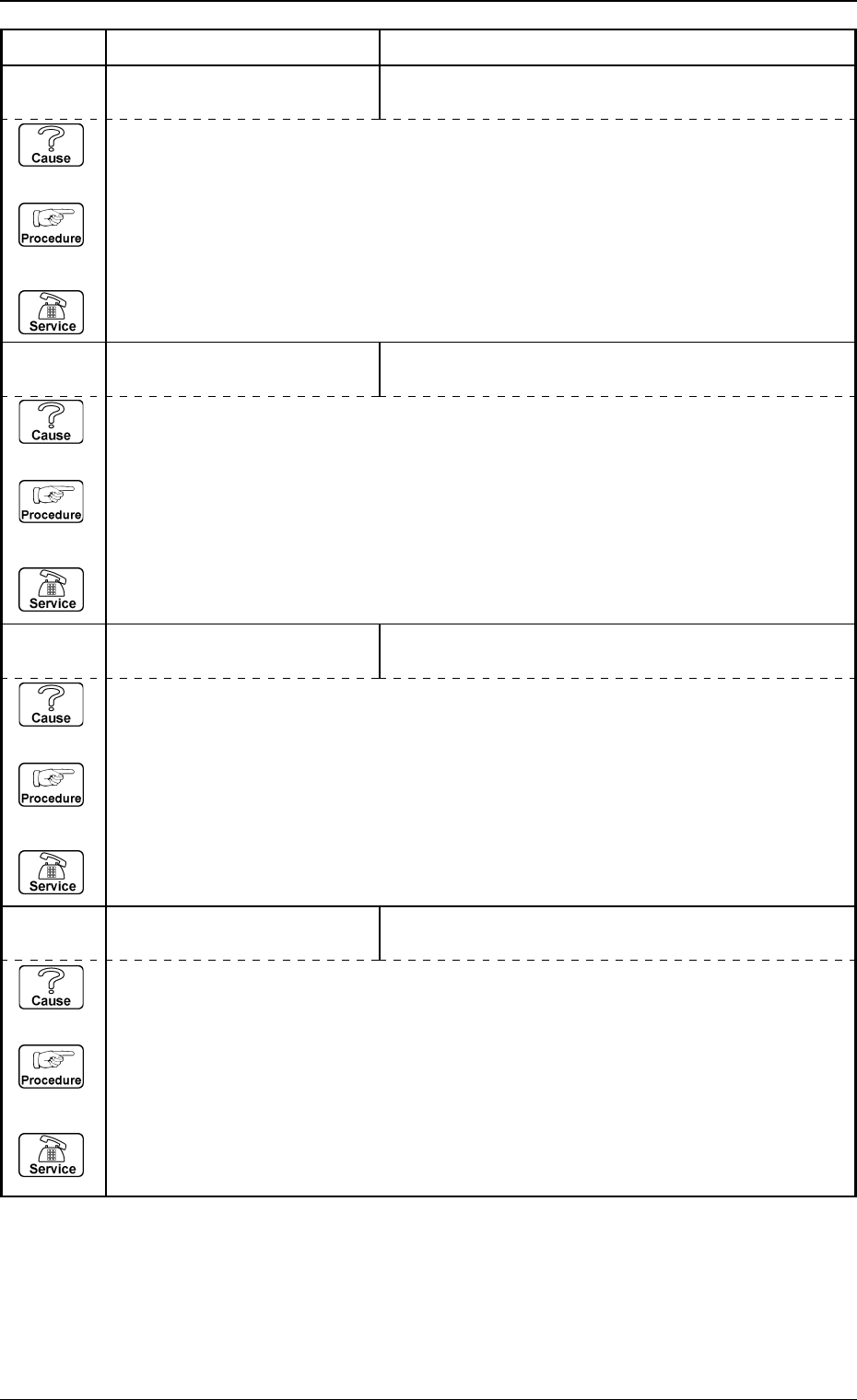
05 05 02 LA1-AXIS SERVOMOTOR
DRIVER
OVERCURRENT WAS DETECTED.
(Cause 1) This is the device’s self-diagnostic message.
(Reset Procedure in the case of Cause 1)
Reset Procedure
(1) Press the [CLEAR ALARM] key and the buzzer stops sounding.
(2) Press the [ZERO] button to return all the axes to their original positions.
(3) Re-start.
(4) If the device can’t be re-started, contact our service personnel.
05 05 01 LA1-AXIS SERVOMOTOR
DRIVER
ABNORMAL DATA SETTING WAS DETECTED.
(Cause 1) This is the device’s self-diagnostic message.
(Reset Procedure in the case of Cause 1)
Reset Procedure
(1) Press the [CLEAR ALARM] key and the buzzer stops sounding.
(2) Press the [ZERO] button to return all the axes to their original positions.
(3) Re-start.
(4) If the device can’t be re-started, contact our service personnel.
05 05 03 LA1-AXIS SERVOMOTOR
DRIVER
FUSE BLEW.
(Cause 1) This is the device’s self-diagnostic message.
(Reset Procedure in the case of Cause 1)
Reset Procedure
(1) Press the [CLEAR ALARM] key and the buzzer stops sounding.
(2) Press the [ZERO] button to return all the axes to their original positions.
(3) Re-start.
(4) If the device can’t be re-started, contact our service personnel.
05 05 04 LA1-AXIS SERVOMOTOR
DRIVER
POSITIONING PULSE OVERFLOW WAS DETECTED.
(Cause 1) This is the device’s self-diagnostic message.
(Reset Procedure in the case of Cause 1)
Reset Procedure
(1) Press the [CLEAR ALARM] key and the buzzer stops sounding.
(2) Press the [ZERO] button to return all the axes to their original positions.
(3) Re-start.
(4) If the device can’t be re-started, contact our service personnel.
Error Code Display A Display B
0005-002 2-33 Tg0248-PM-ER
3. Trouble Shooting after Error Display
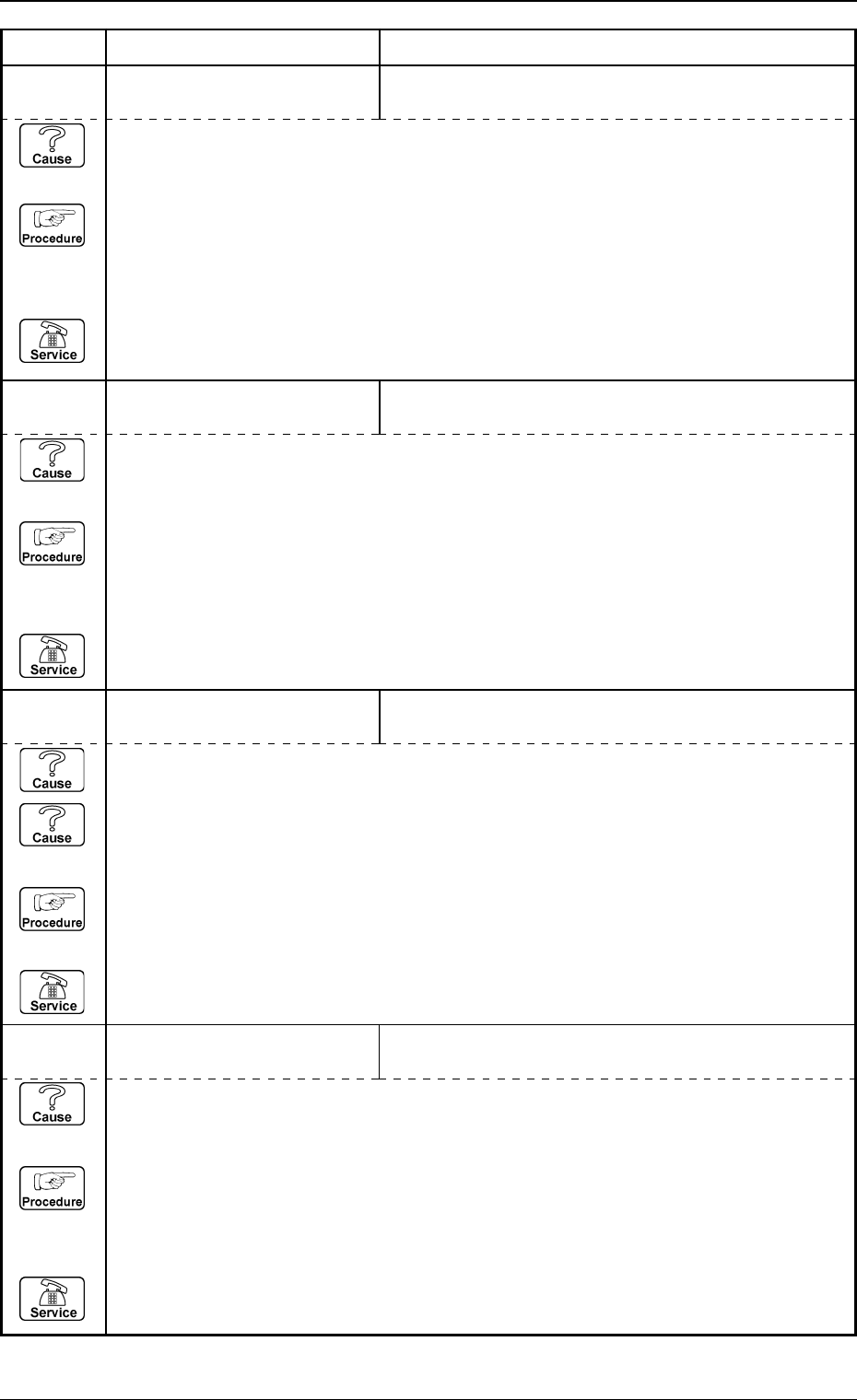
05 05 05 LA1-AXIS SERVOMOTOR
DRIVER
ABNORMAL POWER LINE VOLTAGE WAS DE-
TECTED.
(Cause 1) This is the device’s self-diagnostic message.
(Reset Procedure in the case of Cause 1)
Reset Procedure
(1) Press the [CLEAR ALARM] key and the buzzer stops sounding.
(2) Press the [ZERO] button to return all the axes to their original positions.
(3) Re-start.
(4) If the device can’t be re-started, contact our service personnel.
05 05 08 LA1-AXIS SERVOMOTOR
DRIVER
OVERLOAD WAS DETECTED.
(Cause 1) The L-axis ball screw or linear guide may be defective.
(Cause 2) The L-axis servo motor may be defective.
(Reset Procedure for Causes 1 and 2)
Reset Procedure
(1) Check the L-axis ball screw, linear guide and servo motor.
(2) Re-start.
(3) If the device can’t be re-started, contact our service personnel.
05 05 14 LA1-AXIS SERVOMOTOR
DRIVER
ABNORMAL DATA SETTING WAS DETECTED.
(Cause 1) This is the device’s self-diagnostic message.
(Reset Procedure in the case of Cause 1)
Reset Procedure
(1) Press the [CLEAR ALARM] key and the buzzer stops sounding.
(2) Press the [ZERO] button to return all the axes to their original positions.
(3) Re-start.
(4) If the device can’t be re-started, contact our service personnel.
05 05 06 LA1-AXIS SERVOMOTOR
DRIVER
OVERSPEEDING OR ENCODER TROUBLE WAS
DETECTED.
(Cause 1) This is the device’s self-diagnostic message.
(Reset Procedure in the case of Cause 1)
Reset Procedure
(1) Press the [CLEAR ALARM] key and the buzzer stops sounding.
(2) Press the [ZERO] button to return all the axes to their original positions.
(3) Re-start.
(4) If the device can’t be re-started, contact our service personnel.