3OM-1064-001.pdf - 第85页
Error Code Display A Display B 0005-002 2-42 Tg0248-PM-ER 3. T rouble Shooting after Error Display 06 06 01 LA2-AXIS INTERLOCK EXCESSIVEL Y PUSHED LA2-AXIS NOZZLE W AS DETECTED. (Cause 1) Is the nozzle pushed into a pick…
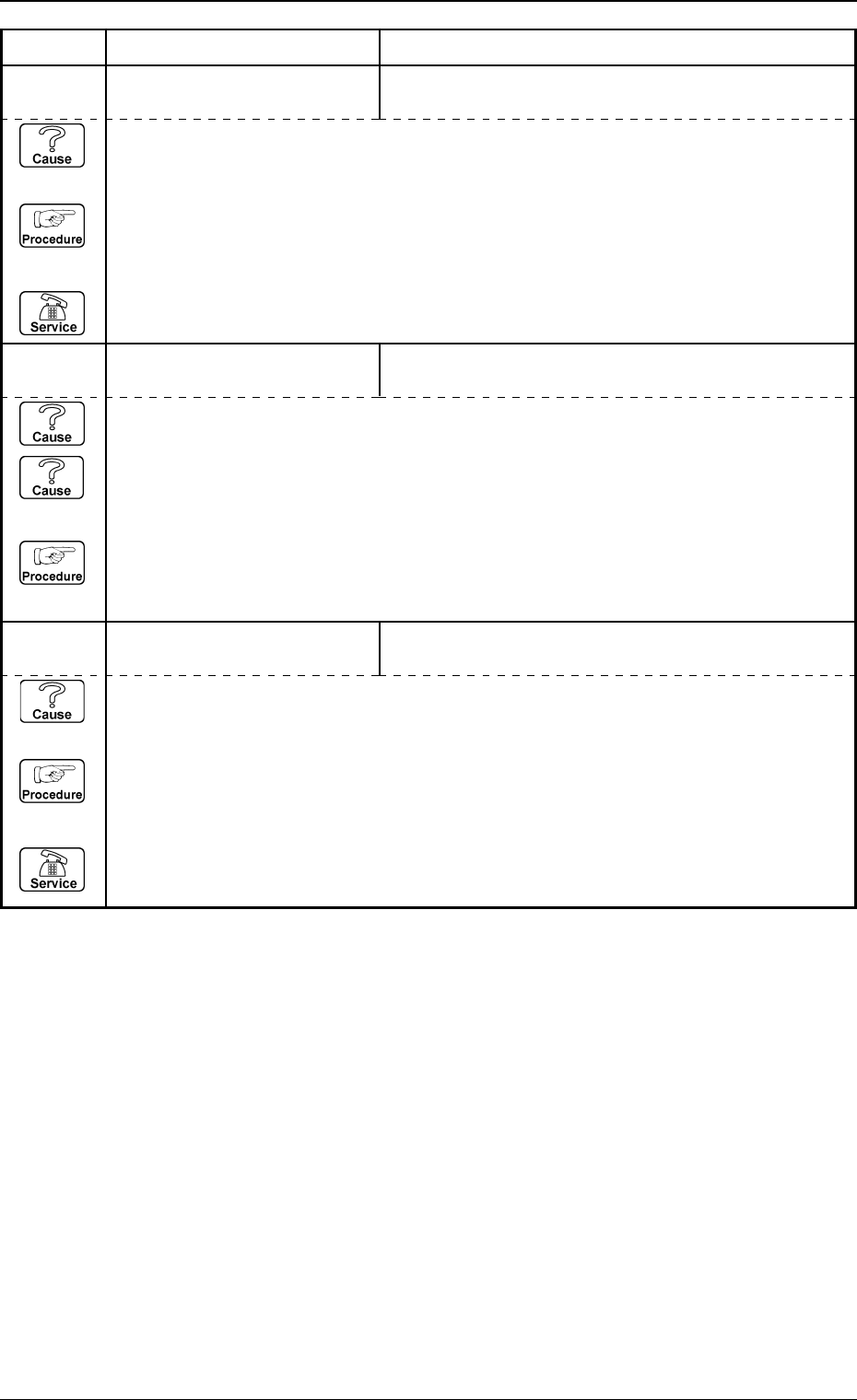
Error Code Display A Display B
06 05 06 LA2-AXIS SERVOMOTOR
DRIVER
OVERSPEEDING OR ENCODER TROUBLE WAS
DETECTED.
06 05 08 LA2-AXIS SERVOMOTOR
DRIVER
OVERLOAD WAS DETECTED.
0005-002 2-41 Tg0248-PM-ER
3. Trouble Shooting after Error Display
(Cause 1) The L-axis ball screw or linear guide may be defective.
(Cause 2) The L-axis servo motor may be defective.
(Reset Procedure in the case of Causes 1 and 2)
Reset Procedure
(1) Check the L-axis ball screw, linear guide and servo motor.
(Cause 1) This is the device’s self-diagnostic message.
(Reset Procedure in the case of Cause 1)
Reset Procedure
(1) Press the [CLEAR ALARM] key and the buzzer stops sounding.
(2) Press the [ZERO] button to return all the axes to their original positions.
(3) Re-start.
(4) If the device can’t be re-started, contact our service personnel.
(Cause 1) This is the device’s self-diagnostic message.
(Reset Procedure in the case of Cause 1)
Reset Procedure
(1) Press the [CLEAR ALARM] key and the buzzer stops sounding.
(2) Press the [ZERO] button to return all the axes to their original positions.
(3) Re-start.
(4) If the device can’t be re-started, contact our service personnel.
05 05 14 LA2-AXIS SERVOMOTOR
DRIVER
ABNORMAL DATA SETTING WAS DETECTED.
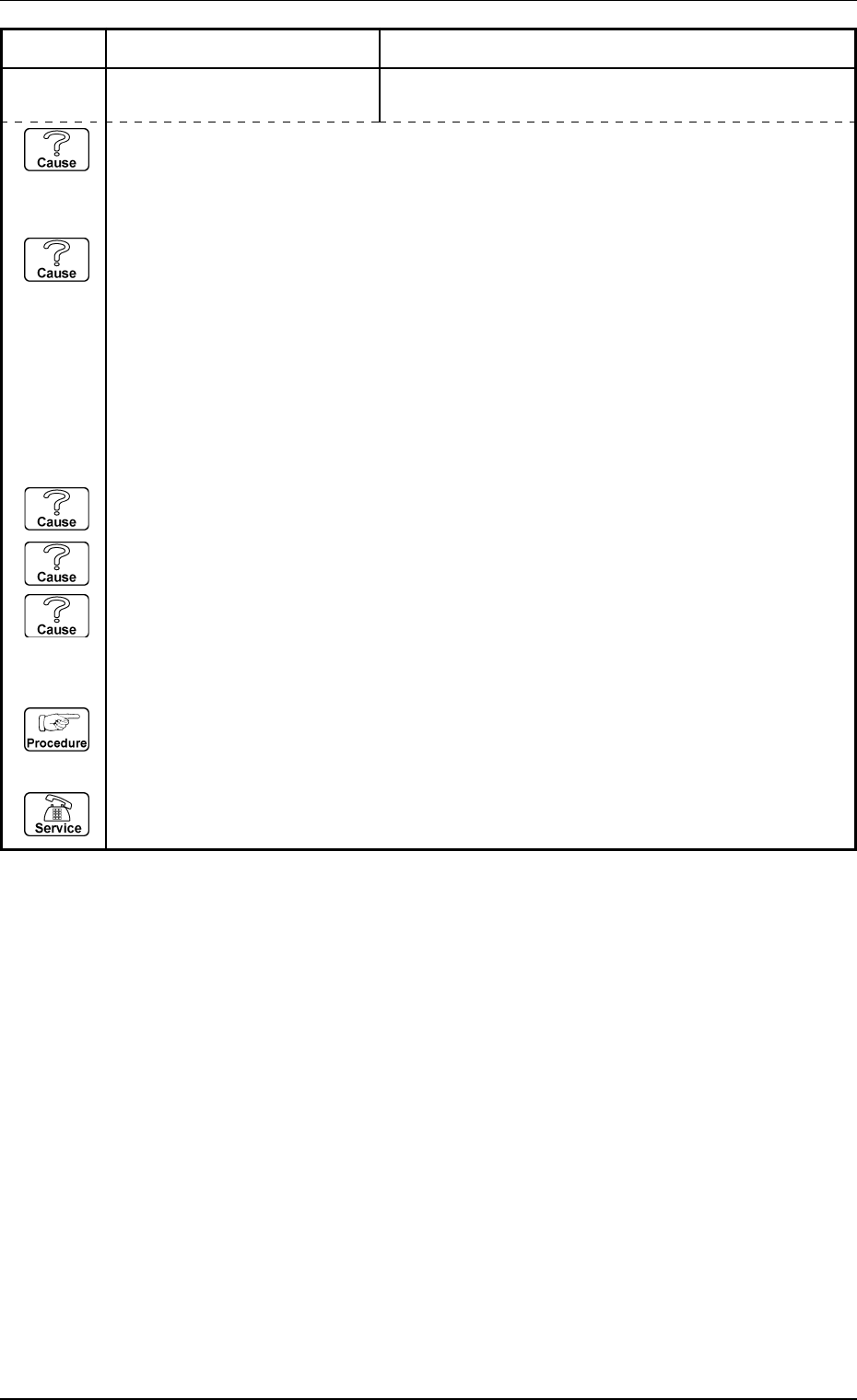
Error Code Display A Display B
0005-002 2-42 Tg0248-PM-ER
3. Trouble Shooting after Error Display
06 06 01 LA2-AXIS INTERLOCK EXCESSIVELY PUSHED LA2-AXIS NOZZLE WAS
DETECTED.
(Cause 1) Is the nozzle pushed into a picked-up component?
(The component pick-up and nozzle change are performed with the nozzle pushed in
the dented pick-up surface of the component, so the condition is created that the nozzle
is pushed in over the tolerance).
(Cause 2) Does the management memory of the nozzle set condition agree with the actual nozzle
set condition?
(Check that the actual device condition agrees with the indications on the nozzle set
and storage menu. Sequence: Manual Mode → Nozzle Set and Storage Menu).
Was the nozzle manually attached to or removed from the head?
As the nozzle set is being managed, on the basis of the Placement Mode History, if the
nozzle is to be attached or removed manually, be careful about whether the actual
condition will differ from the managed condition. Do not set the nozzle to the empty
section of the nozzle stocker which has already been set on the head.
(Cause 3) Is the head lowered position (XY) appropriate?
(Pick-up position, nozzle stocker position, placement position...)
(Cause 4) Is the head lowering level (L: Height Data) appropriate?
(Component Library: pick-up level, placement level...)
(Cause 5) Is the designation of the pick-up nozzle appropriate?
(Affinity with the pick-up surface, dent surface clearance...)
(Reset Procedure in the case of Causes 1, 2, 3, 4 and 5)
Reset Procedure
(1) Remove the causes.
(2) Press the [ZERO] button to return all the axes to their origins.
(3) Re-start.
(4) If it can’t be re-started, contact our service personnel.
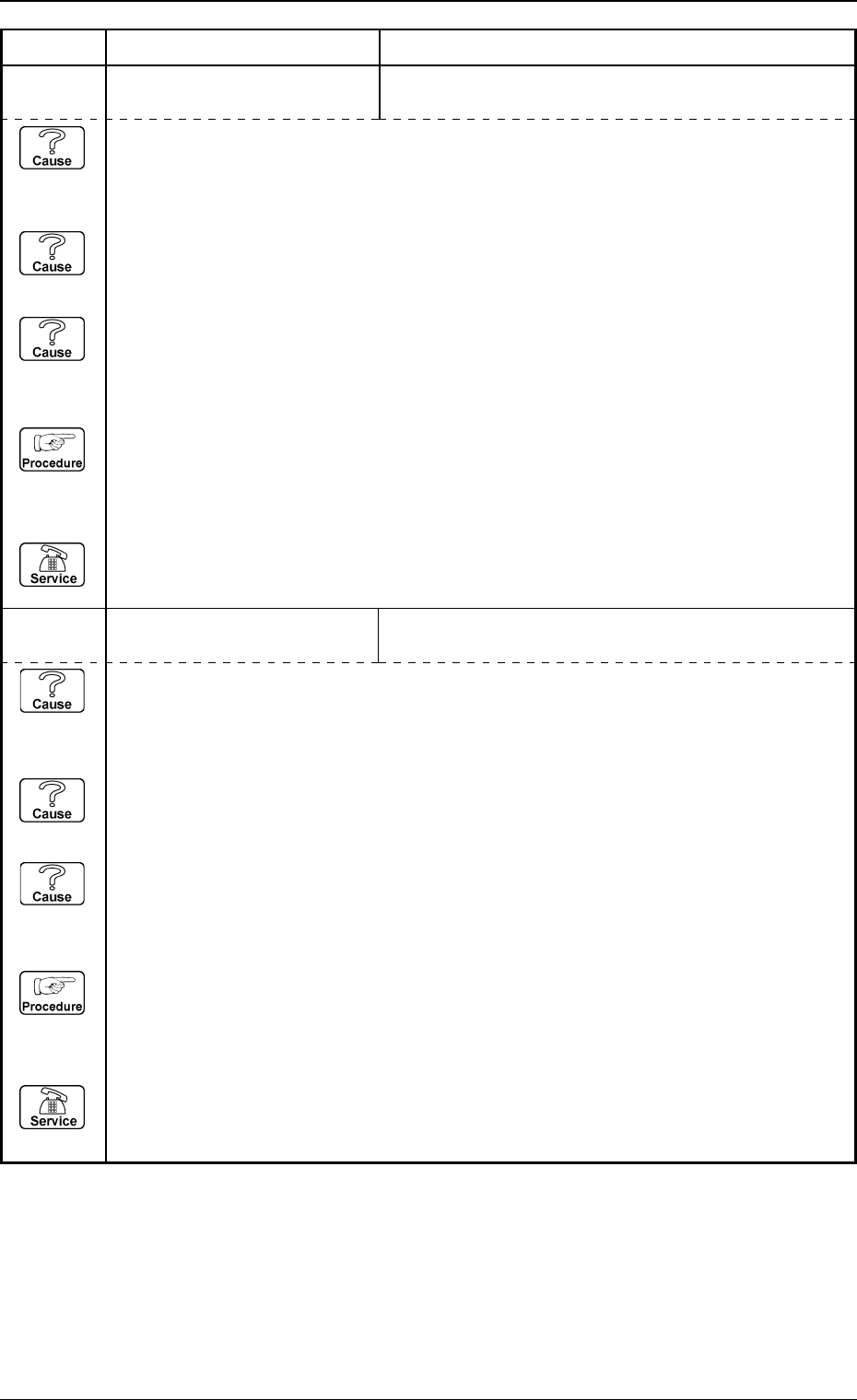
Error Code Display A Display B
0005-002 2-43 Tg0248-PM-ER
3. Trouble Shooting after Error Display
(Cause 1) Is there any dust etc. on the LA2-axis level detection (1) sensor (BPH124) (E / NR
condition) which monitors that the head up / down-axis (LA2) is lifted to the specified
height when the beam A is moved using the lower path line?
If so, completely remove it.
(Cause 2) Is there a large plus figure input in the beam A head 1 up / down column at the “DE-
VICE OFFSET” display?
If it has changed or corrected, correct adjustment is required.
(Cause 3) Is the installation of the LA2-axis level detection (1) sensor (BPH124) loosened or
deviated?
(Reset Procedure in the case of Causes 1, 2, and 3)
Reset Procedure
(1) Press the [CLEAR ALARM] key and the buzzer stops sounding.
(2) Press the [ZERO] button to return all the axes to their original positions.
(3) Re-start.
(4) If the device can’t be re-started, contact our service personnel.
06 06 02 LA2-AXIS INTERLOCK P.C.B. TRANSFER LEVEL VIOLATION WAS DE-
TECTED ON BEAM A.;M(A2)-BPH124 E / NR
(Cause 1) Is there any dust etc. on the LA2-axis level detection (1) sensor (BPH125) (E / NR
condition) which monitors that the head up / down-axis (LA2) is lifted to the specified
height when the beam A is moved using the lower path line?
If so, completely remove it.
(Cause 2) Is there a large plus figure input in the beam A head 1 up / down column at the “DE-
VICE OFFSET” display?
If it has changed or corrected, correct adjustment is required.
(Cause 3) Is the installation of the LA2-axis level detection (1) sensor (BPH125) loosened or
deviated?
(Reset Procedure in the case of Causes 1, 2, and 3)
Reset Procedure
(1) Press the [CLEAR ALARM] key and the buzzer stops sounding.
(2) Press the [ZERO] button to return all the axes to their original positions.
(3) Re-start.
(4) If the device can’t be re-started, contact our service personnel.
06 06 03 LA2-AXIS INTERLOCK P.C.B. TRANSFER LEVEL VIOLATION WAS DE-
TECTED ON BEAM A.;M(A2)-BPH125 E / NR