3OM-1064-001.pdf - 第228页
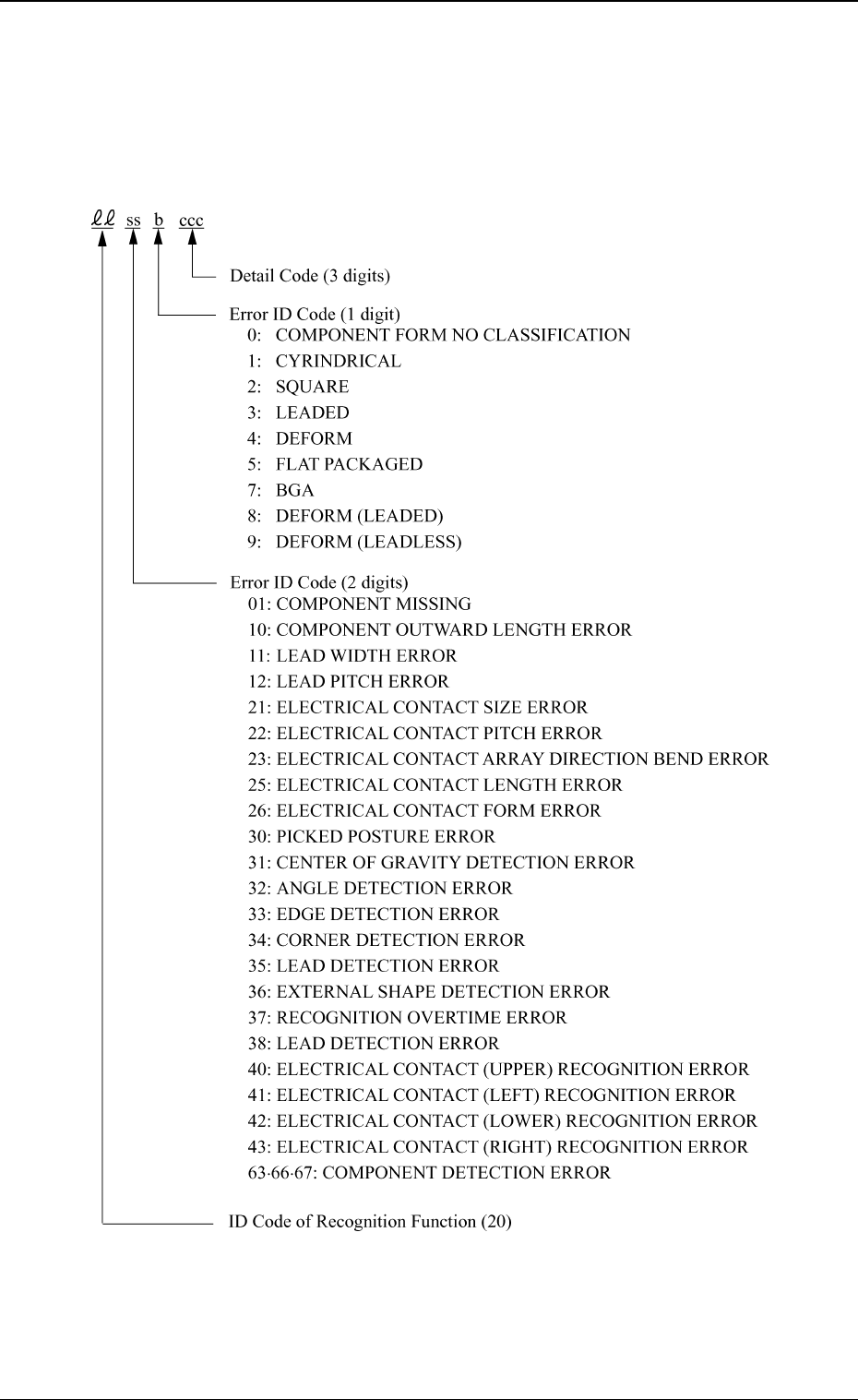
5. Component Recognition Error Code and List of Error Messages 5. Component Recognition Error Code and List of Error Messages Shown are the contents of the error codes which might be issued in the compo- nent recognition…
0005-002 4-31 Tg0248-PM-ER
4. Communication Error Code between Lighting Control Boards and List of Error Messages
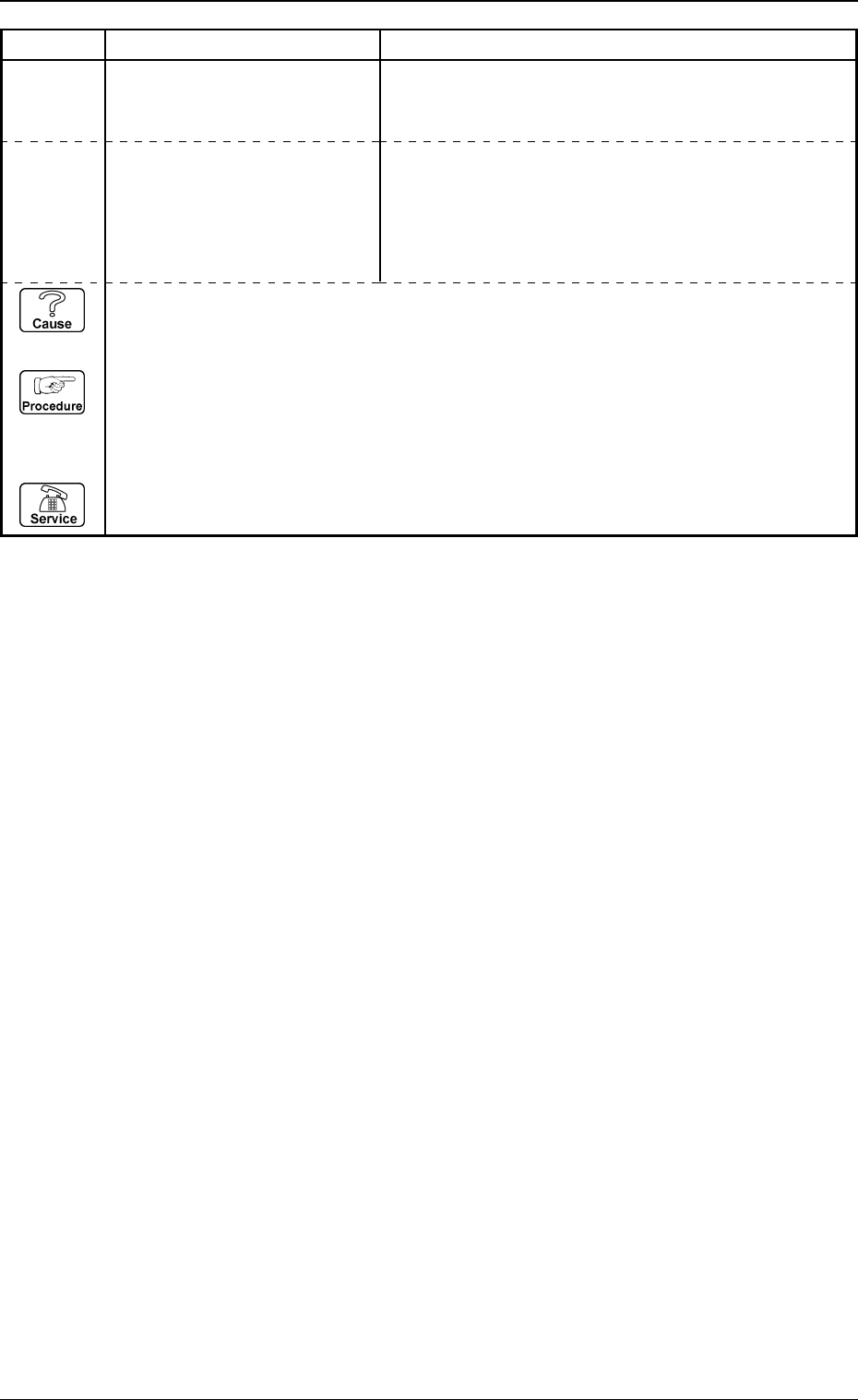
Error Code Display A Display B
15000001 LIGHTING CONTROL BOARD
COMMUNICATION
AN ERROR OCCURRED DURING DATA TRANSFER BE-
TWEEN RECOGNITION AND LIGHTING CONTROL
BOARDS
(Cause 1) This is the device’s self-diagnostic message.
(Reset Procedure in the case of Cause 1)
Reset Procedure
(1) Press the [CLEAR ALARM] key and the buzzer stops sounding.
(2) Press the [ZERO] button to return all the axes to their original positions.
(3) Re-start.
(4) If the device can’t be re-started, contact our service personnel.
15XXXXXX LIGHTING CONTROL BOARD
except the COMMUNICATION
above-
described
codes
ETC.
5. Component Recognition Error Code and List of Error Messages
5. Component Recognition Error Code and List of
Error Messages
Shown are the contents of the error codes which might be issued in the compo-
nent recognition processing.
0005-002 4-32 Tg0248-PM-ER
0005-002 4-33 Tg0248-PM-ER
5. Component Recognition Error Code and List of Error Messages
20010000 COMPONENT MISSING COMPONENT WAS NOT FOUND.
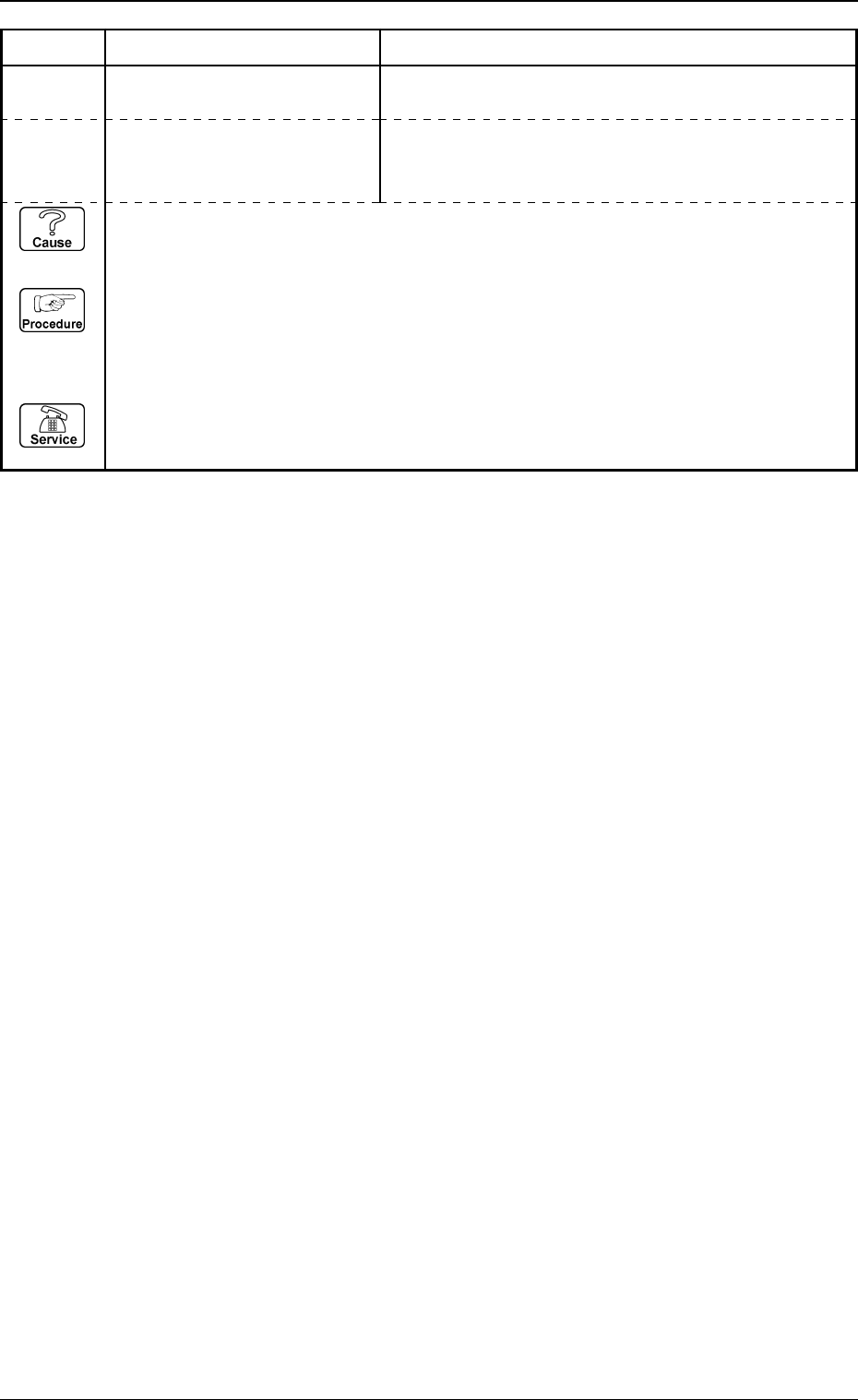
Error Code Display A Display B
2001X001 COMPONENT MISSING
Note: X represents “1 through 4,
8 and 9”.
COMPONENT WAS NOT FOUND.
(Cause 1) This is the device’s self-diagnostic message.
(Reset Procedure in the case of Cause 1)
Reset Procedure
(1) Press the [CLEAR ALARM] key and the buzzer stops sounding.
(2) Press the [ZERO] button to return all the axes to their original positions.
(3) Re-start.
(4) If the device can’t be re-started, contact our service personnel.