CM88Maintenace2x.PDF.pdf - 第46页
Page 3-18 3Y3C-E-MMD03-A02-01 Check and Solutions 3-2-12 Blower Over Heat V acuum Pump Over Heat 1. Setting the current protection value Check that the current protection setting value of thermal relay which is at the le…
Page 3-17
SOLUTIONS FOR ERROR
3
3Y3C-E-MMD03-A02-01
Check and Solutions
3Y3C-AI01
3Y3C-011P
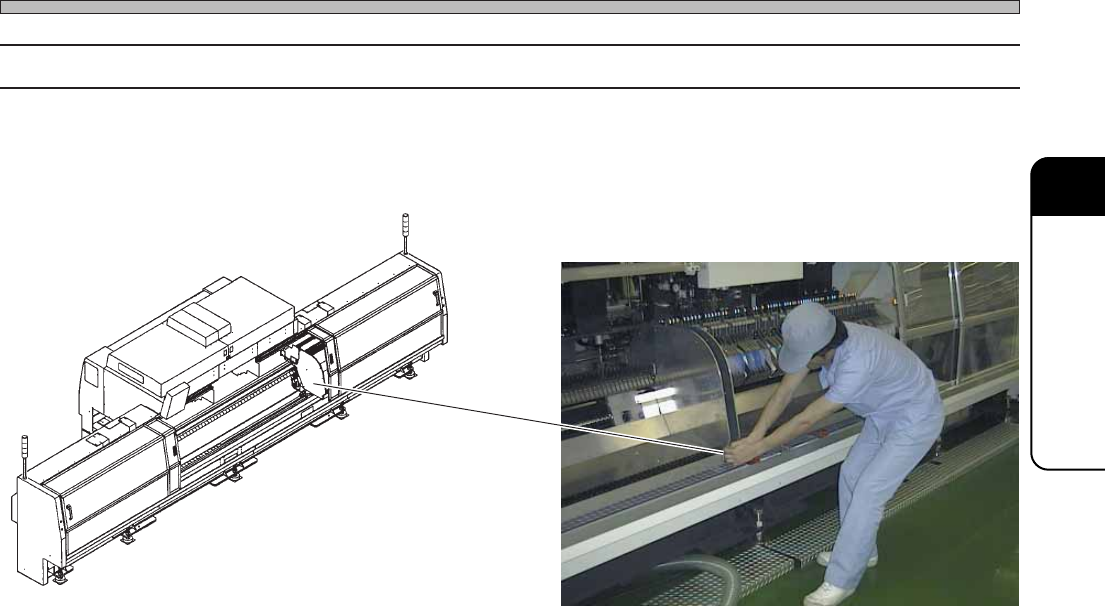
3-2-11 Stage Interlock (Stage Interference)
1. Removing the stage
If the stage is extremely near to the other one, hold the lower part of squeegee and remove the one
by 5 cm to 10 cm as shown in the picture below.
Page 3-18
3Y3C-E-MMD03-A02-01
Check and Solutions
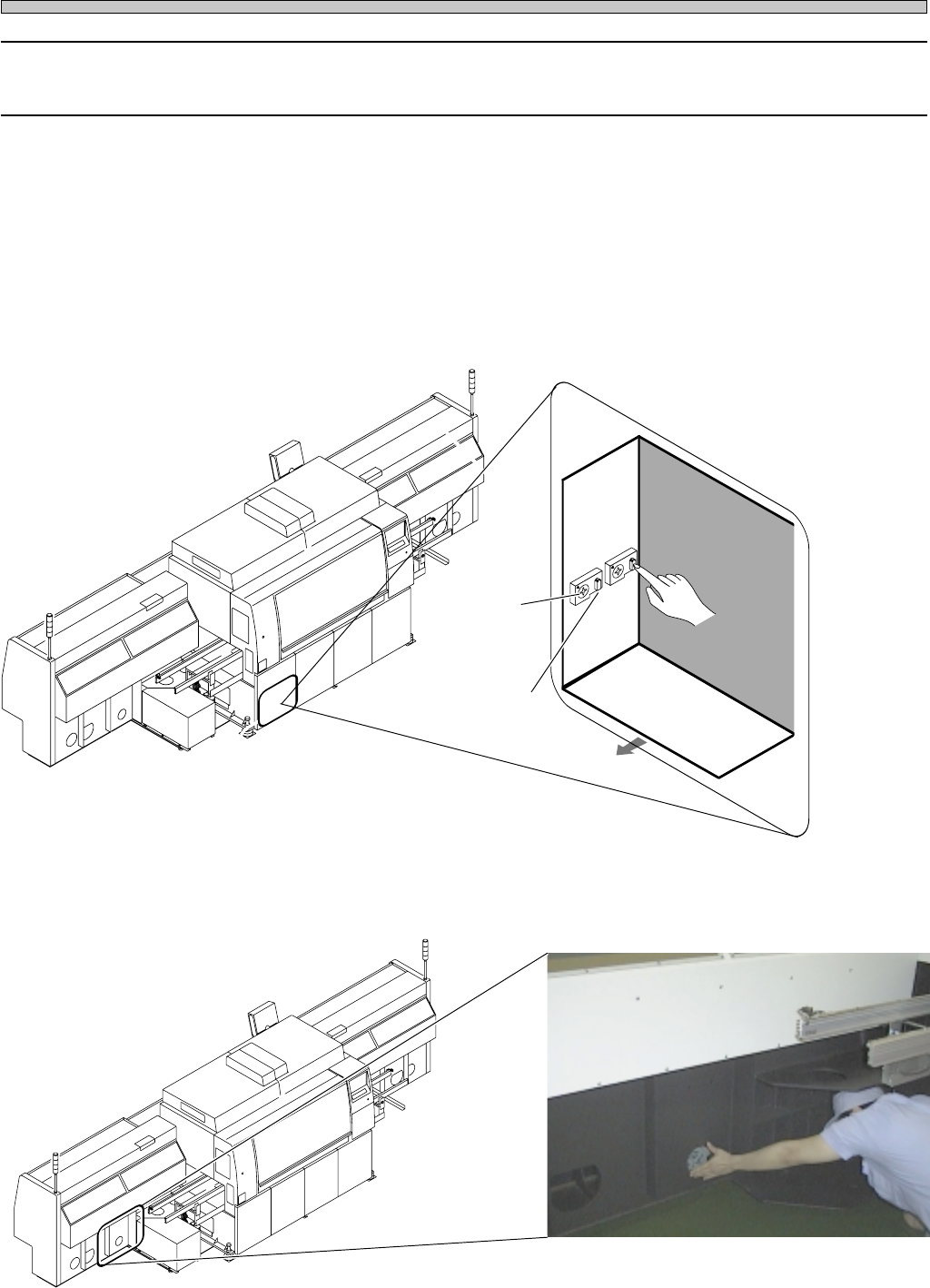
3-2-12 Blower Over Heat
Vacuum Pump Over Heat
1. Setting the current protection value
Check that the current protection setting value of thermal relay which is at the left side in the cover
is 4.2 A (60Hz) or 3.0 A (50Hz) for the blower, and 2.4 A for the vacuum pump.
If settings are wrong, set them to the value above.
∗ Cancel the tripped thermal relay.
Note) Make sure of doing after solutions for error (1 and 2).
Press the reset switch of thermal switch at the left side in the cover.
2. Checking the movement of cooling fan
If the wind is not sent from the wind opening to the outside, it may be the trouble of cooling fan.
Make contact with us for changing them.
3Y3C-095P
4G3C-AA01
4G3C-AA01
Right : Thermal relay for blower
Left : Thermal relay for vacuum pump
Current
protection
value
Left side in
the cover
Reset switch
POWER BOX
Forward
3Y3C-113E
Page 3-19
SOLUTIONS FOR ERROR
3
Check and Solutions
3Y3C-E-MMD03-A02-01
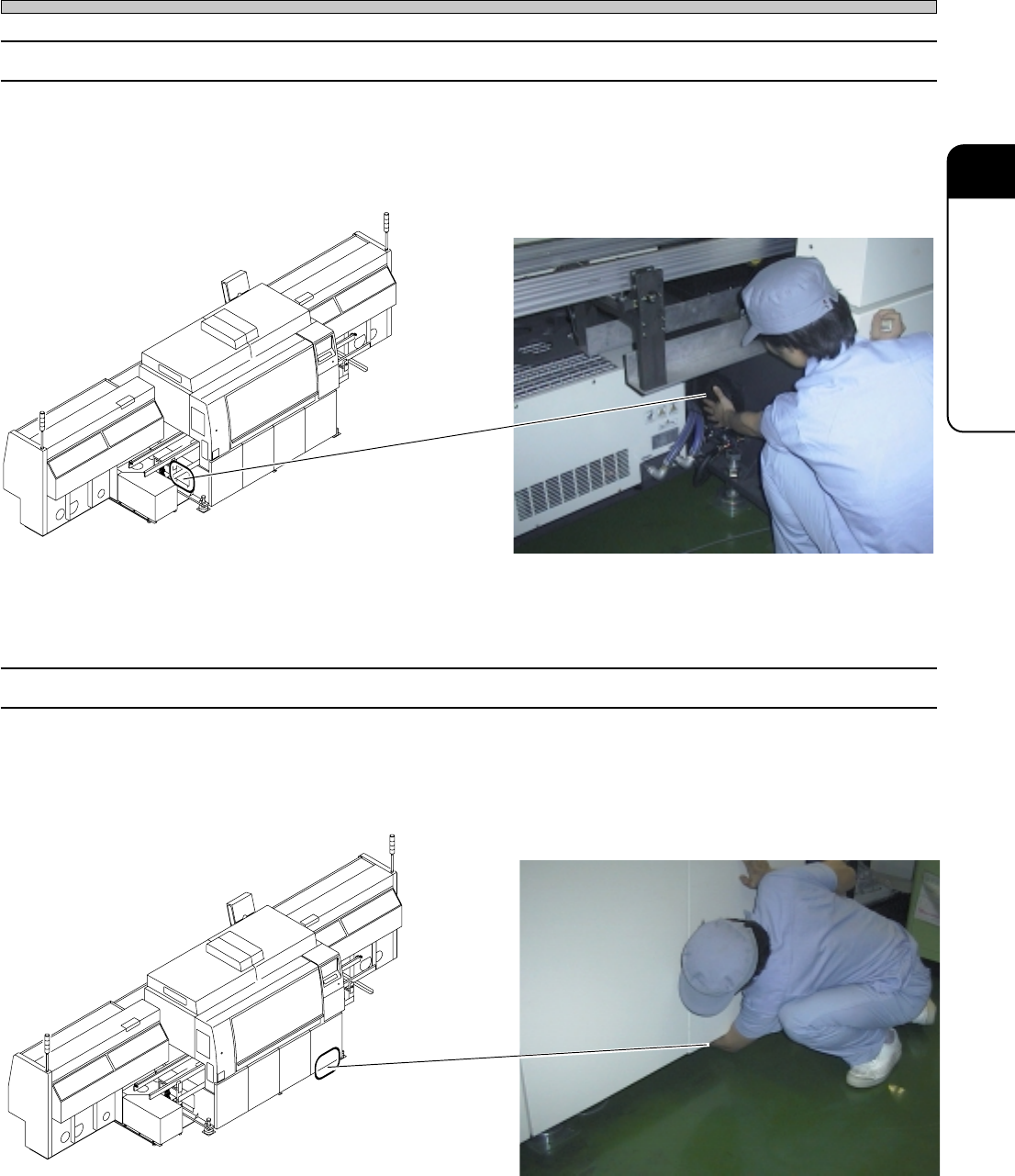
3-2-13 Power Box Over Heat
1. Checking the movement of cooling fan
If the wind is not sent from the wind opening to the outside, it may be the trouble of cooling fan.
Make contact with us for changing them.
3-2-14 CPU Box Over Heat
1. Checking the movement of cooling fan
If the wind is not sent from the wind opening to the outside, it may be the trouble of cooling fan.
Make contact with us for changing.
4G3C-AA01
3Y3C-012P
4G3C-AA01
3Y3C-013P