3OM-1751-002w_G5S.pdf - 第56页
3OM-1751 1-2 1303-001 (Continue from last page. ) "RECOG" Window 6.3 "Light Board" Tab 6.3.1 "Recog Light" Tab 6.3.2 "Capture Img." Tab 6.3.3 6.3.4 "COM. STAT" Window 6.4…
3OM-1751
1-11303-001
1. Outline of Menus for Maintenance
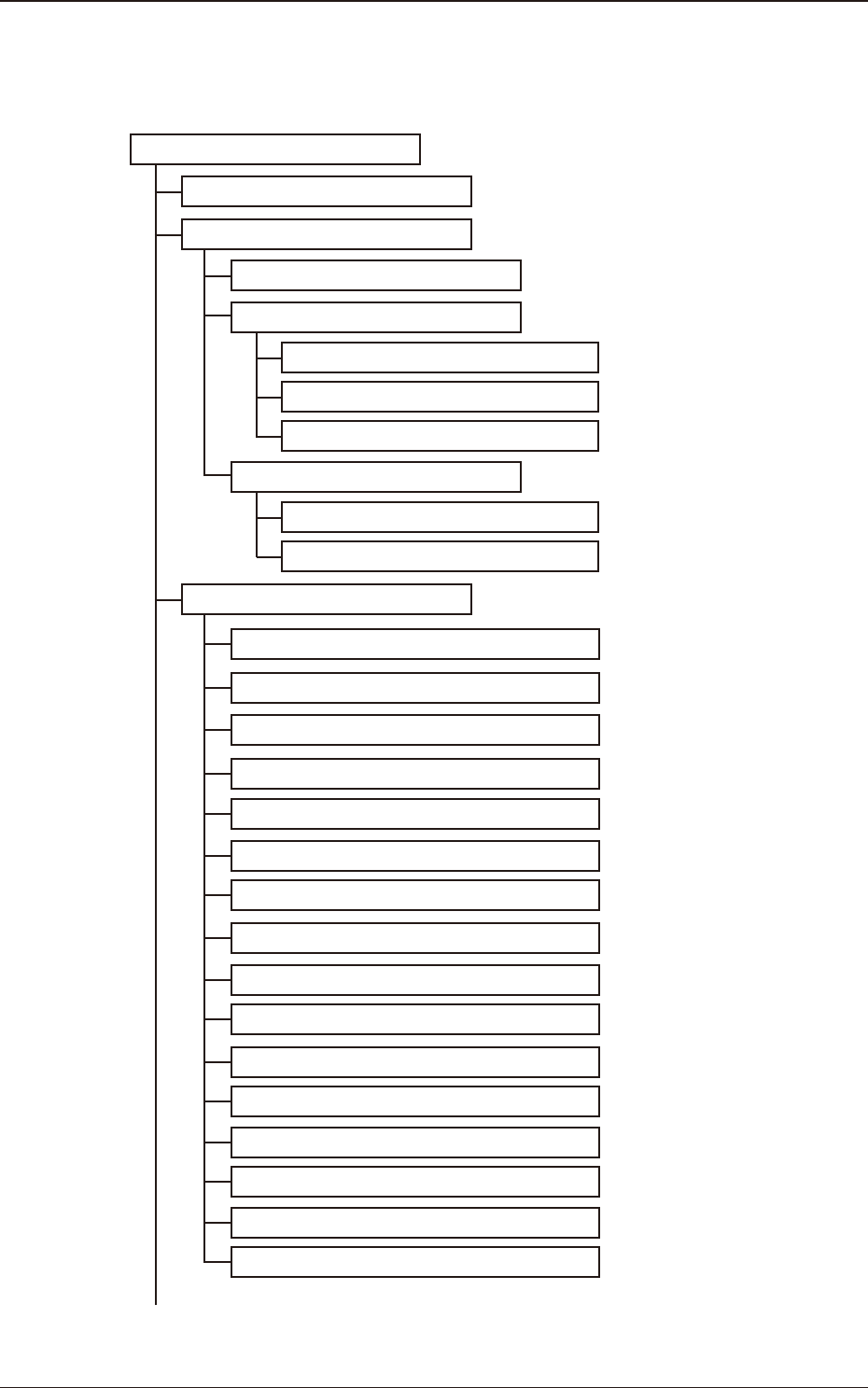
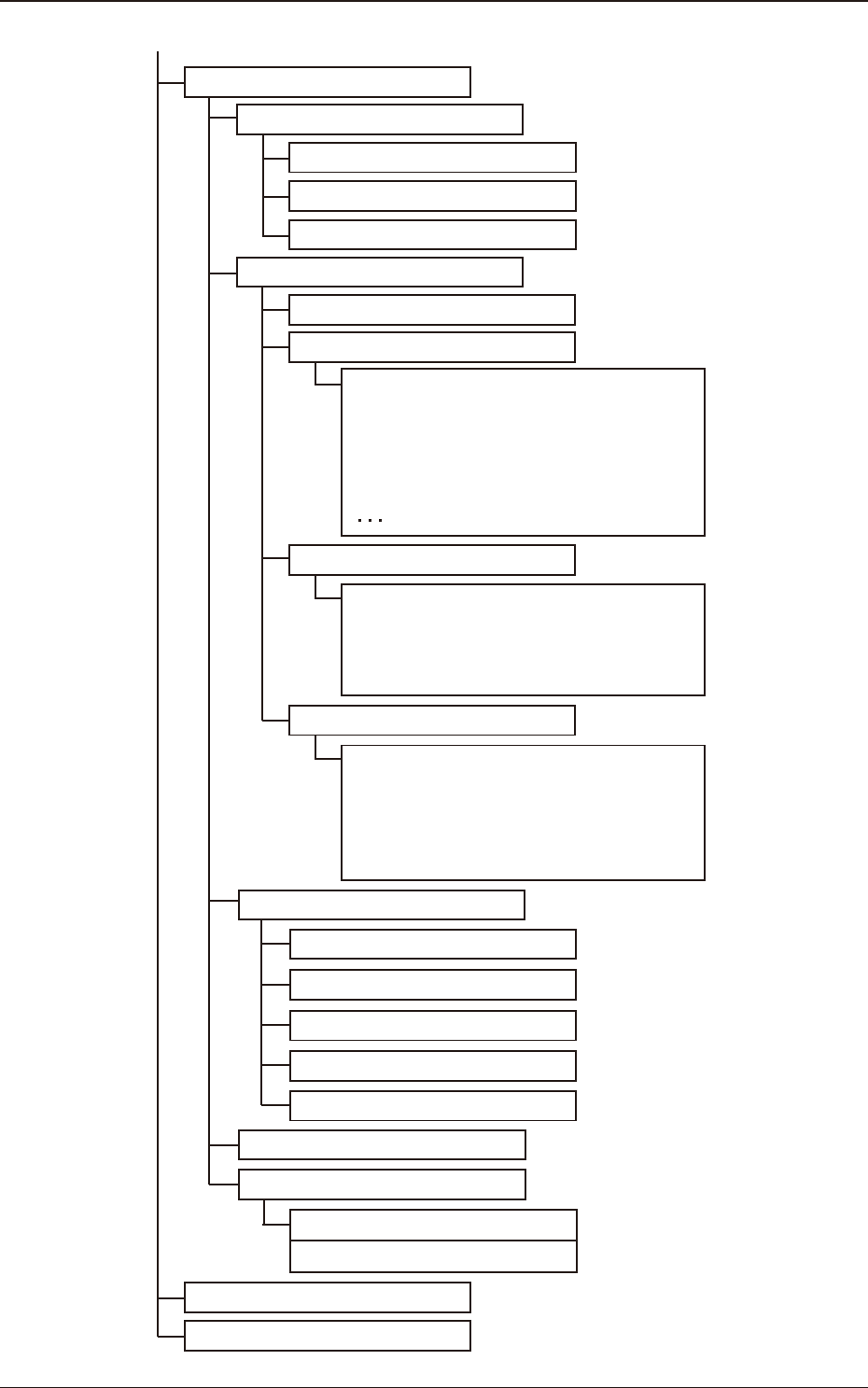
The maintenance menu consists of the following menu items and tab sheets.
Menus for Maintenance Reference Item Nos.
"Unit Adj." Submenu
4
3
"Side View Camera" Window
4.2
"Log Demand" Tab Sheet
4.2.1
"Dtct.Test" Tab Sheet 4.2.2
"CompenDt Read" Tab Sheet
4.2.3
"NOZ.CHNG." Window
4.1
5
"Unit Change" Window
"CONVEYOR" Window
4.3
"Conveyor" Tab Sheet
4.3.1
"PCB Stpr." Tab Sheet 4.3.2
"Shipment Adj." Window
(Continued to the next page.)
"Pick-up Lv NozStkLv Set" Window
"NL-Axis Org Masta Noz Lv" Window
"PCB Recog Light" Window
"Cmp Recog Light" Window
"Cmp Recog Mag" Window
"MARK LIGHT" Window
"PCB Recog/Beam" Window
"Head Rotate Axis" Window
"Cmp Recog Pos" Window
"Fly Recog Camr" Window
"Head Cntr Mark Pos" Window
"Noz Incln" Window
"Noz Stk Pos" Window
"Support pin Pos" Window
"Noz Lv./Pos." Window
5.2
5.1
5.4
"Chute Lv" Window
5.3
5.5
5.6
5.7
5.8
5.10
5.11
5.12
5.13
5.9
5.14
5.15
5.16
F3A1
1. Outline of Menus for Maintenance
3OM-1751
1-21303-001
(Continue from last page. )
"RECOG" Window 6.3
"Light Board" Tab
6.3.1
"Recog Light" Tab
6.3.2
"Capture Img." Tab 6.3.3
6.3.4
"COM. STAT" Window
6.4
"Application" Tab Sheet
6.5.1
"Setup Log" Tab Sheet
6.5.2
6.5
"PRGM. INFO." Window
"Count Board" Tab
6.3.5
Others
"DVC Check" Submenu
6
7
"INP/OUT" Window
6.1
"InP Chk" Window 6.1.1
"OutP Chk" Window 6.1.2
"List Dsp" Window
6.1.3
"MOTOR" Window
6.2
"Operation" Window 6.2.1
"Sys Info" Window 6.2.2
This tab sheet is provided
with the following subtab sheets.
System #1 through #4
Axis dt #1 through #4
Servo amp
(1)
(2)
(3)
"DI stop" Window
State monitor
Parameter
"List" Window 6.2.4
"MaintWM" Window
8
"Pass Opn." Window
6.2.3
This tab sheet is provided
with the following subtab sheets.
Normal
Multi-HD
Firmware
This tab sheet is provided
with the following subtab sheets.
F3A2
1. Outline of Menus for Maintenance
3OM-1751
1-31303-001
2. "MAINTENANCE" Menu
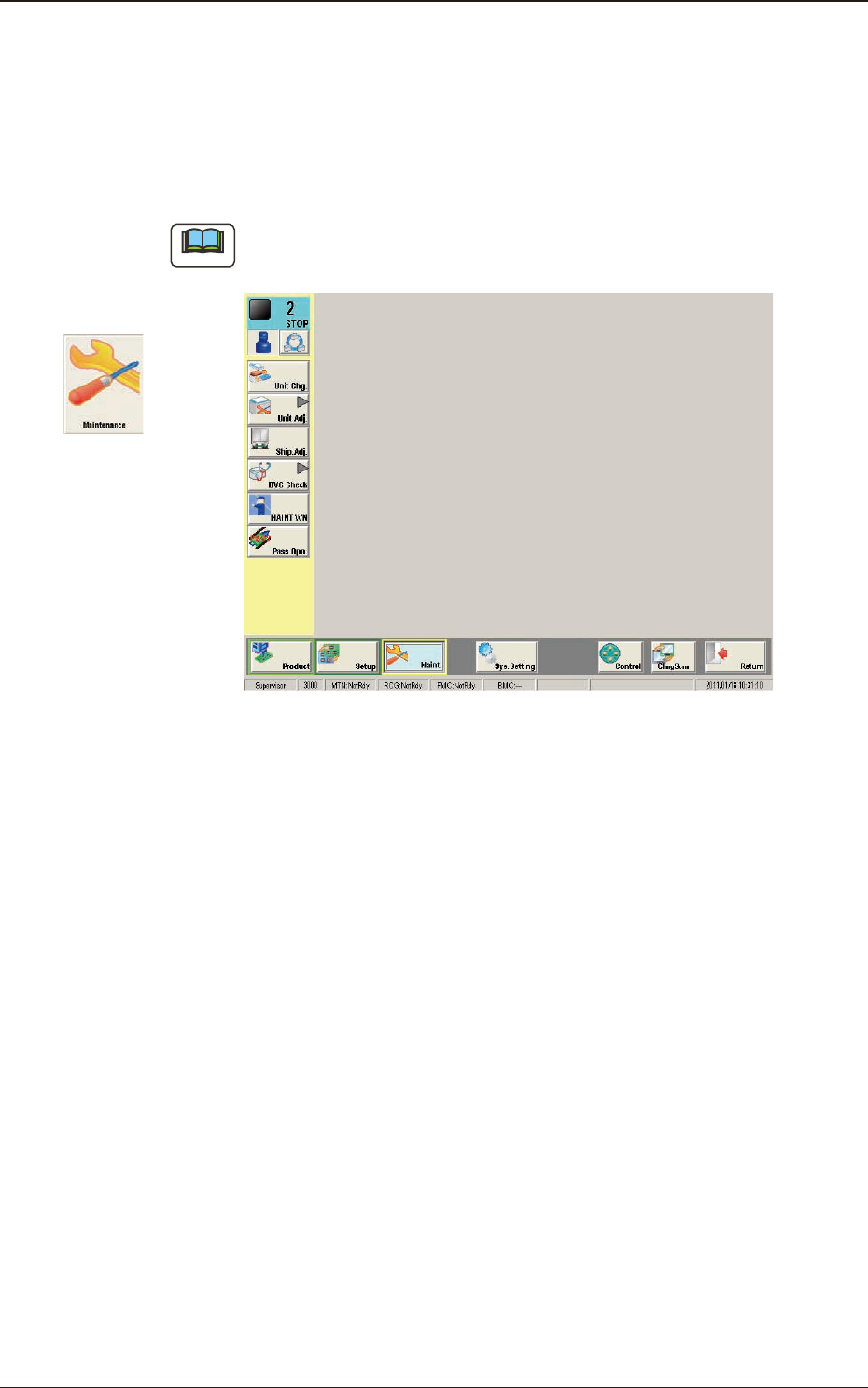
This window enables you to adjust the machine, check the performance, and
perform various teaching operations.
When the [Maint.] button in the "TOP" page is pressed and the logging-in
operation is performed, the "Maintenance" window appears.
Note
Depending on the user's access authorization the indication in the window
varies.
F3A3
Graphic
Development
2. "MAINTENANCE" Menu