00191174-01.pdf - 第18页
1 General Functions User’s Manual Test P rogram SITEST 1.5 I/O Ports Software Version 10.xx Edition 03/98 1 - 6 ● If you wis h to set a n output , select the Set output function a nd press the RE TURN key. The "Set …
User’s Manual Test Program SITEST 1 General Functions
Software Version 10.xx Edition 03/98 1.5 I/O Ports
1 - 5
●
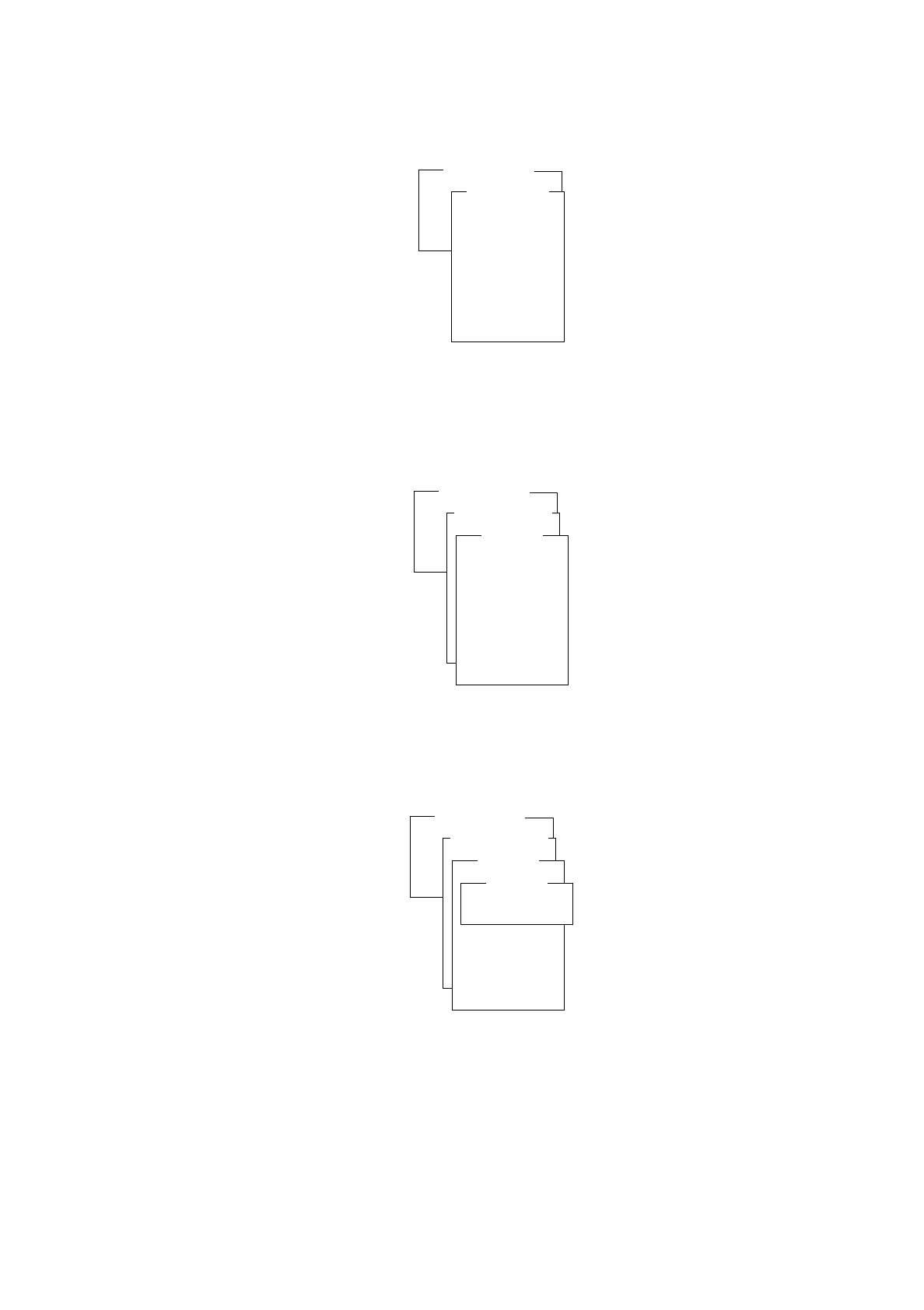
From the "Read input" menu select the port containing the desired bit and press the RETURN key. The
"Port *" menu is displayed on the screen.
●
Select the bit to be read in and press the RETURN key.
The "Bit *" menu is displayed on the screen.
●
Press the RETURN key.
The input is read and the respective status of the bit is displayed on the screen.
●
Press the ESC key three times to return to the "I/O ports" menu.
I/O ports
Read input
Set output
Combi. IN/OUTPUT
Read input
Port 1
Port 2
Port 3
Port 4
Port 5
Port 6
Port 7
Port 8
I/O ports
Read input
Set output
Combi. IN/OUTPUT
Read input
Port 1
Port 2
Port 3
Port 4
Port 5
Port 6
Port 7
Port 8
Port *
Bit 0
Bit 1
Bit 2
Bit 3
Bit 4
Bit 5
Bit 6
Bit 7
I/O ports
Read input
Set output
Combi. IN/OUTPUT
Read input
Port 1
Port 2
Port 3
Port 4
Port 5
Port 6
Port 7
Port 8
Port *
Bit 0
Bit 1
Bit 2
Bit 3
Bit 4
Bit 5
Bit 6
Bit 7
Bit *
Read input
1 General Functions User’s Manual Test Program SITEST
1.5 I/O Ports Software Version 10.xx Edition 03/98
1 - 6
●
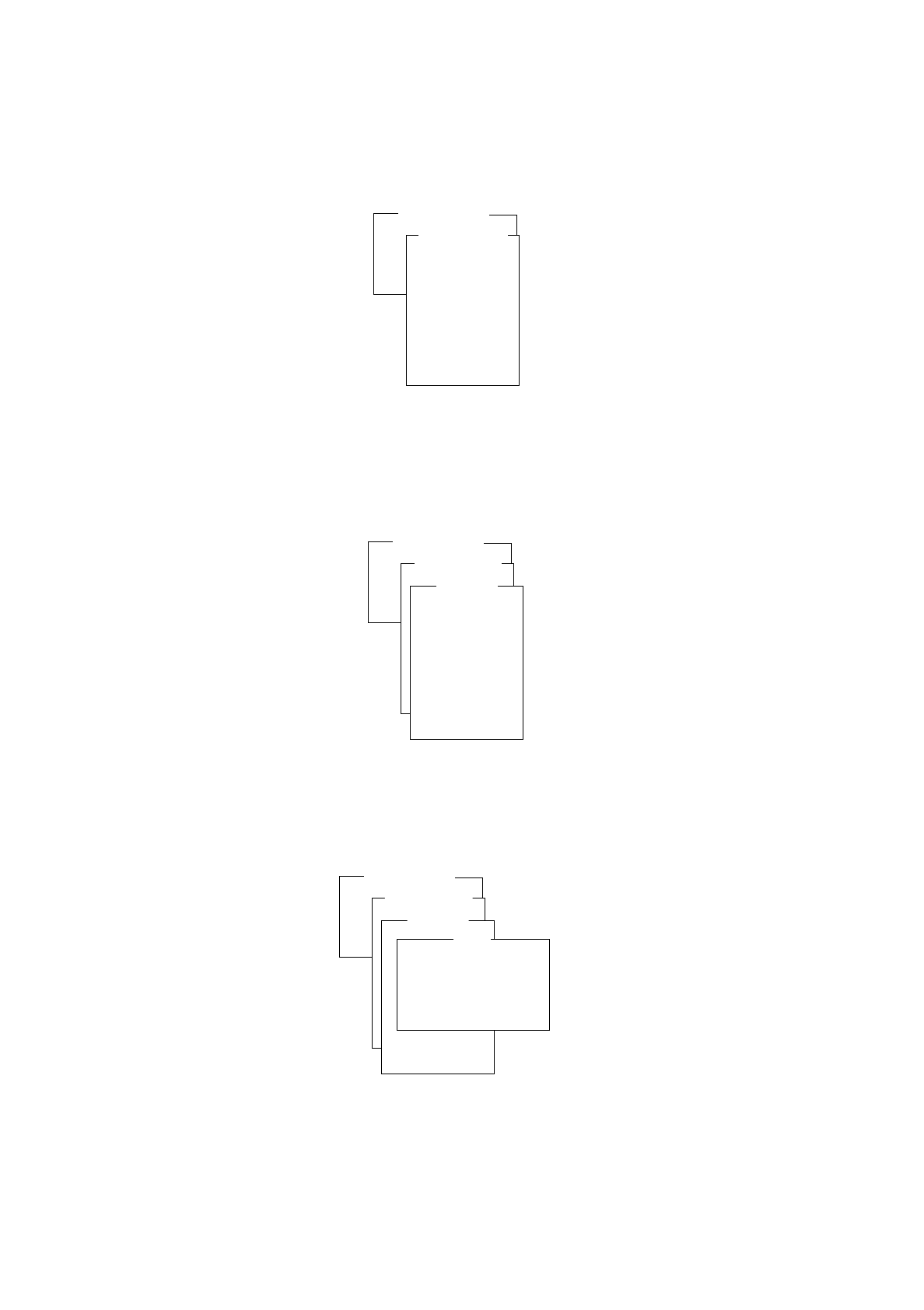
If you wish to set an output, select the
Set output
function and press the RETURN key.
The "Set output" menu is displayed on the screen.
●
From the "Set output" menu select the port containing the bit to be checked and press the RETURN key.
The "Port *" menu is displayed on the screen.
●
Select the bit to be checked and press the RETURN key.
The "Bit *" menu is displayed on the screen.
Overview of the Functions:
-
Alternate output to invert the current status
-
Deactivate output to reset the selected bit (no status display)
-
Set output to set the selected bit (no status display)
-
Continuous run the status of the bit continues to change until the continuous run is terminated by
pressing the ESC key.
I/O ports
Read input
Set output
Combi. IN/OUTPUT
Set output
Port 1
Port 2
Port 3
Port 4
Port 5
Port 6
Port 7
Port 8
I/O ports
Read input
Set output
Combi. IN/OUTPUT
Set output
Port 1
Port 2
Port 3
Port 4
Port 5
Port 6
Port 7
Port 8
Port *
Bit 0 ( )
Bit 1 ( )
Bit 2 ( )
Bit 3 ( )
Bit 4 ( )
Bit 5 ( )
Bit 6 ( )
Bit 7 ( )
I/O ports
Read input
Set output
Combi. IN/OUTPUT
Set output
Port 1
Port 2
Port 3
Port 4
Port 5
Port 6
Port 7
Port 8
Port *
Bit 0 ( )
Bit 1 ( )
Bit 2 ( )
Bit 3 ( )
Bit 4 ( )
Bit 5 ( )
Bit 6 ( )
Bit 7 ( )
Bit *
Alternate output
Deactivate output
Set output
Continuous run

User’s Manual Test Program SITEST 1 General Functions
Software Version 10.xx Edition 03/98 1.5 I/O Ports
1 - 7
●
Select the required function and press the RETURN key.
The selected function is executed.
●
Press the ESC key three times to return to the "I/O ports" menu.
●
If you wish to obtain information on the status of each bit of a specific input and output port group, select
the
Combi. IN/OUTPUT
function from the "I/O ports" menu and press the RETURN key. The "Combi.
IN/OUTPUT" menu is displayed on the screen.
Overview of the Functions:
-
Display to display the selected I/O-port group
-
Set I/O port to open the menu for entering the number of the desired input and output port group
●
To determine which input and output port group is to be displayed, select the
Set I/O port
menu option and
press the RETURN key.
The "Set I/O port" input menu opens.
●
Enter the number of the input and output port group that is to be displayed, and confirm your entries by
pressing the RETURN key.
●
Exit from the input menu by pressing the ESC key.
●
Select the
Display
function and press the RETURN key.
The functions and status of the 8 bits of the selected input and output ports are displayed on the screen.
The status of a bit can, if required, be inverted by means of the SPACE bar.
●
Press the ESC key three times to return to the SITEST main menu.
I/O ports
Read input
Set output
Combi. IN/OUTPUT
Combi. IN/OUTPUT
Display
Set I/O port