00191174-01.pdf - 第52页
3 Calibration Functions User’s Manual Test P rogram SITEST 3.2 Calibration of t he Component Camera Software Version 10.xx Edition 03/98 3 - 4 3.2 Calibratio n of the Co mpon ent C amer a ● Carry out t he prepar atory s …
User’s Manual Test Program SITEST 3 Calibration Functions
Software Version 10.xx Edition 03/98 3.1 Preparation for the Performance of the Calibration Functions
3 - 3
3.1.2 Teaching the Calibration Piece Position
NOTE
The steps described in the following must only be performed if the fiducial of the calibration piece cannot be
found in the search window.
●
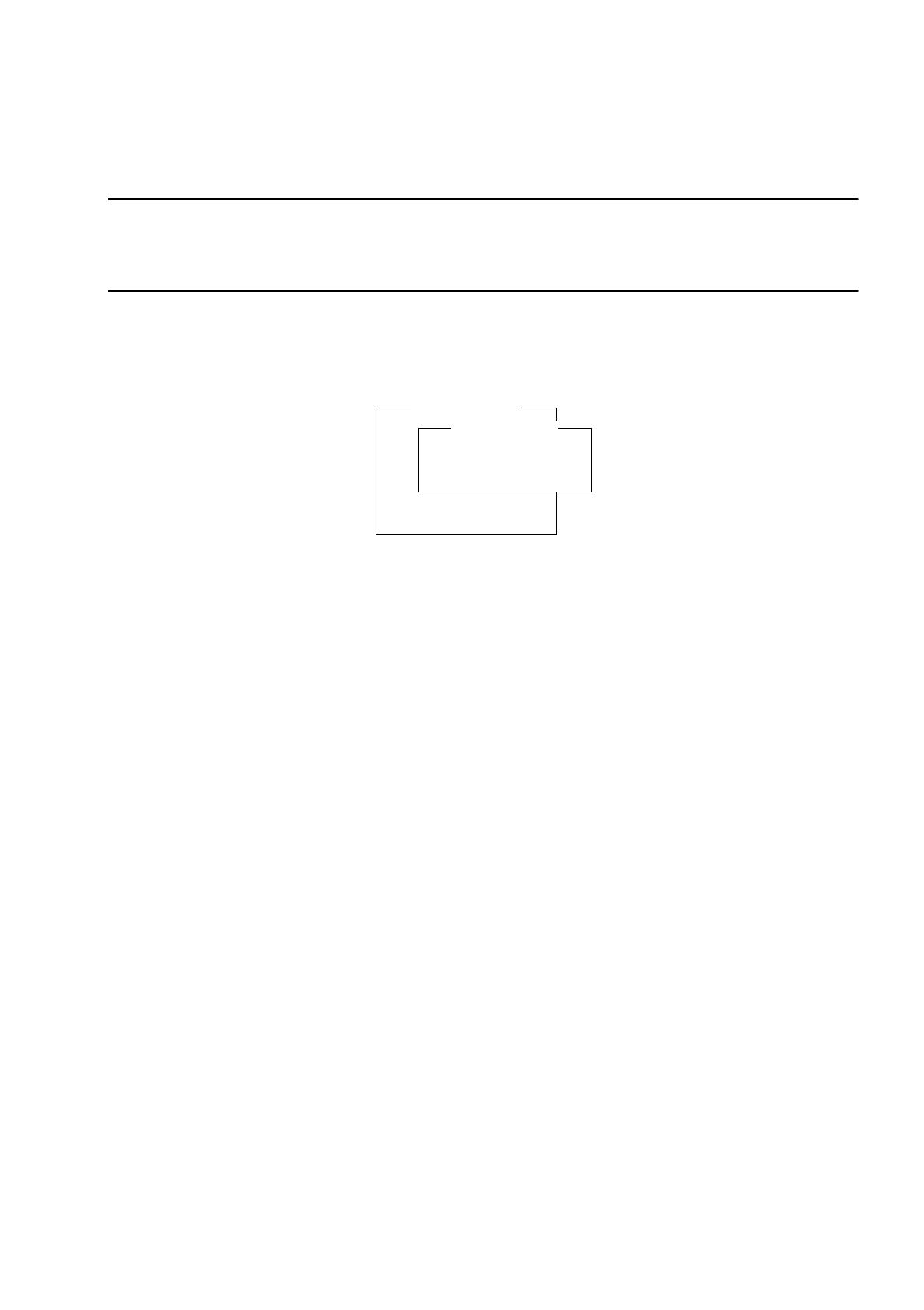
From the "Vision system" menu select the
Teach position
option and press the RETURN key.
The "Enter current pos." menu is now displayed on the screen.
Overview of the Functions:
-
Teach position to teach the calibration piece position using the cursor keys
↑↓ ← →
(i.e. teach onto the center of the fiducial on the calibration piece)
-
Enter position to edit the calibration piece position (fiducial center on the calibration piece)
●
Select the
Teach position
function and press the RETURN key.
The monitor switches to the PCB camera.
●
Teach the position of the calibration piece using the cursor keys
↑↓ ← →
. The fiducial on the calibration
piece must be visible in the search window.
(For details on the procedure for traversing the gantry during teaching, see section 0.4.1).
●
Terminate the teaching operation by pressing the ESC key.
The monitor switches back to the normal program mode.
After the teaching process has been completed, the position values are displayed on the screen.
●
Press the ESC key three times to return to the SITEST main menu.
●
From the main menu select the
Gantry positions
option and press the RETURN key.
The "Gantry positions" menu is displayed on the screen (see section 3.5).
●
From the "Gantry positions" menu select the
Calibrate
option and press RETURN key. The "Calibrate"
menu is displayed on the screen.
●
Select the
Pos.calibration tool
function and press the RETURN key.
The calibration of the calibration piece position is performed.
●
Press the ESC key twice to return to the SITEST main menu.
●
Save the calibration piece position using the
File Manager
-->
Store MA-file
menu function (see
section 1.3).
Pos.calibration tool
Adopt current pos.
Teach position
PCB-camera
Component camera
IC-camera
Flip-chip-camera
Vision system
Teach position
Teach position
Enter position
3 Calibration Functions User’s Manual Test Program SITEST
3.2 Calibration of the Component Camera Software Version 10.xx Edition 03/98
3 - 4
3.2 Calibration of the Component Camera
●
Carry out the preparatory steps proceeding as described in section 3.1 and section 3.1.1.
●
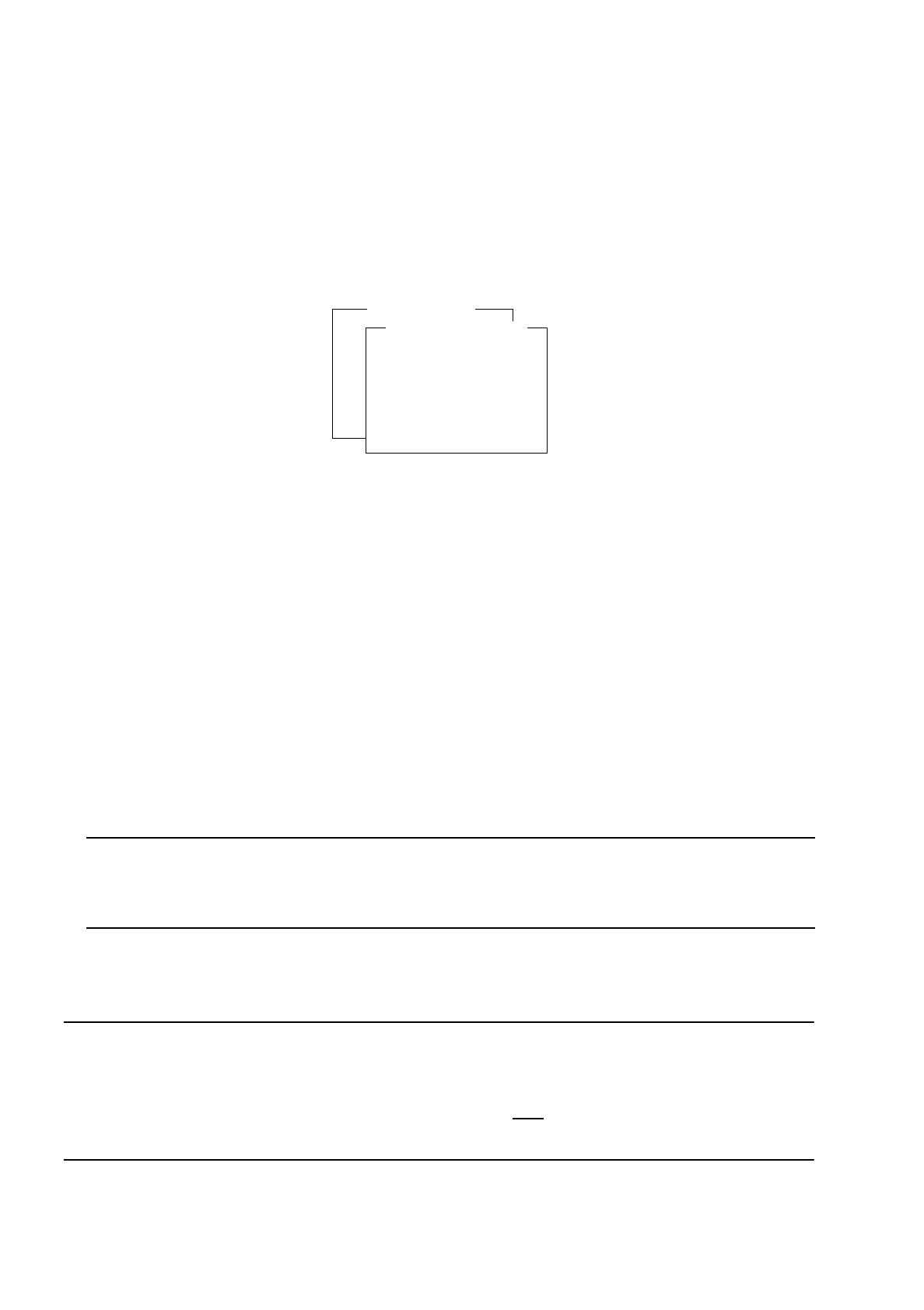
From the "Vision system" menu select the Component camera option and press the RETURN key. The
"Component camera" menu is displayed on the screen.
Overview of the Functions:
-
Calibrate camera to calibrate the component camera
-
Offset mech. c.stat. to determine the centering offset
-
Single seg. offset I to determine the segment offset of the selected segment in relation to the
component camera
-
All seg. offsets I to determine the segment offset of all 12 segments in relation to the component
camera
-
Display cam values to open the selection menu for the display of the coefficients and segment offset
values determined
-
More camera function Menu for starting additional camera functions
●
From the "Component camera" select the Calibrate camera function and press the RETURN key. The
calibration process is performed on the component camera of the active gantry.
NOTE
The values determined can be displayed after the calibration procedure has been completed by means of
the Display ca. coeffic. menu function of the "Display cam values" submenu.
●
Press the ESC key to return to the "Component camera" menu.
NOTE
At this point you can either save the data determined or, to save time, proceed directly with further calibration
operations.
However, be sure to save the calibration data (see section 3.12) , prior
to exiting from the SITEST program as
otherwise all data determined will be lost.
Pos.calibration tool
Adopt current pos.
Teach position
PCB-camera
Component camera
IC-camera
Flip-chip-camera
Vision system
Component camera
Calibrate camera
Offset mech. c.stat.
Single seg. offset I
All seg. offsets I
Display cam. values
More camera function
User’s Manual Test Program SITEST 3 Calibration Functions
Software Version 10.xx Edition 03/98 3.2 Calibration of the Component Camera
3 - 5
3.2.1 Further Component Camera Functions
●
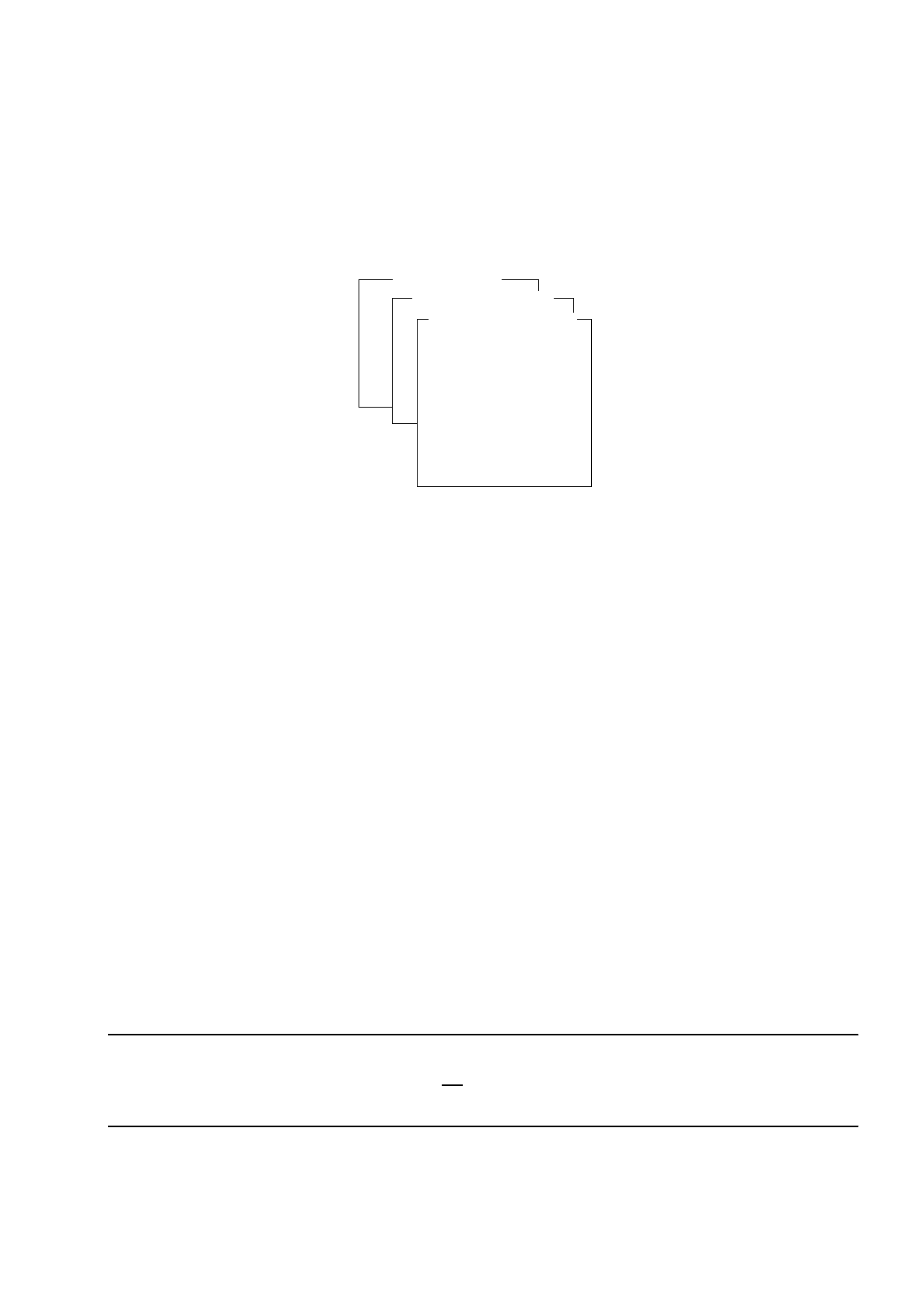
From the "Component camera" menu select the
More camera function
option and press the RETURN
key. The "More camera function" menu is displayed on the screen.
Overview of the Functions:
-
Move to by nozzle to approach the calibration piece position with the revolver head
-
Move to by PCB-cam. to approach the calibration piece position with the PCB camera
-
Cali.tool in cam.pos to pick up the calibration piece and rotate it into the component camera’s field of
view
-
Return calibr. tool to deposit the calibration piece in the calibration piece pocket
-
Color conversion to switch the monitor to false-color display mode to view the results of changes in
illumination that may have been made
-
Center comp. mechan. to center the component in the mech. centering station
-
Modify illumination to display the illumination values "steep", "middle" and "top"
-
Camera number to open the input field for the camera number
(only required on lines with HS-180)
-
Send GF to MC to load GF data if data loss occurred
●
From the "More camera function" menu select the desired function or option, and press the RETURN key.
The selected function is executed, or the appropriate submenu opens (see, for example, section 3.2.1.1).
3.2.1.1 Changing the Illumination Values
NOTE
As a rule, any change in the illumination values is not
required. Changing the values in a non-expert manner will
result in incorrect calibration results.
●
From the "Component camera" menu select the
More camera function
option and press the RETURN
key. The "More camera function" menu is displayed on the screen.
Pos.calibration tool
Adopt current pos.
Teach position
PCB-camera
Component camera
IC-camera
Flip-chip-camera
Vision system
Component camera
Calibrate camera
Offset mech. c.stat.
Single seg. offset I
All seg. offsets I
Display cam. values
More camera function
Move to by nozzle
Move to by PCB-cam.
Cali.tool in cam.pos
Return calibr. tool
Color conversion
Center comp mechan.
Modify illumination
Camera number
Send GF to MC
More camera function