Productivity Lift.pdf - 第40页
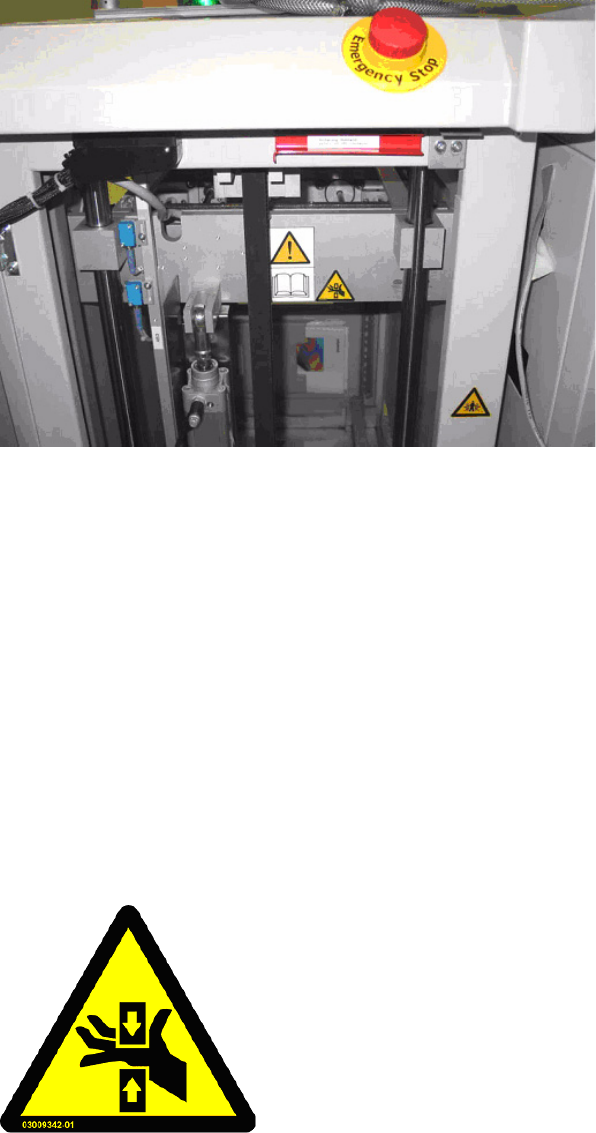
2 Operating safety User Manual - Productivity Lift 2.2 Warning signals and warning and danger symbol s on the Productivity Lift Edition 02/2004 32 Fig. 2 - 24 Labelling of the Emergency-stop button on the ser vice side o…
User Manual - Productivity Lift 2 Operating safety
Edition 02/2004 2.2 Warning signals and warning and danger symbols on the Productivity Lift
31
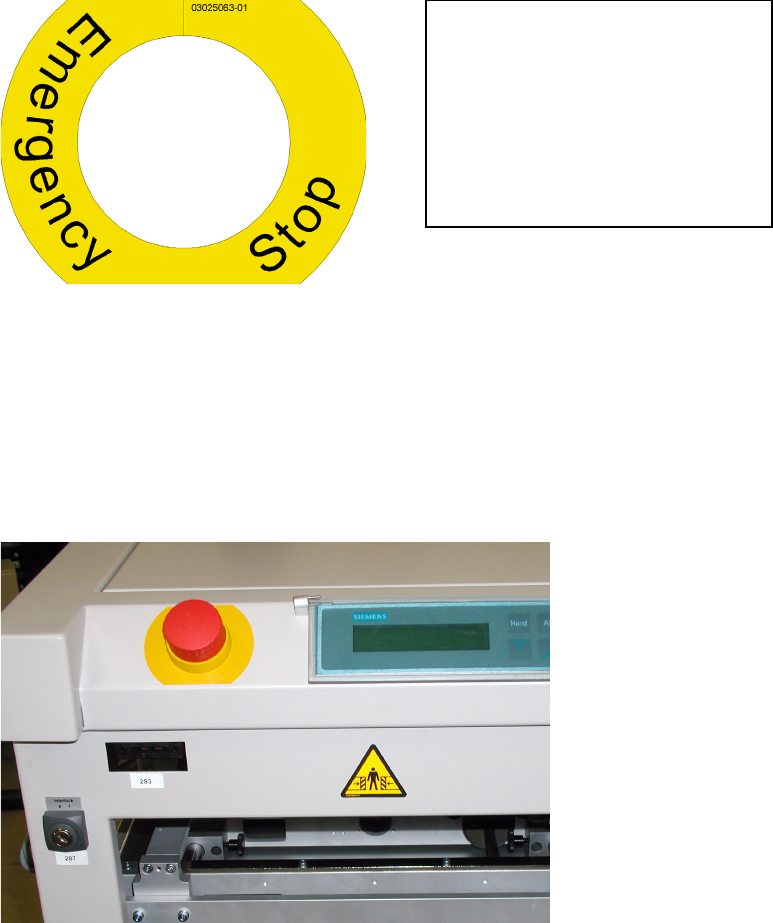
2.2.3.8 Warning sticker W 218, Emergency-stop
Article-No.: 03025063-01
Sticker position: on the Productivity Lift
– On the emergency-stop switch on the operator and service side.
Amount per machine: 2
Category: WARNING
Fig. 2 - 22 Warning sticker W218, Art-No. 03025063-01
By pushing the button called the „Emergency-stop“, the emergency-stop function is activated. This
switches off the electrical driving power for dangerous movements, so that these movements are
immediately stopped. The lift brake is activated when the emergency-stop is pressed. The oper-
ating pressure of the Productivity Lift is however not completely turned off.
After releasing the emergency-stop switch, the procedure for a new start must be carried out.
Fig. 2 - 23 Labelling of the Emergency-stop button on the operator side of the lift
Warning sticker W 218 is only neces-
sary for the countries of delivery,
USA, Mexico, Canada and Australia
and replaces the standard available
yellow ring warning sticker W219.
2 Operating safety User Manual - Productivity Lift
2.2 Warning signals and warning and danger symbols on the Productivity Lift Edition 02/2004
32
Fig. 2 - 24 Labelling of the Emergency-stop button on the service side of the lift
2.2.4 Warning symbols on the SPLC
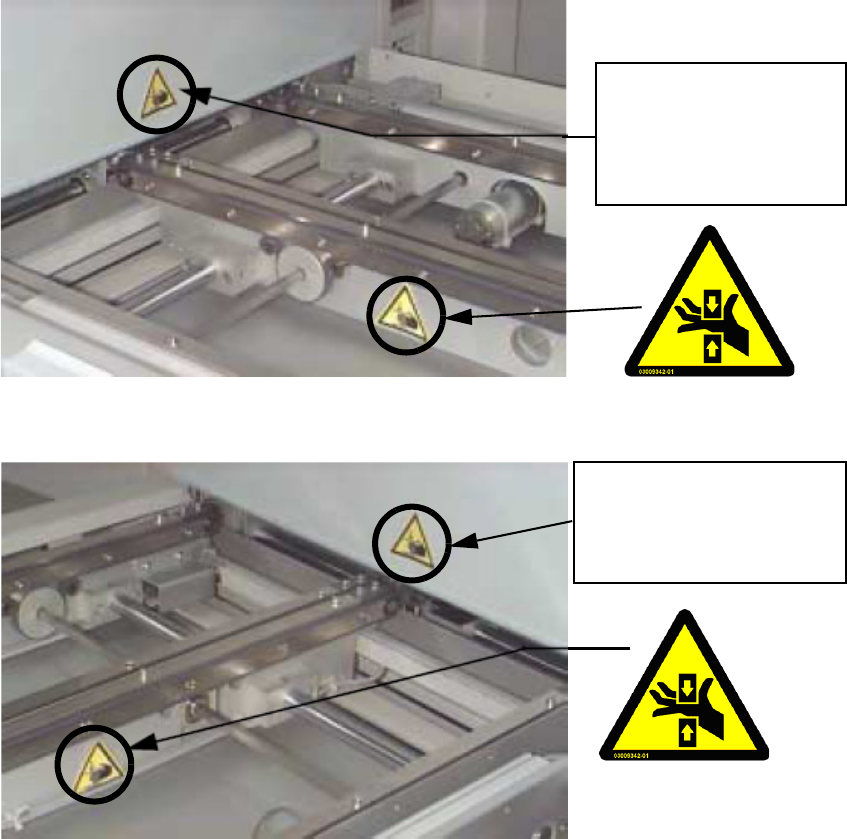
2.2.4.1 Warning sticker W 203
Article-No.: 03009342-01
Sticker positions: on the SPLC, visible after removal of the fastened transport cover:
– 2 labels per transport track, each time on the inside of the transport
assembly.
Amount: 4 per SPLC
Category: WARNING
Fig. 2 - 25 Warning sticker W203, Art-No. 03009342-01
DANGER OF CRUSHING!
Intervention can lead to injuries on the arms and the hands.
Operate the SPLC only in the designated operating state and
not without its cover. (see also 2.2.3.3 Warning sticker W
203).
User Manual - Productivity Lift 2 Operating safety
Edition 02/2004 2.2 Warning signals and warning and danger symbols on the Productivity Lift
33
Fig. 2 - 26 SPLC without cover, outlet left
Fig. 2 - 27 SPLC without cover, outlet right
See Fig. 2 - 8 warning
symbol on the lower trans-
fer opening of the lift.
See Fig. 2 - 8 warning
sticker on the on the lower
transfer opening of the lift