Productivity Lift.pdf - 第68页
5 Configuration User Manual - Productivity Lift Soko 00166631-01 / 12031477 5.21 T ravelling speed Software version V 43.140 Edition April 2006 60 5.21 T ravelling speed The speed at which the lowe r lift travels between…
User Manual - Productivity Lift Soko 00166631-01 / 12031477 5 Configuration
Software version V 43.140 Edition April 2006 5.19 Start speed down
59
5.19 Start speed down
The speed at which the lower lift starts up when travelling downwards and which is reverted to by
braking just before reaching the final position.
The setting is a percentage of the motor rating. The value should be between 23% and 27%. The
default setting are 25%.
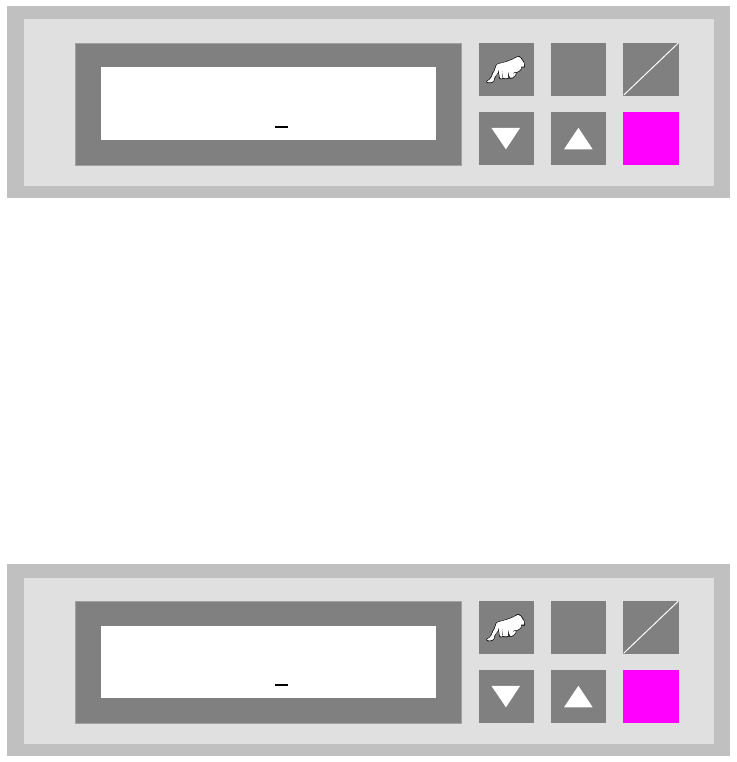
Fig. 5 - 19 Start speed down
5.20 Start speed up
The speed at which the lower lift starts up when travelling upwards and which is reverted to by
braking just before reaching the final position.
The setting is a percentage of the motor rating. The value should be between 20% and 25%. The
default setting are 20%.
Fig. 5 - 20 Start speed up
ALT
Enter
Start
Stop
Start speed down
025
ALT
Enter
Start
Stop
Start speed up
020
5 Configuration User Manual - Productivity Lift Soko 00166631-01 / 12031477
5.21 Travelling speed Software version V 43.140 Edition April 2006
60
5.21 Travelling speed
The speed at which the lower lift travels between the two final positions. The value to be entered
is a percentage value of the entire motor output.
The setting is a percentage of the motor rating. The default setting are 80%.
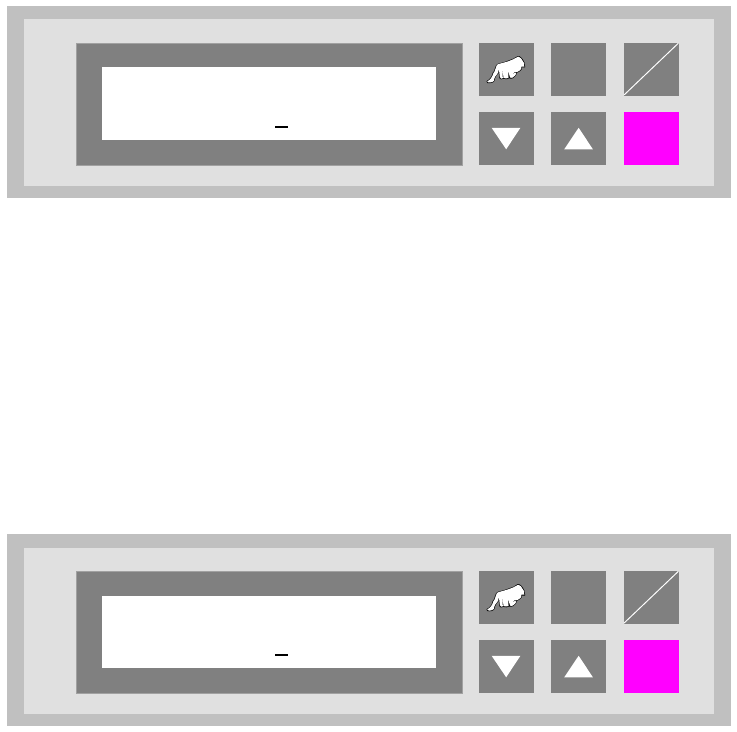
Fig. 5 - 21 Travelling speed
5.22 Run out time down
A time that can be set to secure the positioning of the lower lift in its final lower position. This guar-
antees that the lift has reached its final position before a PCB is transferred or delivered.
The unit of value is [0.01s]. The default setting are 002.
Fig. 5 - 22 Run out time down
ALT
Enter
Start
Stop
Travelling speed
080
ALT
Enter
Start
Stop
Run out time down
002
User Manual - Productivity Lift Soko 00166631-01 / 12031477 5 Configuration
Software version V 43.140 Edition April 2006 5.23 Run out time up
61
5.23 Run out time up
A time that can be set to secure the positioning of the lower lift in its final upper position. This guar-
antees that the lift has reached its final position before a PCB is transferred or delivered.
The unit of value is [0.01s]. The default setting are 007.
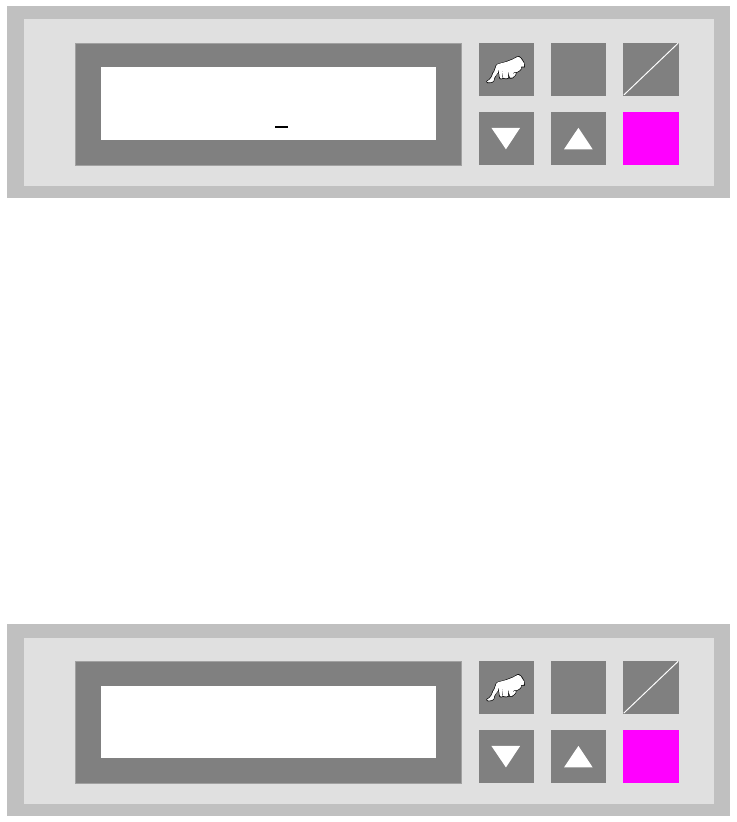
Fig. 5 - 23 Run out time up
5.24 Start continuous mode 1
This continuous operation mode can be implemented with two lift modules and one placement
machine. A PCB is transported on the upper transport level from the lift to the placement machine,
on to the next lift and, from there, back again to the front lift on the underfloor conveyor. This cycle
is repeated until the continuous operation mode is interrupted.
The continuous operation mode is initiated from this menu using the „Hand” key. The „Start/Stop”
key is used to interrupt it.
Fig. 5 - 24 Start continuous mode 1
ALT
Enter
Start
Stop
Run out time up
007
ALT
Enter
Start
Stop
Start continuous
mode 1?