Productivity Lift.pdf - 第60页
5 Configuration User Manual - Productivity Lift Soko 00166631-01 / 12031477 5.9 Underneath belt Software version V 43.140 Edition April 2006 52 5.9 Underneath belt If the lift is inst alled as the end module in the line,…
User Manual - Productivity Lift Soko 00166631-01 / 12031477 5 Configuration
Software version V 43.140 Edition April 2006 5.7 Max. time lift 2
51
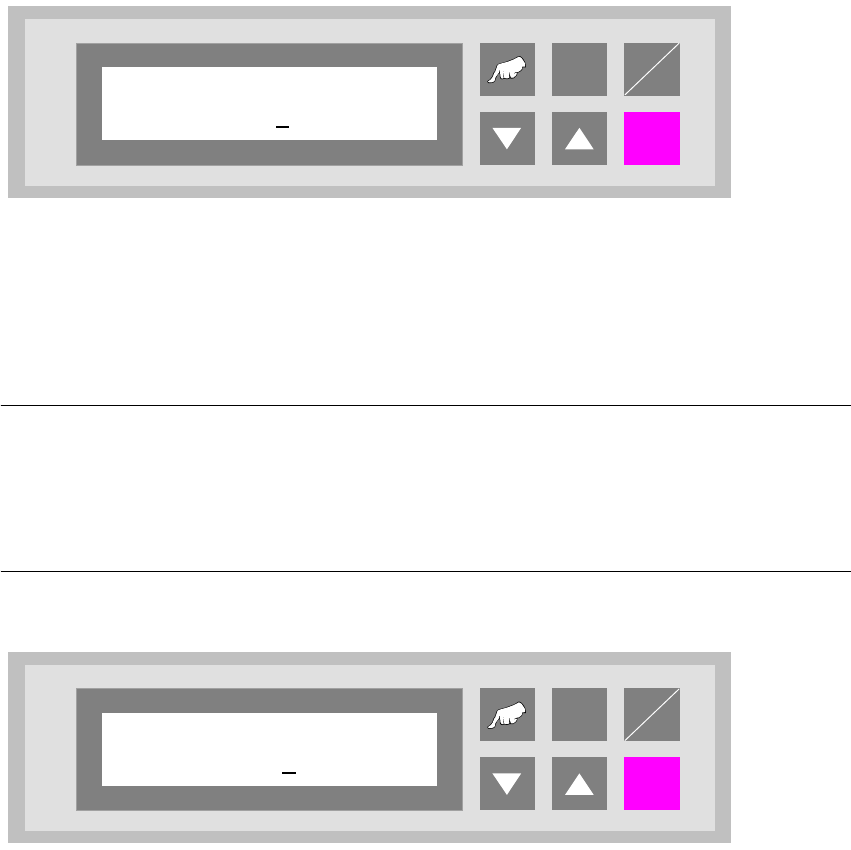
5.7 Max. time lift 2
If it isn’t possible to hand over the PCB within the time which is set in this menu, the display will
show the error message „PCB blocked“. The linking of the PCB to the underneath belt is impos-
sible, too. The operator has to acknowledge this message.
The dimension is in [s]. The setting range is between 0 - 600 s. The feature is turned off by entering
„0“.
Fig. 5 - 7 Max. time lift 2
5.8 Code number
NOTE
All the settings after this menu affect the basic parameters of the device and are generally only
defined during initial installation. For this reason, access is protected by code number entry. The
code number requested in the configuration may only be known to one authorised person, and
may not be passed on to unauthorised persons.
Fig. 5 - 8 Code number
ALT
Enter
Start
Stop
Max. time lift 2
000
ALT
Enter
Start
Stop
Code number
0000
5 Configuration User Manual - Productivity Lift Soko 00166631-01 / 12031477
5.9 Underneath belt Software version V 43.140 Edition April 2006
52
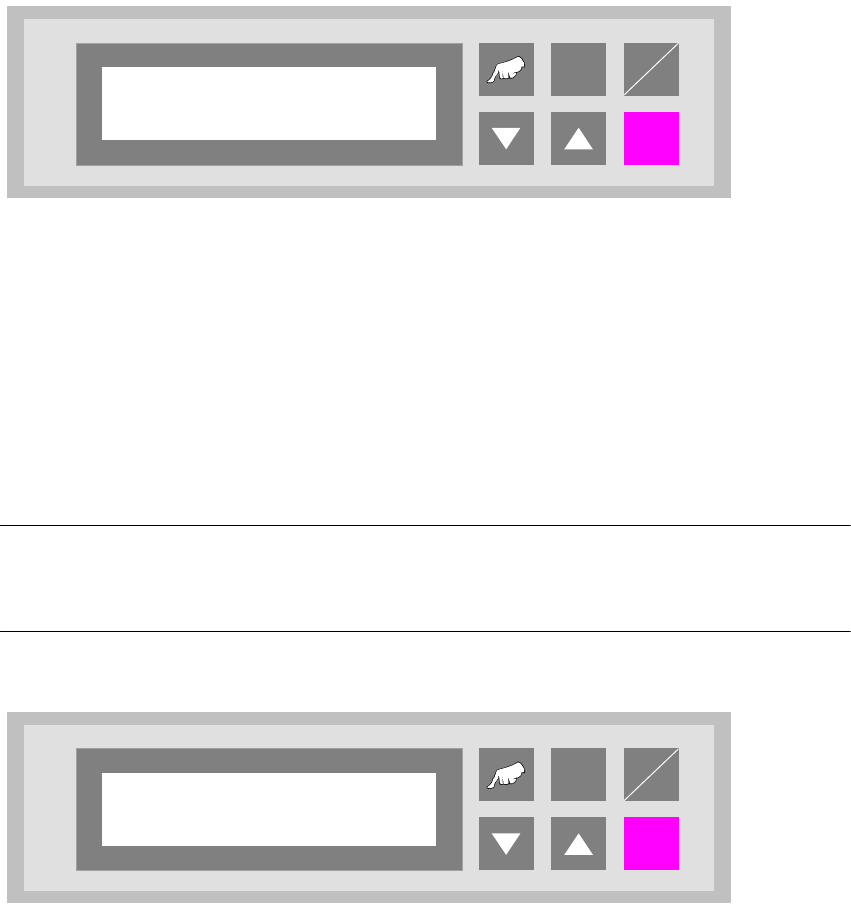
5.9 Underneath belt
If the lift is installed as the end module in the line, it no longer has an underfloor conveyor. This
function must then be disabled in this menu.
Fig. 5 - 9 Underneath belt
5.10 Check PCB status
In order to maintain the compatibility to older units, the mode „Check PCB status“ can be disabled
to allow use with units without double tracks. In this case all the PCB`s which are received from
the lower conveyor will be recognised as unmounted.
NOTE
If this function is disabled, the software will be as in version V40.02.Consequently it will then only
be possible to connect together two siplace units of the same type.
Fig. 5 - 10 Check PCB status
ALT
Enter
Start
Stop
Underneath belt
Turned off
ALT
Enter
Start
Stop
Check PCB status
Turned off
User Manual - Productivity Lift Soko 00166631-01 / 12031477 5 Configuration
Software version V 43.140 Edition April 2006 5.11 ALT protection
53
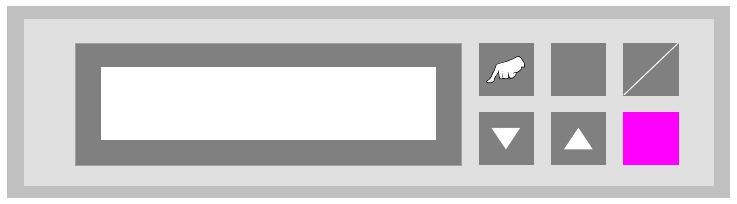
5.11 ALT protection
With this function (adjustment „switched on”) the input possibilities in the configuration menu („V”
and „ALT” - cursor) and in the adjustment mode („ALT” - cursor) are locked. Input is only possible
when the interlock is used.
Fig. 5 - 11 ALT protection
ALT
Enter
Start
Stop
ALT protection
Turned on