Infinity Generic Tooling.pdf - 第21页
INFINITY MACHI NE PROG RAMMI NG STAGE 6 C - DE DICAT ED TOO LING User Manual 1.47 39. Select Co nfirm (F 1). 40. Lower the print head using two button cont rol. 41. Close the front pri nthead cover . 42. Press the System…
INFINITY
MACHINE PROGRAMMING
STAGE 6C - DEDICATED TOOLING
1.46 User Manual
29. Select Vision Height (F3). The message ‘Table at Vision Height. Check
Tooling Clearance’ is displayed.
30. Select Contact Height (F3).
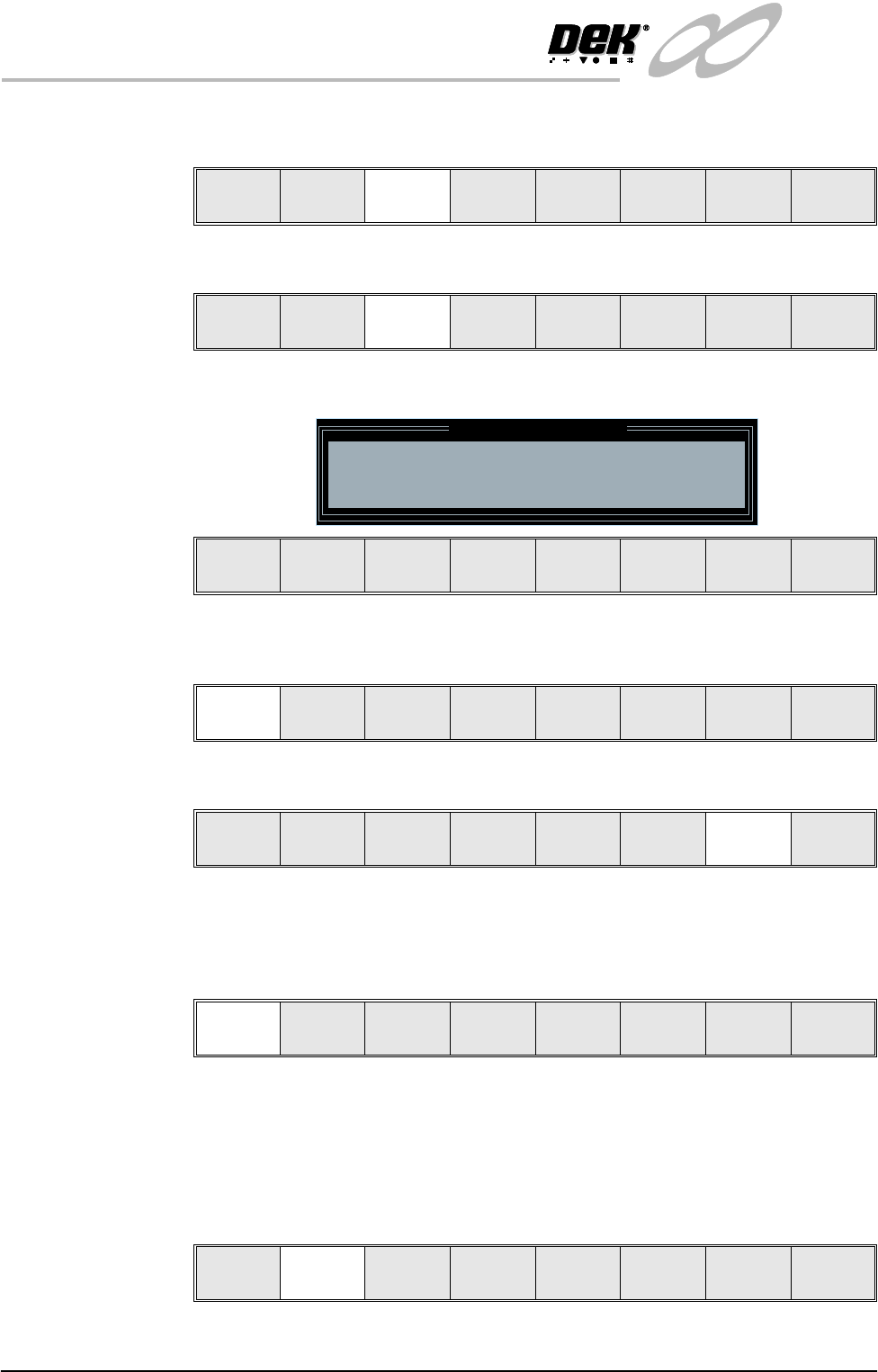
The following window and menu bar is displayed:
31. Select Continue (F1). The message ‘Table at Contact Height. Check
Tooling Clearance’ is displayed.
32. Select Raise Head (F7).
33. Raise the printhead using two button control.
34. Fit the head prop.
35. Press Confirm (F1).
36. Check that the setup of the tooling is adequate for the board, adjust as
necessary.
NOTE
If adjustment is required, this can be carried out at Transport Height.
37. Select Lower Head (F2).
38. Remove the head prop.
Unload
Vision
Height
Home
Height
Board
Clamps
Change
Screen
Raise
Head
Exit
Contact
Height
Trans pr t
Height
Change
Screen
Raise
Head
Exit
Contact Height Warning
WARNING Check for obstructions between
the Rails and the Screen
Continue
Open
Cover
Exit
Continue
Open
Cover
Exit
Vision
Height
Raise
Head
Exit
Confirm
Lower
Head
Lower
Head
INFINITY
MACHINE PROGRAMMING
STAGE 6C - DEDICATED TOOLING
User Manual 1.47
39. Select Confirm (F1).
40. Lower the printhead using two button control.
41. Close the front printhead cover.
42. Press the System button.
43. Select Exit (F8).
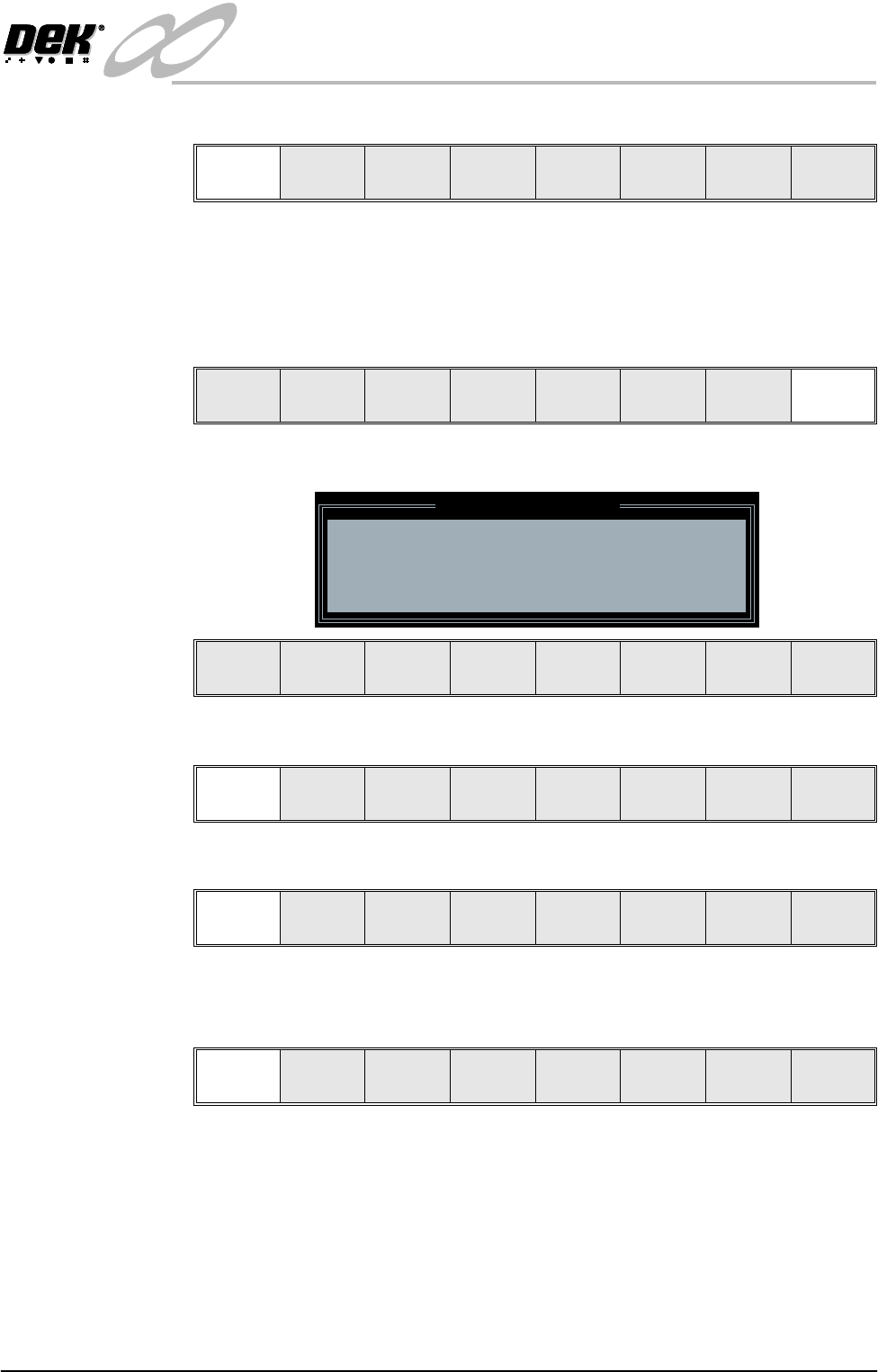
The following window and menu bar is displayed:
44. Select Continue (F1).
45. Select Auto Board (F1).
46. Remove the board from the rails.
47. Select Continue (F1).
48. Go to Stage 7.
Confirm Cancel
Vision
Height
Raise
Head
Exit
Leaving Generic Tooling
WARNING You are about to return
to the Setup Page
Clear all tooling setup
equipment before proceeding
Continue Cancel
Continue Cancel
Auto
Board
Manual
Board
Continue Head
INFINITY
MACHINE PROGRAMMING
STAGE 6D - MULTIFLEX TOOLING
1.48 User Manual
STAGE 6D - MULTIFLEX TOOLING
WARNING
BOARD CLAMPS. EXTREME CARE MUST BE EXERCISED WHEN WORKING IN
THE TOOLING AREA OF THE MACHINE TO AVOID INJURY. THE FOILS ON THE
FRONT AND REAR BOARD CLAMPS ARE VERY SHARP.
CAUTION
BOARD CLAMPS.
Care must be taken to ensure that the board clamps are
not damaged when removing or replacing tooling.
NOTE
Setting up the MultiFlex tooling is to be performed off the machine.
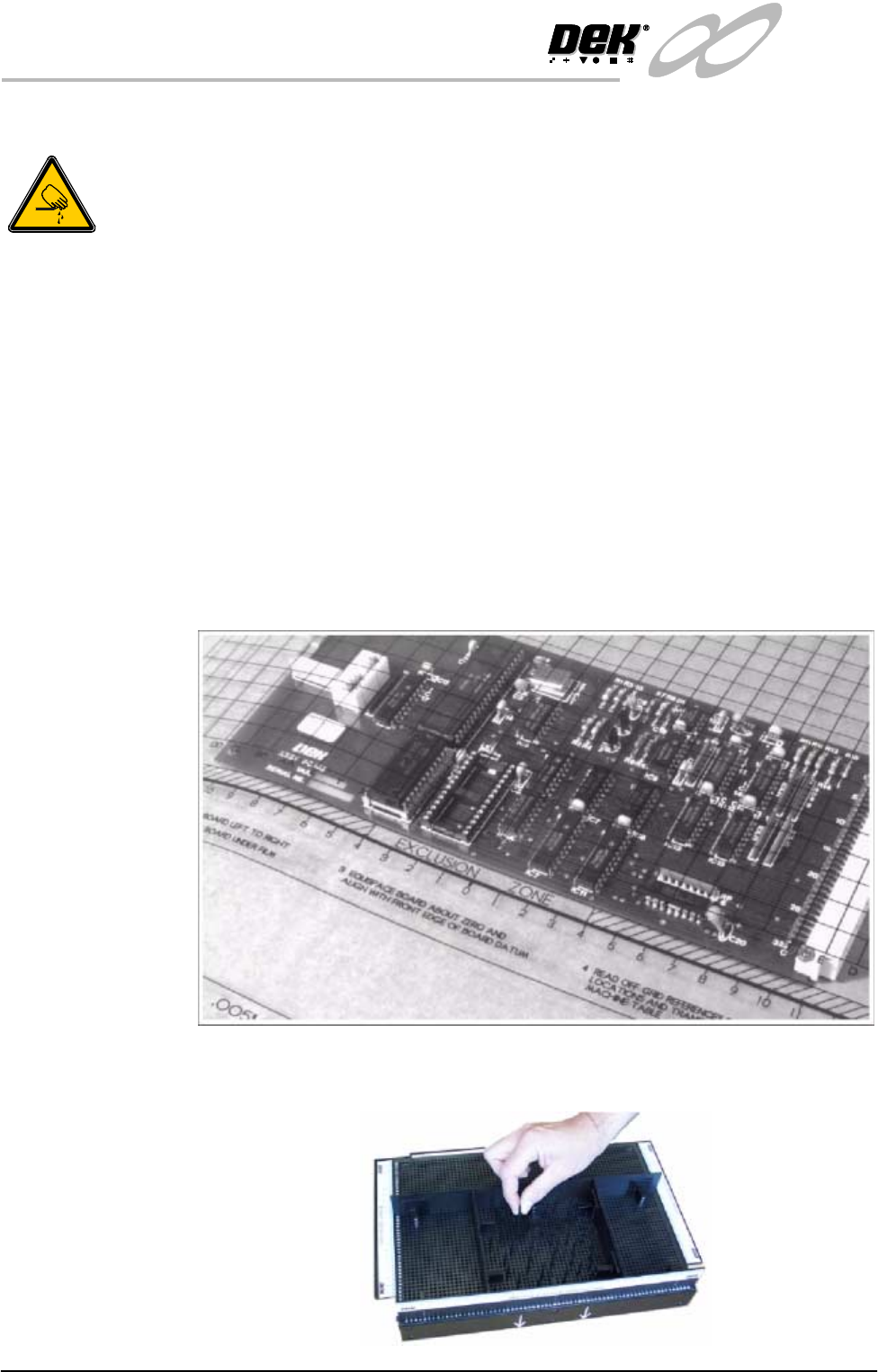
1. Create a box the same size as the board using the side plates.
2. Use the board width and board length dimensions to position the box
correctly.
3. Place the PCB on a flat surface, component side up.
4. Position the acetate template, supplied with the tooling, over the PCB such
that the front edge of the board is aligned with the arrow indicators on the
template. Ensure that the centreline of the board is aligned with the template
zero.
5. Using the grid co-ordinates marked on the template, position pins which
coincide with gaps between the underside board components.