Infinity Generic Tooling.pdf - 第49页
INFINITY MACHI NE PROG RAMMI NG STAGE 6F - AUTOFL EX TOOL ING User Manual 1.75 1 1. Select Save (F 2). 12. Select Ex it (F8). 13. Select Ex it (F8). 14. Select Exit (F8). The rail moves t o the board wid th and the selec…
INFINITY
MACHINE PROGRAMMING
STAGE 6F - AUTOFLEX TOOLING
1.74 User Manual
6. Select Save (F2). The message ‘Saving fiducial data - Please wait Board
data file saved’ is displayed.
7. Select Change Autoflex (F1).
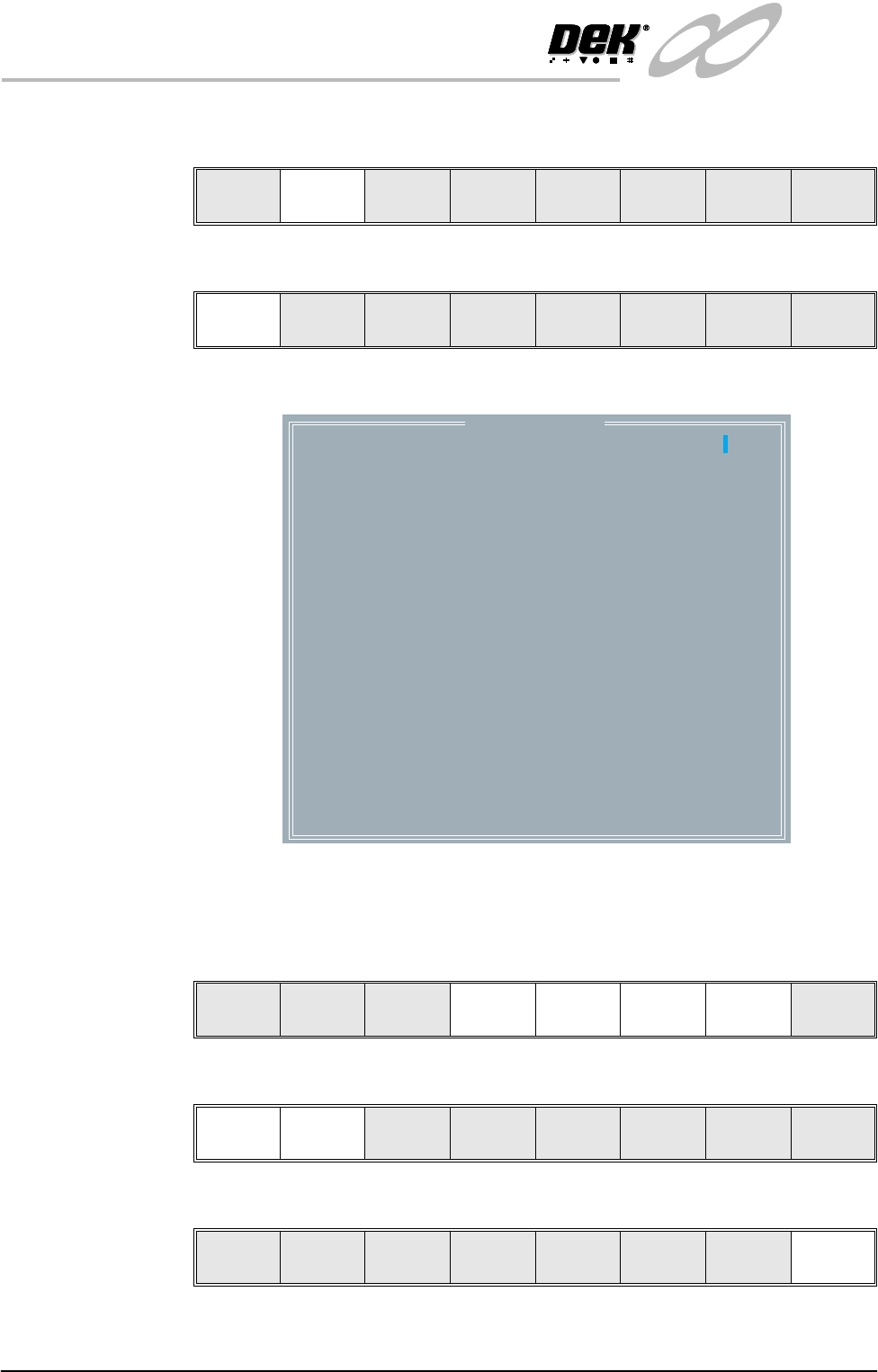
The Autoflex Matrix window is displayed:
The Autoflex pin matrix has already been setup for this product from the
board dimensions.
8. Use the Left, Right, Up and Down keys (F4 - F7), to select the pin positions
required for editing.
9. Use the Lower and Raise keys (F1 - F2), to select or deselect the pins.
10. Select Exit (F8).
Change
Autoflex
Save Next Previous Incr. Decr. Exit
Change
Autoflex
Save Next Previous Incr. Decr. Exit
Autoflex Matrix
14
13
12
11
10
9
8
7
6
5
4
3
2
1
AB CD EF GH I J K L MN
---------------
---------------
---------------
---------------
---------------
---------------
---------------
---------------
---------------
---------------
---------------
---------------
---------------
---------------
O
Lower Raise Reset Left Right Up Down
Exit
Lower Raise Reset Left Right Up Down
Exit
Lower Raise Reset Left Right Up Down
Exit
INFINITY
MACHINE PROGRAMMING
STAGE 6F - AUTOFLEX TOOLING
User Manual 1.75
11. Select Save (F2).
12. Select Exit (F8).
13. Select Exit (F8).
14. Select Exit (F8). The rail moves to the board width and the selected Autoflex
pins rise.
15. Select Setup (F6).
16. Select Change Tooling (F6).
17. Select Generic Tooling (F7).
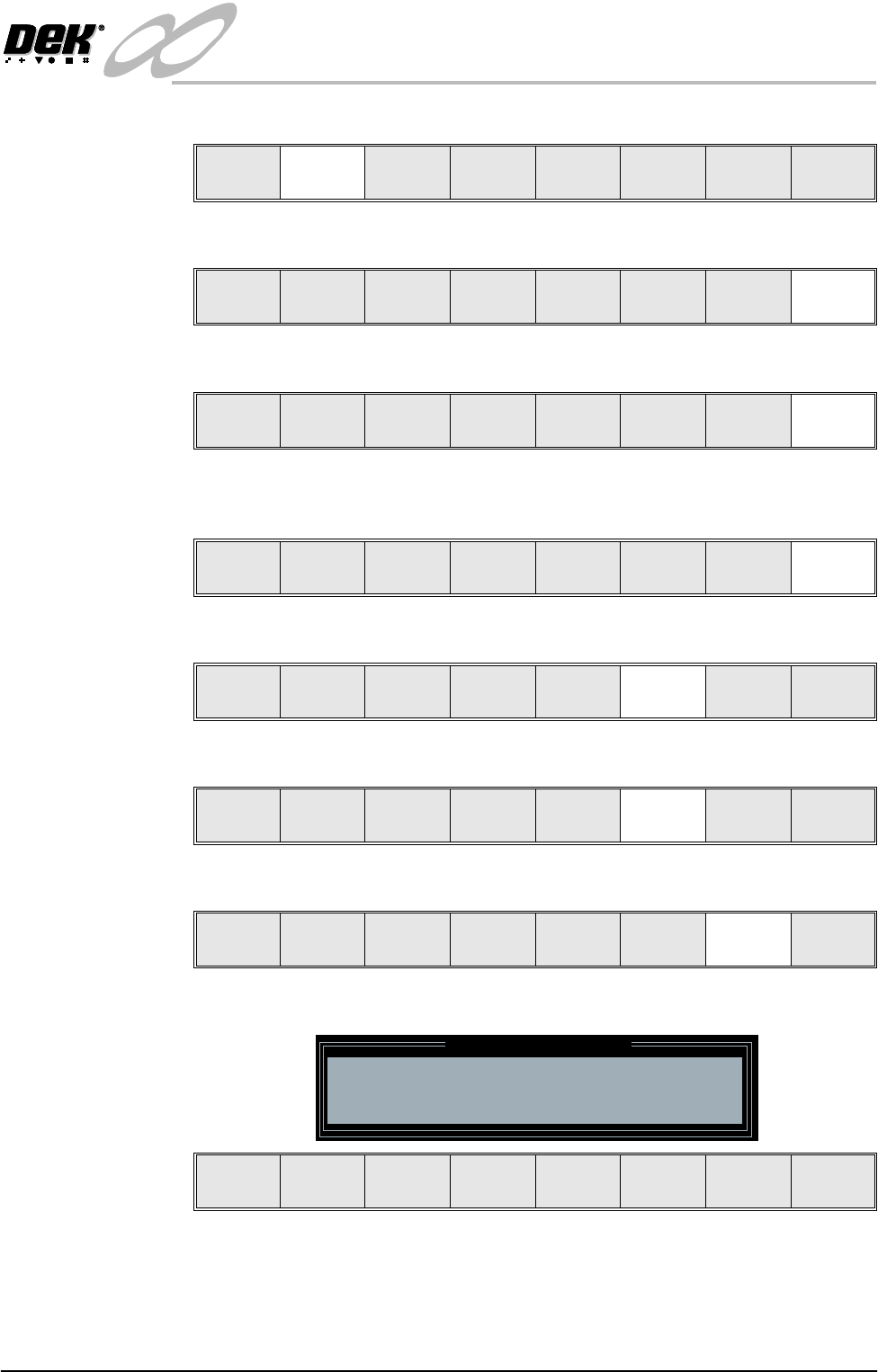
The following window and menu bar is displayed:
NOTE
If contaminated squeegees are fitted, these should be replaced at this point.
18. Select Continue (F1). The print carriage travels to the rear of the machine
Change
Autoflex
Save Next Previous Incr. Decr. Exit
Change
Autoflex
Save Next Previous Incr. Decr. Exit
Adjust
Raise
Head
Remove
Cleaner
Board
Stop
Full
Width
Load
Width
Generic
Toolin g
Exit
Mode
Load
Data
Edit
Data
Setup
Squeegee
Change
Screen
Change
Toolin g
Change
Language
Exit
Run Head
Paste
Load
Clean
Screen
Adjust Setup Monitor Maint.
Mode
Load
Data
Edit
Data
Setup
Squeegee
Change
Screen
Change
Tooling
Change
Language
Exit
Adjust
Raise
Head
Remove
Cleaner
Board
Stop
Full
Width
Load
Width
Generic
Tooling
Exit
Generic Tooling Warning
WARNING Paste may drip into the machine
Remove Squeegees NOW
Continue
Open
Cover
Exit
INFINITY
MACHINE PROGRAMMING
STAGE 6F - AUTOFLEX TOOLING
1.76 User Manual
and the following message is displayed ‘Table at Home Height’.
19. Select Transprt Height (F3). The message ‘Table at Transport Height’ is
displayed.
20. Place a board on the input sensor of the upline conveyor of the machine.
21. Select Load (F1).
22. Select Auto Board (F1).
23. Select Vision Height (F3). The message ‘Table at Vision Height. Check
Tooling Clearance’ is displayed.
24. Select Contact Height (F3).
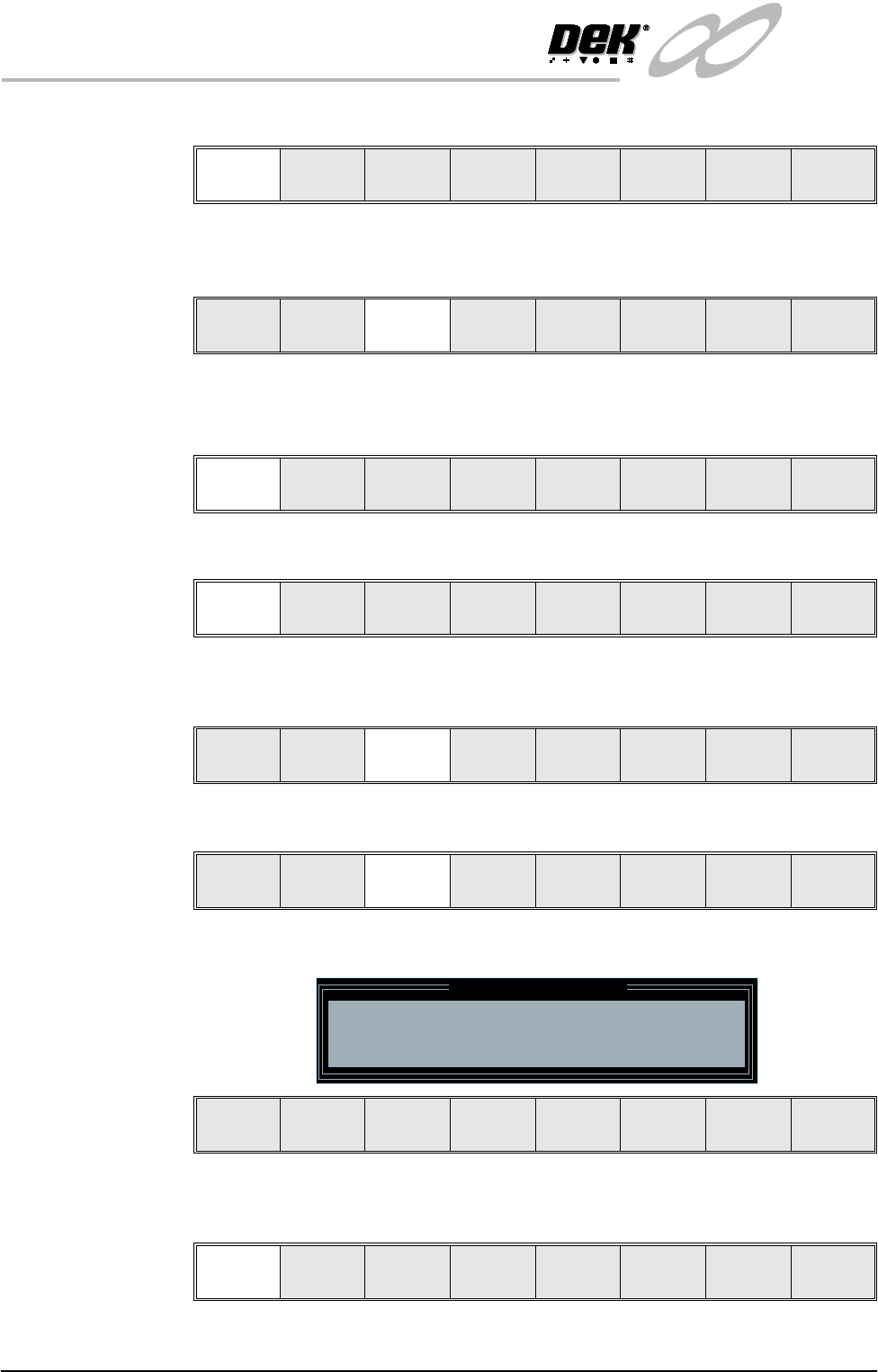
The following window and menu bar is displayed:
25. Select Continue (F1). The message ‘Table at Contact Height. Check
Tooling Clearance’ is displayed.
Continue
Open
Cover
Exit
Load
Transprt
Height
Board
Clamps
Change
Screen
Raise
Head
Exit
Load
Vision
Height
Home
Height
Board
Clamps
Change
Screen
Raise
Head
Exit
Auto
Board
Manual
Board
Exit
Unload
Vision
Height
Home
Height
Board
Clamps
Change
Screen
Raise
Head
Exit
Contact
Height
Trans pr t
Height
Change
Screen
Raise
Head
Exit
Contact Height Warning
WARNING Check for obstructions between
the Rails and the Screen
Continue
Open
Cover
Exit
Continue
Open
Cover
Exit