DFD6361-Maintenance.pdf - 第278页
C-66 MAINTENANCE SCHEDULER screen The description of MAINTENANCE S CHEDULER screen is as follows. [Screen] ÿ [1] [2] [3] [3] [4] [5] [1] [2] [6] [8] [7] [9] [10] [Setting Ite m] Item No. Descriptions [1] Display s the ma…
C-65
7-1. Calling up the
MAINTENANCE SCHEDULER Screen
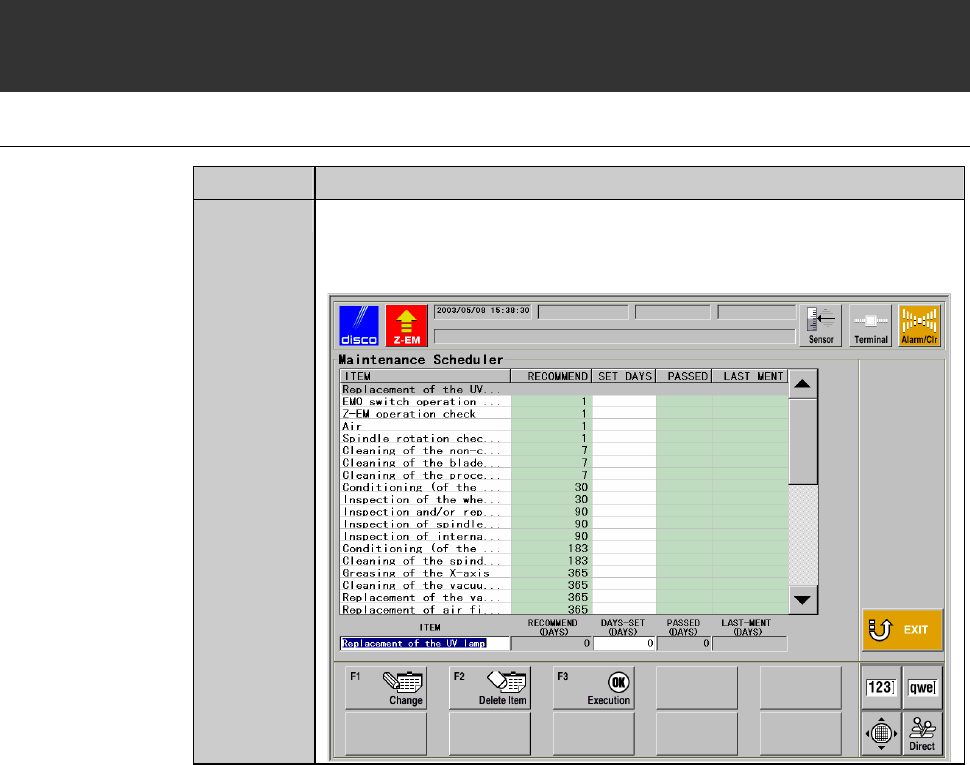
Procedures for calling up the MAINTENANCE SCHEDULER screen
Step No. Do This
1
Press the <F7> button from the ENGINEERING
MAINTENANCE screen [screen 7.0].
- The MAINTENANCE SCHEDULER screen then appears.
C-66
MAINTENANCE SCHEDULER screen
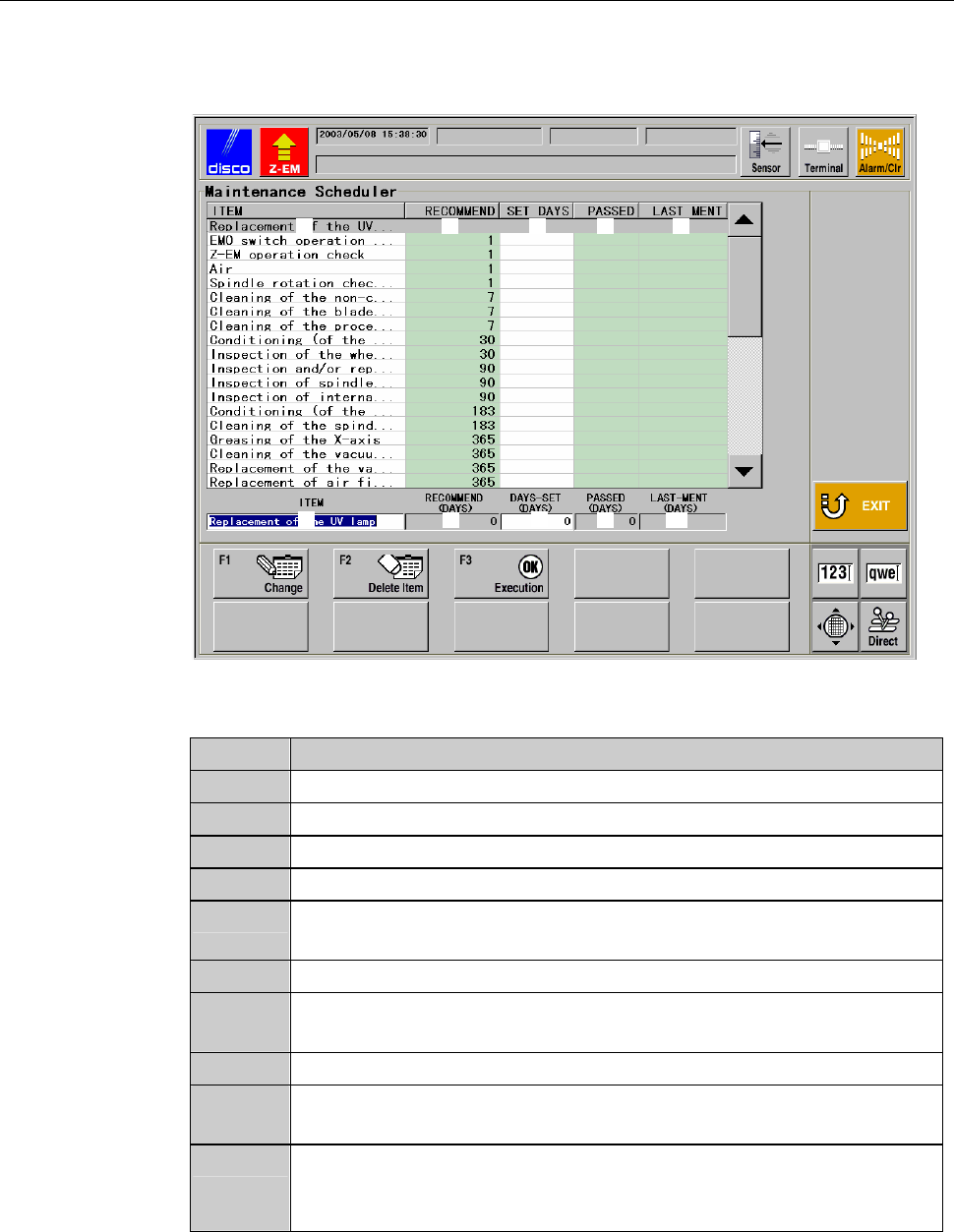
The description of MAINTENANCE SCHEDULER screen is as follows.
[Screen]
ÿ
[1] [2] [3][3] [4] [5]
[1] [2]
[6] [8][7] [9] [10]
[Setting Item]
Item No. Descriptions
[1]
Displays the maintenance item.
[2]
Displays the recommended interval of the maintenance item.
[3]
Displays the maintenance intervals specified by the user.
[4]
Displays the number of days currently elapsed from the date of [3].
[5]
Displays the date when the <F3> button was pressed. (<F3> button
is to be pressed after maintenance is performed.)
[6]
Displays the selected maintenance item.
[7]
Displays the recommended interval of the selected maintenance
item.
[8]
Displays the maintenance intervals of the selected item.
[9]
Displays the number of days elapsed since the last maintenance
date displayed at [10] for the selected maintenance item.
[10]
Displays the date when the <F3> button was pressed for the
selected maintenance item. (<F3> button is to be pressed after
maintenance is performed.)
C-67
MAINTENANCE SCHEDULER screen (Continued)
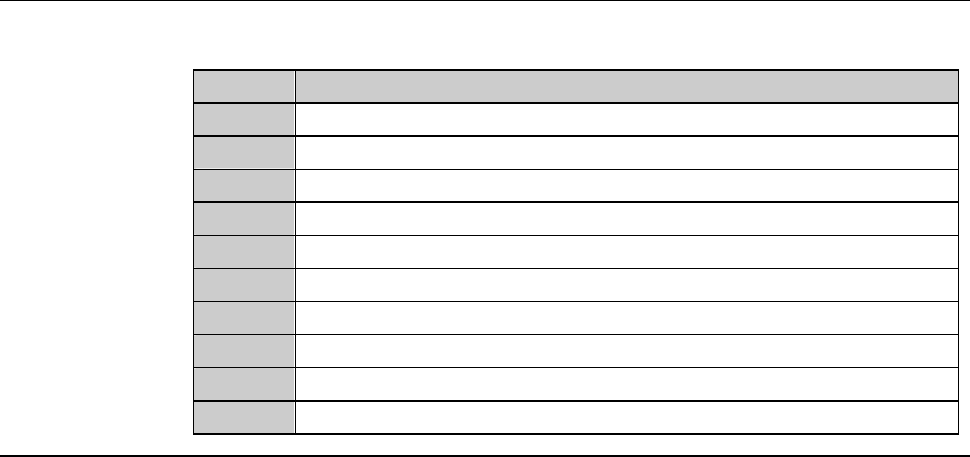
[Function Button]
Press To
F1
Change the name or maintenance interval of the selected item.
F2
Delete the selected maintenance item.
F3
Update the LAST MENT DATE of the selected maintenance item.
F4
Unused
F5
Unused
F6
Unused
F7
Unused
F8
Unused
F9
Unused
F10
Unused