DFD6361-Maintenance.pdf - 第283页
C-71 7-5. Deleting the Maintenance I TEM Procedur es for del etin g the maint enance ITE M Step No. Do This 1 Select t he maintenan ce item y ou want to delet e. 2 Press the <F2 > button to del ete the item.
C-70
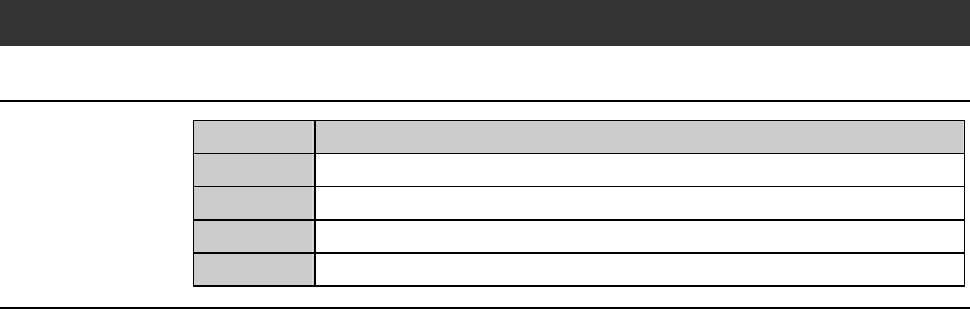
7-4. Changing the Maintenance ITEM
Procedures for changing the maintenance ITEM
Step No. Do This
1
Select the maintenance item you want to change the item name.
2
Highlight the item name in the ITEM column.
3
Input the new item name by using the text buttons.
4
Press the <F1> button to finalize the change.
C-71
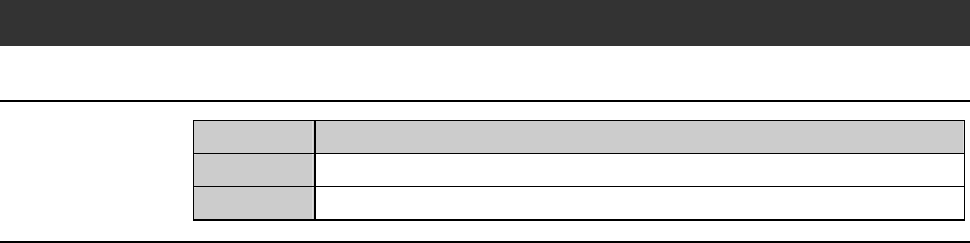
7-5. Deleting the Maintenance ITEM
Procedures for deleting the maintenance ITEM
Step No. Do This
1
Select the maintenance item you want to delete.
2
Press the <F2> button to delete the item.
C-72
8. Maker Data
About maker data
Maker Data refers to the maintenance screen used by DISCO maintenance
personnel.
The maker password is required to call up the maker data.
NOTICE
The maker data setup governs the standard data for the control of
each axis operation.
If its data is inappropriately specified, the machine may be damaged.
Even when you have a chance to know the maker password, do not
attempt to change the maker data unless a formal guidance or
instruction is given from DISCO.