00194591-01.pdf - 第7页
Installation Guide SIPLACE Setup Center 1 Introduction Edition 03/2005 EN 1.3 System Requirements 7 1.3 Syste m Requireme nt s The foll owing har dware is r equired for a su ccessful SIP LACE Set up Center ins tallation.…
1 Introduction Installation Guide SIPLACE Setup Center
1.2 Scope of Delivery Edition 03/2005 EN
6
1.2 Scope of Delivery
The SIPLACE Setup Center software package contains the following software and documenta-
tion: 1
– 1 CD-ROM "SIPLACE Setup Center V2.0"
– SIPLACE Setup Center Setup
–MicrosoftMSDESP3a
– Documentation:
– Basic documents: 1
– Document "Software Version Description" (English and German)
– Document "SIPLACE Setup Center - Installation Guide" (English)
– Document "SIPLACE Setup Center - Getting Started" (English)
– Hardware package
– 1 DATALOGIC DRAGON™ M101/D 433MHz Barcode Scanner
– 1 DATALOGIC OM-DRAGON™ Radio Cradle
–1SerialCable
– 1 Power Supply

Installation Guide SIPLACE Setup Center 1 Introduction
Edition 03/2005 EN 1.3 System Requirements
7
1.3 System Requirements
The following hardware is required for a successful SIPLACE Setup Center installation. 1
1.3.1 SIPLACE Setup Center GUI
The same Hardware is recommended as used for SIPLACE Pro Client installations. 1
The following Software is required: 1
– Windows 2000 Server, or Windows 2000 Workstation, or Windows XP Professional
– Microsoft .NET Framework 1.1
– SIPLACE Pro Interface 2.0
Note
A hard disk with 500 MB or more free space should be used for installation (without the operating
system installed there should be at least 1 GB free space). 1
1.3.2 SIPLACE Setup Center Database
ThesameHardwareis recommended for SIPLACE Setup Center Database asusedfor SIPLACE
Pro Server. 1
The following Software is required: 1
– Windows 2000 Server, or
– Windows 2000 Workstation + service packs, or
– Windows XP Professional + service packs
–MicrosoftSQL2000 with SP3a, or
– Microsoft MSDE 2000 with SP3a
– Microsoft .NET Framework 1.1 + SP1
1 Introduction Installation Guide SIPLACE Setup Center
1.4 Navigation Guide for Installation Edition 03/2005 EN
8
Note:
A hard disk with 500 MB or more free space should be used for installation (without the operating
system installed there should be at least 1 GB free space).
Thesizeof thedatabase willgrowconstantlyas additionaldatais stored, thisshouldbe takeninto
consideration. 1
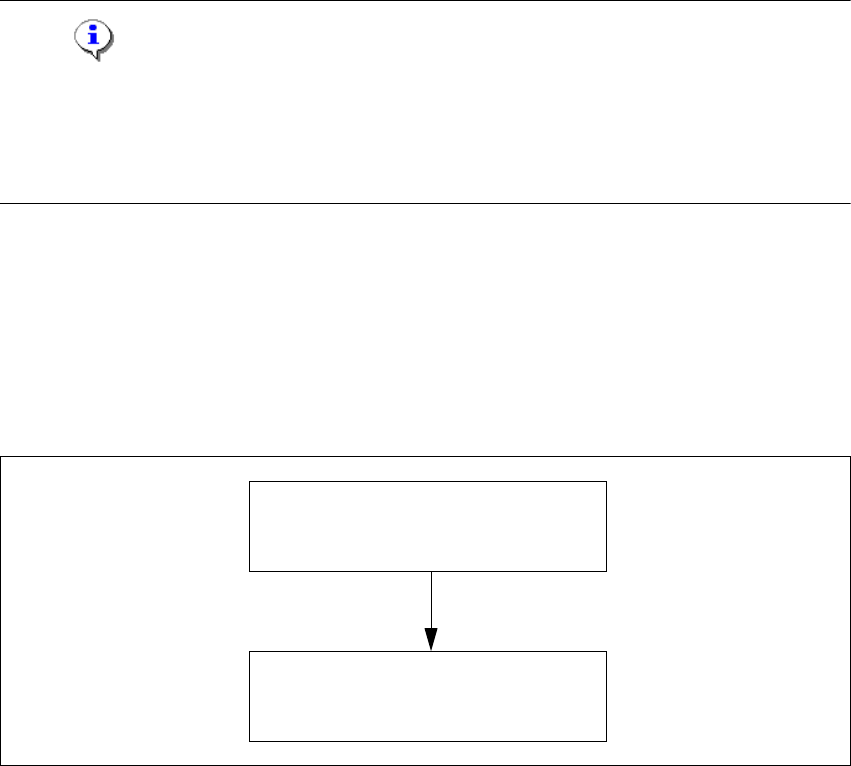
1.4 Navigation Guide for Installation
Please use the following documents to lead you through the installation procedure for SIPLACE
Setup Center. 1
1
1
Fig. 1 - 1 Navigation Guide for Installation
1
SIPLACE Pro Desk
Installation of SIPLACE Pro 2.0
(00193435-02)
SIPLACE Setup Center 2.0
Getting Started
(00194592-01)