00194591-01.pdf - 第8页
1 Introduction Installation Guide SIPLACE Setup Center 1.4 Navigation Guide for Installation Editi on 03/2005 EN 8 Note: A hard disk with 500 MB or more free space sh ould be us ed for installation (without the o peratin…

Installation Guide SIPLACE Setup Center 1 Introduction
Edition 03/2005 EN 1.3 System Requirements
7
1.3 System Requirements
The following hardware is required for a successful SIPLACE Setup Center installation. 1
1.3.1 SIPLACE Setup Center GUI
The same Hardware is recommended as used for SIPLACE Pro Client installations. 1
The following Software is required: 1
– Windows 2000 Server, or Windows 2000 Workstation, or Windows XP Professional
– Microsoft .NET Framework 1.1
– SIPLACE Pro Interface 2.0
Note
A hard disk with 500 MB or more free space should be used for installation (without the operating
system installed there should be at least 1 GB free space). 1
1.3.2 SIPLACE Setup Center Database
ThesameHardwareis recommended for SIPLACE Setup Center Database asusedfor SIPLACE
Pro Server. 1
The following Software is required: 1
– Windows 2000 Server, or
– Windows 2000 Workstation + service packs, or
– Windows XP Professional + service packs
–MicrosoftSQL2000 with SP3a, or
– Microsoft MSDE 2000 with SP3a
– Microsoft .NET Framework 1.1 + SP1
1 Introduction Installation Guide SIPLACE Setup Center
1.4 Navigation Guide for Installation Edition 03/2005 EN
8
Note:
A hard disk with 500 MB or more free space should be used for installation (without the operating
system installed there should be at least 1 GB free space).
Thesizeof thedatabase willgrowconstantlyas additionaldatais stored, thisshouldbe takeninto
consideration. 1
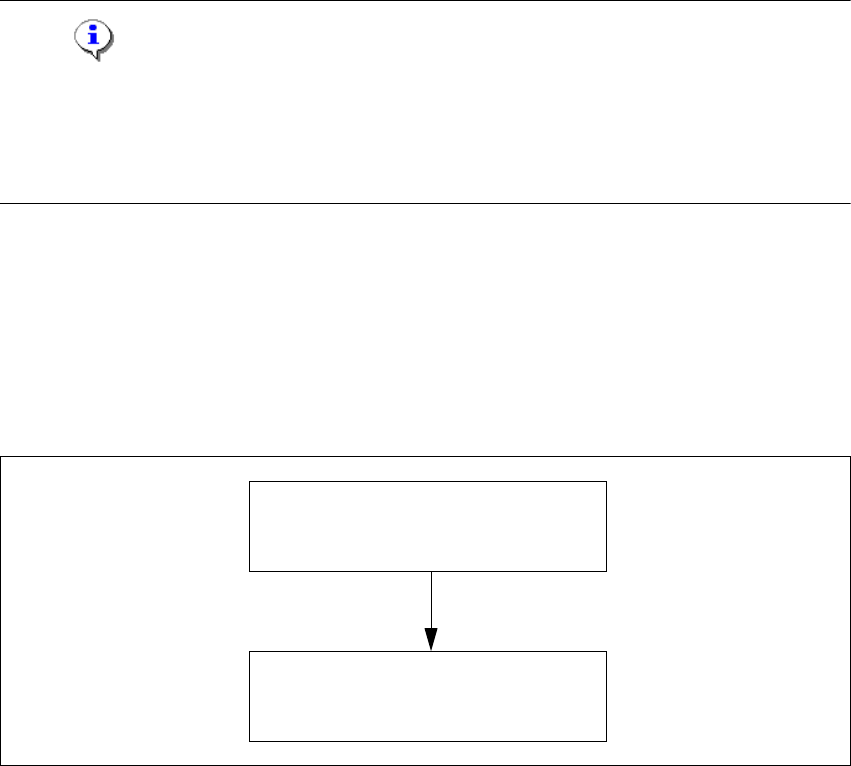
1.4 Navigation Guide for Installation
Please use the following documents to lead you through the installation procedure for SIPLACE
Setup Center. 1
1
1
Fig. 1 - 1 Navigation Guide for Installation
1
SIPLACE Pro Desk
Installation of SIPLACE Pro 2.0
(00193435-02)
SIPLACE Setup Center 2.0
Getting Started
(00194592-01)
Installation Guide SIPLACE Setup Center 2 System Components and Configurations
Edition 03/2005 EN 2.1 Overview of System Components
9
2 System Components and
Configurations
2.1 Overview of System Components
A complete installation of SIPLACE Setup Center consists of the following components. 2
– SIPLACE Setup Center GUI
– SIPLACE Setup Center Database
2.1.1 System Configuration
There are several different recommended installation scenarios for SIPLACE Setup Center. The
installation depends on the working area where SIPLACE Setup Center will be used and on other
conditions as described below. 2
2.1.1.1 SIPLACE Setup Center Database
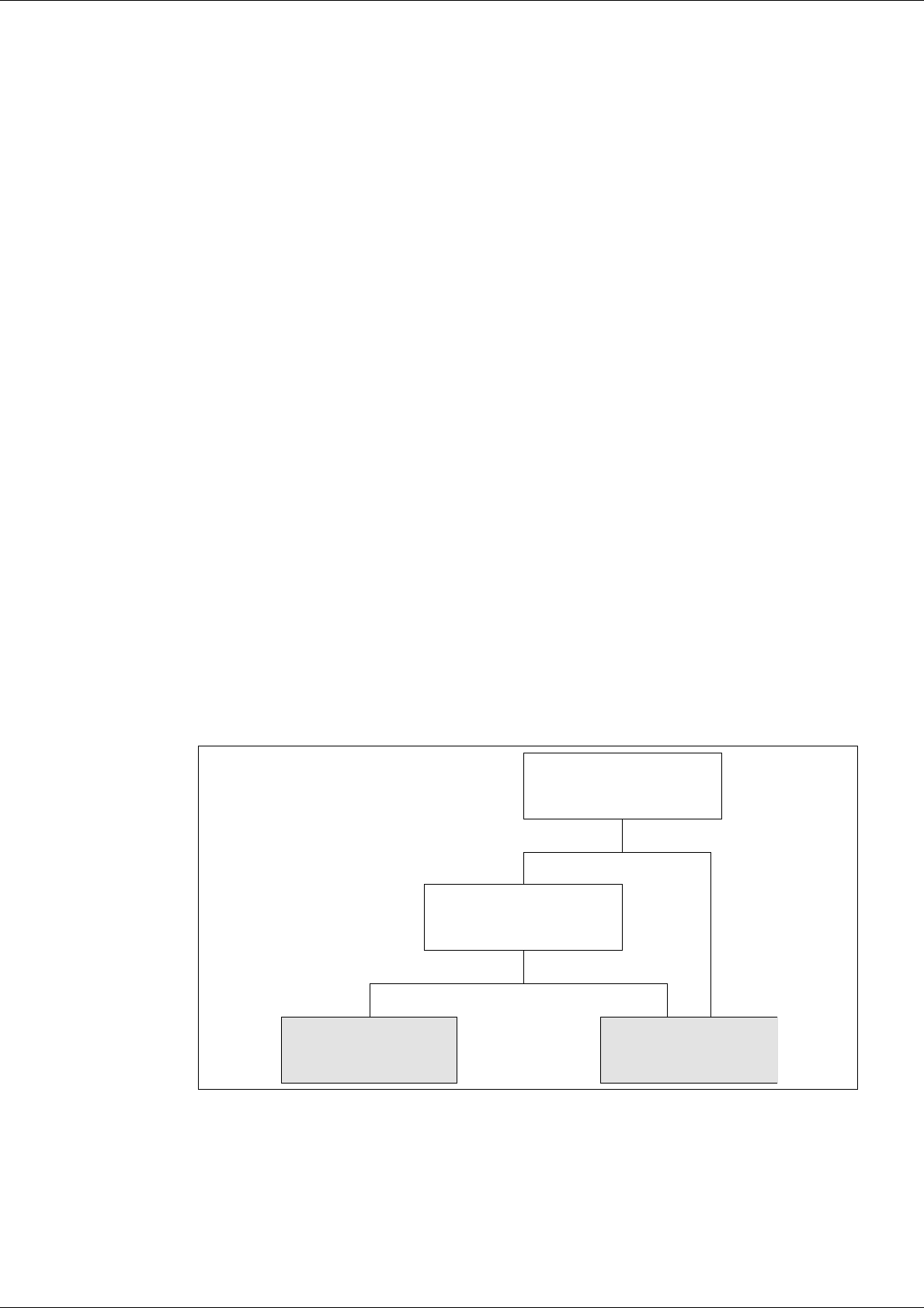
The most importantdecision before thefirst installation iswhichtype of datamanagement is used.
The following decision tree should give you support with this decision. Please read through the
questions thoroughly andfollow the appropriate result path. As a result you get the recommended
kind of installation for the SIPLACE Setup Center database. 2
2
Fig. 2 - 1 Decision Tree for SIPLACE Setup Center Database
No Yes
No Yes
LocalDatabase
(MSDE)
Central Database
Do you validate the setup
in a pre-setup area?
Do the packaging units
have Unique ID barcodes?