TROI_Programing_Chinese_new .pdf - 第17页
www .pemtron.com 17 Step 4 : PCB 传送后并显示信息“ Failed fiducial check ” 请点击“ OK ” -2-28 Step 5 : 下一步 “ Global fid uc ial mark could not be f ound ” 信息显示 请点击 “ OK ” -2-29 III-2-7 Step 1 : 右击窗口右下部分 -2-30
www.pemtron.com
16
Step 8: 当轨道宽度自动改变并且布局窗口显示 导入过程将完成
-2-25
III-2-6 PCB
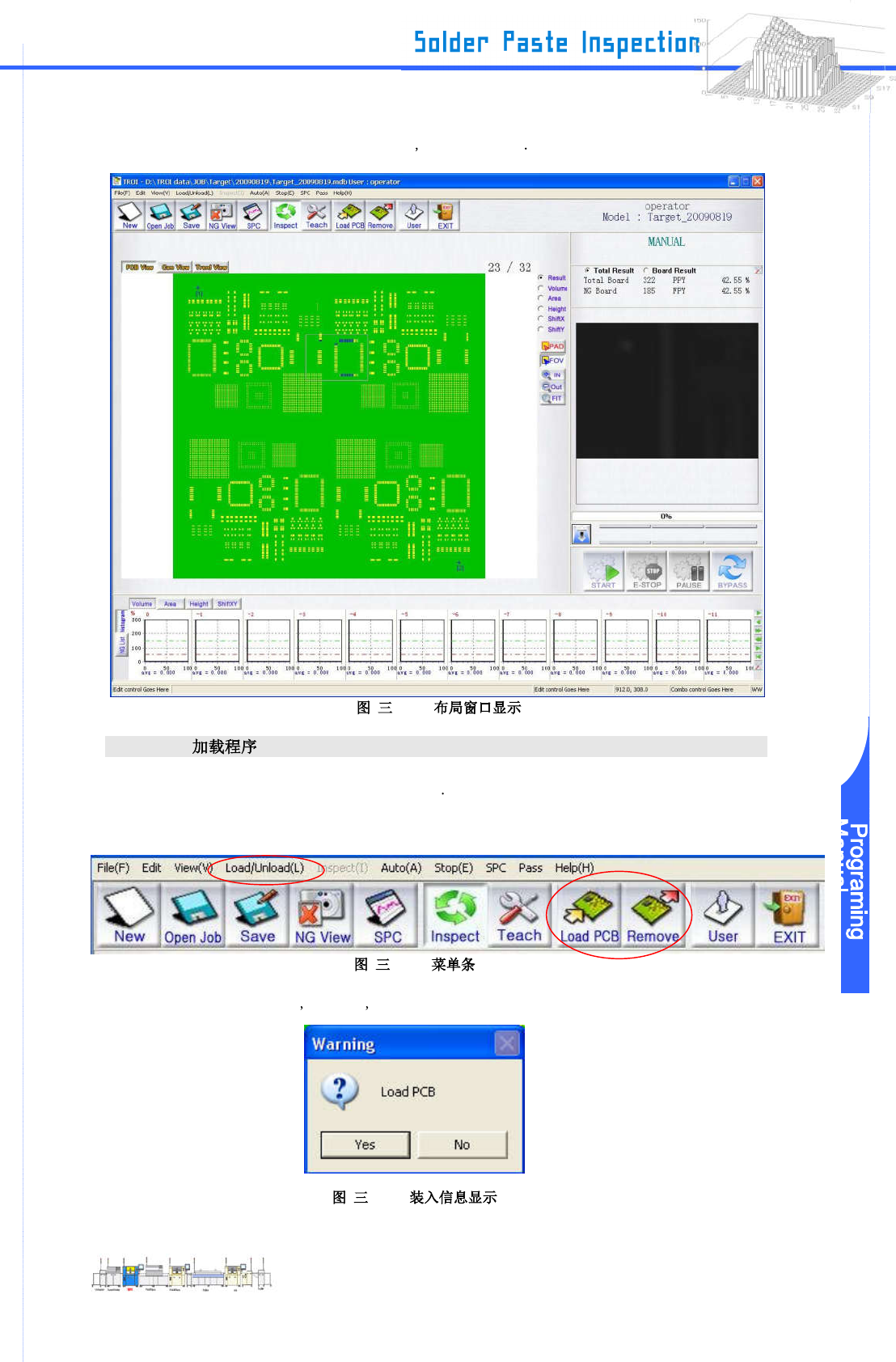
Step 1: 放置一个 PCB 以便被装入传感器能感应到
Step 2: 从菜单条里选择 “Load/Unload” .
-2-26
Step 3: “Load PCB”信息显示 当完成后 请电击 “Yes”.
-2-27
www.pemtron.com
17
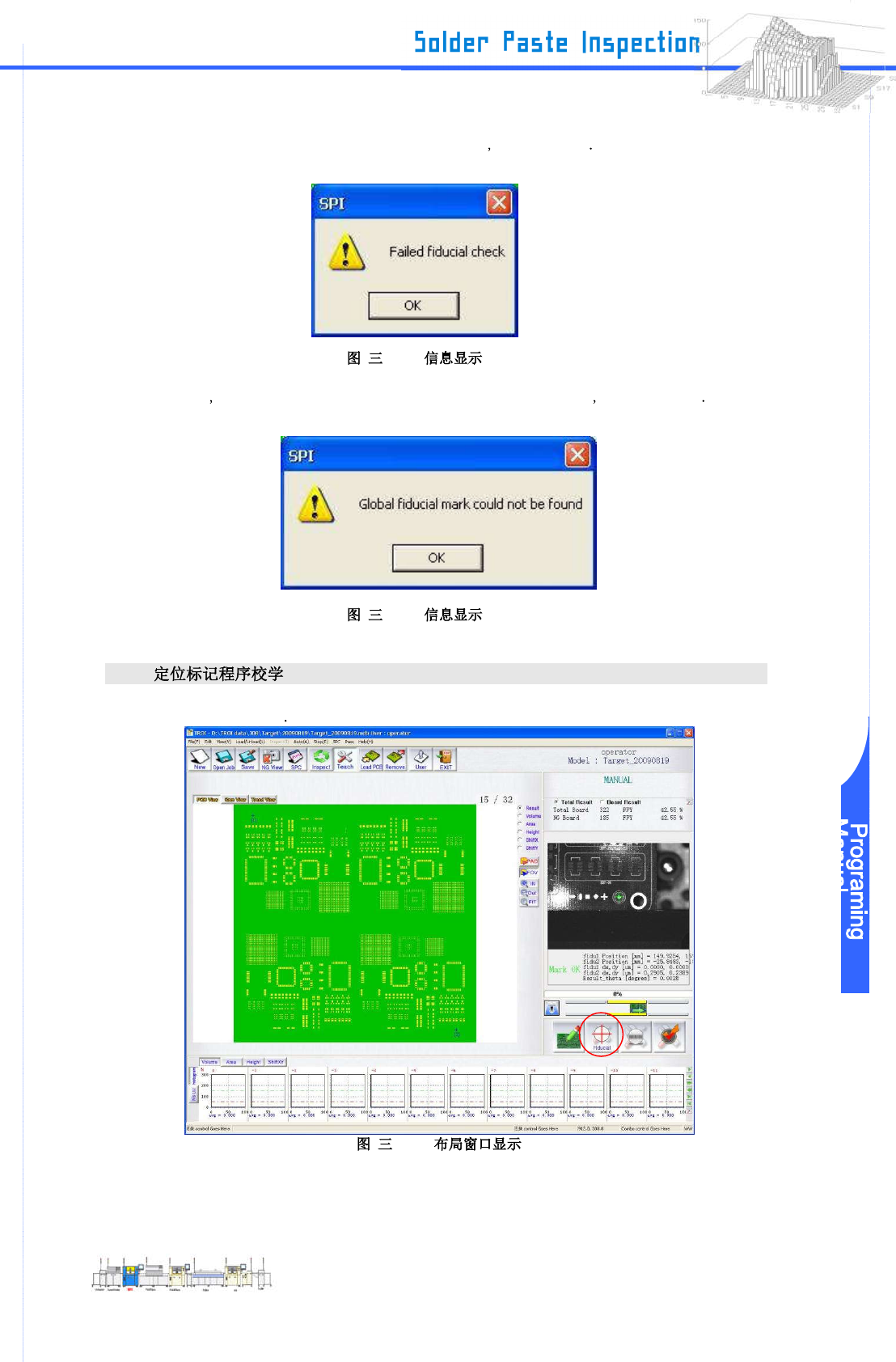
Step 4: PCB 传送后并显示信息“Failed fiducial check” 请点击“OK”
-2-28
Step 5: 下一步 “Global fiducial mark could not be found” 信息显示 请点击 “OK”
-2-29
III-2-7
Step 1: 右击窗口右下部分
-2-30
www.pemtron.com
18
Step 2: “Board Data” 窗口显示 那么点击 “Set Fiducial Mark”
-2-31 “Board Data”
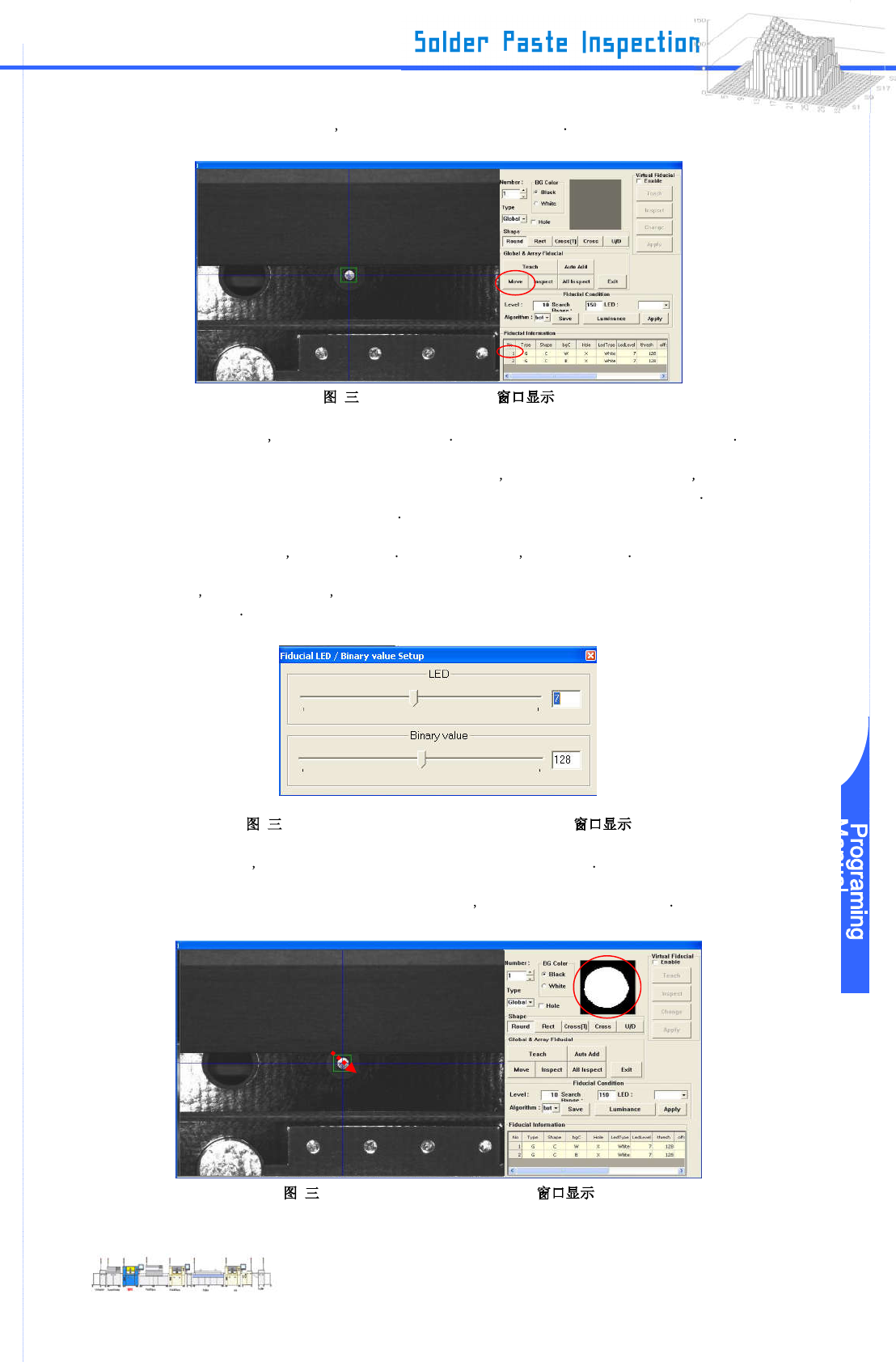
Step 3: 当右击窗口内部 照相机移动到一个新的位置 调整定位标记以便它将成为窗口中心的位置
这 样 做 , 如 果 造 成 你 几 乎 看 不 清 定 标 记 的 原 因 如 窗 口 看 起 来 太 暗 或 太 亮 当 你 点 击
“LED/Binary Value”时“Fiducial LED / Binary value Setup” 窗口将被显示 请你改变
和调节 LED 值以便能容易地看到它
当你使设定值越小 整个窗口会变暗 当你使设定值越大 整个窗口会变亮
然而 当你改变这个值时 它将不会被反射除非你在“Setting Fiducial Dialog”窗口上点击
“Grab”
-2-32 “Fiducial LED / Binary value Setup”
当调整完成时 关闭 “Fiducial LED / Binary value Setup” 窗口
Step 4: 当你用鼠标拖动并环绕位于窗口中心的定位标记 影像图将显示在右侧的窗口上
-2-33 “Setting Fiducial Dialog”
Drag by
the mouse