00198281-02_JG SmartFeeder 24-104 mm X_EN.pdf - 第22页
Operating the Feeder Module - Display of Error and Warning States 22 www.asm-smt.com 1.18 Display of Error and Warning States Basically, three types of errors are distinguished: Module errors : Errors in the control unit…
Operating the Feeder Module - Removing the Tape (Teardown if Foil Torn)
21
www.asm-smt.com
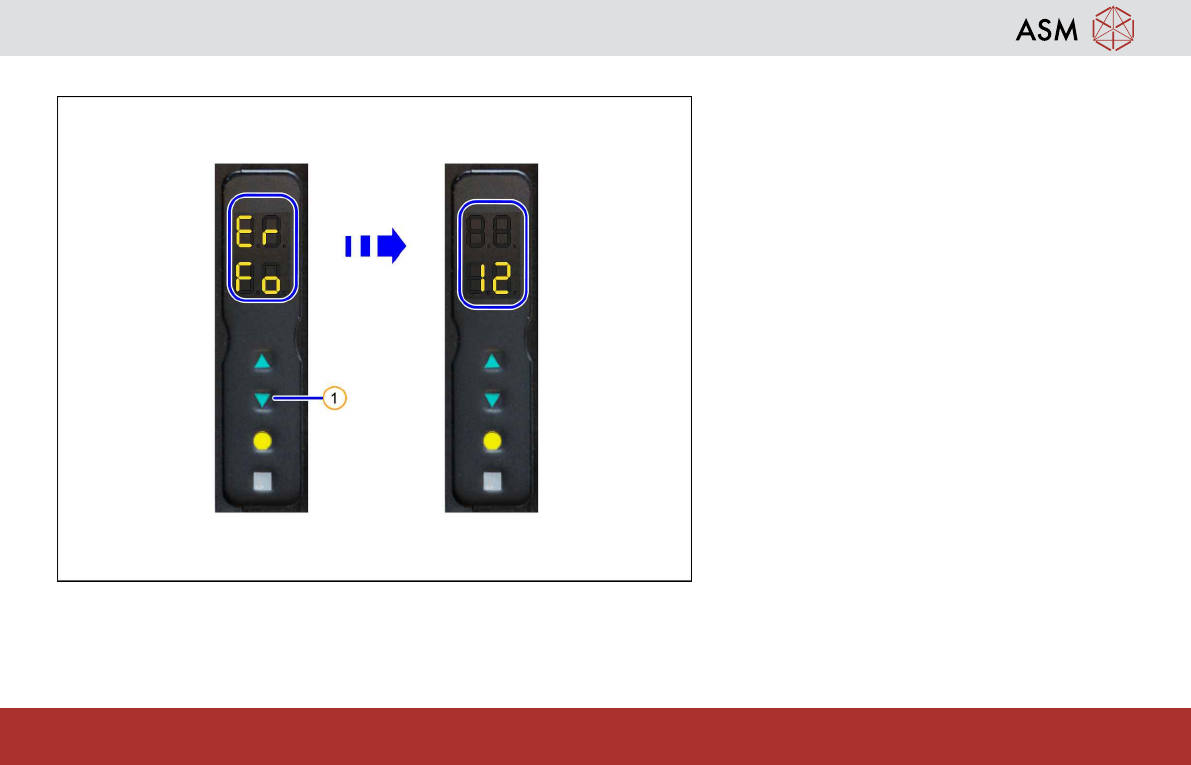
1.17 Removing the Tape (Teardown if Foil Torn)
The following section describes how to tear
down a feeder module, if you want to still keep
it in the machine without the tape and a "foil
torn" error has been issued.
A "foil torn" error is indicated by a red status
display and the error text "Er" in the upper part
and "Fo" in the lower part of the display.
1. Press and hold the BACKWARDS button.
After approx. 1 second, the error will be
reset and the status display lights up
green.
2. Release the BACKWARDS button.
Attention:
After performing removal, make sure that there
are no tape or foil residues in the feeder mod-
ule pickup area, as the placement head could
get caught in these.
Operating the Feeder Module - Display of Error and Warning States
22
www.asm-smt.com
1.18 Display of Error and Warning States
Basically, three types of errors are distinguished:
Module errors: Errors in the control unit of the feeder module (e.g interrupted communication)
Track errors: Errors in providing the components (feeding the tape or peeling off the cover foil)
Process errors: These are sent to the feeder module by the placement machine and are displayed by the feeder module.
The individual states are displayed as follows:
– The status display indicates errors in red, warnings in orange.
– The 7-segment display makes it possible to distinguish between the error types.
– For module and track errors, an error text is displayed.
– For process errors, the current tape transport length is displayed.
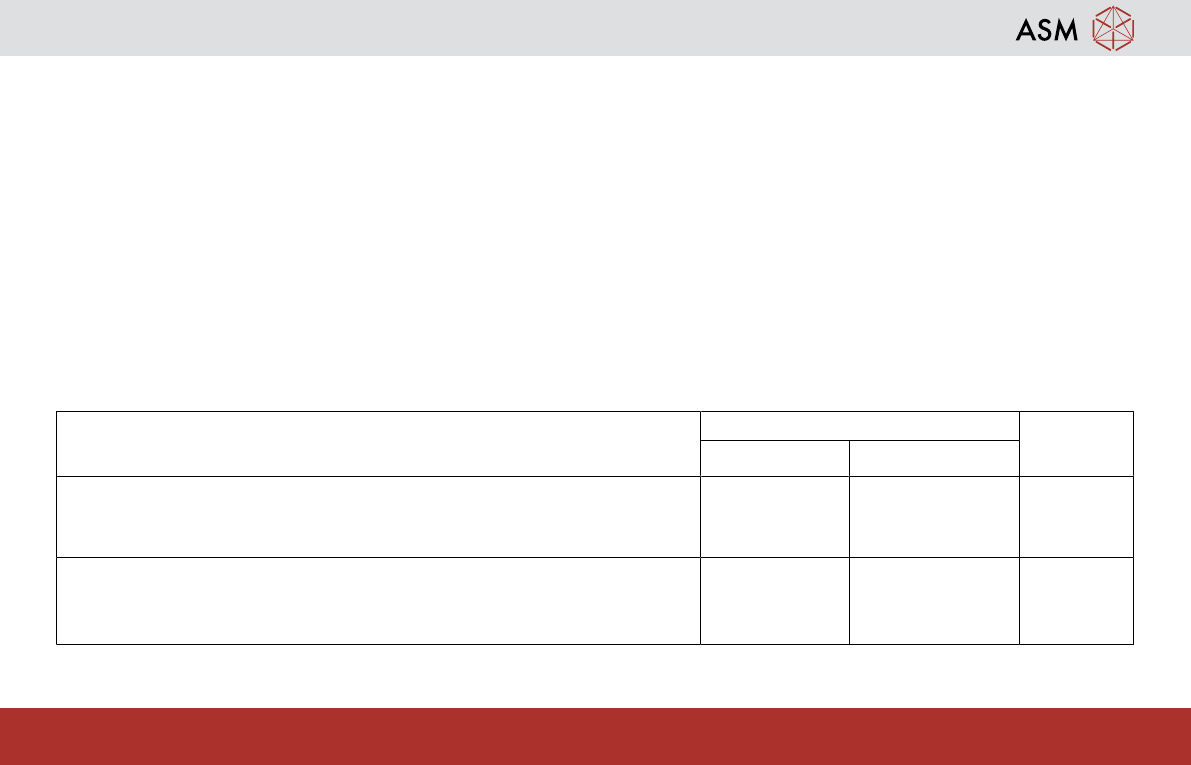
Operating state 7 segment display Status LED
Position Display values
Error state "feed timeout"
Tape drive has not reached the target position within the timeout period
At the top
At the bottom
E r (error)
P F (position
failed)
Red
Error state "foil torn"
Foil removal device could not stretch the cover foil within the timeout
period
At the top
At the bottom
E r (error)
F o (foil)
Red
Operating the Feeder Module - Display of Error and Warning States
23
www.asm-smt.com
1.19 Display of Error and Warning States
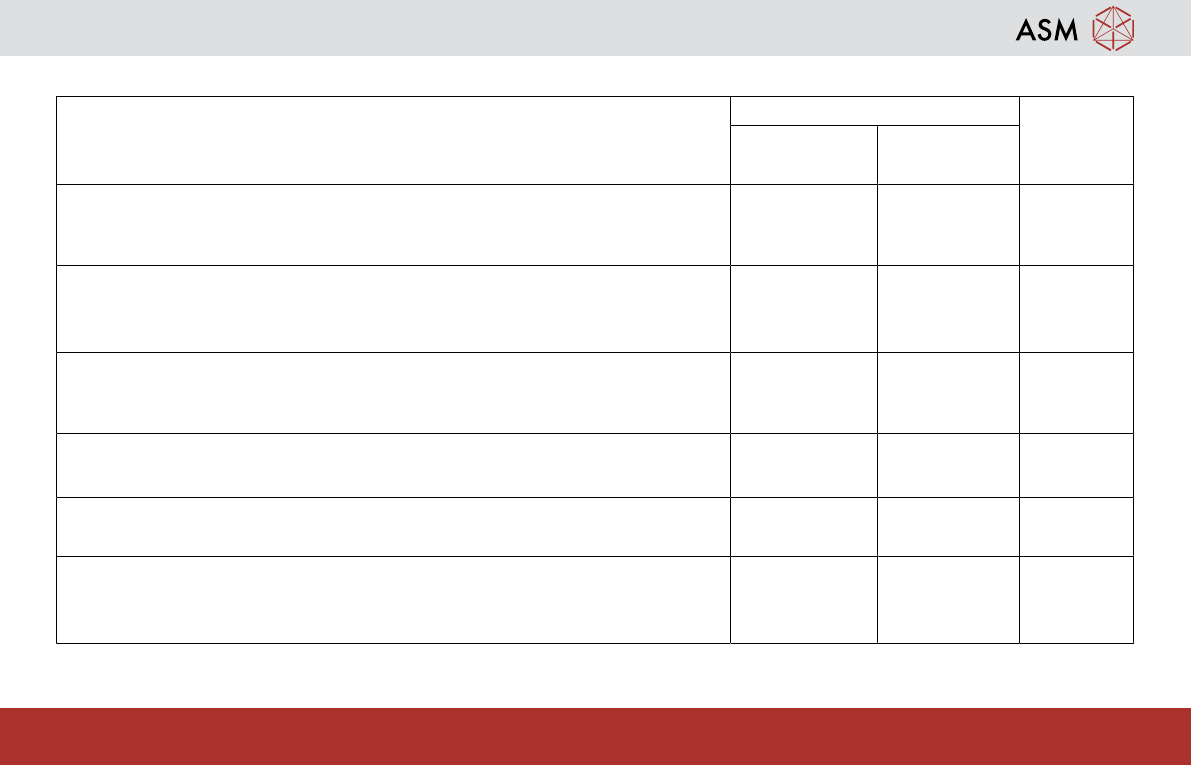
Operating state 7 segment display Status LED
Position Display val-
ues
Error state "foil peel"
The foil is stretched, the tape drive has transported but the foil removal
device was not activated.
At the top
At the bottom
E r (error)
F o. (foil, .)
Red
Error state "CAN Bus error"
Error at the CAN Bus interface.
At the top
At the bottom
E r (error)
C A (CAN
bus)
Red
Error state „Removal handle extended“
After logging on the feeder module to the FCU, the removal handle is still
extended.
At the top
At the bottom
H A (handle)
o u (out)
Red
Error state "Application invalid"
The application software is invalid or not loaded.
At the top
At the bottom
Switched off
Switched off
Red
Flashing
Error state "Voltage supply too low"
When the feeder module is switched on, the voltage supply is too low.
At the top
At the bottom
Switched off
Switched off
Orange
Warning "Function cannot be performed"
The function triggered on the operator panel cannot be performed at
present.
At the top
At the bottom
- - Flashing
- - Flashing
Orange
More error states and their fixes can be found in the relevant service and user guides.