4OM-1011-002.pdf - 第125页
0305-001 Tg0860-PM-MM *4 [ALL BEAM HEADS ZERO [MOVE]] Key Both Beams A and B are zeroed. When this key is selected and the [MOVE] button is pressed, the zeroing operation starts. *5 [GAIN ・ LEVEL] Key When this key is pr…
0305-001 Tg0860-PM-MM
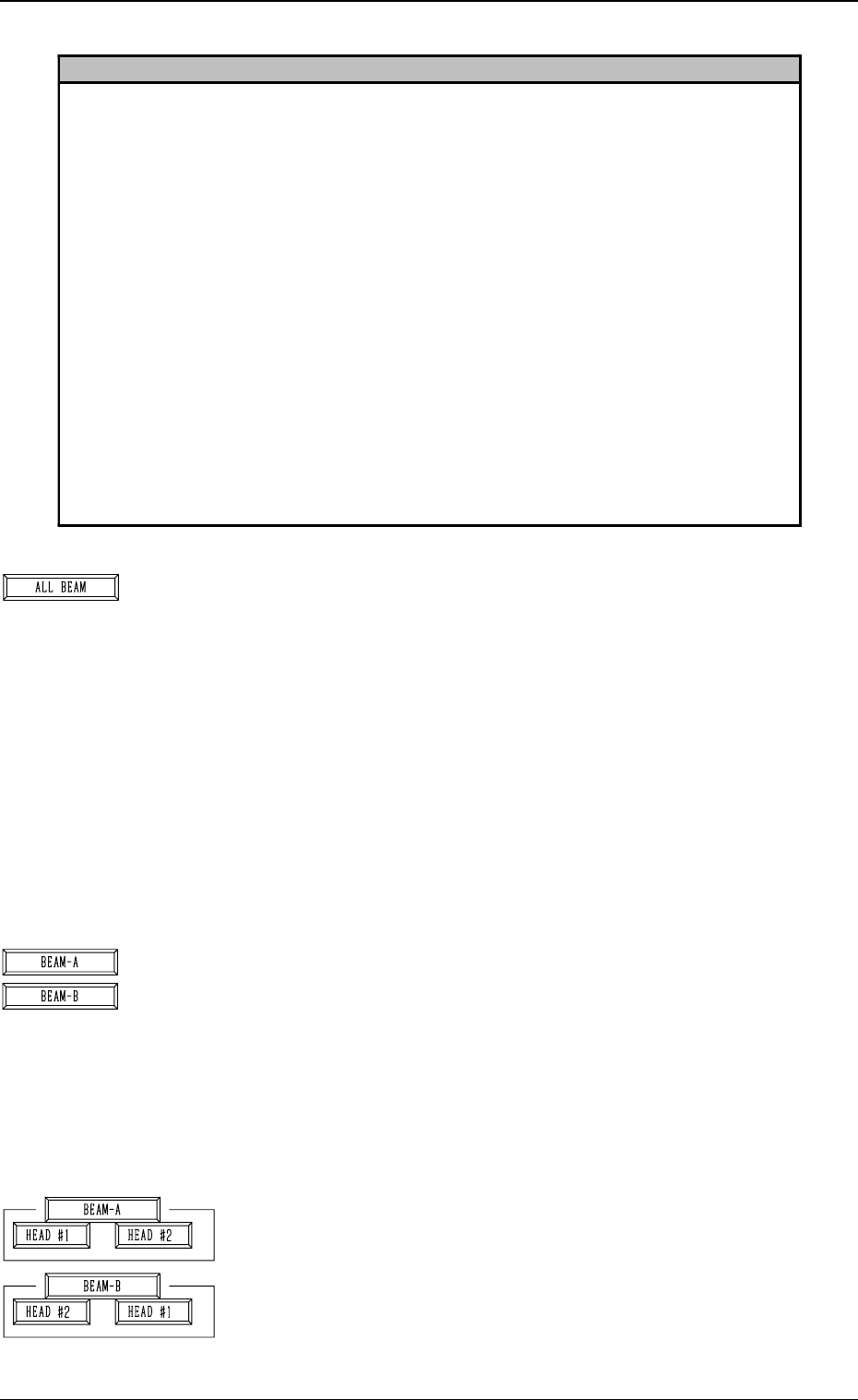
*1 [ALL BEAM] Key
The machine performs the teaching operation of the head
position offset for simultaneous image capture operations
at both Beams A and B.
When this key is selected and the [MOVE] button is pressed,
the machine starts the teaching operation.
Note: Before performing the teaching operations, zero
both beams.
It is calculated through the procedures similar to the teach-
ing operation of the head rotational center offset data where
the head rotational center is located when viewed from the
camera center in comparison with the camera positioned as
the subordinate head during simultaneous recognition for
each individual heads.
*2 [BEAM-A] and [BEAM-B] Keys
The machine performs the teaching operation of the head
position offset for simultaneous image capture operations
at Beam A or B.
When the [BEAM-A] or the [BEAM-B] key is selected and
the [MOVE] button is pressed, the machine starts the teach-
ing operation.
Note: Before performing the teaching operations, zero
both beams.
*3 [HEAD #1] and [HEAD #2] Keys in “BEAM-A” Group
Box and [HEAD #2] and [HEAD #1] Keys in “BEAM-B”
Group Box
When one of the above-described keys is selected and the
[MOVE] button is pressed, the machine starts teaching the
offset data related to the selected head #.
Note: Before performing the teaching operations, zero
both beams.
3-73
6.6 HEAD OFFSET (GET BOTH IMAGE) Display
Reference
Subordinate Head:
When two steps are paired through the simultaneous pick-up or the pick-up priority function
designated in the placement data, this head handles the component related to the step No. larger
than the other. On the other hand, the head which handles the component related to the smaller
step No. is called "Guide Head".
The simultaneous recognition is automatically prohibited and images are captured individually
when;
• components which require BGA lighting are picked up.
• a value other than "0" (zero) is set (designation of eccentric pick-up) in the "X" and "Y" data
boxes of the label "PICK-UP LOCATION CORRECTION" at the "CMPNT LIBRARY"
display.
• the visual field of the confronting camera cannot cover the components picked up by the right
and left heads.
In these cases, the beams must be moved such that the rotational centers of the heads are located
at the camera centers before the images are captured.
Compared with this, in the case of the simultaneous recognition, the guide head (for the smaller
step) moves normally but the subordinate head faces the other one at the position where the head
rotational center does not match the camera center due to the relation between the head-to-head
and camera-to-camera pitches. Therefore, this offset data is required for recognition processing
and correction calculation.
Fig. 4C130
Fig. 4C131
Fig. 4C132
0305-001 Tg0860-PM-MM
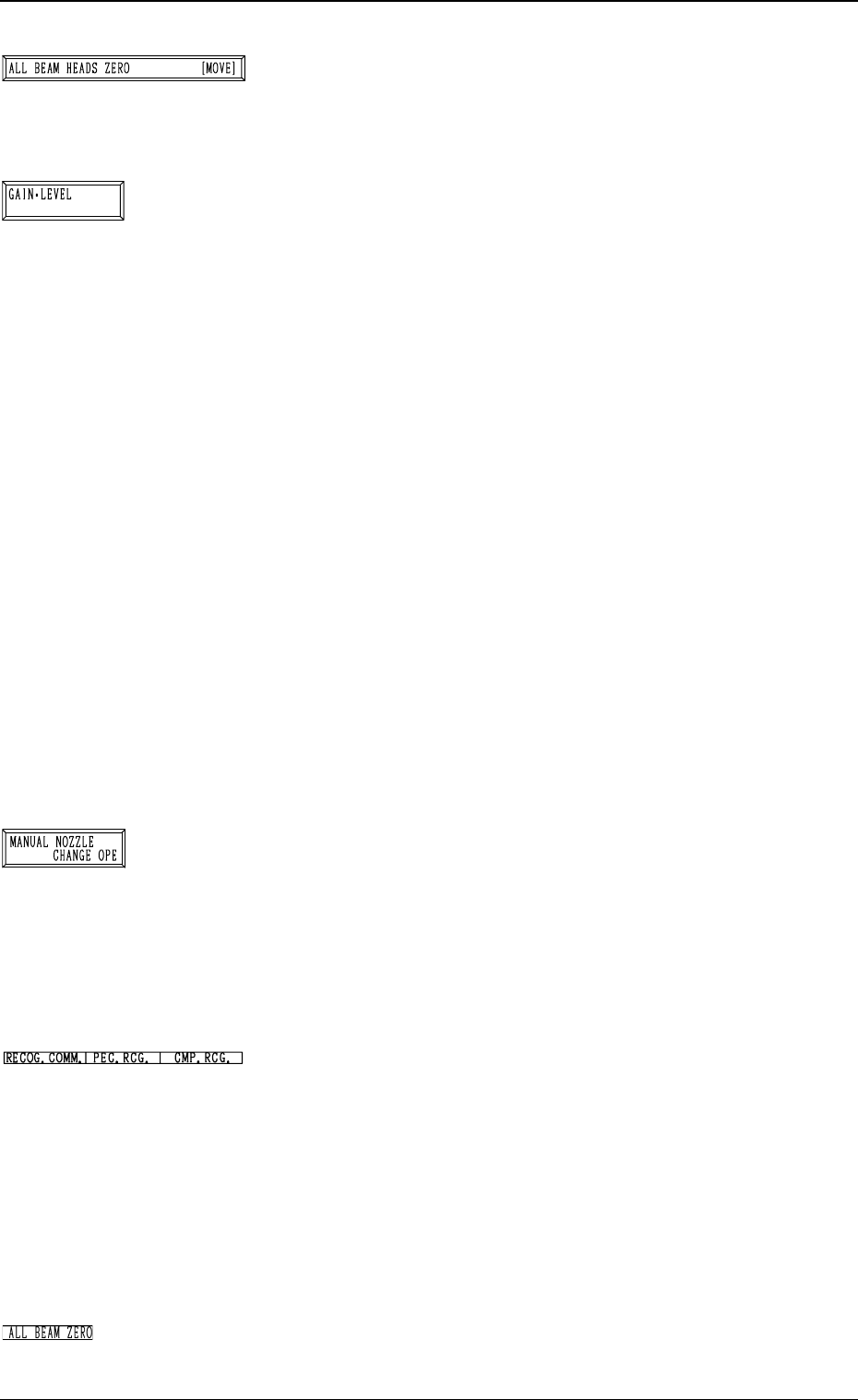
*4 [ALL BEAM HEADS ZERO [MOVE]] Key
Both Beams A and B are zeroed.
When this key is selected and the [MOVE] button is pressed,
the zeroing operation starts.
*5 [GAIN・LEVEL] Key
When this key is pressed, the “GAIN・LEVEL” display (Fig.
4C70) appears on the screen.
These parameters are used to set amplifications at which
the image signals of the image taken by the component rec-
ognition camera is converted into the picture information
representing brightness.
Parameters are set as the offset values for camera reference
gain and level.
Normal Fixed Value: ± 0
• When “ENABLE” is set in the “DESIGNATE” data box,
be sure to set parameters in the “GAIN” and “LEVEL”
data boxes.
The set parameters are used for P.E.C. recognition.
When “DISABLE” is set in the data box, the standard
parameters are set in the “GAIN” and “LEVEL” data
boxes.
• The lower the gain is, the bigger the contrast becomes.
• The lower the level is, the brighter the whole view be-
comes.
Note: Teaching operations are performed through com-
ponent recognition.
Incorrect gain and level parameters lead to the ad-
verse result of teaching operations, causing some
trouble.
*6 [MANUAL NOZZLE CHANGE OPE] Key
When this key is pressed, the “MANUAL NOZZLE
CHANGE OPERATION” display (Fig. 4C85) appears on
the screen.
Designate the head and the nozzle and attach either “MF01”-
, “MF02”- or “MA06”-type nozzle.
Refer to “9. Manual Nozzle Change Operation of Section
4 in Volume 1” for details.
*7 RECOG. COMM.
When “DISABLE” is set in the “P.E.C.” and “COMPO-
NENT RECOGNITION” data boxes at the “TEST MODE”
display, the background color of “P.E.C. RECOG.” and
“COMP. RECOG.” becomes light red. (No background
color in normal cases)
In this case, the recognition processing is not made even if
the teaching operations are performed. Therefore, the re-
sults of various teaching operations are not reflected on the
offset data.
*8 ALL BEAM ZERO
When all beams are zeroed completely, the background
color turns green. Otherwise, the background has no color.
3-74
6.6 HEAD OFFSET (GET BOTH IMAGE) Display
Fig. 4C133
Fig. 4C134
Fig. 4C135
Fig. 4C136
Fig. 4C137
0305-001 Tg0860-PM-MM
Operation Procedure
• Required Items
Nozzle: 4 pieces of “MF01”, “MF02” or “MA06”
Jig Component: Teaching Plate (Component Recognition Offset Jig)
(Standard Accessory Part)
(1) Set either “MF01”-, “MF02”- or “MA06”-type nozzle in the nozzle
stocker.
(2) Attach the jig component (the teaching plate (component recognition
offset jig)) to the position where the teaching plate is attached.
Note: The printed side of the component recognition offset jig should
face downward.
(3) Check the followings.
• Check that the machine is powered.
• Check that the supply cover is completely closed.
(4) Attach either “MF01”-, “MF02”- or “MA06”-type nozzle to the ob-
jective placement head for teaching at the “MANUAL NOZZLE
CHANGE OPERATION” display.
(5) Select the [ALL BEAM HEADS ZERO [MOVE]] key and press the
[MOVE] button to zero all beam heads.
Confirm that the background color of “ALL BEAM ZERO” has turned
green.
(6) To specify the gain and level, use the “GAIN・LEVEL” display.
Note: In normal cases, set “DISABLE” in the “DESIGNATE” data
box.
(7) Select the item to be taught and press the [MOVE] button.
The machine starts the teaching operations.
The following series of teaching operations are performed automati-
cally.
The nozzle picks up the teaching plate from the place where the teach-
ing plate is attached.
↓
The placement head moves to the component recognition camera po-
sition.
↓
The jig component is recognized with the component recognition cam-
era. The component posture (4 directions: 0°, 90°, 180°, and 270°) is
checked and the deviations from the head rotational and camera cen-
ters are extracted during the recognition.
↓
The teaching plate is returned to the original place (the place where it
was attached).
Ref.: The checker marks at the component recognition camera sec-
tion are also recognized.
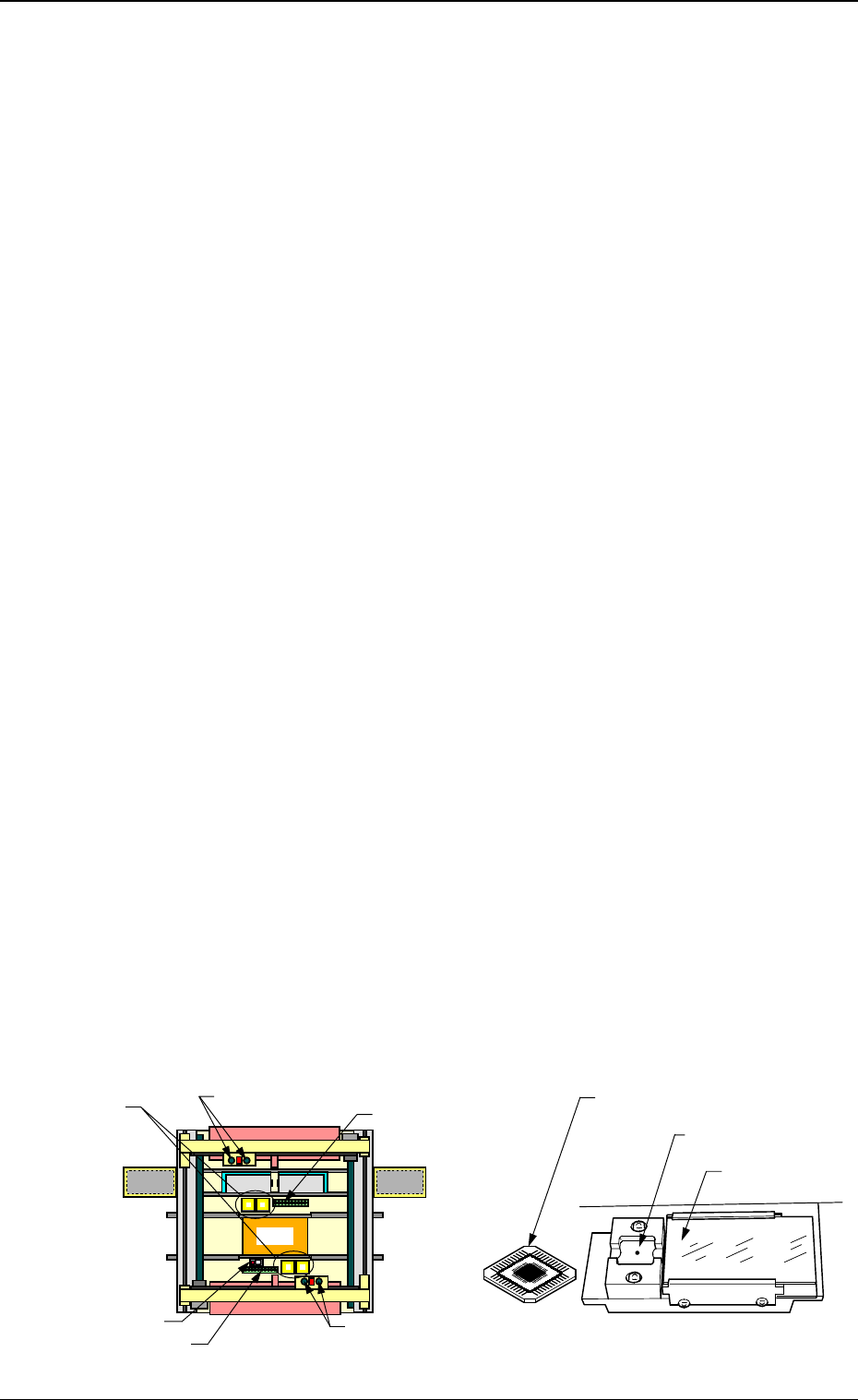
Overall Top View
Teaching Plate Section
Component Rec-
ognition Camera
Nozzle Stocker
Placement Head
Nozzle Stocker
Placement Head
Beam A Side
Teaching Plate
(Component Recognition Offset Jig)
Position of Teaching Plate
Back Light Stage
Beam B Side
Magnified View of Teaching Plate Section
3-75
6.6 HEAD OFFSET (GET BOTH IMAGE) Display
Fig. 4C138