4OM-1011-002.pdf - 第151页
0305-001 Tg0860-PM-MM 6.9 PICK-UP LOCA TION Display • The pick-up position of the component at each feeder is taught through manual alignment operation. The objective feeders for teaching are those whose pick-up position…
0305-001 Tg0860-PM-MM
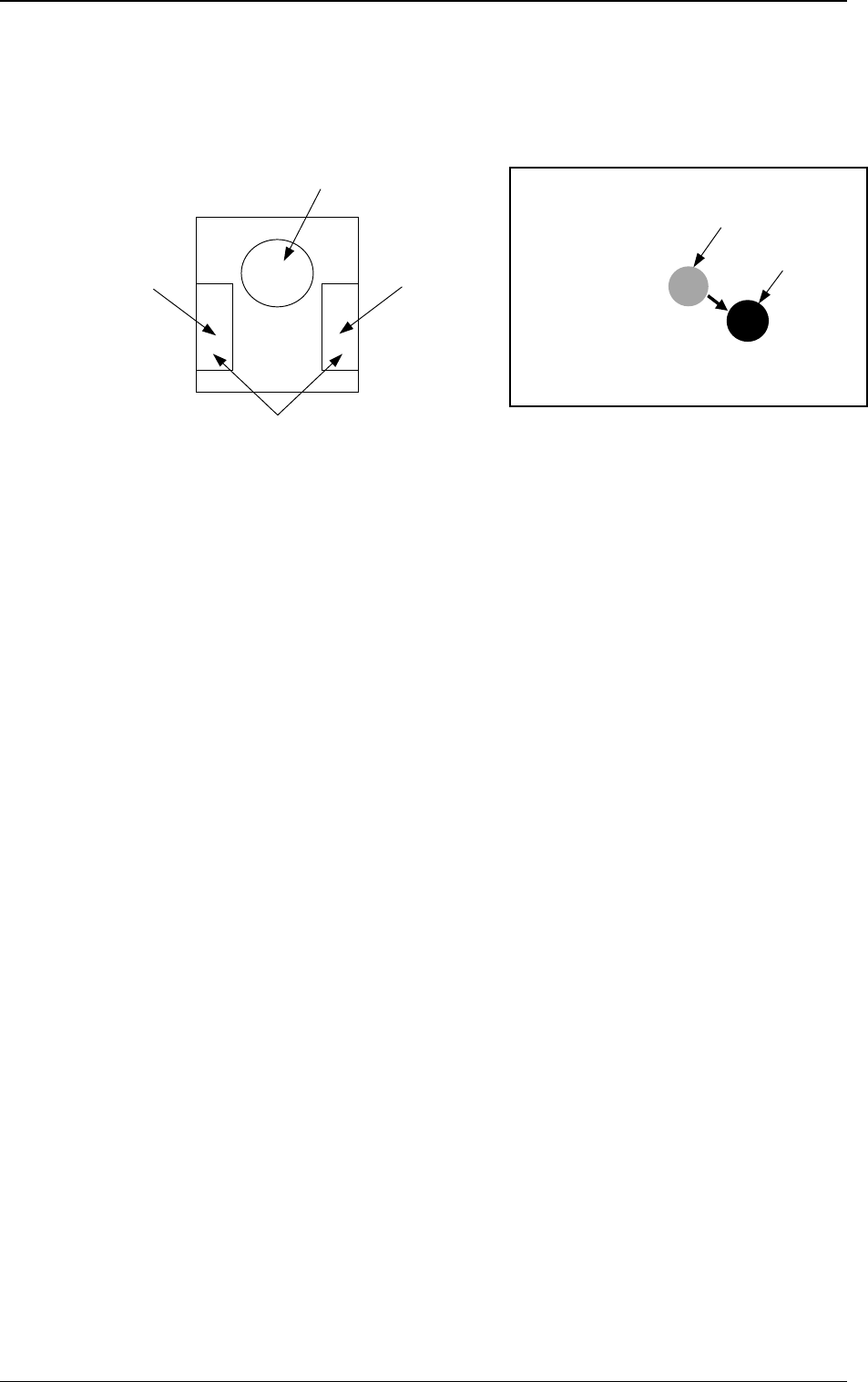
6.8.9 Teaching Operation with Trackball
(1) When the manual alignment and teaching operations are implemented, the
captured image and the template for teaching appear on the recognition
monitor.
(2) Use the trackball to move the template and align it with the teaching point.
(3) When you press the right button of the trackball, the image size extends.
Pressing the left button reduces the image size. Adjust the size so that the
template and the teaching point overlap each other.
(4) Press the left and right buttons of the trackball simultaneously. The posi-
tion is determined.
3-99
6.8 UNIT MANUAL ALIGNMENT TEACH Display
Fig. 4C170Fig. 4C169
Right Button
Function: Image
Extension
Left Button
Function: Image Reduction
Pressing the left and right buttons simultaneously:
Determination of Position
Template
Image
Image on Recognition Monitor
Trackball
Function: Template Movement
0305-001 Tg0860-PM-MM
6.9 PICK-UP LOCATION Display
• The pick-up position of the component at each feeder is taught through manual
alignment operation.
The objective feeders for teaching are those whose pick-up position is regis-
tered in the component data of the current pattern program.
The pick-up rate may be improved after the teaching of the pick-up position
is performed when the pick-up rate is low.
• When the center of the cross lines does not match the center of the compo-
nent on the recognition monitor during teaching operation, perform the teaching
operation of the feeder (B) offset data.
• When a component has a groove, a protrusion, etc., and cannot be picked up
at the center without any hindrance, it is possible to perform the teaching
operation on the designation of eccentric pick-up (Chuck Location Adjust-
ment X and Y in Component Library Data).
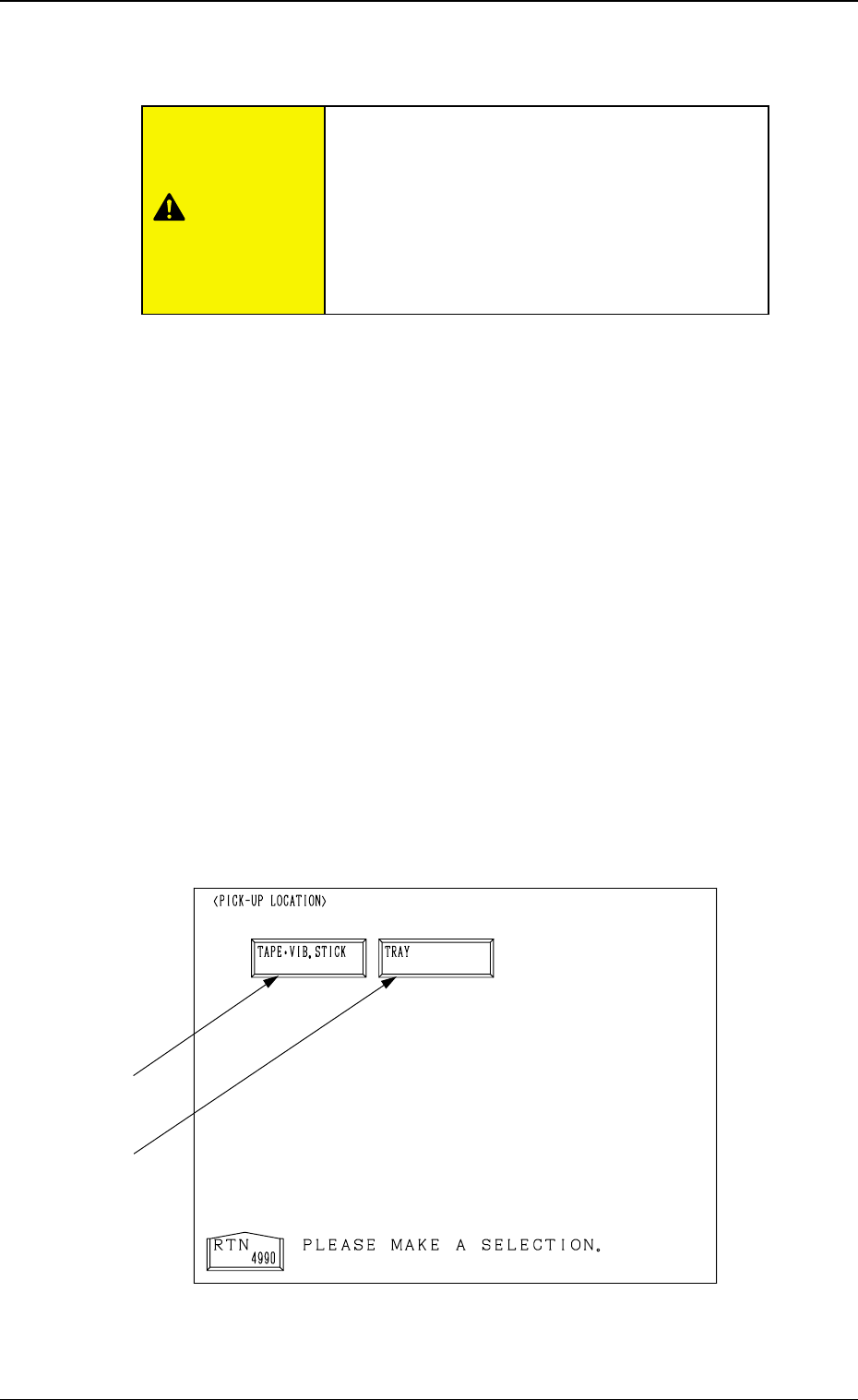
When the [PICK-UP LOCATION] key is pressed at the “TEACH OFFSET”
display, the following display appears on the screen.
This display can also be opened from the “AUTO OPN. SUB-MENU”
display. (Hierarchical Sequence: “AUTO OPN MODE <PLACEMENT>”
Display → “AUTO OPN. SUB-MENU” Display)
Note: This key can be selected only when the machine is in the “STOP”
mode.
3-100
6.9 PICK-UP LOCATION Display
Fig. 4C171
*2
*1
CAUTION
Only a well-trained personnel shall perform
teaching operations.
The component library data and the pattern pro-
gram may be modified additionally for the teach-
ing.
If the teaching operation is not performed cor-
rectly, the pick-up rate may deteriorate.

0305-001 Tg0860-PM-MM
*1 [TAPE・VIB. STICK] Key
When this key is pressed, the “PICK-UP LOCATION (TAPE・VIB.
STICK)” display appears on the screen.
Perform the offset teaching operation on the following parameters through
manual alignment operation.
• PICK-UP LOCATION ADJUSTMENT X, Y in the component library
data
• FEEDER (B) OFFSET X and Y
• OFFSET X, Y in the component data
*2 [TRAY] Key (Option)
When this key is pressed, the “PICK-UP LOCATION (TRAY)” display
appears on the screen.
Note: This display cannot be opened while the pallet is being drawn out.
Perform the offset teaching operation on the following parameters through
manual alignment operation.
• PITCH X (mm), Y (mm) and SIDE LG. X (mm), Y (mm) in the compo-
nent library data
• FEEDER (B) OFFSET X and Y
• OFFSET X, Y and PICK-UP LOCATION ADJUSTMENT X, Y
3-101
6.9 PICK-UP LOCATION Display