00193325-01.pdf - 第107页
SIPLACE S oftware Guide SR.503.xx 9 Software installation Issue 12/01 E N 9.2 Installing the 503.xx station software 107 9.2.2 W elcome 9 Fig. 9.2 - 2 Welcom e screen Click t he Next bu tton to m ove on to t he reg istra…
9 Software installation SIPLACE Software Guide SR.503.xx
9.2 Installing the 503.xx station software Issue 12/01 EN
106
9.2 Installing the 503.xx station software
NOTE
Time required to install: Approximately 30 minutes. 9
– Switch on the station.
– Log on as the administrator (hold down the Shift key, as soon as the NT logo appears).
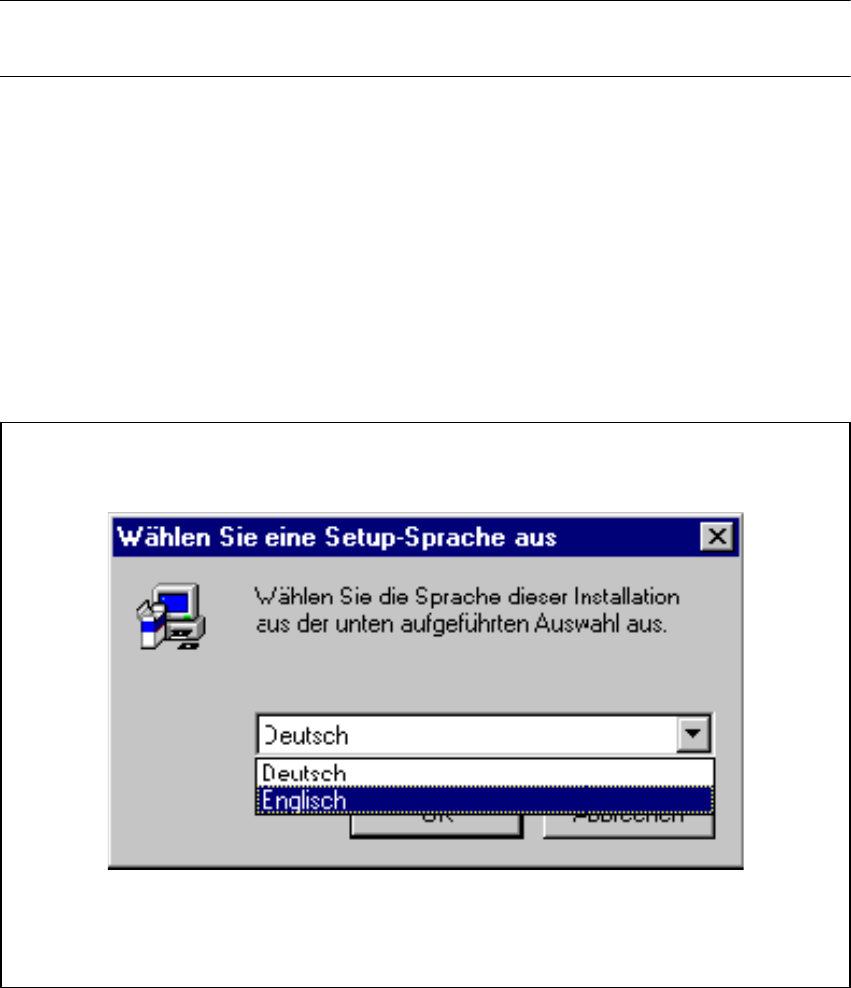
– Put the CD into the CD drive. The installation begins by asking you to select a language.
9.2.1 Select a language
The first screen asks you to select the language you wish to use for the installation. Choose be-
tween German and English. 9
9
Fig. 9.2 - 1 "Language selection" dialog box
Use OK to move on to the Welcome screen. 9
SIPLACE Software Guide SR.503.xx 9 Software installation
Issue 12/01 EN 9.2 Installing the 503.xx station software
107
9.2.2 Welcome
9
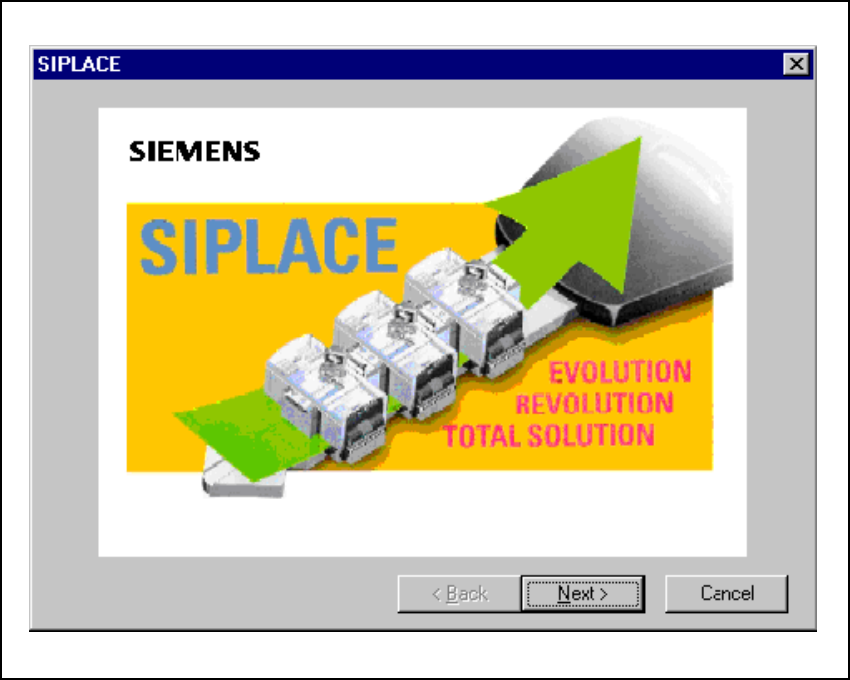
Fig. 9.2 - 2 Welcome screen
Click the Next button to move on to the registration screen. 9
9 Software installation SIPLACE Software Guide SR.503.xx
9.2 Installing the 503.xx station software Issue 12/01 EN
108
9
9.2.3 Registration
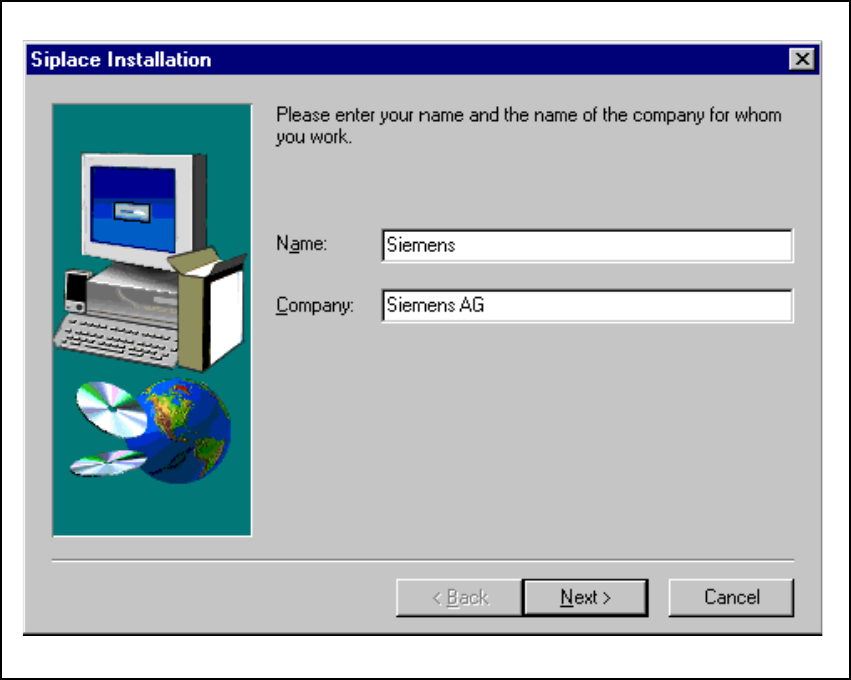
Here you are asked to enter your name and the company you work for. This information is saved
to a protocol file created by the installation program. 9
9
Fig. 9.2 - 3 "Registration" dialog box