00193325-01.pdf - 第114页
9 Software installation SIPLACE Software Guide SR.503.x x 9.2 Installing the 503.xx station software Issue 12/01 EN 114 9.2.9 Whispering down the line: In this menu, you must ente r the data of the LRU. 9 If you inte nd …
SIPLACE Software Guide SR.503.xx 9 Software installation
Issue 12/01 EN 9.2 Installing the 503.xx station software
113
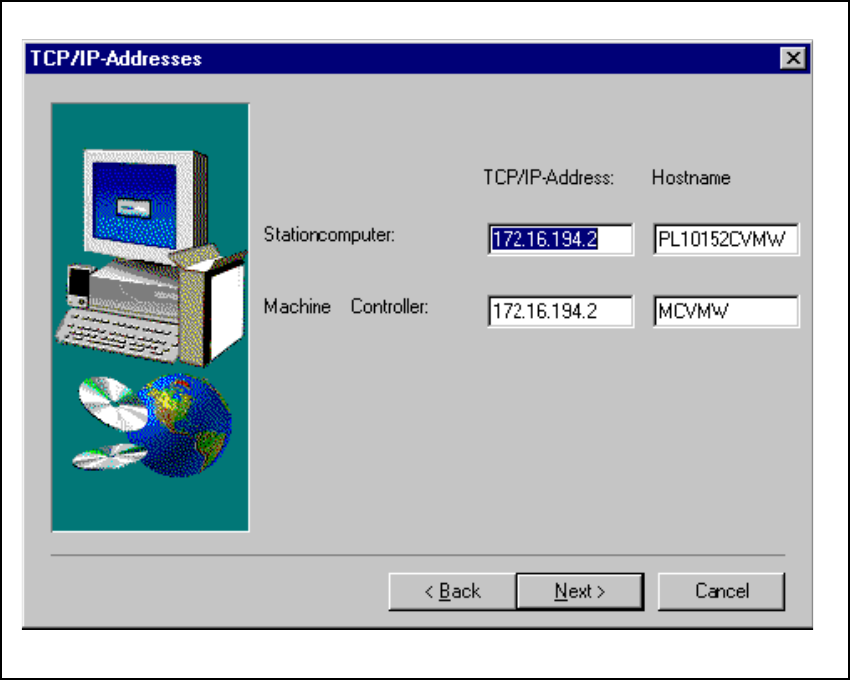
9.2.8 TCP/IP addresses
The next thing to do is to enter the TCP/IP addresses of the computer in your SIPLACE placement
machine. 9
The default addresses for your machine can be found on the stickers on the station computer. 9
9
Fig. 9.2 - 8 TCP/IP addresses
9 Software installation SIPLACE Software Guide SR.503.xx
9.2 Installing the 503.xx station software Issue 12/01 EN
114
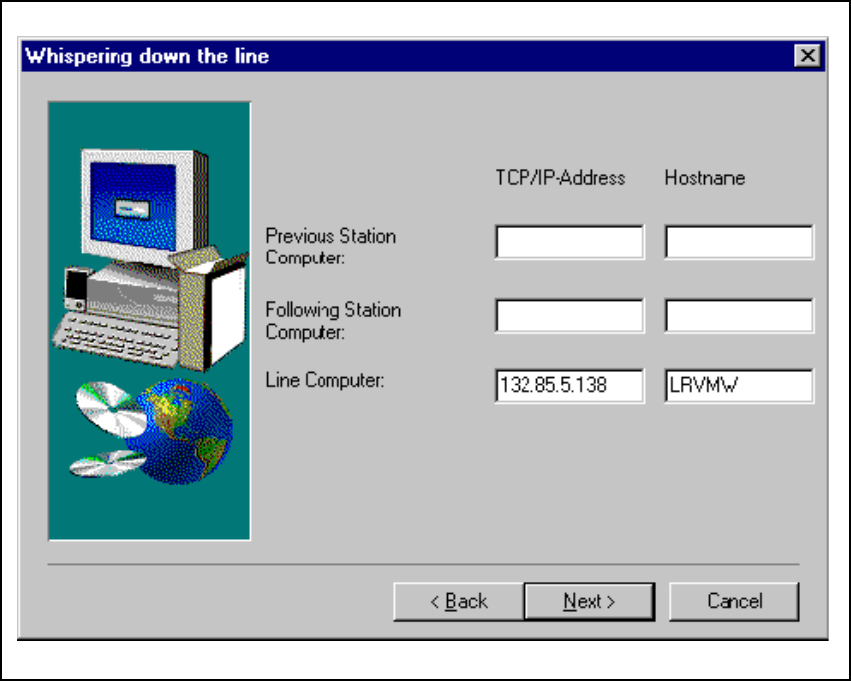
9.2.9 Whispering down the line:
In this menu, you must enter the data of the LRU. 9
If you intend to use the „Whispering down the line“ option, you must enter the TCP/IP address and
the host names of the upstream and downstream stations. 9
Fig. 9.2 - 9 TCP/IP addresses for „Whispering down the line“
When assigning names for hosts, you must take the following rules into account: 9
at the beginning of the host name there should be 9
– „vg“ for the upstream station
– „nf“ for the downstream station
– and „lr“ for the line computer.
SIPLACE Software Guide SR.503.xx 9 Software installation
Issue 12/01 EN 9.2 Installing the 503.xx station software
115
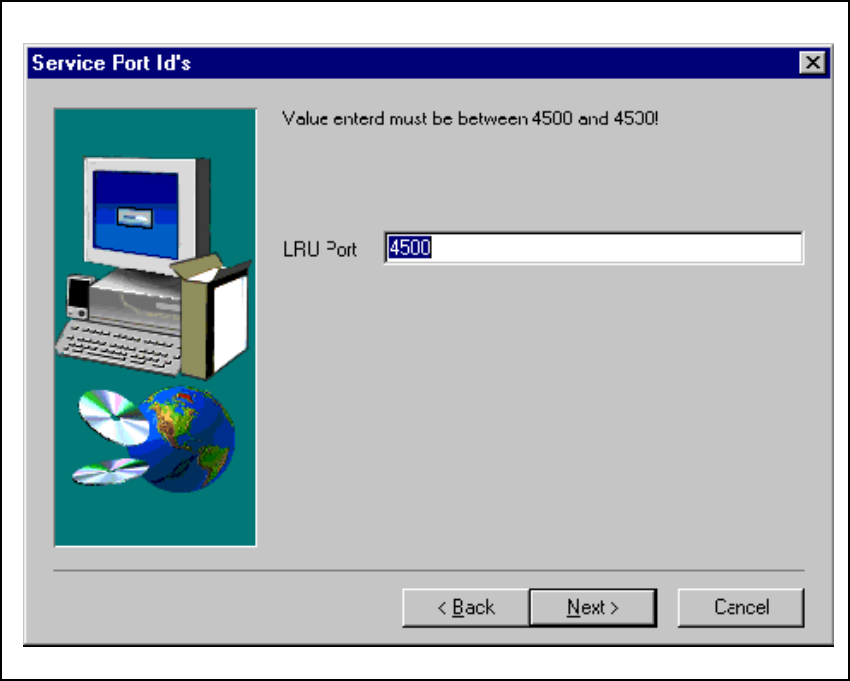
9.2.10 Service port ID’s
This input value must be the same as the input value specified under „Services“ for the line com-
puter for this machine. 9
Fig. 9.2 - 10 Service port ID’s