00193325-01.pdf - 第118页
9 Software installation SIPLACE Software Guide SR.503.x x 9.3 Installing the sof tware for the "Remote Service" opt ion Iss ue 12/01 EN 118 9 Fig. 9.2 - 13 Final screen of the CD installat ion routine 9.3 Inst …
SIPLACE Software Guide SR.503.xx 9 Software installation
Issue 12/01 EN 9.2 Installing the 503.xx station software
117
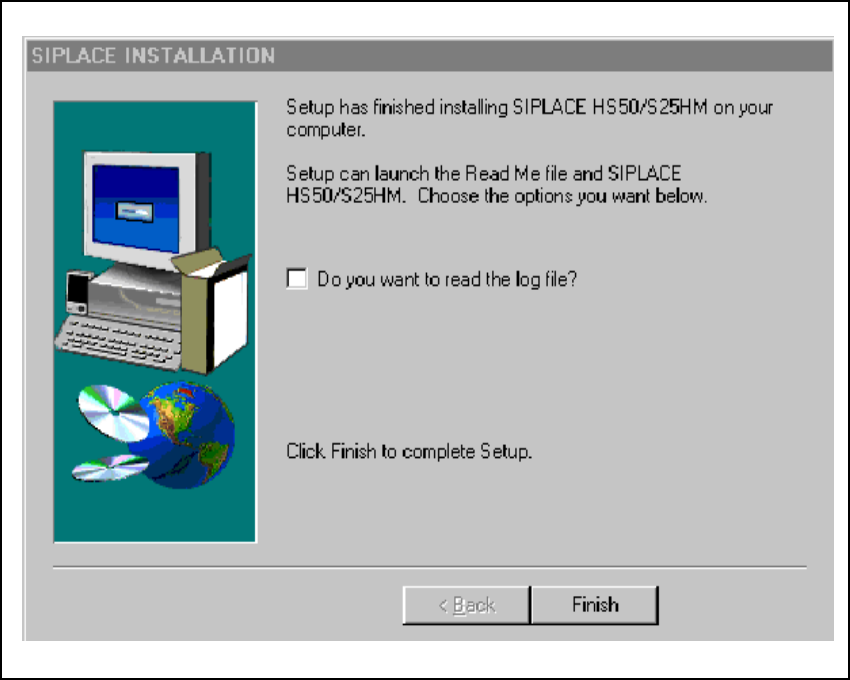
9.2.13 Log file entries
If you wish to read the log file this entry must be activated. Once this is confirmed using Finish,
the Notepad editor is loaded with the appropriate file.
Fig. 9.2 - 12 Log file entries
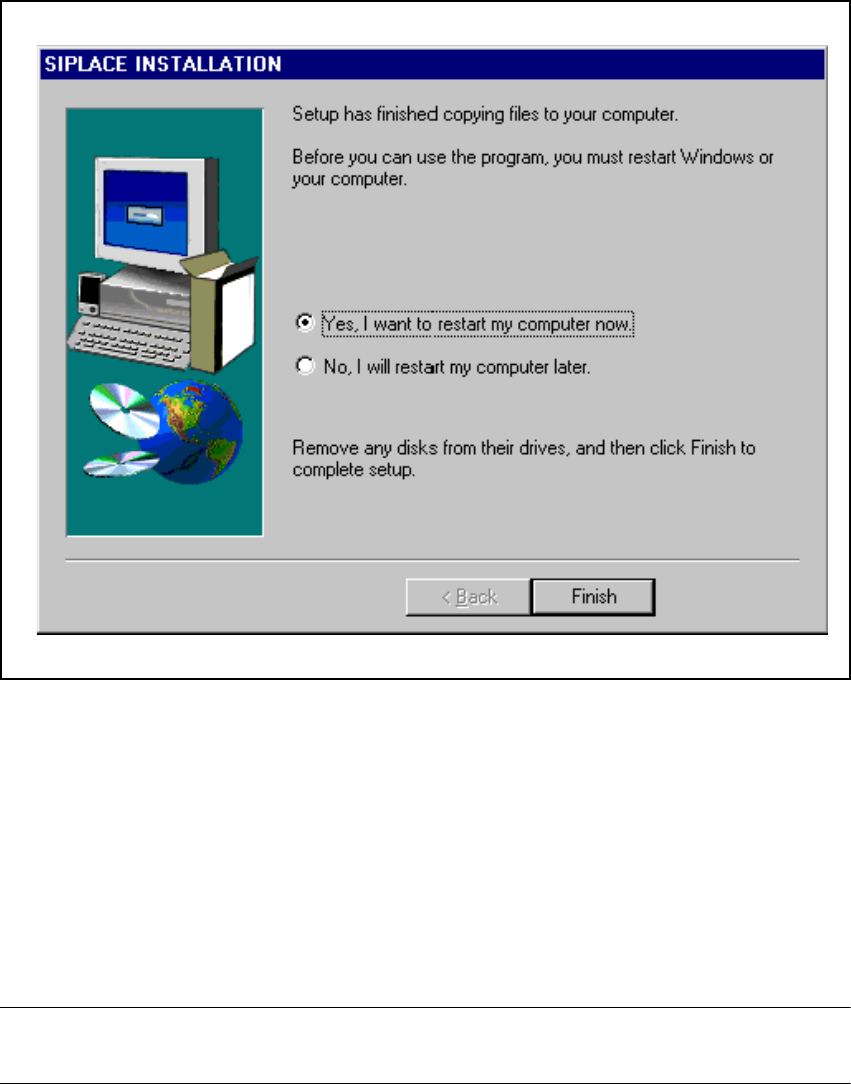
9.2.14 Final screen
To complete the installation run, click the Finish button. This triggers a reboot of the machine, and
the newly installed packages are then fully available for use. 9
9 Software installation SIPLACE Software Guide SR.503.xx
9.3 Installing the software for the "Remote Service" option Issue 12/01 EN
118
9
Fig. 9.2 - 13 Final screen of the CD installation routine
9.3 Installing the software for the "Remote Service"
option
The procedure used to install the „ReachOut“ software that is used to implement the „Remote Ser-
vice“ option is described in the software version description for the appropriate version. 9
NOTE
The software version description is included in the software package for the "ReachOut" software.9

SIPLACE Software Guide SR.502.xx Index
Issue 12/00 EN
119
Index
Numerics
0201 Components
. . . . . . . . . . . . . . . . . . . . . . .103
6/12-segment Collect&Place head
. . . . . . . . . . .17
A
abbreviations
. . . . . . . . . . . . . . . . . . . . . . . . . . . .15
abort processing
. . . . . . . . . . . . . . . . . . . . . . . . .34
aborting PCB processing (HS-50)
. . . . . . . . . . . .27
aborting PCB processing (S25-HM)
. . . . . . . . . .25
access level
. . . . . . . . . . . . . . . . . . . . . . . . . . . .43
additional help
. . . . . . . . . . . . . . . . . . . . . . . . . . .78
additional languages
. . . . . . . . . . . . . . . . . . . . . .55
B
barcode-supported refilling
. . . . . . . . . . . . . . . . .31
C
calling error information
. . . . . . . . . . . . . . . . . . . 67
chat mode
. . . . . . . . . . . . . . . . . . . . . . . . . . . . . 89
clearing errors
. . . . . . . . . . . . . . . . . . . . . . . . . . 74
close feeder covers
. . . . . . . . . . . . . . . . . . . . . . 61
close protective covers
. . . . . . . . . . . . . . . . . . . 61
cluster name
. . . . . . . . . . . . . . . . . . . . . . . . 47, 48
colors in the error info display
. . . . . . . . . . . . . . 72
component level indicator option
. . . . . . . . . . . . 92
components missing at location
. . . . . . . . . . . . 30
components of the user interface
. . . . . . . . . . . 21
compressed air switch
. . . . . . . . . . . . . . . . . . . . 31
Configure Traceability
. . . . . . . . . . . . . . . . . . . 101
configuring the GUI
. . . . . . . . . . . . . . . . . . . . . . 53
configuring the SIPLACE Pro connection
. . . . . 34
connection to ISDN router
. . . . . . . . . . . . . . 90, 91
connection to line computer
. . . . . . . . . . . . . . . 31
content
. . . . . . . . . . . . . . . . . . . . . . . . . . . . . . . 56
contents of help system
. . . . . . . . . . . . . . . . . . 76
Contents tab
. . . . . . . . . . . . . . . . . . . . . . . . . . . 80
context-sensitive help system
. . . . . . . . . . . . . . 31
continuing processing
. . . . . . . . . . . . . . . . . 25, 34
control modes
. . . . . . . . . . . . . . . . . . . . . . . . . . 45
controls
. . . . . . . . . . . . . . . . . . . . . . . . . . . . . . . 23
Conveyor 1 F8
. . . . . . . . . . . . . . . . . . . . . . . . . . 37
Conveyor 2 F7
. . . . . . . . . . . . . . . . . . . . . . . . . . 37
Conveyor set to "Transport through"
. . . . . . . . . 30
cycle mode
. . . . . . . . . . . . . . . . . . . . . . . . . . . . 49
D
data security, remote support
. . . . . . . . . . . . . . 87
deleting a comment
. . . . . . . . . . . . . . . . . . . . . . 73
displaying help on the current view
. . . . . . . . . . 78
dual conveyor option
. . . . . . . . . . . . . . . . . . . . . 17
Dual Transport
Synchronous
. . . . . . . . . . . . . . . . . . . . . . . 104
E
end position, z-axis
. . . . . . . . . . . . . . . . . . . . . . 66
equipment, ISDN connection
. . . . . . . . . . . . . . 88
error
. . . . . . . . . . . . . . . . . . . . . . . . . . . . . . . . . . 74
error F3
. . . . . . . . . . . . . . . . . . . . . . . . . . . . . . . 36
error information
. . . . . . . . . . . . . . . . . . . . . . . . 67
error information and diagnostics
. . . . . . . . . . . 11