00193325-01.pdf - 第108页
9 Software installation SIPLACE Software Guide SR.503.x x 9.2 Installing the 503.xx station software Issue 12/01 EN 108 9 9.2.3 Registra tion Here you are asked to enter you r name and the company you wor k for . Thi s i…
SIPLACE Software Guide SR.503.xx 9 Software installation
Issue 12/01 EN 9.2 Installing the 503.xx station software
107
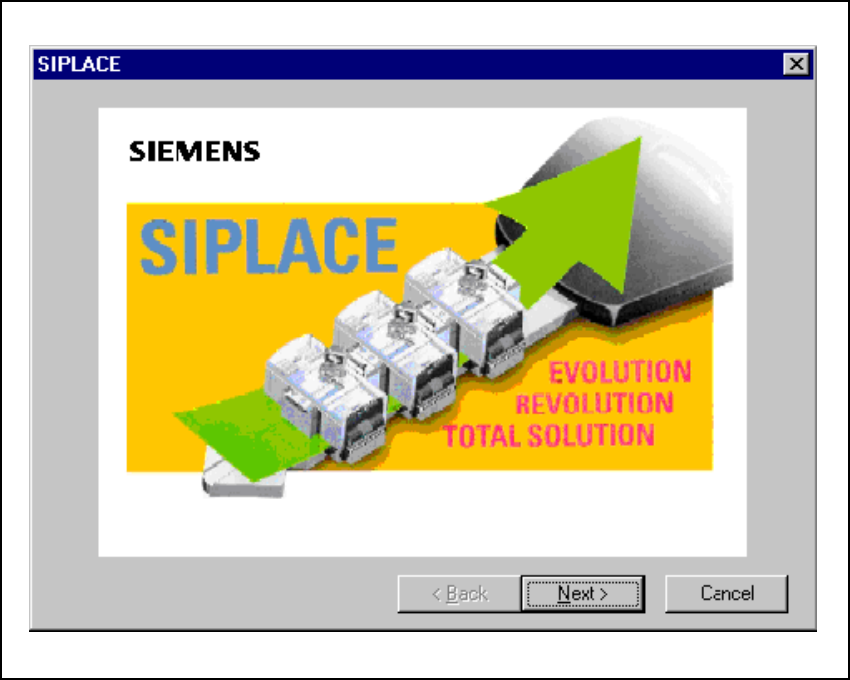
9.2.2 Welcome
9
Fig. 9.2 - 2 Welcome screen
Click the Next button to move on to the registration screen. 9
9 Software installation SIPLACE Software Guide SR.503.xx
9.2 Installing the 503.xx station software Issue 12/01 EN
108
9
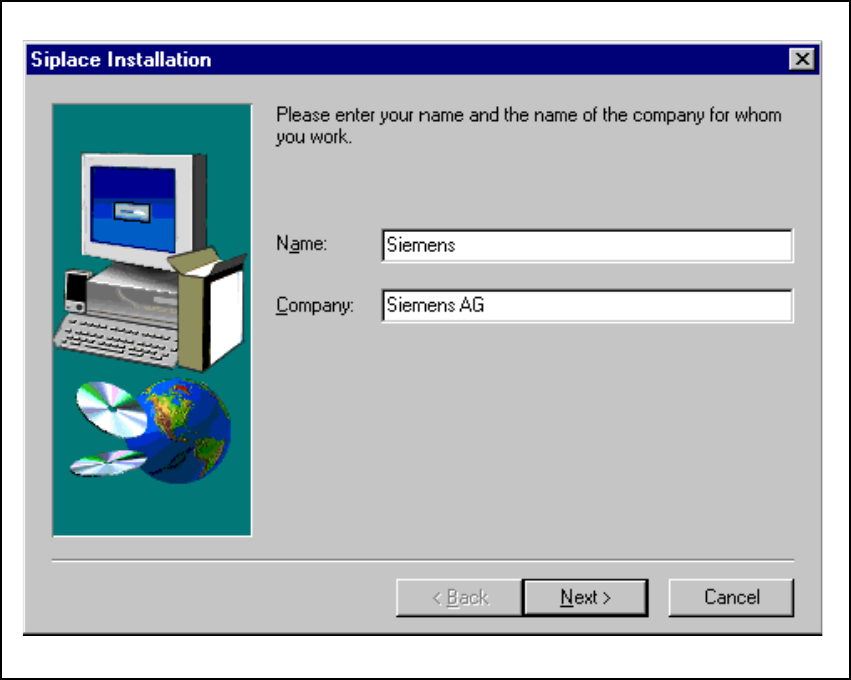
9.2.3 Registration
Here you are asked to enter your name and the company you work for. This information is saved
to a protocol file created by the installation program. 9
9
Fig. 9.2 - 3 "Registration" dialog box
SIPLACE Software Guide SR.503.xx 9 Software installation
Issue 12/01 EN 9.2 Installing the 503.xx station software
109
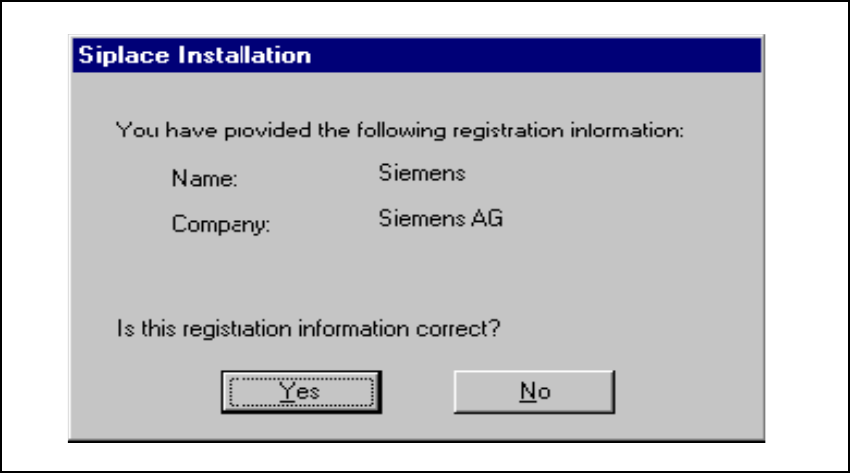
9.2.4 Confirmation of registration
This screen allows you to double-check your entries. Depending whether you choose Yes or No
the entries may be corrected or the actual query procedure triggered. 9
9
Fig. 9.2 - 4 Confirmation of registration details