presto_en.pdf - 第66页
Page 66 5.7 Running UP by M eans of Windows Messages The UP pro gram can be co ntrolled by mean s of messages of the Windows operating system. Th e ru nning instance of UP executes the requ ested command imm ediately aft…

Page 65
/conf file When UP closes, it saves its console
content to the file, but only when the
operation was started from the
commandline.
Note: When no parameter requesting an operation is
used, the UP starts and keeps running. When a parameter
requesting an operation is used and the software is not
running, the operation is executed and the software
closes if it does not need user interaction.
Using a Project File
When the user programs different devices, it can happen
that the program is set up differently than expected.
Whenever it is possible, it is recommended to use
project files (.PPR) that hold all the program settings
needed for programming and paths to the data files.
Examples of Use
File
Opening
up.exeproject.ppr
up.exe"C:\MyDocuments\RecentProjects\PIC
\Mylatestproject\project.ppr"
Device Programming
up.exe/pproject.ppr
up.exe/p"C:\MyDocuments\RecentProjects\PIC
\Mylatestproject\project.ppr"
5.6.2 Program Return
Codes
0 Problem-free execution.
1 File error. File not found or incorrect file
format, for example.
2 Equipment error. Communication test
failed, communication error.
3 Programming preparation error. device
cannot be erased, etc.
4 Programming error.
5 Verification error.
6 Programming failed due to a need to
communicate with user.
7 Device ID error.
8 Not supported.
9 Error of the serial number entered using the
/sn parameter.
10 Error, device protected.
0x10000 + const Revision of the device read using /
getpartrev parameter.
Note: The return value can be found in the %errorlevel%
variable if working with batch files.
5.6.3 Work flow monitoring
When the application was started in the quiet mode
(with /q parameter) on the commandline, an external
application can monitor its work flow by reading of the
value of the main ProgressBar, it is being continuously
saved to a Named Shared Memory.
The UP software shares a variable of size of one Integer. It
can be accessed using OpenFileMapping and
MapViewOfFile Windows functions. The name of the
shared variable is the UP window class name plus
_Progress string. E.g., when the name is set to up1 using
the /w parameter, then the name of the shared variable is
up1_Progress.
In the installation directory of the UP, in an
example_ProgressBar subdirectory, there is a C language
example of how to read the ProgressBar value.
Page 66
5.7
Running UP by Means
of Windows Messages
The UP program can be controlled by means of messages
of the Windows operating system. The running instance of
UP executes the requested command immediately after
message receipt.
Messages must be sent to "up v1.x" class window. The
message type is always of WM_USER.
Commands are identified by “wParam” while parameters
by “lParam”.
5.7.1 List of Commands
Unless specified otherwise, the command returns to its
return value:
0 error, failed
1 everything worked OK
Commands with a wParam of 1, 2, 3, 4, 5, 6, 7 and 24 are
thread blocking.
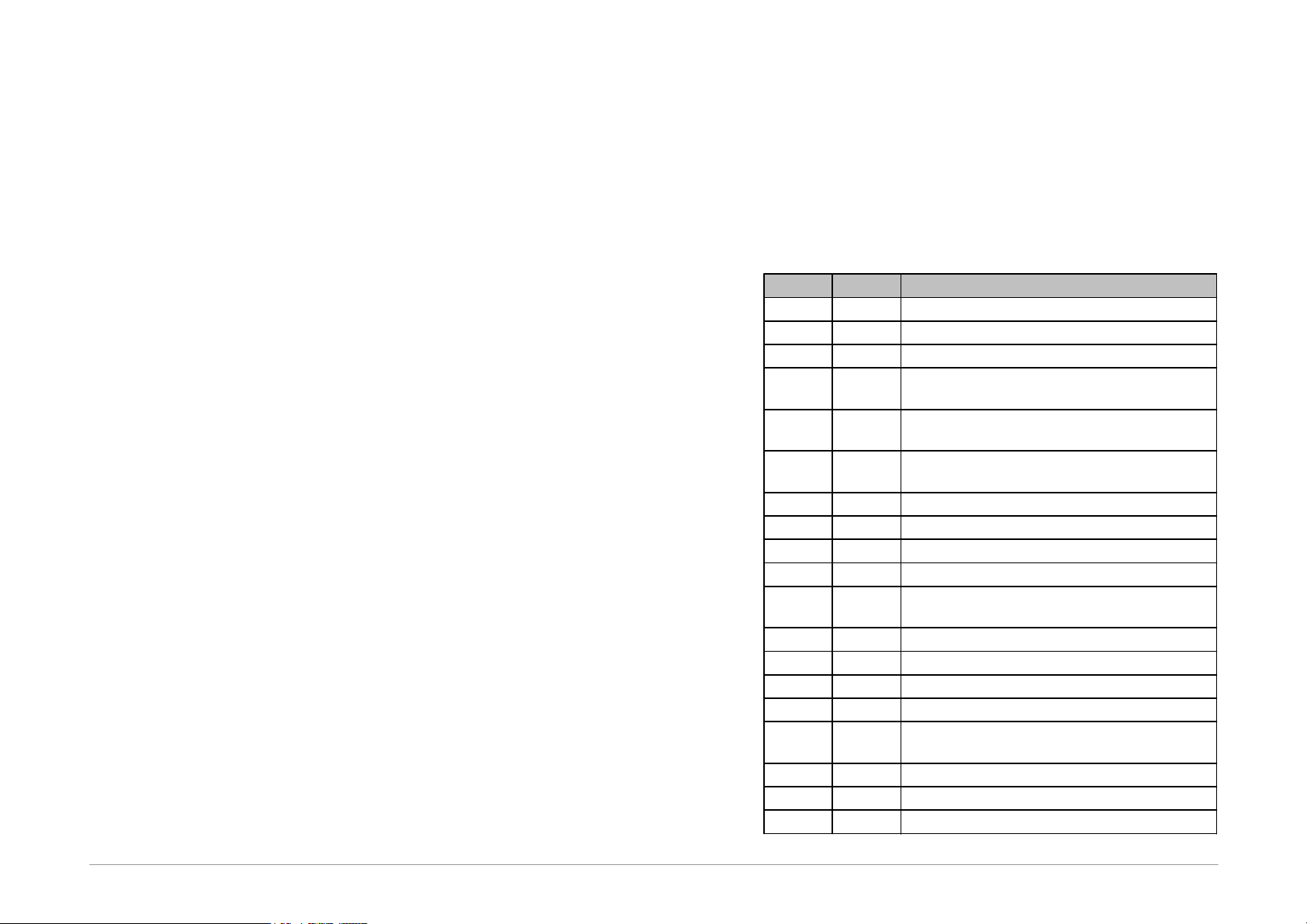
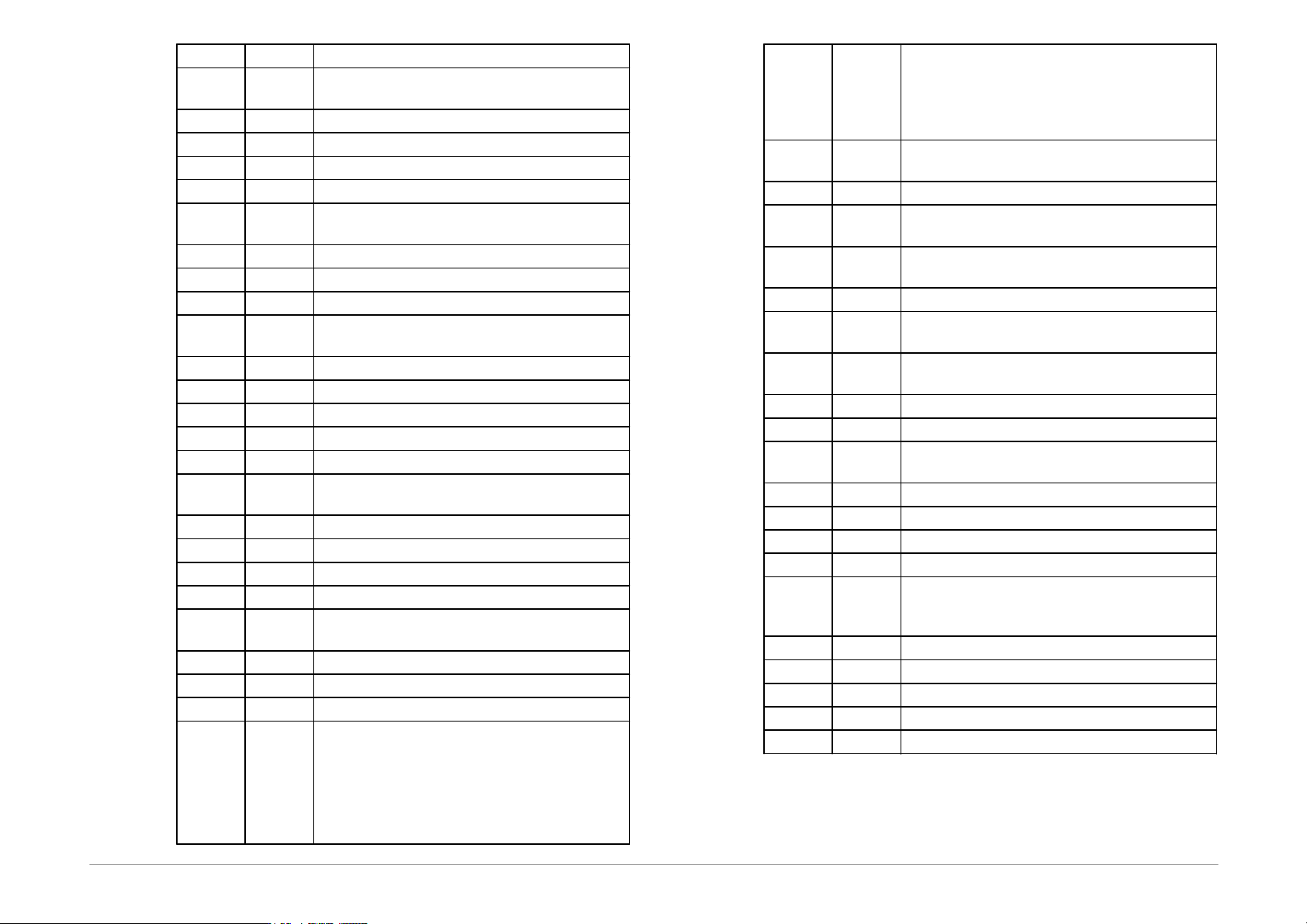
wParam
lParam
Description
0
0
does not perform anything, returns 1
1
SetForegroundWindow()
2
Maximize, SetForegroundWindow()
1
any
programs everything, same return code as
from the command line
2
any
programming excl. data memory, same
return code as from the command line
3
see
below
programming incl. erasing, same return code
as from the command line
bit 0 = 1
code/main memory
bit 1 = 1
data memory (EEPROM)
bit 2 = 1
configuration memory
bit 3 = 1
boot memory (MSP430, CC430)
4
see
below
reading
bit 0 = 1
code/main memory
bit 1 = 1
data memory (EEPROM)
bit 2 = 1
configuration memory
bit 3 = 1
boot memory (MSP430, CC430)
5
see
below
differential programming
bit 0 = 1
code/main memory
bit 1 = 1
data memory (EEPROM)
bit 2 = 1
configuration memory
Page 67
bit 3 = 1
boot memory (MSP430, CC430)
6
see
below
verification
bit 0 = 1
code/main memory
bit 1 = 1
data memory (EEPROM)
bit 2 = 1
configuration memory
bit 3 = 1
boot memory (MSP430, CC430)
7
see
below
erasing, same return code as from the
command line
bit 0 = 1
code/main memory
bit 1 = 1
data memory (EEPROM)
bit 3 = 1
boot memory (MSP430, CC430)
8
see
below
BlankCheck of memory, same return code as
from the command line
bit 0 = 1
code/main memory
bit 1 = 1
data memory (EEPROM)
bit 2 = 1
configuration memory
bit 3 = 1
boot memory (MSP430, CC430)
15
any
presses the GO button, returns 1
16
see
below
asks if the programmer supports the function
0
MCLRControl_Run
1
MCLRControl_Stop
2
MCLRControl_Reset
8
current voltage at pin VDD
17
see
below
performs the programmer function
0
MCLRControl_Run
1
MCLRControl_Stop
2
MCLRControl_Reset
8
current voltage at pin VDD
return value PRESTO:
0 – unknown level
1 – 0 V
2 – approx. 2 V
3 – approx. 5V
4 – more than 6V
return value FORTE:
-1 - measuring error
xx - measured voltage × 10
example: 33 means 3.3V
24
address
reads data from address, returns error code,
data are returned with wParam = 25
25
any
returns last data read with wParam of 24
32
see
below
UP program initialization
bit 0 = 1
reload settings (reload project/ini file or
registry)
bit 1 = 1
reload language file
bit 2 = 1
recreate programmer (like programmer was
changed)
bit 3 = 1
reload programmer settings (like port
settings)
bit 4 = 1
reload selected device
bit 5 = 1
reload current file (.hex, .bin, ...)
bit 6 = 1
recreate all dialog windows (adjust their size
when reloading device)
0x 0100
refresh device specific windows
0x 0200
refresh all editors
0x 0300
refresh project captions
33
1
save all project settings
48
see
below
1
saves current file (same as Ctrl+S), returns 0
when there was no error else returns a
nonzero value
bit 0 = 1
code/main memory
bit 1 = 1
data memory (EEPROM)
bit 2 = 1
configuration memory
bit 3 = 1
boot memory (MSP430, CC430)
56
0
returns the handle of the UP main form
Table9: Commands WM_USER
A message of the WM_CLOSE type closes the UP
program.