EUS0153210_YFact_Standard_E.pdf - 第12页
v Before using Factory T ools 3.3 Board data format Factory Tools can handle YGX and Printer text and YGZ format board data, as well as VIOS and VIOS text formats that have been handled with YGOS V1.xx. The following tab…
iv
Before using Factory Tools
3.2 Applicable models
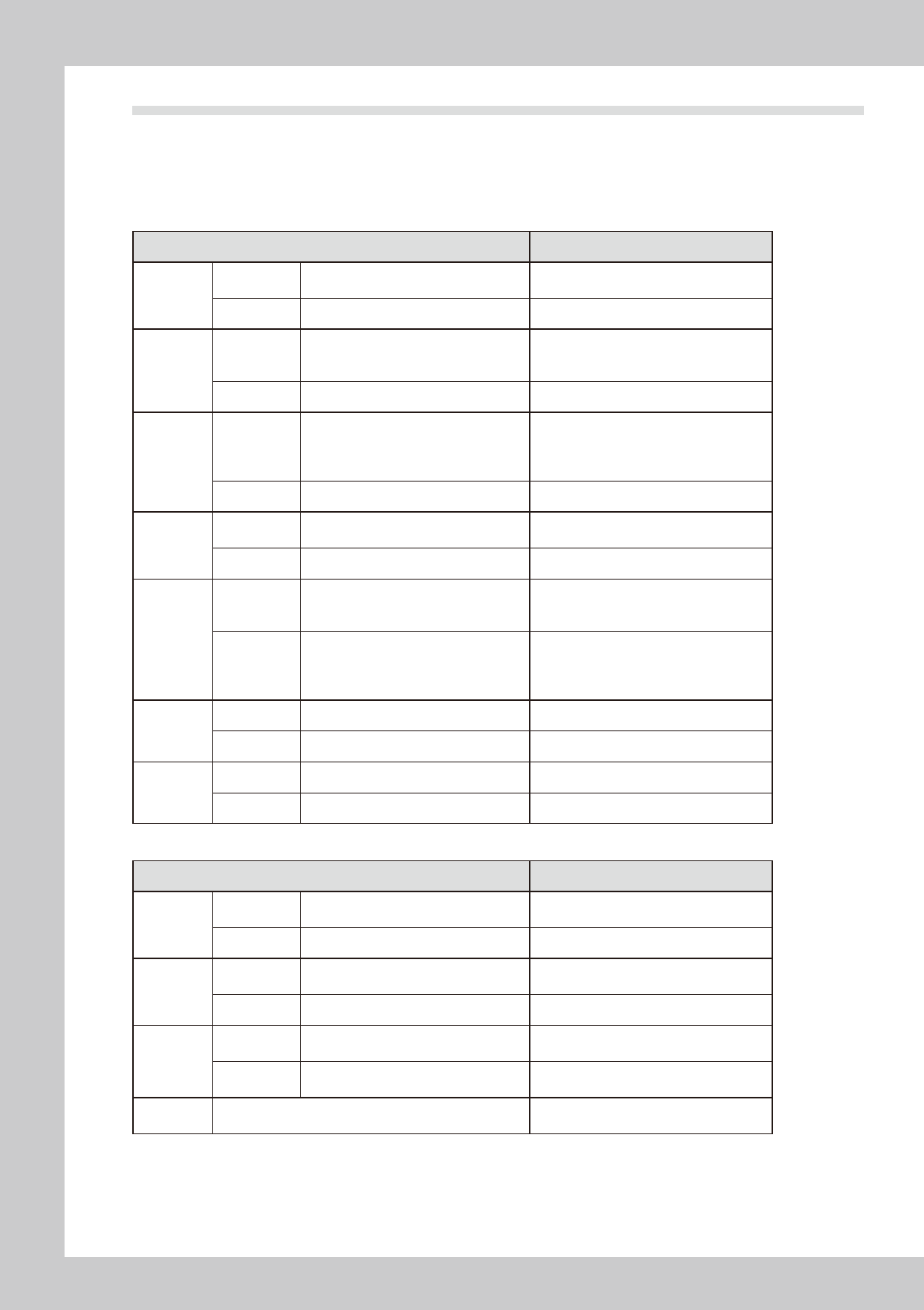
The following table shows which models of YAMAMA surface mounters and related machines are compatible
or incompatible with Factory Tools.
List of machines compatible or incompatible with Factory Tools
n
List of machines compatible or incompatible with P-Tool and M-Tool
Machine model Remarks
YS series
Compatible
YS12, YS100, YS88, YS12F,
YS12P, YS24, YS24X, YSP
Incompatible None
YG series
Compatible
YG100, YG100R, YG12, YG88, YG88R,
YG200, YG200L, YG300, YHP-2, YGD,
YGP, YG12F
Incompatible None
Xg series
Compatible
YV100Xg, YV100XgP, YV100XgC,
YV88Xg, YV100XTg, YV180Xg,
THREEM, THREEM2, HSDXg,
YVP-Xg, YCP, YCP-II
Incompatible None
X series
Compatible
YV100X, YV88X, YV100XT, YV180X,
YV100Xe, HSDX
Incompatible None
I/II series
Compatible
YV100-II, YVL88-II, YV112-III, YV64,
YV64D, HSD, YV100, YVL88, YVL80,
YV100D/86D
• VIOS must be Ver. 1.3 or later.
• Machines prior to VIOS Ver. 1.3 will be
compatible by upgrading to Ver. 1.3.
Incompatible
Machines of VIOS Ver. 1.0, Ver. 1.1 or
Ver. 1.2
YVL80 (VIOS Ver.0.8/0.9)
YV120, YV112-I/II
YM series
Compatible None
Incompatible HYPER, TRAD
Others
Compatible None
Incompatible YVP, YHP-1
n
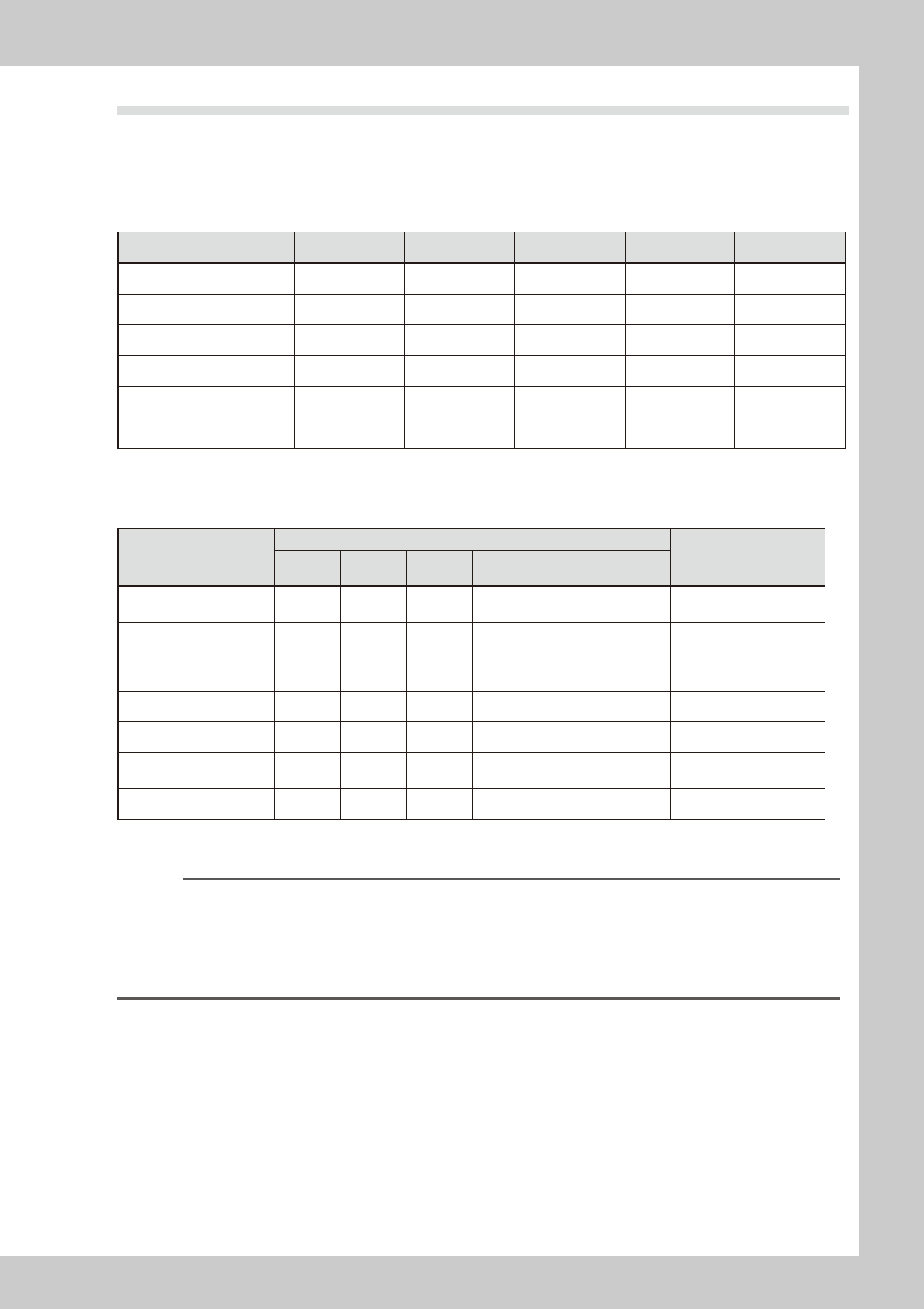
List of machines compatible or incompatible with S-Tool
Machine mode Remarks
YS series
Compatible
YS12, YS100, YS88, YS12F,
YS12P, YS24, YS24X, YSP
Incompatible None
YG series
Compatible
YG100, YG100R, YG88, YG88R,
YG200, YG200L, YG300, YG12F
Incompatible YHP-2, YGD, YGP
Xg series
Compatible
YV100Xg, YV100XgP, YV100XgC,
YV88Xg, YV100XTg
Incompatible
YV180Xg, THREEM, THREEM2,
HSDXg, YVP-Xg, YCP, YCP-II
Others Incompatible
X series, I/II series, YM series, YVP,
YHP-1 etc.
v
Before using Factory Tools
3.3 Board data format
Factory Tools can handle YGX and Printer text and YGZ format board data, as well as VIOS and VIOS text
formats that have been handled with YGOS V1.xx.
The following tables show data formats that can be handled with Factory Tools, Factory Tools.xx,YGOS V1.xx
and YVOSX, and also show data formats that can be used with each machine model.
n
Data formats handled with software
Data format Factory Tools Factory Tools.xx YGOS V1.xx YVOSX V3.xx YVOSX V2.xx
YGX Yes Yes No No No
YGX (Combined) Yes No No No No
VIOS
*1
Yes Yes Yes Yes Yes
VIOS Text Yes Yes Yes Yes Yes
YGZ
*1
Yes, (NO)
*2
Yes No No No
Printer Text
*1
Yes, (NO)
*2
Yes No No No
*1:UsedwithYVP-XgandYGPandYCP.
*2:UnavailableontheS-Tool.
n
Data formats used with each machine model
Machine model
Data type
Remarks
YGX
YGX
(Combineda)
VIOS
VIOS
Text
YGZ
Printer
Text
YS series
Dual Lane
Yes Yes
s s
No No
s
Usable, but part of data
cannot be saved.
YS series mounters,
YG series mounters
(except YG200/YG200L)
YHP-2, YGD
Yes No
s s
No No
s
Usable, but part of data
cannot be saved.
YG200/YG200L Yes No Yes Yes No No
YVP-Xg, YCP, YCP-II No No No No No Yes
YGP, YSP No No No No Yes
s
s
Usable, but part of data
cannot be saved.
I/II/X/Xg series No No Yes Yes No No
* For compatibility of each machine model with Factory Tools, see the "List of machines compatible or incompatible with
Factory Tools" in the previous section 3.2, "Applicable models".
Reference
If "SAUTO SETUP" is selected when registering a machine or "Default" is selected when saving board data, the following
data formats are automatically specified.
• YVP-Xg, YCP : Printer text
• YGP : YGZ
• YHP-2, YGD : YGX
• Other machines : VIOS or YGX
vi
Before using Factory Tools
n
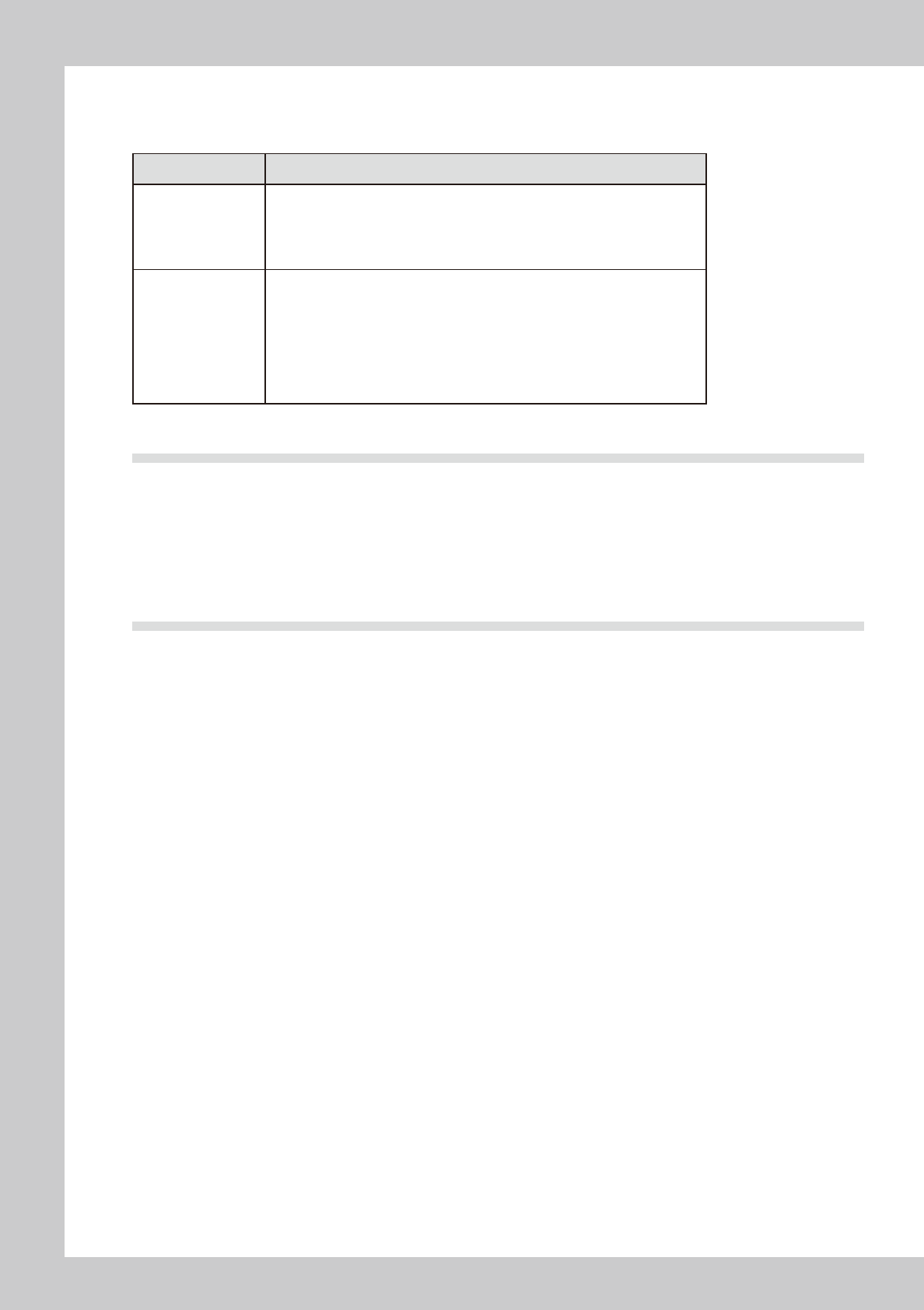
Dual Lane board data
Dual Lane Machine uses YGX(Combined) board data, combining YGX and multiple YGX board data.
Kind Description
Single Board Data
YGX
• It is same as the board data before.
• It is used for the production only on single lane.
• It contains lane number information identifying the lane to be used.
(Refer to chapter 3, "7. Multi-lane support" in the P-Tool user’s manual.)
This data is valid only to dual lane machine.
Combined Board Data
YGX (Combined)
• It is new board data that some single board data are combined to one file.
• It is used for the production on both lane.
• It is able to create on P-Tool.
• The direct creation of board data in the form of YGX (Combined) is not
possible. This information is created by combining individual board data.
(Refer to chapter 2, "10.2 Multi Lane Utility".)
• It has board name and comment of all data in internal data. They are original
data to combine.
3.4 Other cautions
The points to note when installing Factory Tools are listed below.
•MakesurethatthedriveintowhichyouaregoingtoinserttheFactoryToolsCD-ROMisrecognizedbyWindows.
•InstallationfromtheCD-ROMviathenetworkisnotguaranteed.
•Powersavingisnotsupported.OncethePCisswitchedtopowersavingmode,anaccesstothehardwarekeywillfail
when the PC is returned from power saving mode.
If you are going to use a USB hardware key, make sure that the OS supports USB devices.
3.5 Package contents
The Factory Tools package contains the following items. Make sure that each of them is included.
CD-ROM
Hardware key
User's manual (this manual)