EUS0153210_YFact_Standard_E.pdf - 第177页
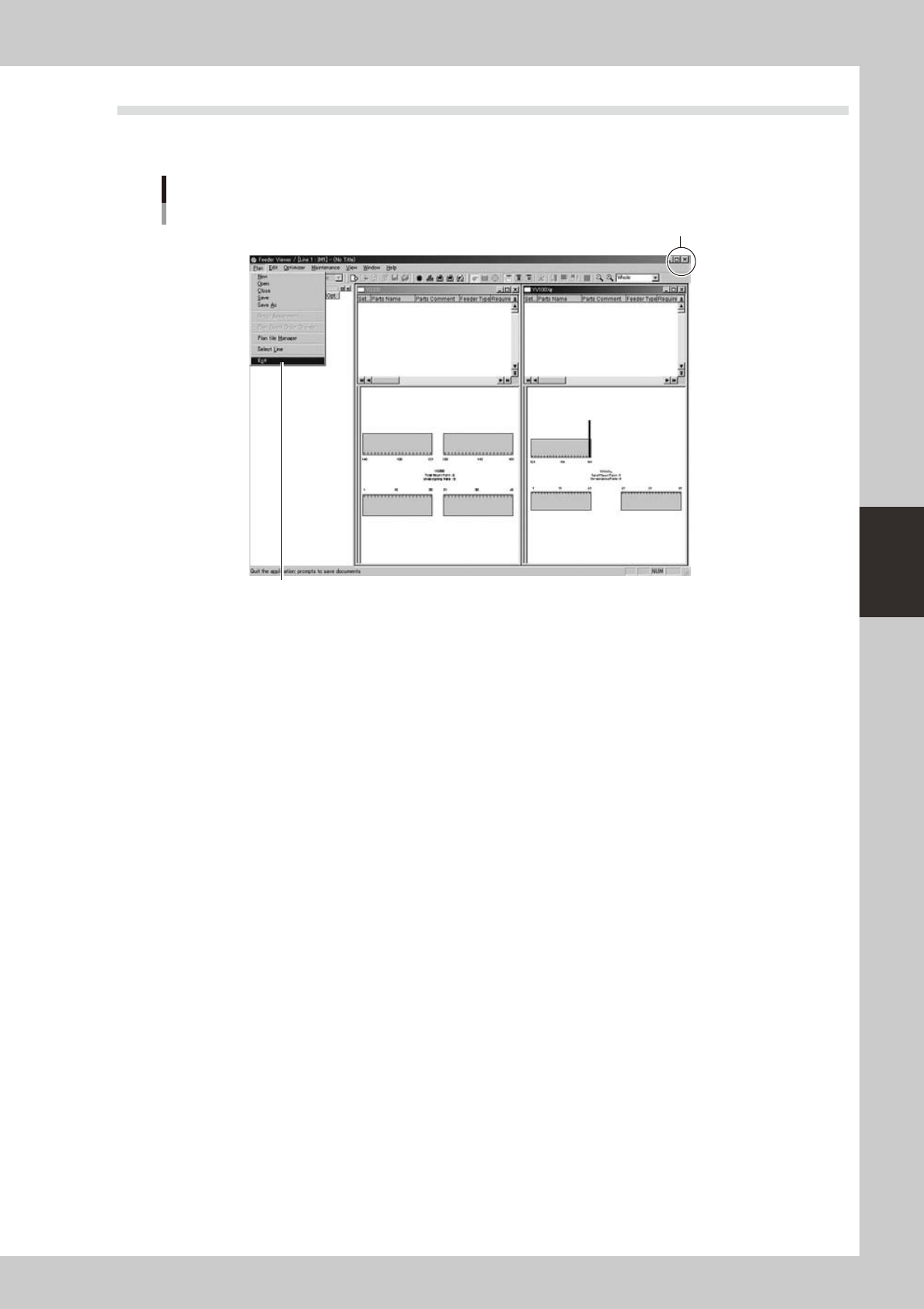
4-2 4 Feeder Viewer 3 The F eeder Viewer initial windo w appears as shown belo w . Feeder Viewer initial window 64402-S0-00
4-1
4
Feeder Viewer
1. About the Feeder Viewer
The Feeder Viewer allows you to check the positions of feeders installed on the feeder plate by graphically
displaying them on the screen. You can find feeder setup errors and correct them on the Feeder Viewer to
prevent possible interference with moving parts or other problems.
1.1 Starting the Feeder Viewer
TheFeederViewercanbestartedfromtheStartmenuontheWindowstaskbar,orfromtheBoardExploreror
Board Editor.
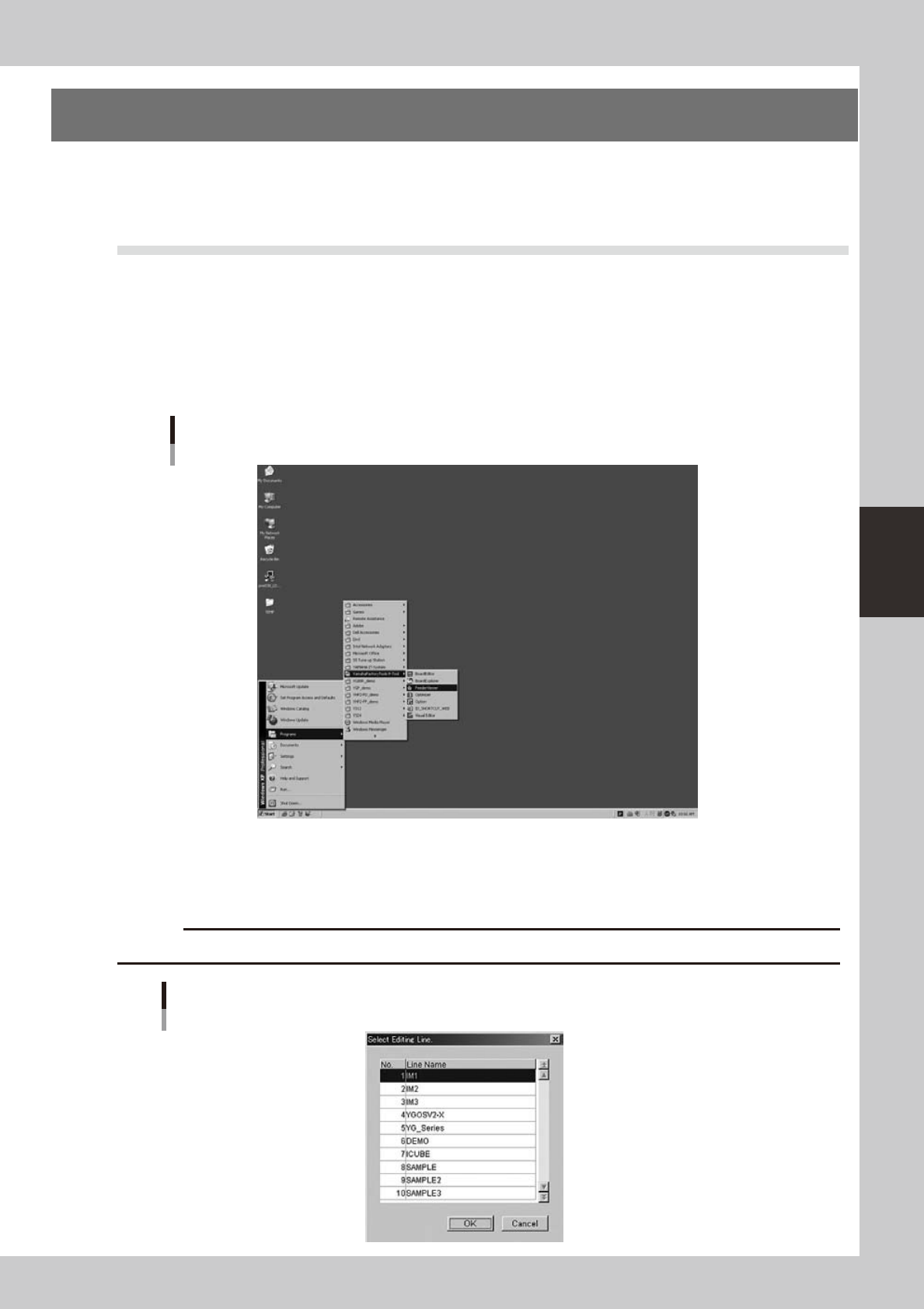
ThefollowingexplainshowtostarttheFeederViewerfromtheStartmenuontheWindowtaskbar.
1
Start the Feeder Viewer.
From the Start menu on Windows taskbar, select "Programs" - "YAMAHA Factory Tools P-Tool " and click
"Feeder Viewer".
Start menu
Feeder Viewer
64400-S0-20
2
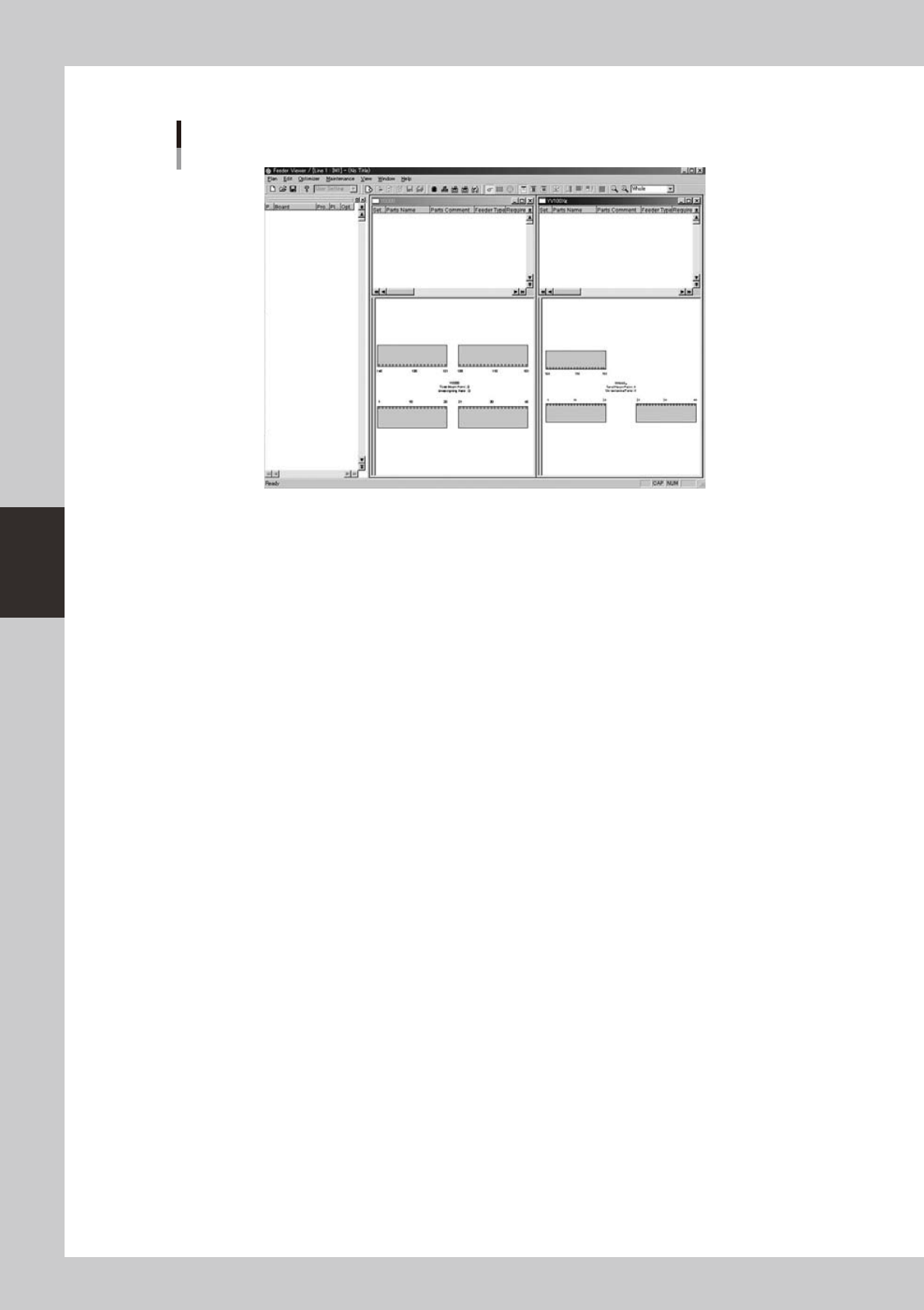
Select the line.
When two or more lines are registered, the "Select Editing Line" dialog box appears. Select the line to
work with and click the [OK] button.
c
CAUTION
When only one line is registered, the “Select Editing Line” dialog box does not appear.
"Select Editing Line" dialog box
64401-S0-00
4-2
4
Feeder Viewer
3
The Feeder Viewer initial window appears as shown below.
Feeder Viewer initial window
64402-S0-00
4-3
4
Feeder Viewer
1.2 Quitting the Feeder Viewer
ToquittheFeederViewer,select“Exit”fromthePlanmenuintheFeederViewerwindoworclickthe[Close
(x)]buttonintheupperrightcornertoclosetheFeederViewerwindow.
Quitting the Feeder Viewer
[Close] button
Select "Exit" from Plan menu.
64403-S0-00