YG12_英文保养手册.pdf - 第73页
3-23 3 Periodic maintenance items 3.3 Checking the spline shaft movement and lubricating the slide section After cleaning the spline shafts, chec k the spline shaft movement and lubricate the slide section. c If …
3-22
3
Periodic maintenance items
3.2.2 Checking the negative pressure
After cleaning the spline shafts, check the negative pressure (vacuum level) generated in each head.
1
After assembly, check the vacuum
levels.
1. Leave nozzles detached from the heads.
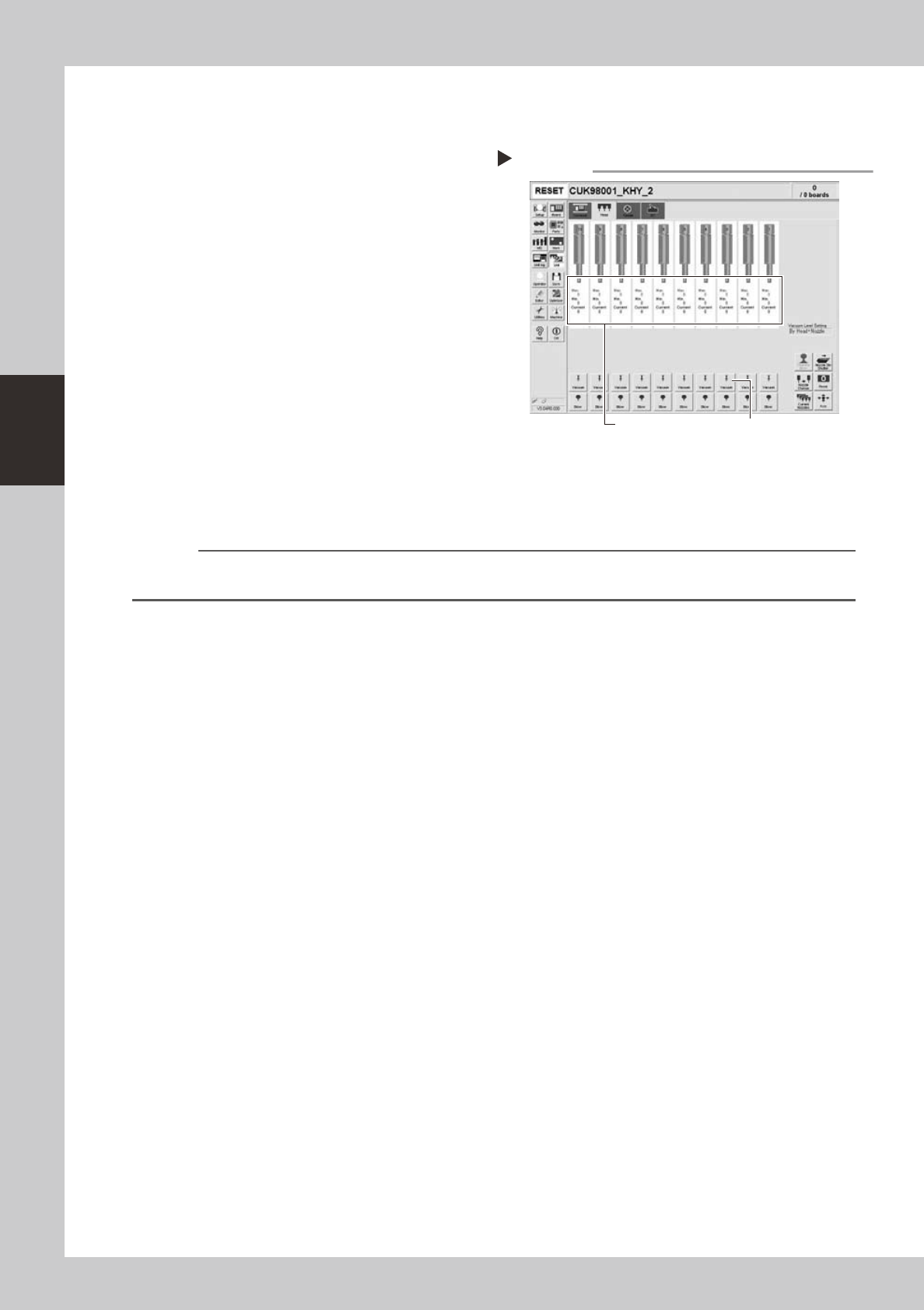
2. Openthe[Unit]-[Head]tabscreenand
press the [Vacuum] button to generate a
negative pressure. Read the "Max" values
shown on the screen and determine
whether the vacuum levels are
appropriate by referring to the criteria
below.
54311-L5-00
2
Reattach the nozzles.
Attach the nozzles by hand back to the
heads.
n
Vacuum level criteria in spline air path
When nozzle is open : 70 or less
When nozzle is sealed : 190 or more
n
NOTE
The vacuum level in the spline shaft air path might sometimes differ slightly depending on the air source and operating
conditions.Usetheabovecriteriaforreferenceduringmaintenance.
Checking the vacuum level
Step 1
[Vacuum] buttonRead "Max" values.
3-23
3
Periodic maintenance items
3.3
Checking the spline shaft movement and lubricating the slide section
After cleaning the spline shafts, check the spline shaft movement and lubricate the slide section.
c
If the up/down movement of a spline shaft is unstable or a spline shaft does not move, then contact our sales
1
Turn off the machine power switch.
Quit the software and turn off the machine
power switch.
2
Move each spline shaft by hand to
check for abnormal movement.
Move each spline shaft up and down by
hand and make sure that all spline shafts
move smoothly without hanging up and
unusual noise.
c
If the machine is operated while movement of any
spline shaft is awkward, this may cause serious trouble.
assistance.
3
Clean the outside of each spline
shaft.
Use a lint-free cleaning wiper or cotton swab
to wipe the outside of each spline shaft.
4
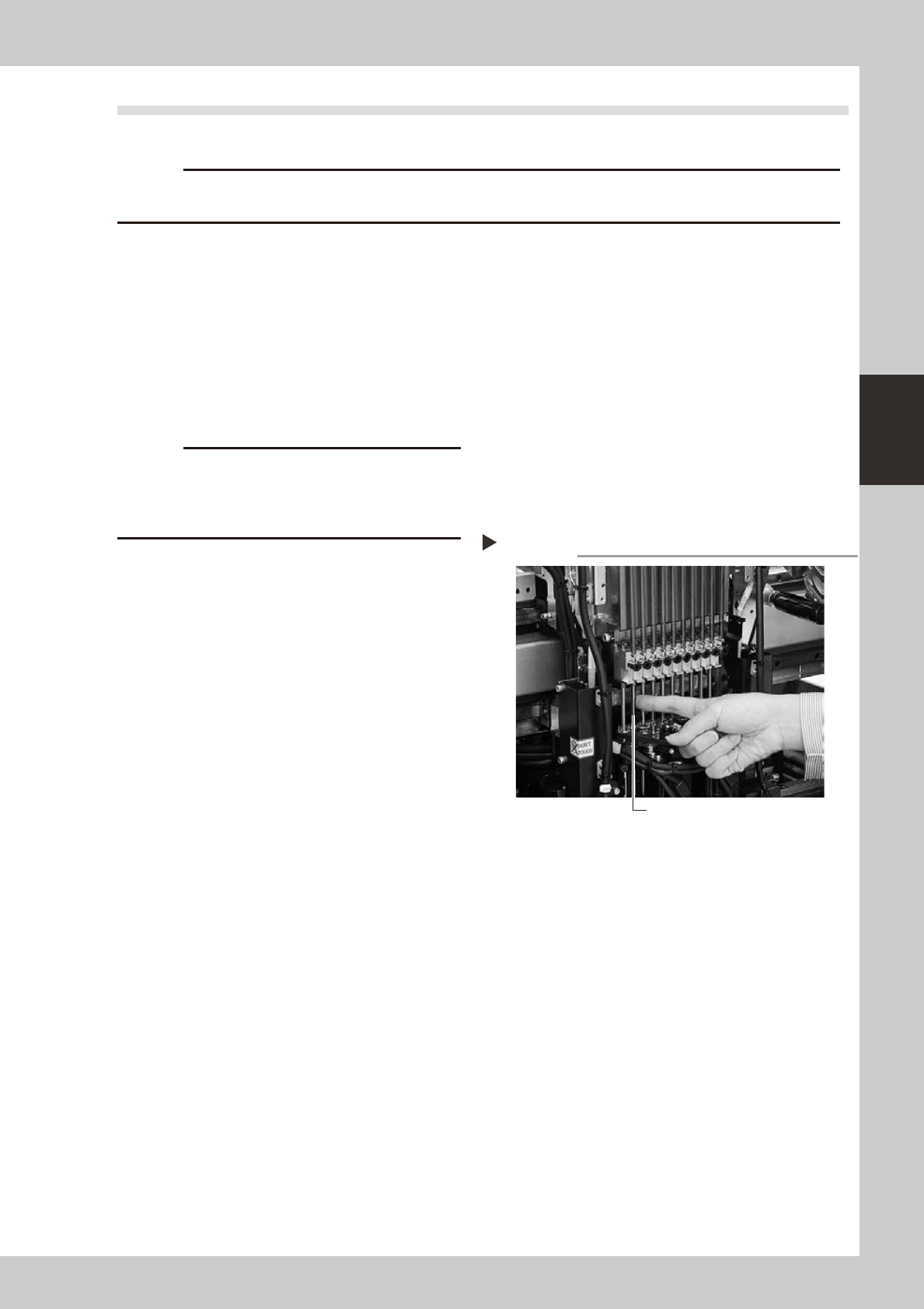
Apply grease to the outside of each
spline shaft.
Apply a thin, uniform coat of grease by
hand to the outside of each spline shaft.
53335-L5-00
5
Wipe away excess grease.
Move each spline shaft by hand several
times and wipe away excess grease.
Applying grease to spline shaft
Step 4
Z-axis spline shaft
3-24
3
Periodic maintenance items
3.4 Checking the SC-axis flex cable
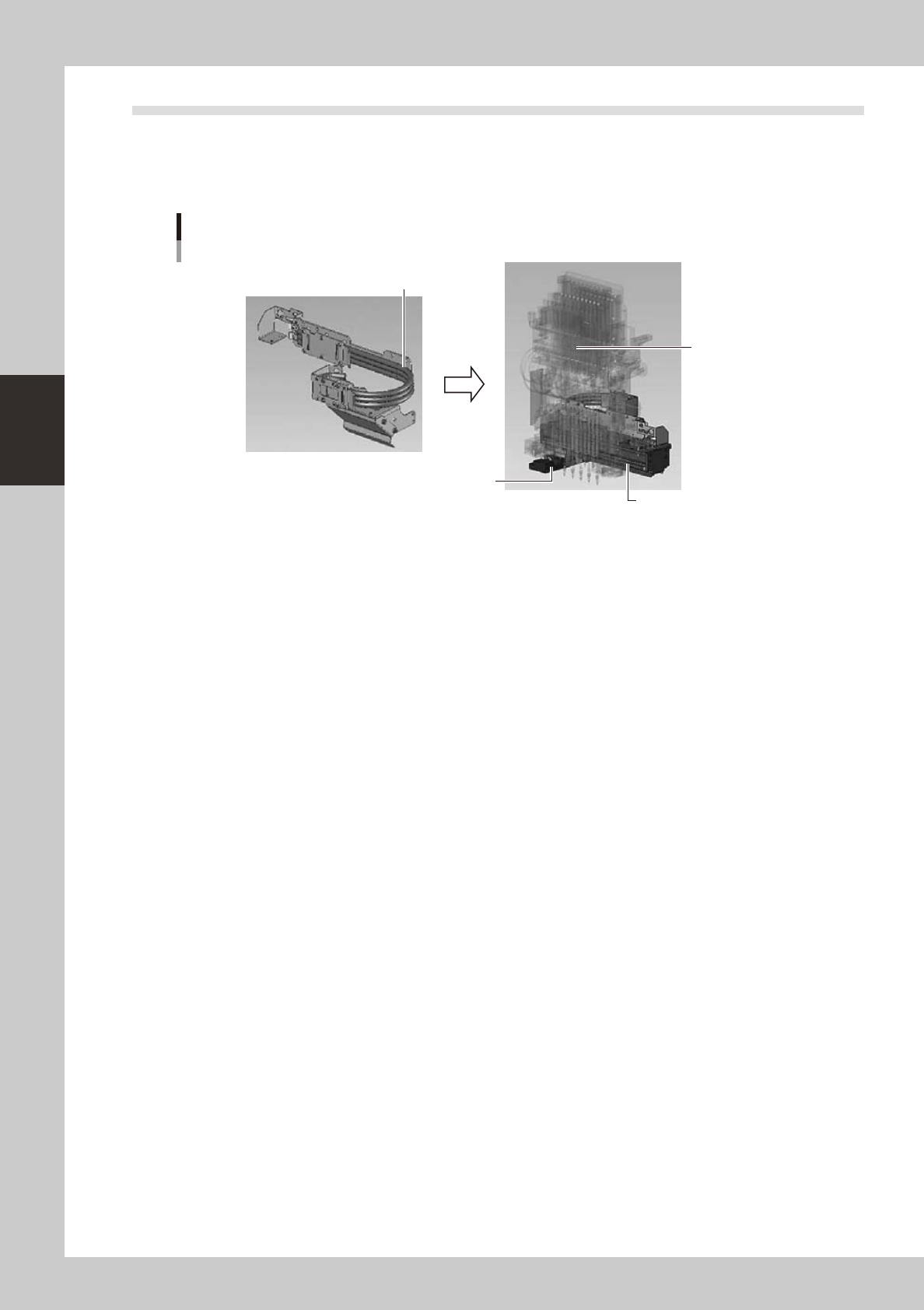
The SC-axis flex cable is a flat multi-cable designed for rigidity to prevent the harness from drooping as it
moves along with the scan camera. However, the cable may eventually droop due to warping or weakening
from long-term use. If cable drooping occurs, then the cable may come in contact with moving parts and cause
trouble. We recommend making periodic checks and replacing the cable if drooping becomes obvious.
SC-axis unit
Checking the SC-axis flex cable condition
Scan camera
Head assembly
Check for drooping in the flex cable.
53351-L5-00