PPS Pro version 8.2.pdf - 第15页
4022 591 98 247 User Manual 05.07 PPS-Pro v8.2 11 General Intr oduction SCREEN 2 P op-up menu-item s 1.5 T oolbar ■ Style in text: T oolbar icon s are prin ted in bold . First the fun c tion of th e icon foll ow ed by “i…
User Manual 4022 591 98247
10 PPS-Pro v8.2 05.07
General Introduction
TSOP Thin Small Outline Package
TTF Twin Tape Feeder
U, V, W
WLM Wide Laser Module
WPM Wide Placement Module
WPM-VIS WPM Vision
WPM-LAS WPM Laser
WPM-LCC WPM Large Component Capability
WPM-LCL WPM with Large Laser
WVM Wide Vision Module
X, Y, Z
1.3 Conventions
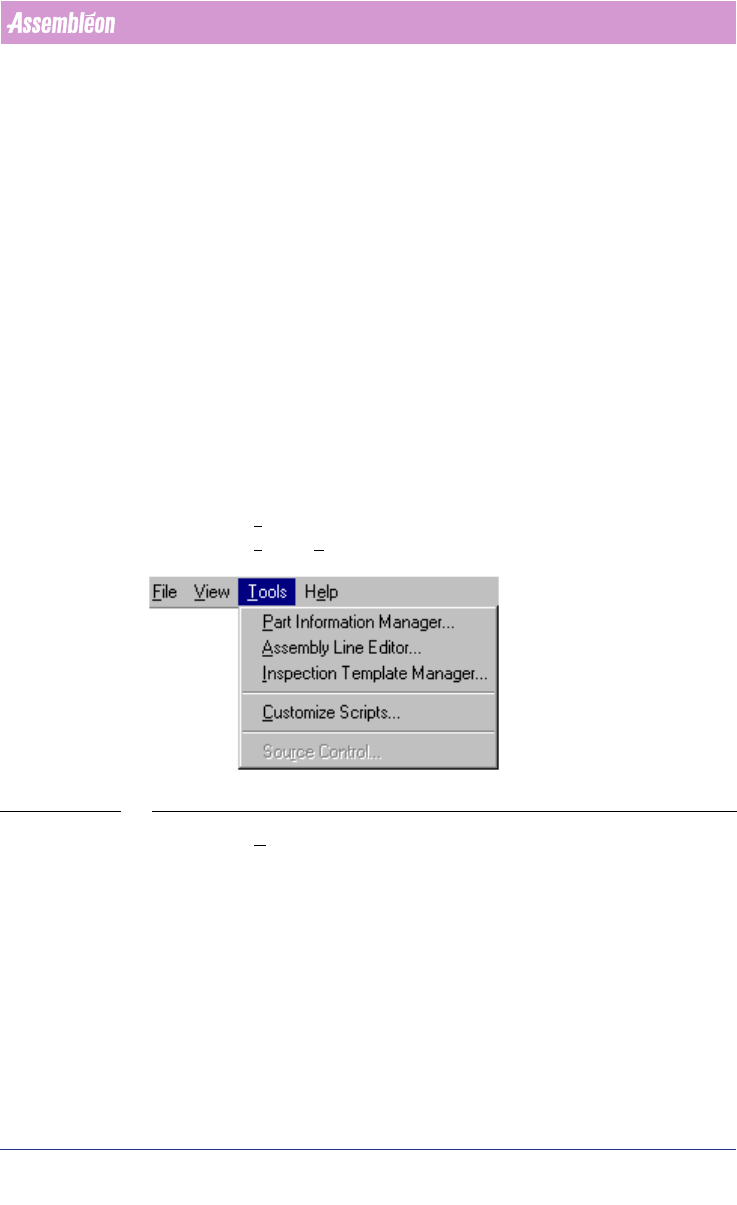
1.4 Menu items and pop-up menu items
■ Style in text: These items are printed in bold. First the function of the
menu item followed by “menu item”.
■ Example: Tools menu item(see SCREEN 1 on page 10).
■ Example: Tools > Part Information Manager...
SCREEN 1 Menu-items
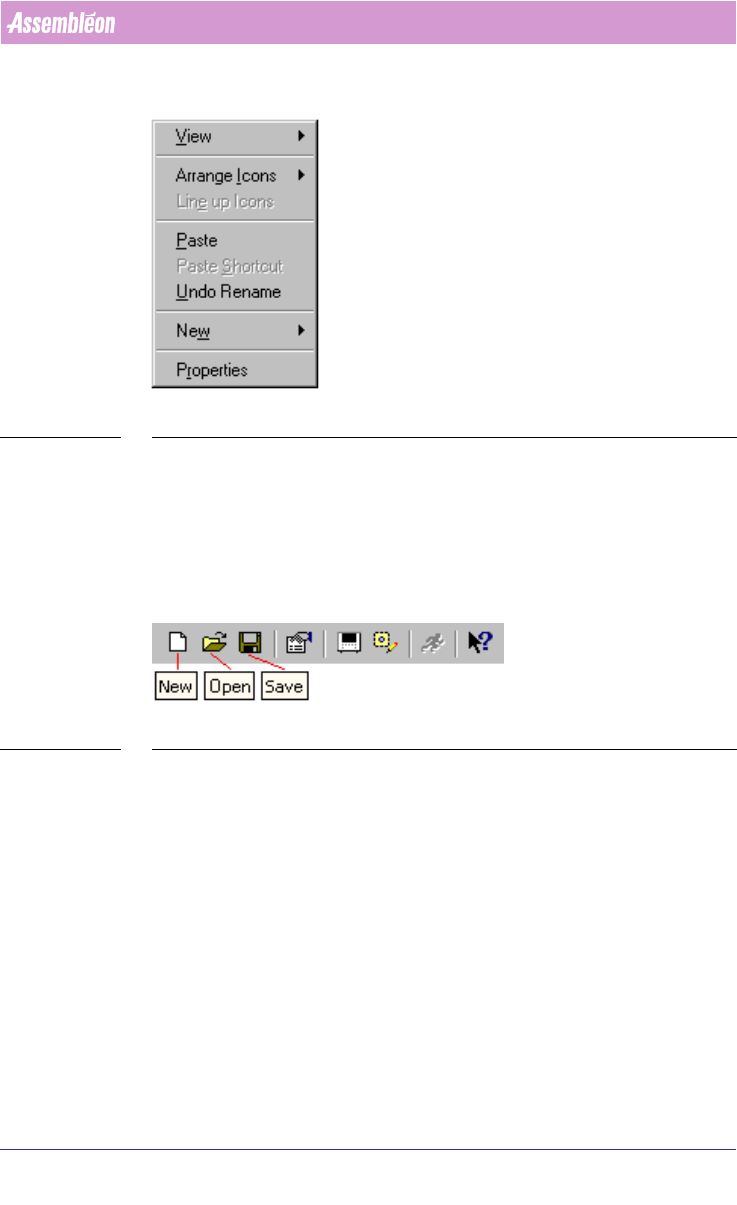
■ Example: Undo Rename menu item (see SCREEN 2 on page 11).
4022 591 98247 User Manual
05.07 PPS-Pro v8.2 11
General Introduction
SCREEN 2 Pop-up menu-items
1.5 Toolbar
■ Style in text: Toolbar icons are printed in bold. First the function of the
icon followed by “icon”.
■ Example: New icon, Open icon, Save icon (see SCREEN 3 on page 11).
SCREEN 3 Toolbar with icons
1.6 Control-items
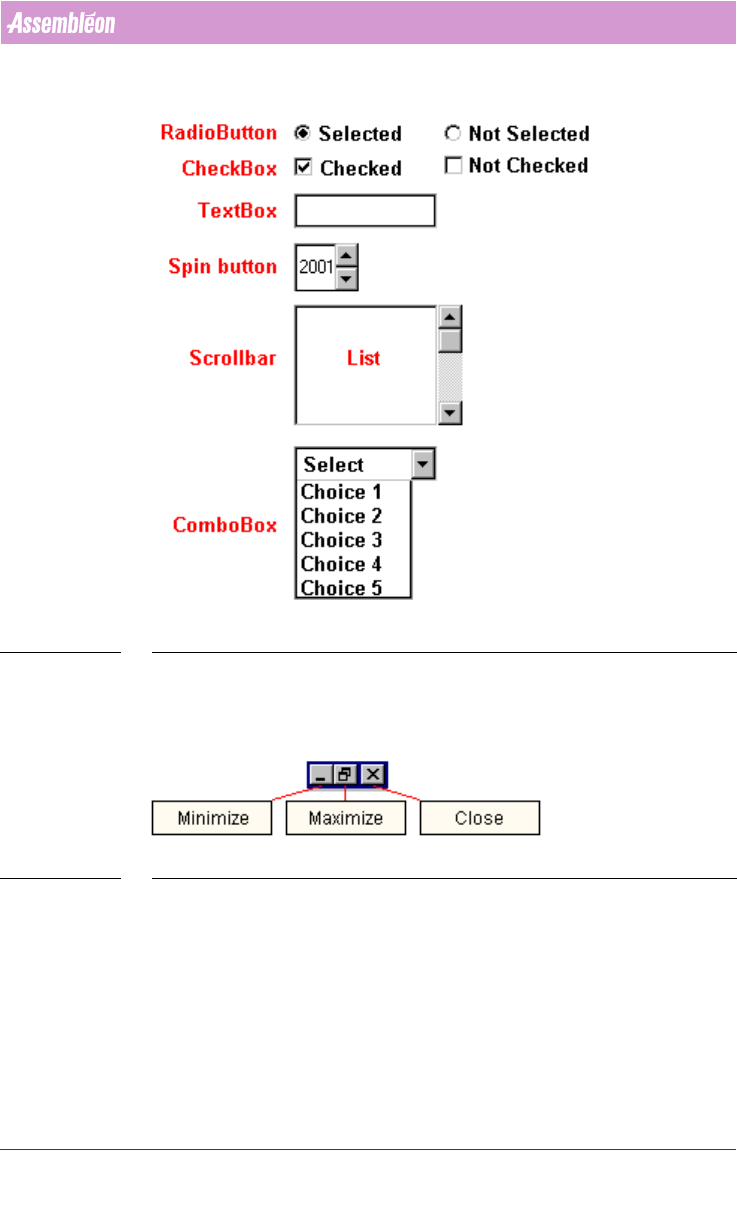
■ Style in text: Control item names (see SCREEN 4 on page 12) are printed in
italic. First the name of the item followed by the type of the controlitem.
■ Example: Surface-mount checkbox (see SCREEN 7 on page 13).
User Manual 4022 591 98247
12 PPS-Pro v8.2 05.07
General Introduction
SCREEN 4 Control-items
1.7 Window icons
SCREEN 5 Windows™ icons
■ Style in text: Window Icon names (see SCREEN 5 on page 12) are printed
in bold. First the function of the icon followed by “icon”.
■ Example: Minimize icon, Maximize icon and Close icon.