PPS Pro version 8.2.pdf - 第183页
4022 591 98 247 U ser Manual 05.07 P PS-Pro v8.2 179 Guidelines for using PPS-Pro T ABLE 37 Checklist o f all informati on which m ust be sent Name of the PC B( ’s ) w hich mus t b e o pt im iz ed. Name pc b1 : Name pc b…
User Manual 4022 591 98247
178 PPS-Pro v8.2 05.07
Guidelines for using PPS-Pro
NOTE: Maintain directory structure in the zip-file.
A zip-file of the entire ‘Dat’ directory can be made in the Windows™ Explorer.
Right-click ‘Dat’ from the directory where PPSPro™ is installed (default
‘C:\Assembleon\PPSPro\Site\Template\Philips\Dat’) and select
Add to
Dat.zip from the menu.
Action: Make a copy of this directory.
13. Optimizer files (Powerline)
14. Maintain directory structure in the zip-file.
A zip-file of the entire ‘philips’ directory can be made in the Windows™
Explorer. Right-click ‘philips’ from the directory where PPSPro™ is installed
(default ‘C:\Assembleon\PPSPro\
Bin\philips’) and select Add to philips.zip from the menu.
Action: Make a copy of this directory.
15. Optimizer files (A-Series)
16. Maintain directory structure in the zip-file.
A zip-file of the entire ‘optimizer’ directory can be made in the Windows™
Explorer. Right-click ‘optimizer’ from the directory where PPSPro™ is installed
(default ‘C:\Assembleon\PPSPro\Optimizer\ ’) and select
Add to
Optimizer.zip from the menu.
17. Action: Make a copy of this directory.
C.4 Post gather stage
When all information is gathered (see TABLE 37 on page 179), it can be send
to your local Customer Support provider.
C.4.1 Checklist
If not all information is gathered (use the list below to check) then go back to
the ‘gather-stage’
(see C.3 on page 172) and take all necessary steps.
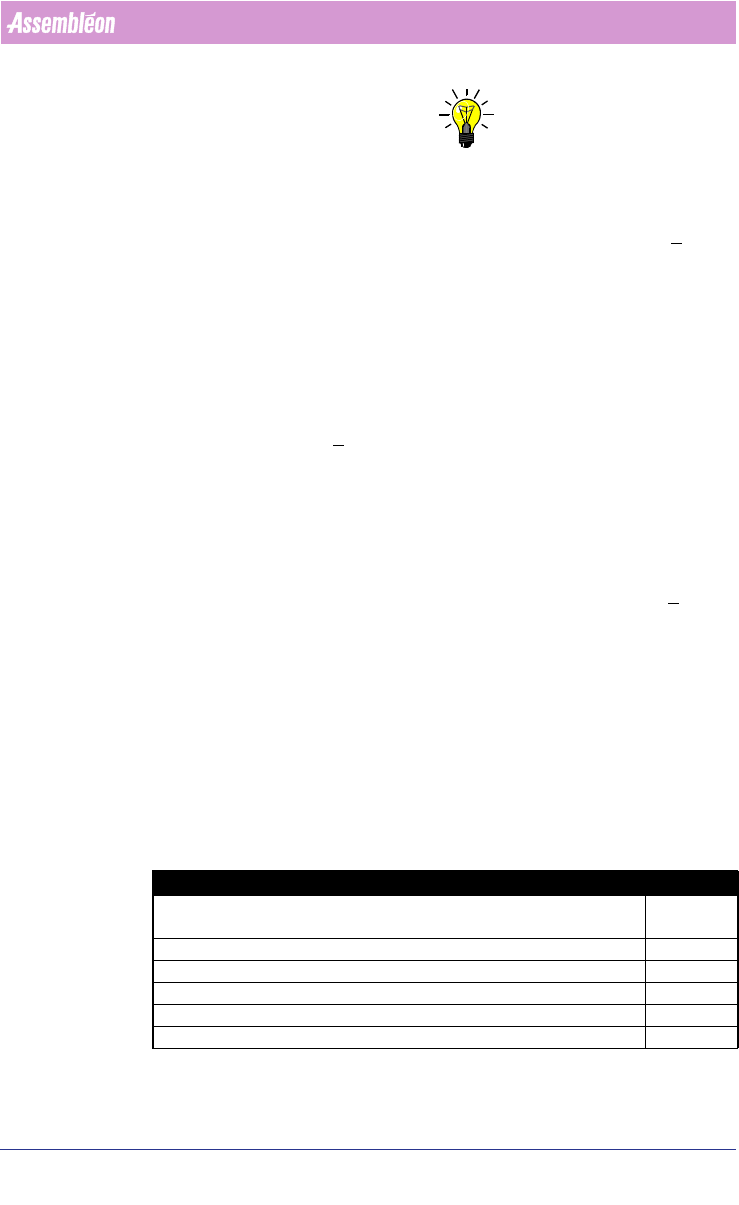
Description Check [√]
Description of the exact project and error message
including screendumps.
Description of the already made investigation.
Copy of the whole project-directory (zip-file).
Used “Build Version”
Name of the used line optimizer.
Name of the used line.
4022 591 98247 User Manual
05.07 PPS-Pro v8.2 179
Guidelines for using PPS-Pro
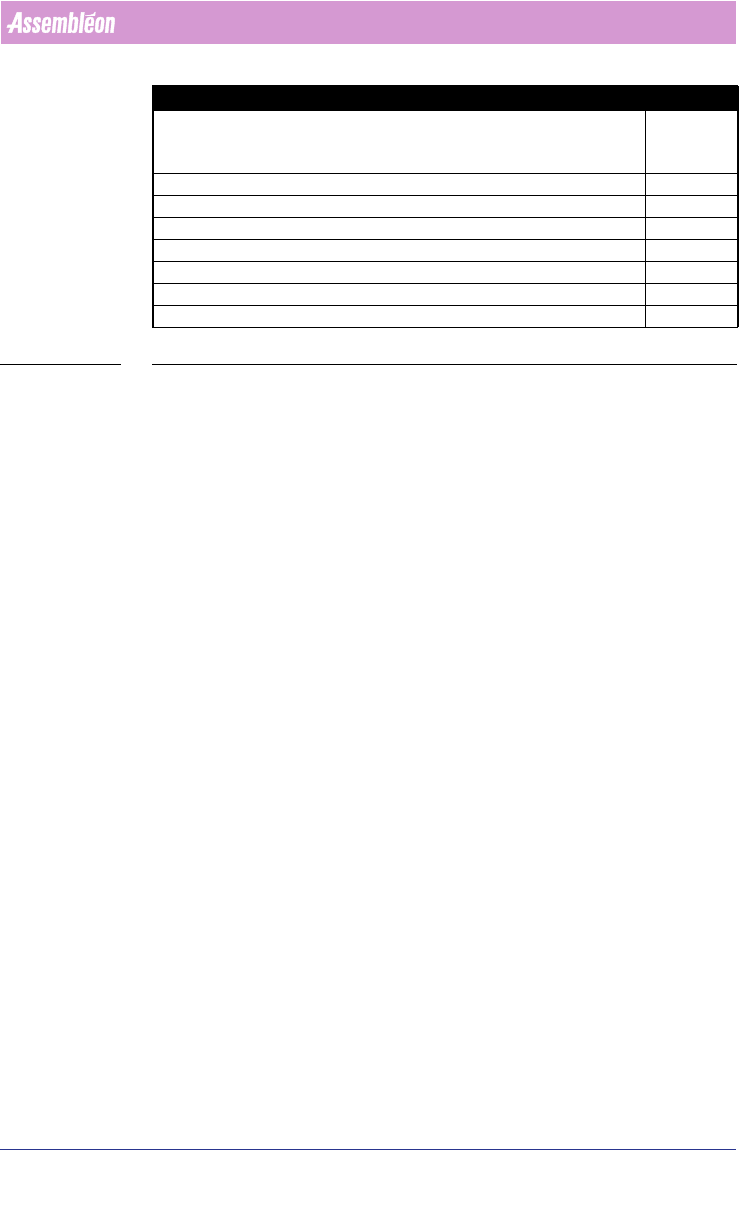
TABLE 37 Checklist of all information which must be sent
Name of the PCB(’s) which must be optimized.
Name pcb1:
Name pcb2:
Copy of the used PSI-file.
Copy of the used ALE-file.
Copy of the used BOM-file.
Copy of the used Gerber information (A-Series only)
Copy of the ini-files (Powerline only)
Copy of the Optimizer directory (A-Series only)
Copy of the Philips-directory (zip file) (Powerline only)
Description Check [√]

User Manual 4022 591 98247
180 PPS-Pro v8.2 05.07
Guidelines for using PPS-Pro