FX-3RA_SPE_EN.pdf - 第29页
- 25 - Combination that permit s installing the place ment monitor and number of compu ters required One computer is required for one station. Combinati on that p ermits install i ng the placement monitor Left st ation R…
- 24 -
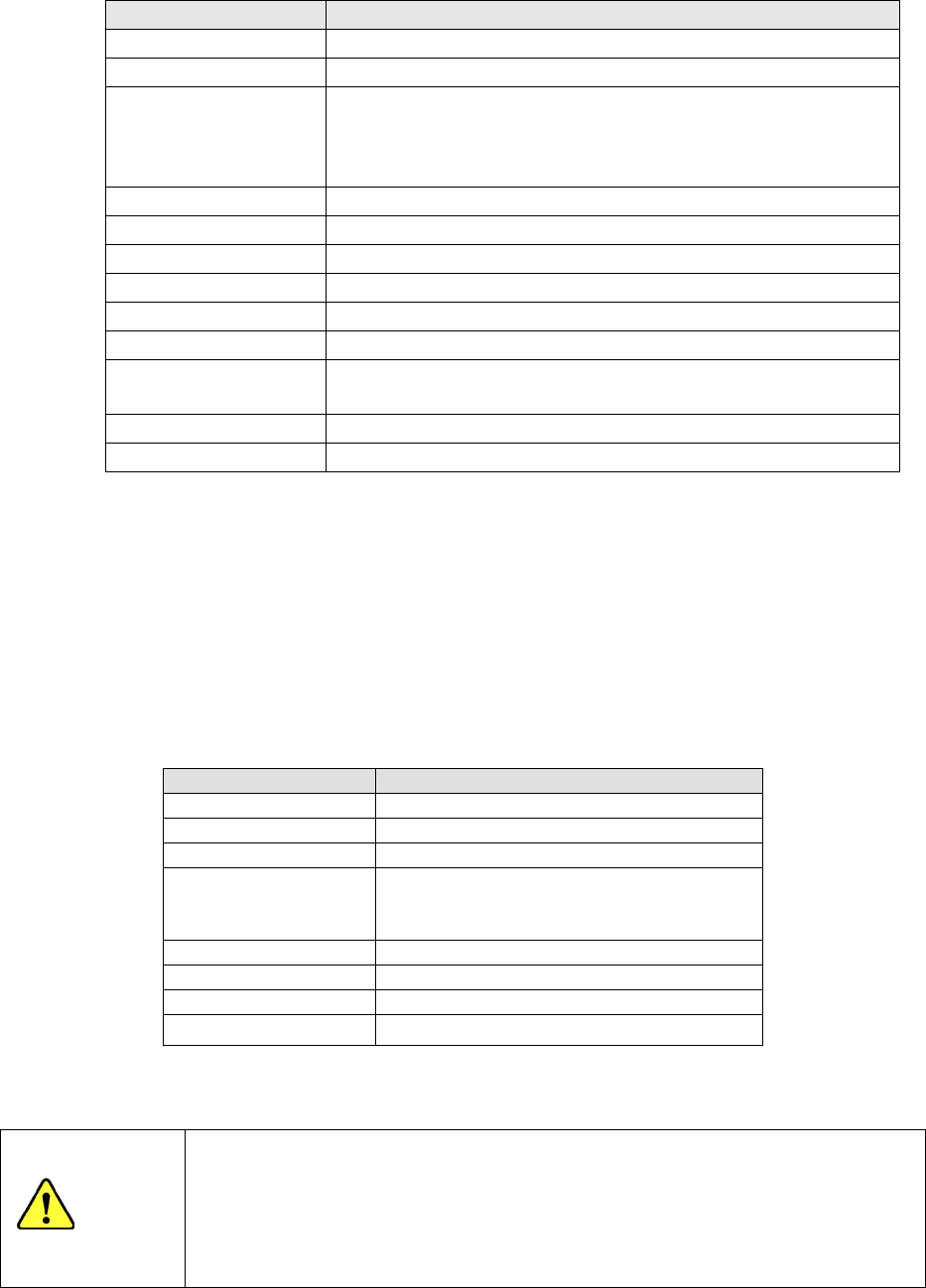
Computer specifications for placement monitor
Specification recommended for a Placement Monitor
CPU
2.66 GHz or higher (Intel Core™ Quad or higher)
Memory
4 GB or more
HDD capacity C drive:750 GB or more (SATA)
D drive:2.25 TB or more (SATA ,RAID 0)
(Create C drive and D drive; create the data storage area in D drive.)
See Notes 1 and 2.
Chipset
Intel X58 chipset or, or the equivalent
DVD-ROM Drive
One
USB port
1 port or more
LAN port
1 port or more
Monitor resolution
1024 × 768 or higher
Expansion slot
PCI bus, full-sized 1 slot*
OS Microsoft Windows 7 Professional 32bit
(The OS has to be clean-installed,)
Software
Any software other than designated one must not be installed.
Recovery medium
OS recovery kit
Note1 Do not configure the D: drive with any external hard disk drive.
Note2 The HDD capacity of the recommended specifications is approximately 1.3 M images
(**.bmp) (equivalent to 2.6 M components).
Note3 You have to add an IEEE1394a expansion card designated by JUKI to communicate
with a mounter.
Reference model: DELL Precision T3500 Mini Tower Mode Package or the equivalent is used as
the reference model.
If the reference model cannot be purchased, select a reference model by referring to computer
specifications.
Reference model
Model
Dell Precision T3500 Mini Tower Mode
CPU
Intel Xeon™ W3530
(
2.80 GHz
)
Memory
4 GB
HDD capacity C drive:1TB (SATA)
D drive:1.5TB×2 (SATA ,RAID 0)
(
※
RAID will be set up after purchase)
Chipset
Intel X58 chipset
DVD-ROM Drive
One
OS
Microsoft Windows 7 Professional 32bit
Recovery medium
OS recovery kit
* Intel, Core and Xeon are trademarks of Intel Corporation in the U.S.A. and other countries.
* Dell and Dell Precision are trademarks of Dell Inc. in the U.S.A. and other countries.
Precautions for preparing a computer for the Placement Monitor system
Do not install any software other than the applications of Placement Monitor
to avoid communication failures. If other software (such as a writing
software, DVD player, printer support software or others that run in the
background) exists, a clean install of the OS is required.
CAUTION
- 25 -
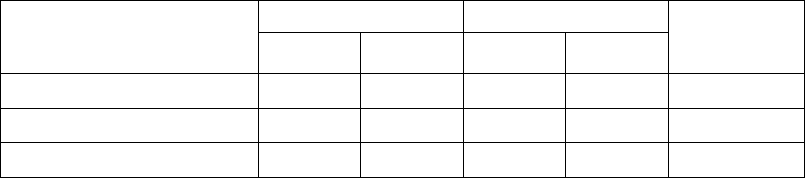
Combination that permits installing the placement monitor and number of computers
required
One computer is required for one station.
Combination that permits
installing the placement
monitor
Left station Right station
Number of
computers
required
LF head LR head RF head RR head
All heads
○ ○ ○ ○
2
Left station only
○ ○ ― ―
1
Right station only
― ― ○ ○
1
○: Head for installing the placement monitor
5-2-13 IC Collection Belt (Option)
This belt collects IC components whose lead is found to be bent or float with the VCS by
separating them one by one.
The feed pitch setting can be changed just by your entering a new value.
- Applicable component size: 10 x 10 mm to 50 x 50 mm,
Height: 1 mm or higher
- Belt feeding pitch: 15 mm to 55 mm (in increments of 5 mm)
- Number of components
which can be collected: 5 to 16
- Number of occupied positions: 9
5-2-14 Flexible Calibration System, The adjustment jig (FCS:Option)
After a jig component that is recognized with laser is placed on a glass jig board, the Flexible
Calibration System (FCS) uses a camera to automatically measure the difference between a
value set with the program and the position at which the component is placed, and
calculates the offset value to be used for placing the component.
This series of operations are automatically performed with your setting of a board and
loading of a program into the system.
When you use the FCS, you can check whether the precision is maintained and adjust the
precision at relocation or routine maintenance.
- 26 -
5-2-15 Software to support production(Option)
(1) EPU (External Programming Unit)
This software for creating a production program on a personal computer (PC). The screen
displayed on a PC is exactly same as that of the machine. Even while a machine is
running productions, you can edit a production program and manage a database on a PC
with this software.
(2) Flexline CAD
With this software you can convert text data files in ASCII format and production programs
created with a CAD system for other manufacture’s machines to the JUKI format. This
enables you to shorten the time to create production programs, and to more easily transfer
production programs to the JUKI production lines from others.
* For detailed information on converting data from other manufacture’s machine, please
contact JUKI or the representative office in your area.
(3) IS (Intelligent Shopfloor Solutions): Production support system
In addition to the functions of HLC and SCS, IS allows you to obtain information on the
whole shop floor to optimize and manage the production collectively. This comprehensive
management system supports you to reduce cost, and to improve productivity and product
quality effectively. The ”Board viewer” function is equipped as a standard feature. Also a
production plan for a whole shop floor can be created.
* For details of IS, refer to the “IS PRODUCT SPECIFICATIONS”.
(4) IFS-NX (Intelligent Feeder System): production management system
I You can use IFS-NX alone without any Production support system backbone software.
It uses barcodes, 2-D codes and a multi-code reader to perform quality control operations such
as “prevention of a component placement error” and “traceability,” “improve the workability of
preparations” and “manage the number of the remaining components.”
To authenticate a feeder or a tray supply unit, you can select a barcode or an RFID. When you
use a component supply unit that supports an RFID, operation such as verification and
management can be automated, so that the quality control and working efficiency are improved
drastically.
* To use a function of IFS-NX, all of a mounter main unit, a feeder exchange trolley, each
type of feeder, and a tray supply unit have to support an RFID. If you use any
conventional device, contact our Sales staff.
* Refer to the “IFS-NX PRODUCT SPECIFICATIONS” for details of IFS-NX.
(5) IS Lite: Production support system
This software is designed to improve the production efficiency of each line and reduce the
production cost by centrally managing the information on the JUKI mounters arranged in the line
(production site) and optimizing it like the JUKI software HLC.
・Supported model: RX-6 series, RX-7, KE-3000 series, FX-3 series,KE‐2070/80 series,KE‐
2050/60 series,
.(6)JaNets
:
Production support system
This software is designed to improve the production efficiency of each line and reduce the
production cost by centrally managing the information on the JUKI mounters arranged in the line
(production site) and optimizing it like the JUKI software IS、IS Lite .Supported model:
RS-1,RX-6 series, RX-7, KE-3000 series, FX-3 series,KE‐2070/80 series,KE‐2050/60
series,kD-2077.
* JaNets is required under the line formation which includes RS-1.