3OM-1054-002.pdf - 第128页
T ransfer of P-No. (1 ) Select the P-No. to be transferred with the touch screen or the pointing device. The selected line (P-No.) turns blue, indicating that it is selected. (2) Select the "T ransfer the selected s…
*3 P-No.
Shown are the step Nos.
Refer to "• Operation Procedure" (described later) for the
detailed information on how to add or delete a step No. (P-
No.).
*4 X [mm], Y [mm], Z=theta [deg], H [mm], Fdr No., C, Comment
• Operation Procedure
Addition of Step (P-No.)
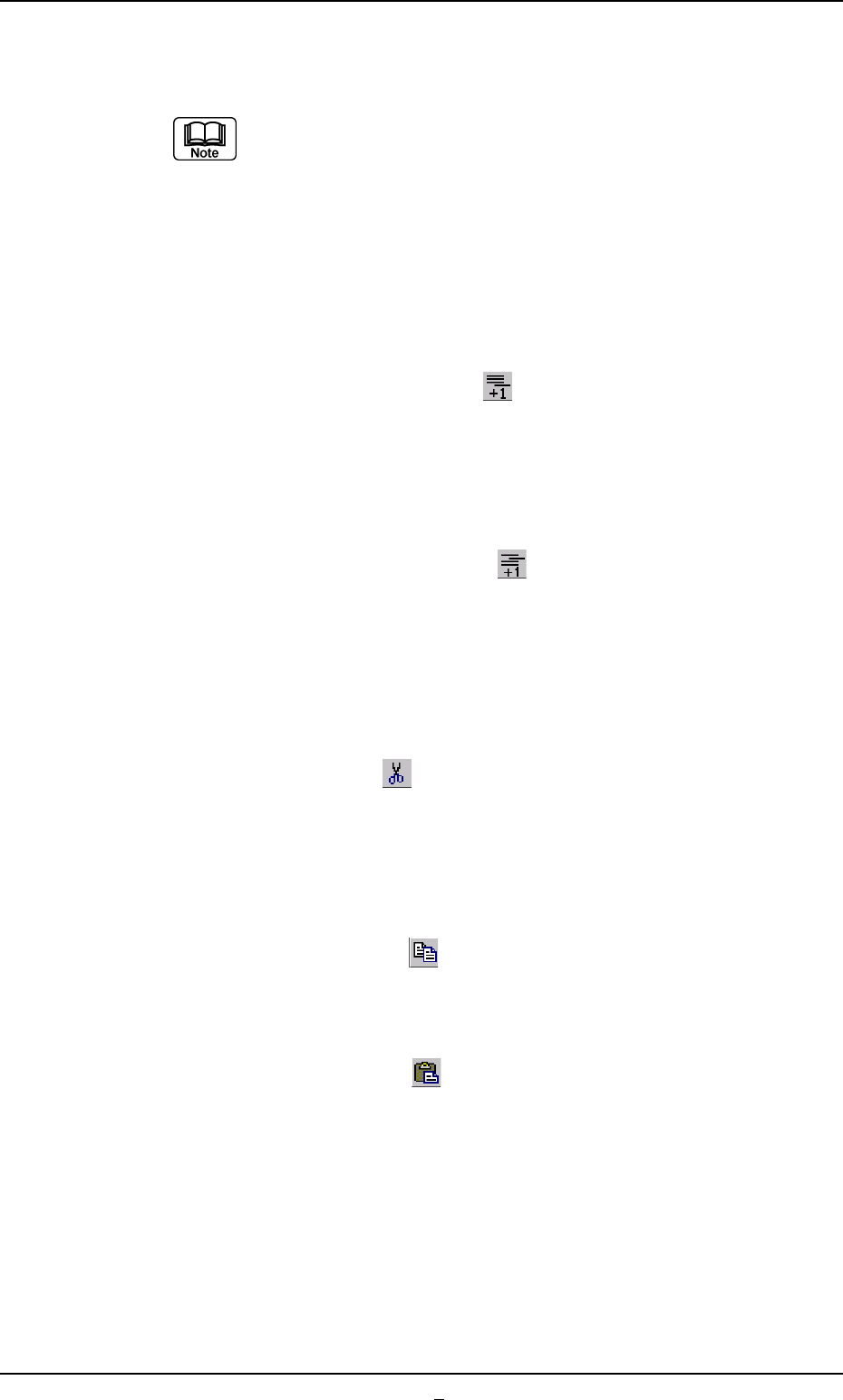
(1) When the [Add One Line] icon [
] is selected, a new step is
added to the last line (last Fdr No.).
Insertion of Step (P-No.)
(1) Select a new step (P-No.) to be inserted with the touch screen or
the pointing device.
(2) When the [Insert One Line] icon [
] is selected, a step is in-
serted into the selected position and the subsequent lines (Fdr
Nos.) are shifted down.
Deletion of Step (P-No.)
(1) Select the step (P-No.) to be deleted with the touch screen or the
pointing device.
(2) When the [Cut] icon [
] is selected, the selected line (Fdr No.)
is deleted and the subsequent lines (Fdr Nos.) are shifted up.
Step (P-No.) Copy and Paste Commands
(1) Select the step (P-No.) to be copied with the touch screen or the
pointing device.
(2) When the [Copy] icon [ ] is selected, the selected line (Fdr
No.) is copied.
(3) Select the position where the copied step (P-No.) should be
pasted.
(4) When the [Paste] icon [ ] is selected, the selected line (Fdr
No.) is pasted.
4.4 "Placement Data" Tab
0303-004 2-106 AGS01EDTP
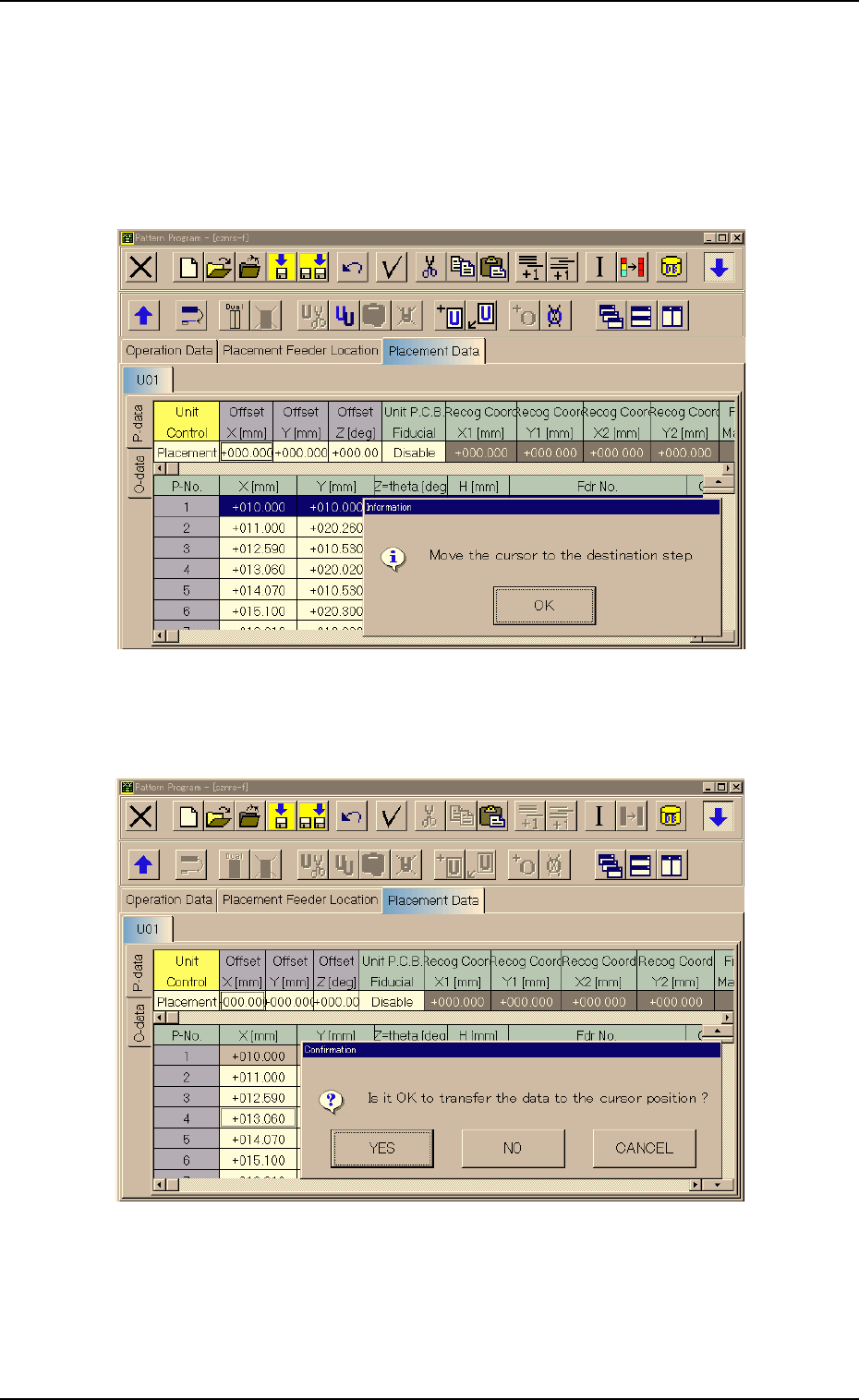
Transfer of P-No.
(1) Select the P-No. to be transferred with the touch screen or the pointing
device.
The selected line (P-No.) turns blue, indicating that it is selected.
(2) Select the "Transfer the selected step data" icon.
Fig. 3B161-1
(3) Press the [OK] button and specify the destination step.
Fig. 3B161-2
4.4 "Placement Data" Tab
0303-001 2-106-1 AGS01EDTP
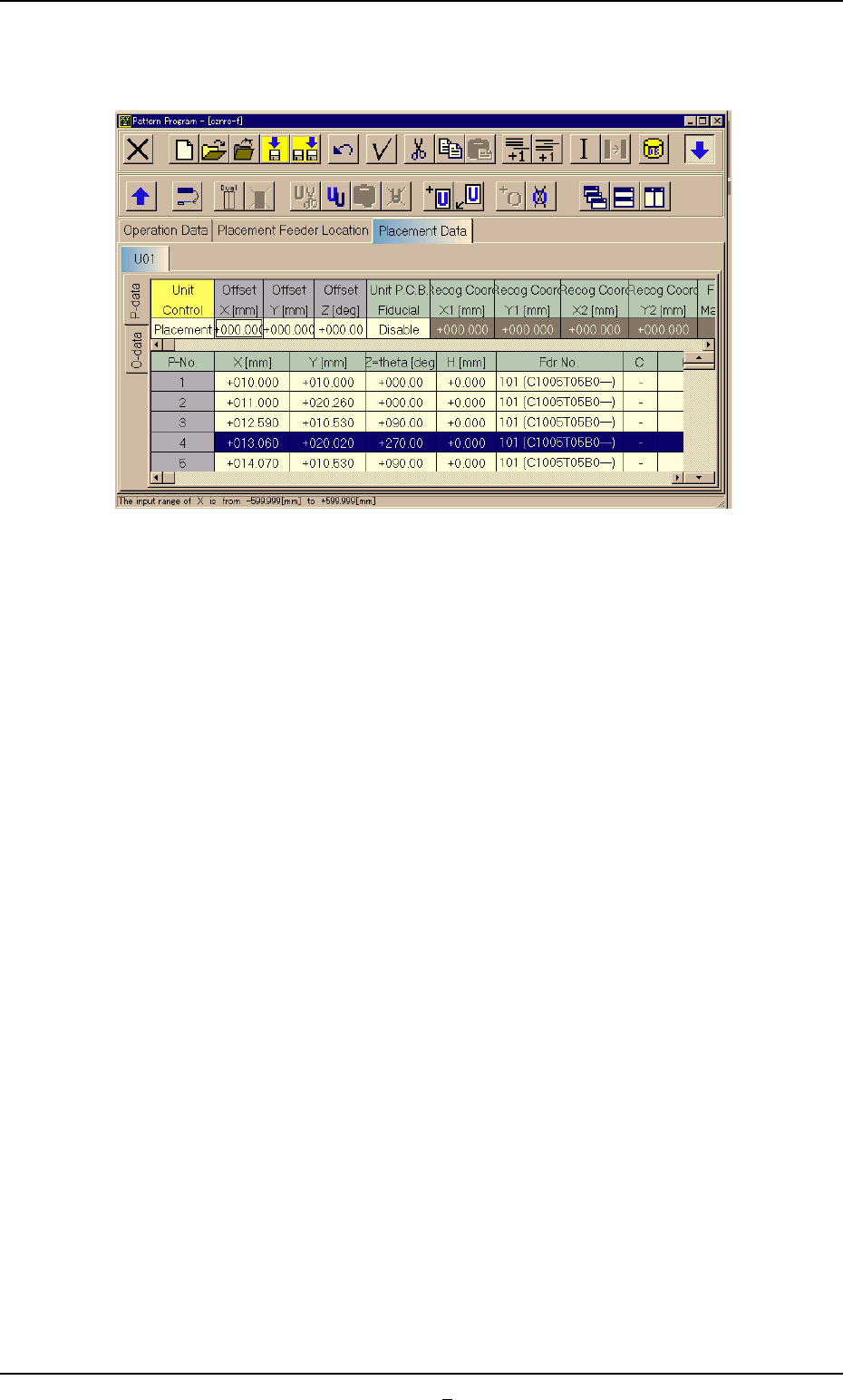
(4) Press the [YES] button. The line (step) of the selected P-No. is trans-
ferred to the step just above the specified line (step).
Fig. 3B161-3
0303-001 2-106-2 AGS01EDTP
4.4 "Placement Data" Tab