00196602-05_SM_SIPLACE_X-Feeder_EN.pdf - 第14页
3 X-Feeder Test Station 3.2 Rare Errors 14 Service Manual SIPLACE X-Feeder 4 - 88 mm 11/2017 3.2 Rare Errors Some of the feeder modules show the following error images in rare cases. These errors can have highly complex …
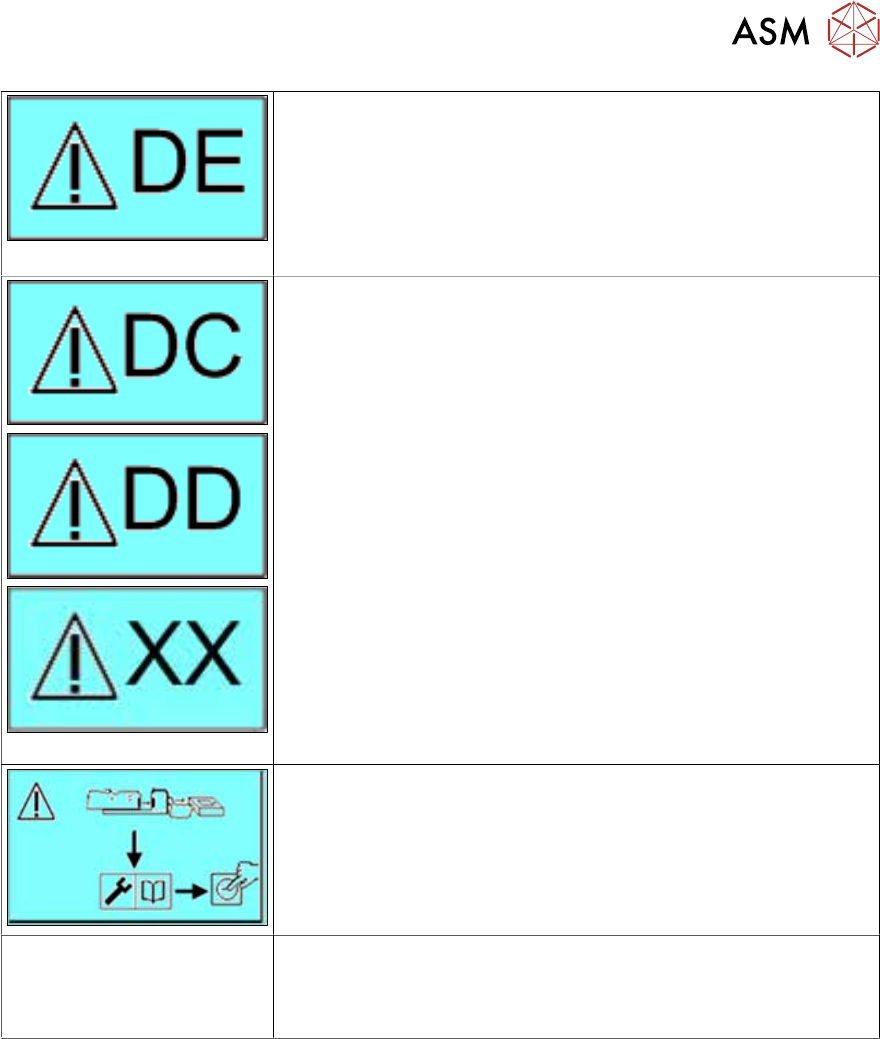
3 X-Feeder Test Station
3.1 X Feeder Test Station Error Messages
Service Manual SIPLACE X-Feeder 4 - 88 mm 11/2017 13
EEPROM error
Perform a reference run.
If the error is still shown, send the feeder module to the manufac-
turer for repairs.
Repeat the test.
If the error still exists, you will not be able to repair the feeder mod-
ule by yourself.
Please send the feeder module to the manufacturer for repair.
Make sure that the X feeder test station is correctly connected and
then restart the test.
If this message is shown repeatedly, communication with the
feeder module is not possible.
Please send the feeder module to the manufacturer for repair.
The status LED for the
feeder module flashes red.
Both status LEDs flash for
2x8 mm X feeders.
Update the feeder module firmware (application) with the X feeder
test station.
If you are unable to fix the error, send the feeder module to the
manufacturer for repair.

3 X-Feeder Test Station
3.2 Rare Errors
14 Service Manual SIPLACE X-Feeder 4 - 88 mm 11/2017
3.2 Rare Errors
Some of the feeder modules show the following error images in rare cases. These errors can have
highly complex causes.
●
Communication problems at the machine.
●
Problems at the pickup position
Communication problems at the machine.
Symptom:
The test with the X-Feeder Test Station was completed without errors but the feeder module exper-
ienced a communication problem at the machine.
Example:
The feeder module does not log onto the machine.
Procedure for fixing the fault:
► Clean the EDIF on the feeder module and on the machine.
Try to log the feeder module onto the machine again.
► Set the feeder module up at another machine.
Diagnosis:
If the error disappears after cleaning or after you have set the feeder module up at a different
machine, this indicates a machine error.
If the communication problem to the feeder module remains, this indicates that the feeder module
is defective and needs to be sent to the manufacturer for repairs.
Problems at the pickup position
if the feeder module has continued pickup problems and if you can rule out configuration errors,
this indicates that the feeder module is defect and needs to be sent to the manufacturer for repairs.
4 X Feeder Verification System
Service Manual SIPLACE X-Feeder 4 - 88 mm 11/2017 15
4 X Feeder Verification System
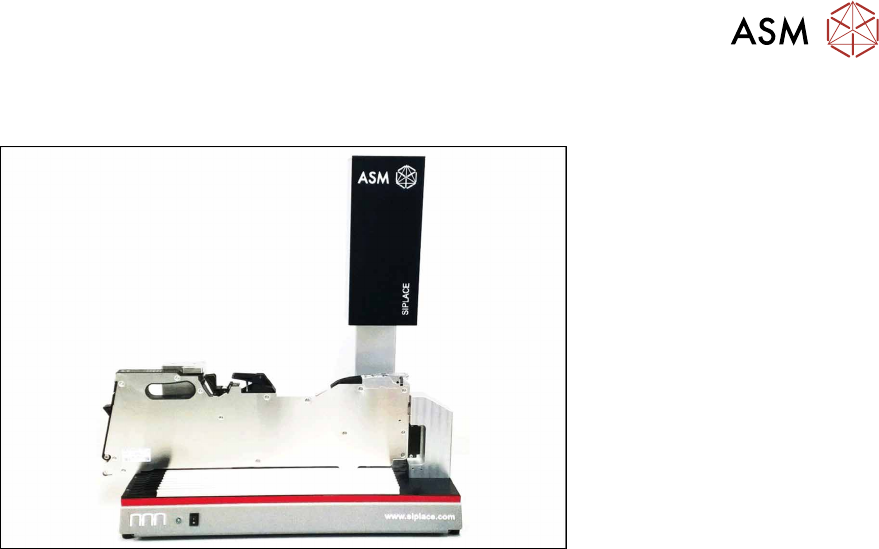
Fig.1: SIPLACE X Feeder Verification System
The SIPLACE X Feeder Verification System (FVS) [03126186-xx] allows you to use various test
sequences to check all feeder module components and to optically test the repeat accuracy of the
X feeder pickup position. The detailed test reports can be saved and printed as PDF or CSV files.
The X Feeder Verification System can be used to test the following feeder modules:
●
X Feeder 4-88mm
●
SmartFeeder 2x8 mm X
●
SmartFeeder 4 - 88 mm X
With the help of the X Feeder Verification System you can check:
●
The functionality of the drives
●
The functionality of the operating panels and buttons
●
The functionality of the splice sensors
●
The functionality of the foil rocker
●
The repeat accuracy of the pickup position
For a detailed description of the SIPLACE X Feeder Verification System refer to the user manual
for the product, item no. 00198272-xx.