Printer 600 Machine Programming.pdf - 第16页
0$&+,1( 352*5$00 ,1* 67$*($ ),7648 ((*((6 1.16 User Manual Software Ve rsion 07SP04 16. Press Exit (F8). 17. Press Exit (F8). Change Squeegee Calibrat Heights Exit Mode Load Data Edit Data Set up Squeegee Chan…
0$&+,1(352*5$00,1*
67$*($),7648((*((6
Software Version 07SP04 User Manual 1.15
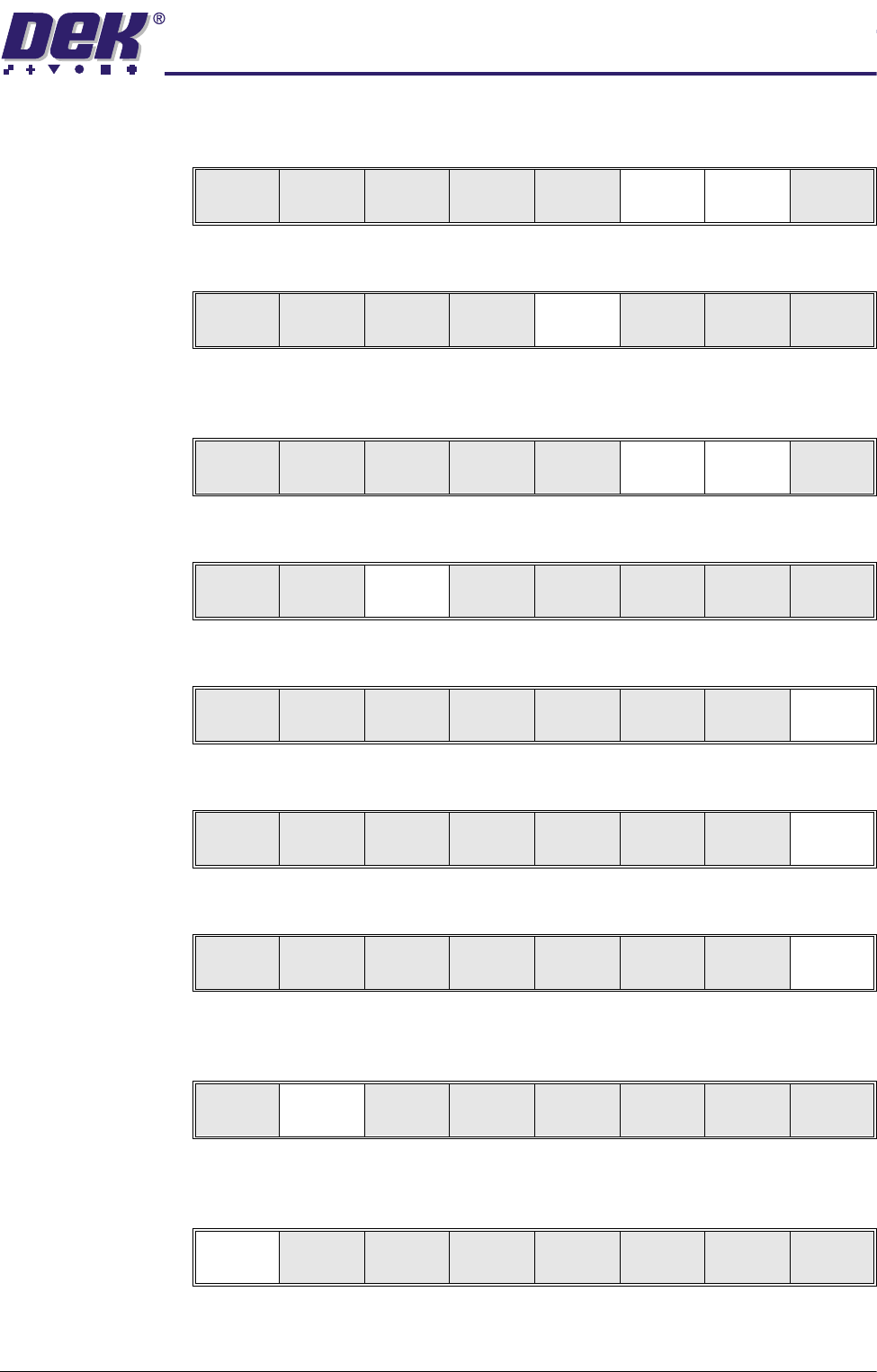
7. Using Step Up and Step Down (F6 and F7) as necessary to raise or lower
the front squeegee until it just touches the front rail.
8. Press Rear Squeegee (F5).
9. Using Step Up and Step Down (F6 and F7) as necessary to raise or lower
the rear squeegee until it just touches the front rail.
10.Press Save (F3).
11.Press Exit (F8).
12.Press Exit (F8).
13.Press Exit (F8).
Feedback Option 14.Press Calibrat Heights (F2). The message ‘Ensure correct squeegees
are fitted’ is displayed.
15.Press Continue (F1). The message ‘Calibrating Pressure Heights - DO
NOT Open Covers!’ is displayed.
Adjust Save
Front
Squeegee
Rear
Squeegee
Step
Up
Step
Down
Exit
Adjust Save
Front
Squeegee
Rear
Squeegee
Step
Up
Step
Down
Exit
Adjust Save
Front
Squeegee
Rear
Squeegee
Step
Up
Step
Down
Exit
Adjust Save
Front
Squeegee
Rear
Squeegee
Step
Up
Step
Down
Exit
Adjust Save
Front
Squeegee
Rear
Squeegee
Step
Up
Step
Down
Exit
Change
Squeegee
Calibrat
Heights
Exit
Mode
Load
Data
Edit
Data
Setup
Squeegee
Change
Screen
Change
Tool ing
Change
Language
Exit
Change
Squeegee
Calibrat
Heights
Exit
Continue
Restore
Defaults
Exit
0$&+,1(352*5$00,1*
67$*($),7648((*((6
1.16 User Manual Software Version 07SP04
16.Press Exit (F8).
17.Press Exit (F8).
Change
Squeegee
Calibrat
Heights
Exit
Mode
Load
Data
Edit
Data
Setup
Squeegee
Change
Screen
Change
Tool ing
Change
Language
Exit

0$&+,1(352*5$00,1*
67$*(%352)/2:6(783
Software Version 07SP04 User Manual 1.17
STAGE 4B - PROFLOW SETUP
If squeegees were used when running the last product, carry out the Squeegees
to ProFlow Replacement Procedure, see Technical Reference Manual, ProFlow
Module Chapter - Replacement Procedures.
For setting the contact position, carry out the ProFlow Contact Position Setup,
see Technical Reference Manual, ProFlow Module Chapter - Adjustments and
Settings.