Printer 600 Machine Programming.pdf - 第21页
0$&+,1 (352*5$0 0,1* 67$*($ 0$* 1(7,&3,//$5 6722/,1* Software Version 07SP04 User Manual 1.21 21. Select Open Cover (F7). 22. Either: a. Open the front prin thead cover . or b. Raise the printhead shut te…
0$&+,1(352*5$00,1*
67$*($0$*1(7,&3,//$56722/,1*
1.20 User Manual Software Version 07SP04
14.Select Exit (F8).
15.Select Generic Tooling (F7). The print carriage moves to the front of the
machine.
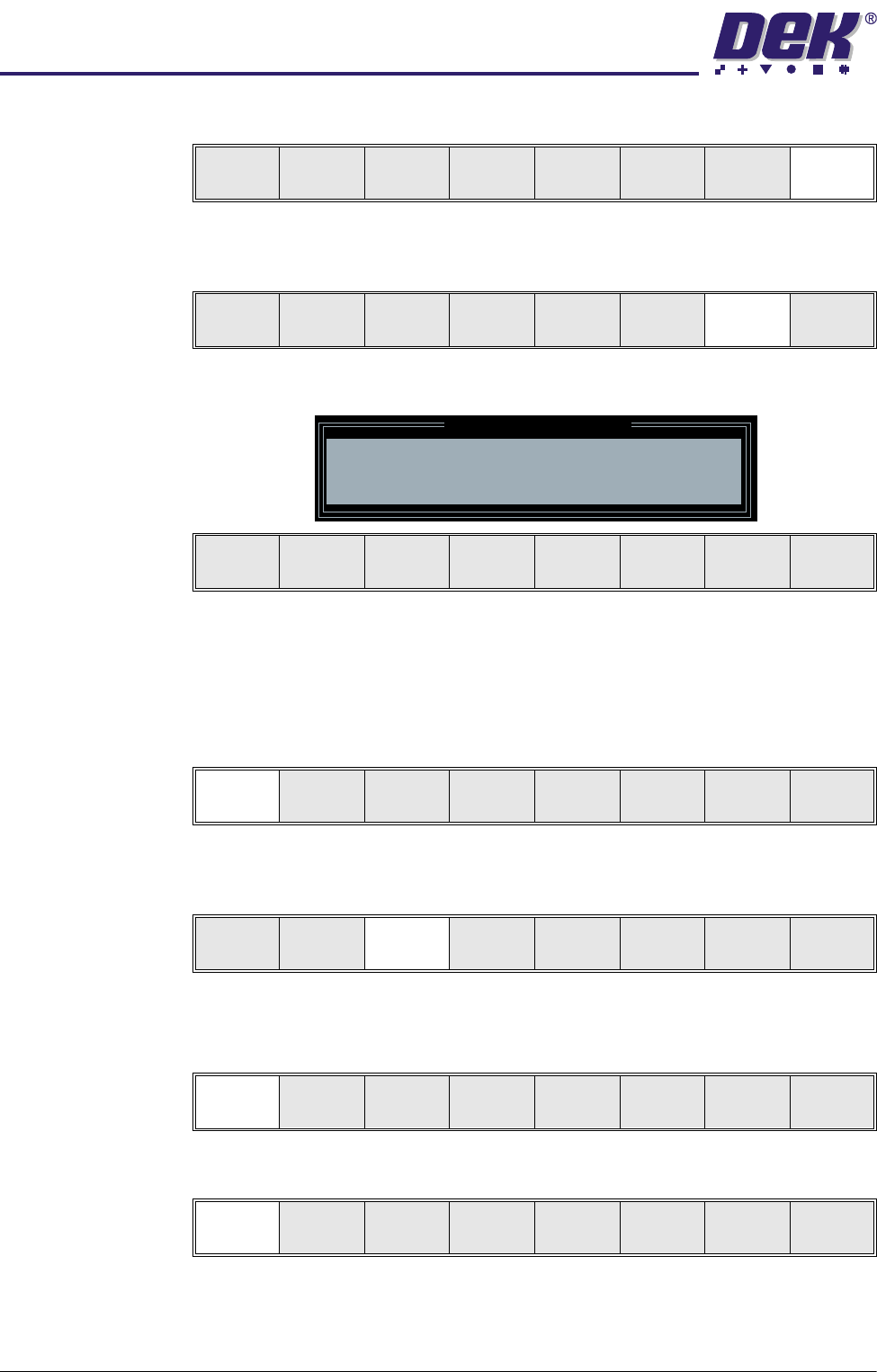
The following window and menu bar is displayed:
NOTE
If contaminated squeegees are fitted, these should be replaced at this point.
16.Select Continue (F1). Cleaner moves to the Home position and the print
carriage moves to the rear of the machine. The message ‘Table at Home
Height’ is displayed.
17.Select Transprt Height (F3). The message ‘Table at Transport Height’ is
displayed.
18.Place a board on the input sensor of the upline conveyor of the machine.
19.Select Load (F1).
20.Select Auto Board (F1).
Save Next Previous Incr. Decr. Exit
Adjust
Open
Cover
Home
Cleaner
Board
Stop
Full
Width
Load
Width
Generic
Tooling
Exit
Generic Tooling Warning
WARNING Paste may drip into the machine
Remove Squeegees NOW
Continue
Open
Cover
Exit
Continue
Open
Cover
Exit
Load
Transprt
Height
Board
Clamps
Change
Screen
Open
Cover
Exit
Load
Vision
Height
Home
Height
Board
Clamps
Change
Screen
Open
Cover
Exit
Auto
Board
Manual
Board
Exit
0$&+,1(352*5$00,1*
67$*($0$*1(7,&3,//$56722/,1*
Software Version 07SP04 User Manual 1.21
21.Select Open Cover (F7).
22.Either:
a. Open the front printhead cover.
or
b. Raise the printhead shutter.
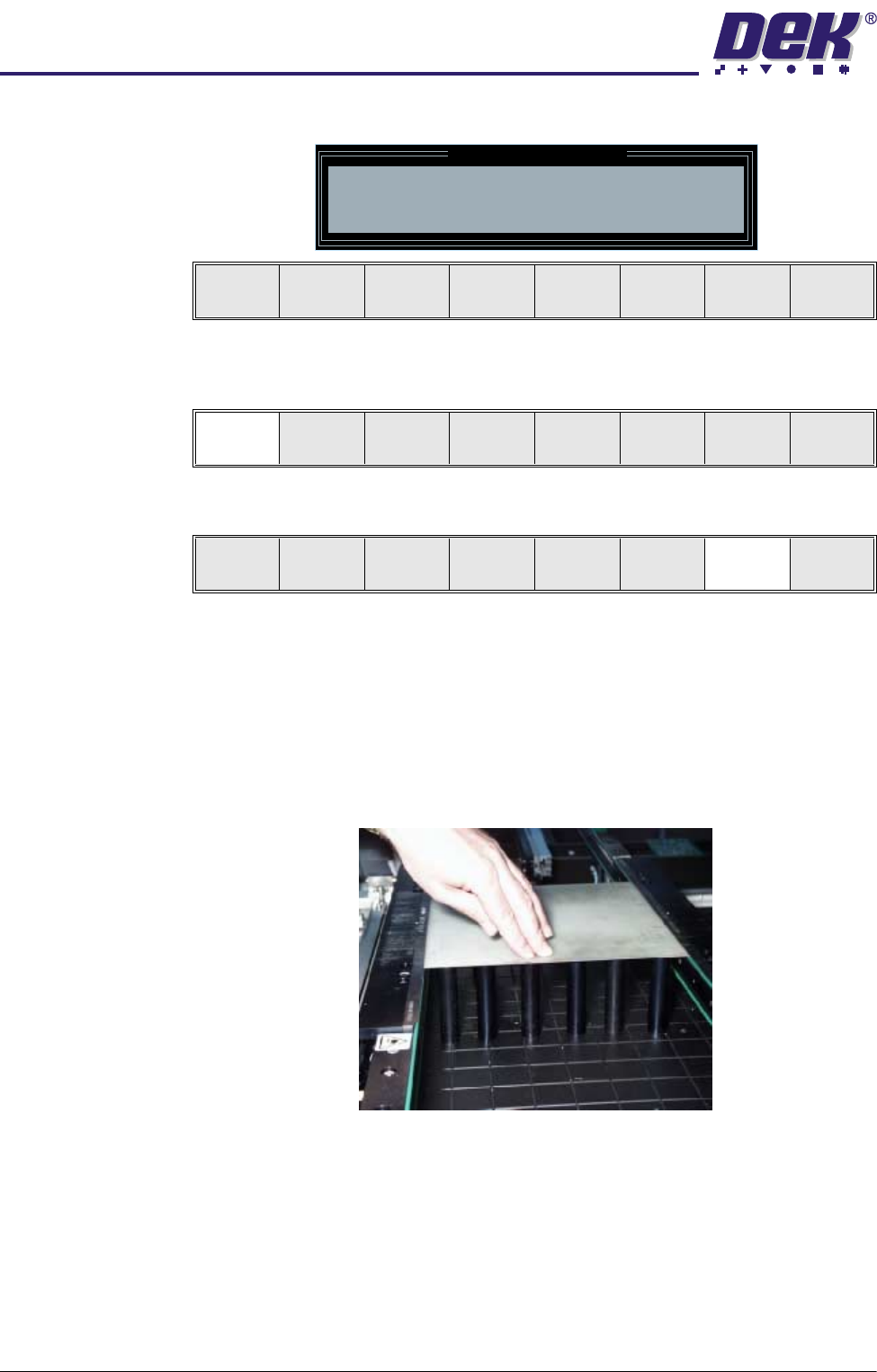
23.Position the outermost magnetic support pins on the rising table under the
board.
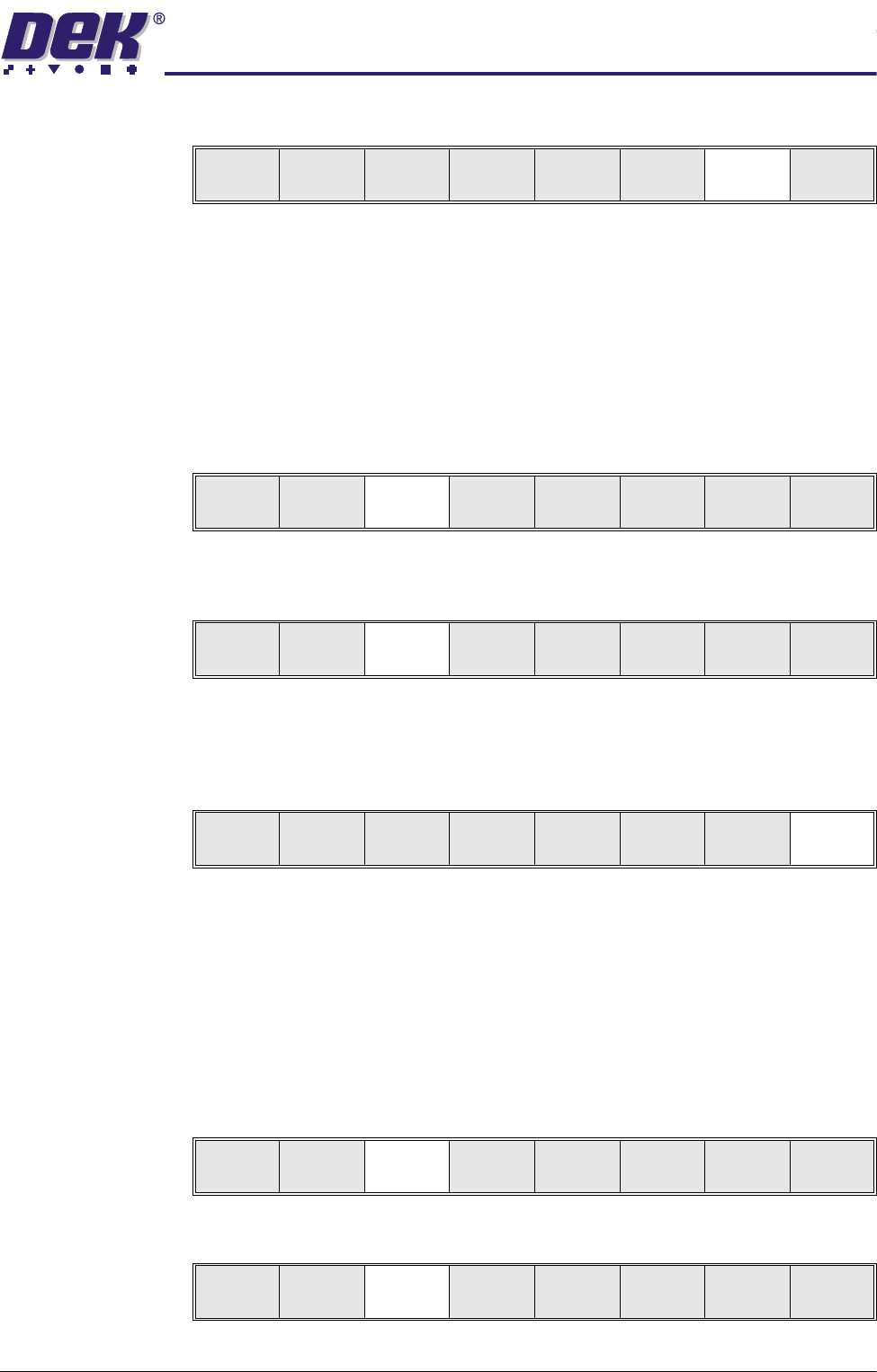
24.Select Board Clamps (F3) to open the clamps.
25.Remove the board from the rails and select Board Clamps (F3) to close the
clamps.
26.Complete the positioning of the magnetic support pins.
27.Place the board back on the rails over the tooling.
28.Select Exit (F8).
29.Either:
a. Close the front printhead cover.
or
b. Lower the printhead shutter.
30.Press the System button.
31.Select Vision Height (F3). The message ‘Table at Vision Height. Check
Tooling Clearance’ is displayed.
32.Select Contact Height (F3).
Unload
Vision
Height
Home
Height
Board
Clamps
Change
Screen
Open
Cover
Exit
Board
Clamps
Exit
Board
Clamps
Exit
Board
Clamps
Exit
Unload
Vision
Height
Home
Height
Board
Clamps
Change
Screen
Open
Cover
Exit
Contact
Height
Tra nspr t
Height
Change
Screen
Open
Cover
Exit
0$&+,1(352*5$00,1*
67$*($0$*1(7,&3,//$56722/,1*
1.22 User Manual Software Version 07SP04
The following window and menu bar is displayed:
33.Select Continue (F1). The message ‘Table at Contact Height. Check
Tooling Clearance’ is displayed.
34.Select Open Cover (F7).
35.Either:
a. Open the front printhead cover.
or
b. Raise the printhead shutter.
36.Check that the setup of the tooling is adequate for the board, adjust as
necessary.
NOTE
If adjustment is required, this can be carried out at Transport Height.
37.Either:
a. Close the front printhead cover.
or
b. Lower the printhead shutter.
38.Press the System button.
Contact Height Warning
WARNING Check for obstructions between
the Rails and the Screen
Continue
Open
Cover
Exit
Continue
Open
Cover
Exit
Vision
Height
Open
Cover
Exit