Printer 600 Machine Programming.pdf - 第83页
0$&+,1 (352*5$0 0,1* 67$*( 35,17,1 67(302'( Software Version 07SP04 User Manual 1.83 ST AGE 7 - PRINT IN STEP MODE If using squeegee s with paste di spenser continu e with Section Auto Paste Dispense. I…

0$&+,1(352*5$00,1*
67$*(9,6,216<67(06(783
1.82 User Manual Software Version 07SP04
On selecting Don’t Apply the alterations to the fiducial positions become
effective, but are not applied to the inspection sites.
36.After Step 35 for the second screen fiducial the message ‘Saving Fiducial
Data - Please Wait Board data file saved’ is displayed. After aligning
screen to board the camera checks all four fiducial positions.
37.Select Exit (F8).
38.Select Exit (F8).
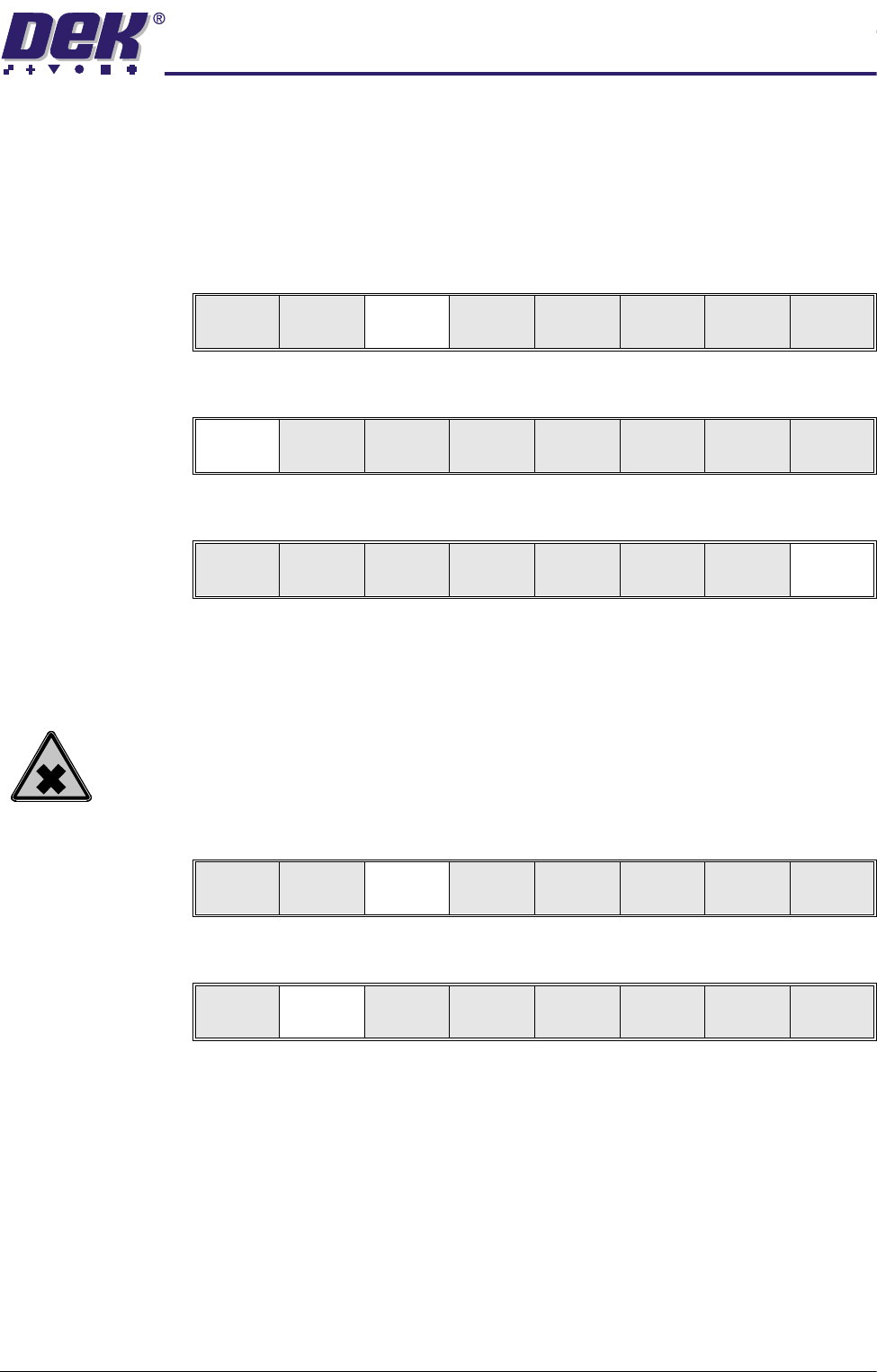
Step Single Exit
Auto
Board
Manual
Board
Exit
0$&+,1(352*5$00,1*
67$*(35,17,167(302'(
Software Version 07SP04 User Manual 1.83
STAGE 7 - PRINT IN STEP MODE
If using squeegees with paste dispenser continue with Section Auto Paste
Dispense. If using squeegees without paste dispenser go to Section Manual
Paste Load. If using ProFlow go to Section Run a Product in Step Mode.
Auto Paste
Dispense
1. Select Paste Load (F3).
2. Select Auto Dispense (F1).
3. Select Exit (F8).
4. Go to Section Run a Product in Step Mode.
Manual Paste Load
WARNING
SOLDER PASTE AND SOLVENTS. WHEN USING OR HANDLING ANY SOLDER
PASTE OR SOLVENT FORMULATION THE MANUFACTURERS’ RECOMMEND
SAFETY PRECAUTIONS MUST BE STRICTLY ADHERED TO.
1. Select Paste Load (F3).
2. Select Manual Load (F2).
3. Either:
a. Open the front printhead cover.
or
b. Raise the printhead shutter and lower the drop down panel.
Run
Open
Cover
Paste
Load
Clean
Screen
Adjust Setup Monitor Maint.
Auto
Dispense
Manual
Load
Load
Cart.
Print
Directn
Exit
Auto
Dispense
Manual
Load
Load
Cart.
Print
Directn
Exit
Run
Open
Cover
Paste
Load
Clean
Screen
Adjust Setup Monitor Maint.
Auto
Dispense
Manual
Load
Load
Cart.
Print
Directn
Exit
0$&+,1(352*5$00,1*
67$*(35,17,167(302'(
1.84 User Manual Software Version 07SP04
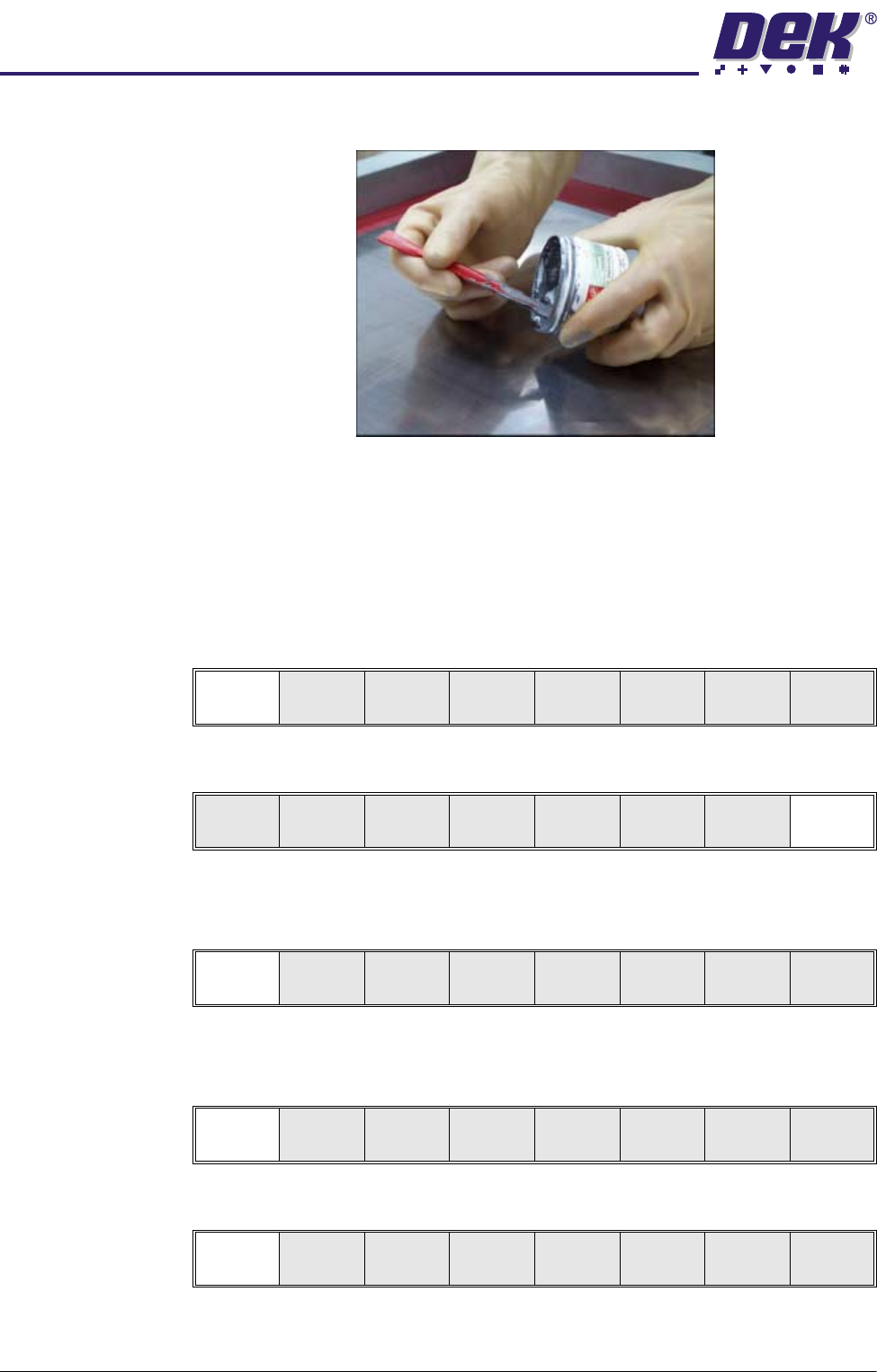
4. Load the solder paste onto the stencil.
5. Either:
a. Close the front printhead cover.
or
b. Raise the drop down panel and lower the printhead shutter.
6. Press the System button.
7. Select Continue (F1).
8. Select Exit (F8)
Run a Product in
Step Mode
1. Select Run (F1).
2. Load a board on to the conveyor.
3. Select Auto Board (F1).
4. Select Step (F1).
Continue
Auto
Dispense
Manual
Load
Load
Cart.
Print
Directn
Exit
Run
Open
Cover
Paste
Load
Clean
Screen
Adjust Setup Monitor Maint.
Auto
Board
Manual
Board
Knead
Paste
Exit
Step
Open
Cover
Inspect
Setup
Single Exit